How Long Does an Ink Cartridge Last
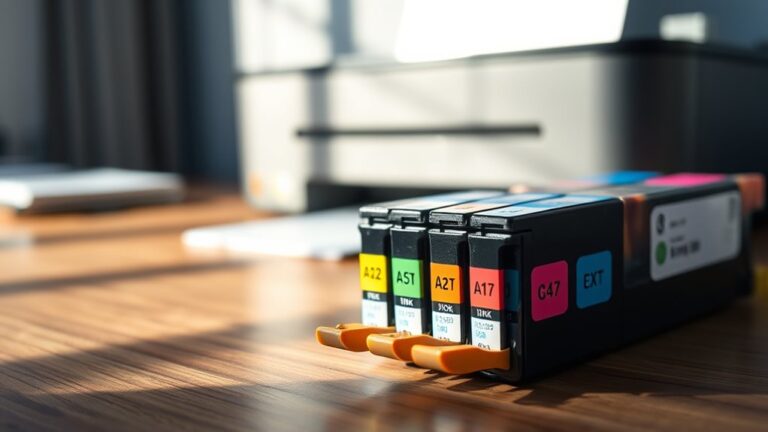
An ink cartridge typically lasts between 200 and 600 pages, depending on how often and what you print.
If you mainly print text, your cartridge will stretch further than if you print photos or graphics.
Frequent printing and high-quality settings use more ink, while draft mode helps conserve it.
Environmental factors and maintenance also affect lifespan.
If you want to get the most out of your cartridge and know when to replace it, keep exploring these helpful insights.
Understanding how long an ink cartridge lasts can save you money and improve your printing experience.
Key Takeaways
- Ink cartridge lifespan varies from 200 to 600 pages depending on standard or high-yield types.
- Frequent printing and colorful or high-quality images consume ink faster than occasional black-and-white prints.
- Environmental factors like heat and humidity can cause ink to dry out and shorten cartridge life.
- Regular printer maintenance, including cleaning cycles, uses more ink but prevents clogs and print issues.
- Replace cartridges when prints fade, streak, or the printer warns of low ink to maintain quality.
Factors Affecting Ink Cartridge Lifespan
Although ink cartridges might seem straightforward, several factors considerably affect how long they last. First, your printing habits play a big role—frequent printing uses more ink, while occasional printing can prolong cartridge life.
Your printing habits greatly impact ink cartridge lifespan—frequent use consumes more, while occasional printing helps them last longer.
The type of documents you print also matters; images and graphics consume more ink than simple text. Environmental conditions impact longevity too; high temperatures or humidity can cause ink to dry out faster.
Additionally, your printer’s maintenance routines influence cartridge lifespan. Regular cleaning cycles might use extra ink, but they help prevent clogs that waste ink in the long run.
Finally, the quality of the cartridge itself affects durability. Genuine cartridges often last longer and perform better than cheaper, third-party alternatives, so choosing wisely helps stretch your ink further.
Average Page Yield of Different Ink Cartridges
Understanding the factors that influence ink cartridge lifespan helps when looking at the average page yield you can expect from different cartridges. The yield varies by printer type and cartridge size, so knowing these averages can guide your purchasing decisions.
| Cartridge Type | Typical Page Yield | Notes |
|---|---|---|
| Standard Inkjet | 200-300 pages | Best for light use |
| High-Yield Inkjet | 400-600 pages | Suitable for moderate use |
| Laser Toner | 1,500-3,000 pages | Ideal for heavy use |
Ink cartridges designed for laser printers generally last longer than inkjet ones. If you print infrequently, standard inkjets might suffice. But for more pages, high-yield cartridges save you money and trips to the store.
How Printer Usage Impacts Ink Consumption
Since the amount you print directly affects ink consumption, your usage habits play a big role in how long a cartridge lasts. If you print frequently, your cartridge will run out faster than if you print occasionally.
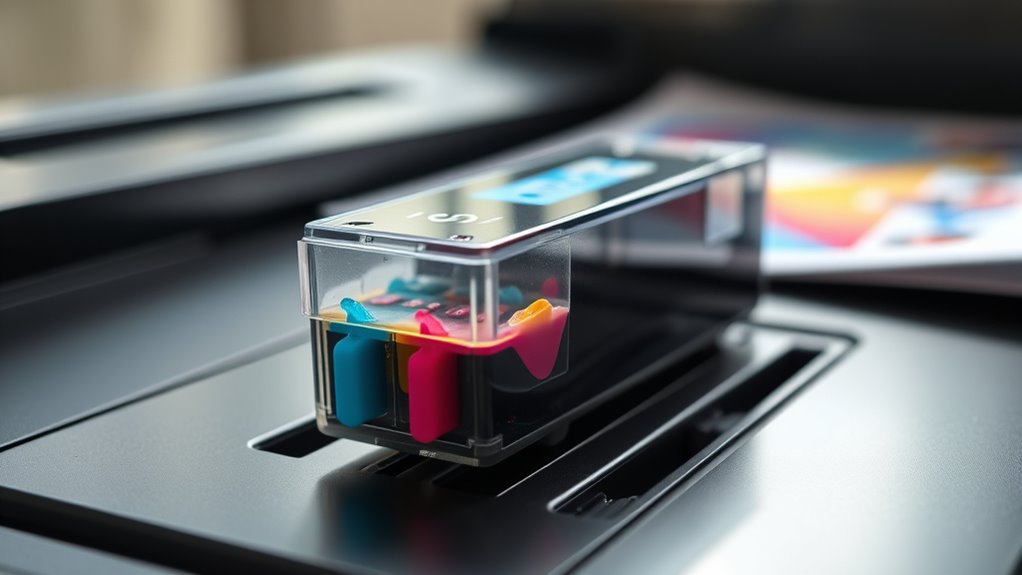
Also, printing large, colorful images or photos uses more ink than simple black-and-white documents. You’ll notice that high-quality print settings consume more ink because the printer deposits more droplets for sharper images.
On the other hand, draft mode uses less ink by printing lighter text and images. Additionally, regular printer maintenance, like cleaning print heads, can slightly increase ink use but prevents clogging and wasted cartridges.
Ultimately, how much and what you print directly influences how quickly you’ll need to replace your ink cartridge. So, it really depends on your printing habits!
Tips to Extend the Life of Your Ink Cartridge
If you want to make your ink cartridge last longer, adopting a few simple habits can make a big difference. First, adjust your print settings to draft mode for everyday documents—it uses less ink.
To extend your ink cartridge life, switch to draft mode for regular printing—it conserves ink effectively.
Print only when necessary and avoid unnecessary color prints if black and white will do. Regularly clean your printer heads to prevent clogs that waste ink.
Store cartridges properly if you have spares, keeping them sealed and in a cool, dry place. Also, use compatible or original cartridges recommended by your printer manufacturer to ensure efficient ink use.
Finally, preview documents before printing to catch errors or unwanted pages. By following these tips, you’ll stretch your ink supply and save money without sacrificing print quality.
Signs It’s Time to Replace Your Ink Cartridge
When your prints start fading or streaking, it’s a clear sign your ink cartridge is running low and needs replacement.
Don’t ignore these warning signs, as they affect print quality and can damage your printer over time. Here are four key indicators it’s time to swap out your cartridge:
- Faded or incomplete prints: Colors look dull, or parts of the image are missing.
- Frequent low ink warnings: Your printer consistently alerts you to low ink levels.
- Streaks or smudges: Lines or blotches appear, showing inconsistent ink flow.
- Nozzle check failure: Test prints reveal gaps or uneven patterns.
Replacing your cartridge promptly guarantees sharp, vivid prints and keeps your printer running smoothly.
Comparing Ink Cartridges: Original vs. Compatible Options
Although choosing between original and compatible ink cartridges might seem straightforward, understanding their differences can help you get the best value and print quality for your needs.
Original cartridges come from your printer’s manufacturer, ensuring perfect compatibility and often better color accuracy. However, they tend to cost more.
Compatible cartridges are third-party options that usually cost less and can save you money, but quality varies widely. Some might cause printing issues or damage your printer if poorly made.
When you pick compatible cartridges, look for reputable brands with positive reviews. If you prioritize reliability and ideal print results, originals are safer.
But if you want to cut expenses and don’t mind testing, compatible cartridges might work well. Ultimately, your choice depends on your budget and print quality expectations.
Frequently Asked Questions
Can Ink Cartridges Dry Out if Unused for a Long Time?
Yes, your ink cartridges can dry out if left unused for a long time. Ink tends to evaporate or clog the nozzles, so you’ll want to print occasionally to keep them fresh and working properly.
It’s a good idea to run a test print every now and then. This helps keep the ink flowing and prevents any blockages from forming. Just a quick print can save you from a lot of frustration later on.
How Should Ink Cartridges Be Stored for Optimal Longevity?
You should store ink cartridges in a cool, dry place away from direct sunlight. Keep them sealed in their original packaging or airtight containers to prevent drying out.
Also, avoid extreme temperatures to maintain ideal longevity. It really helps keep the ink fresh and ready to use when you need it.
Are There Environmental Impacts of Disposing Empty Ink Cartridges?
Yes, disposing empty ink cartridges improperly harms the environment by releasing toxins and plastic waste.
You should recycle them to reduce pollution and conserve resources.
This helps protect ecosystems and minimize landfill impact.
Can Refilling Ink Cartridges Damage My Printer?
Refilling ink cartridges usually won’t damage your printer if you use quality ink and refill them properly.
However, poor-quality ink or incorrect refilling can clog nozzles or cause leaks. This might harm your printer’s performance over time.
Do Ink Cartridges Expire After a Certain Period?
Yes, ink cartridges can expire, usually within 1-2 years. You’ll notice dried or clogged ink if you wait too long.
Conclusion
Just like a candle burning bright, your ink cartridge’s life depends on how you use it. By understanding factors like printer habits and cartridge types, you can stretch its glow longer than you might expect.
Remember, knowing when to replace it guarantees your prints stay sharp and clear, avoiding that frustrating fading effect. Treat your cartridge well, and it’ll serve you faithfully—much like a trusted companion lighting your creative path.
Ink cartridges don’t last forever, but with proper care and timely replacement, you can maximize their lifespan. Paying attention to how much you print and the quality of your cartridges helps you make the most out of every drop of ink. So, if you want your documents and photos to look their best, keeping an eye on your ink cartridge’s life is key. It’s all about balancing use and care to keep your printer running smoothly and your prints crisp and vibrant.