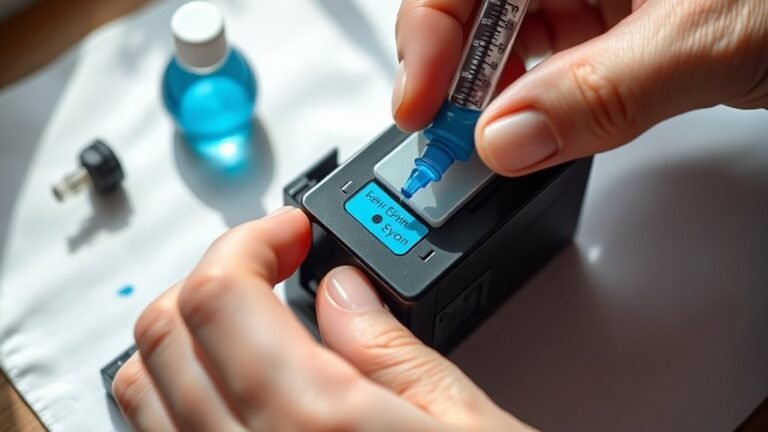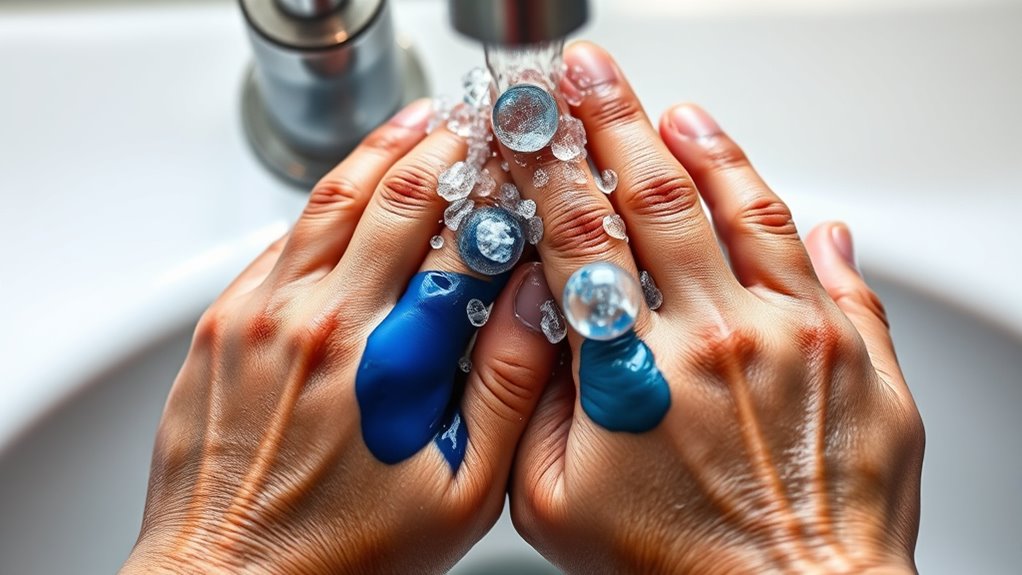
How to Get Printer Ink Off Hands Quickly
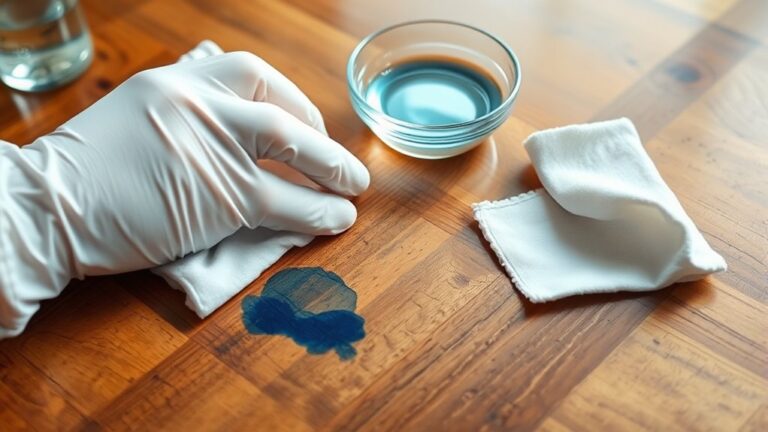
If you get printer ink on your hands, don’t worry—it happens to the best of us! Start by gently blotting off any excess ink without rubbing it in. This helps prevent the stain from spreading further.
Next, grab some rubbing alcohol, hand sanitizer, or dish soap with warm water. Apply it to the stained areas and scrub gently but thoroughly.
If the ink is stubborn, a soft brush can help you get in those tricky spots. Rinse your hands well and repeat the process until the stain fades away.
Once your hands are clean, don’t forget to moisturize. Printer ink and cleaning agents can dry out your skin, so a good hand cream will keep your skin soft and healthy.
To avoid future messes, be careful when handling ink cartridges. Wearing gloves can save you from a lot of hassle.
Keep reading for smarter tips on protecting your skin and cleaning printer ink effectively!
Key Takeaways
- Blot excess ink gently with a paper towel without rubbing to avoid spreading the stain.
- Apply rubbing alcohol or hand sanitizer on hands and scrub lightly to break down the ink oils.
- Use mild dish soap and warm water to wash hands thoroughly, repeating if needed for stubborn stains.
- Gently scrub stained areas with baking soda paste or whitening toothpaste for enhanced ink removal.
- Moisturize hands after cleaning with a fragrance-free lotion to soothe skin and prevent dryness.
Common Causes of Printer Ink Stains on Hands
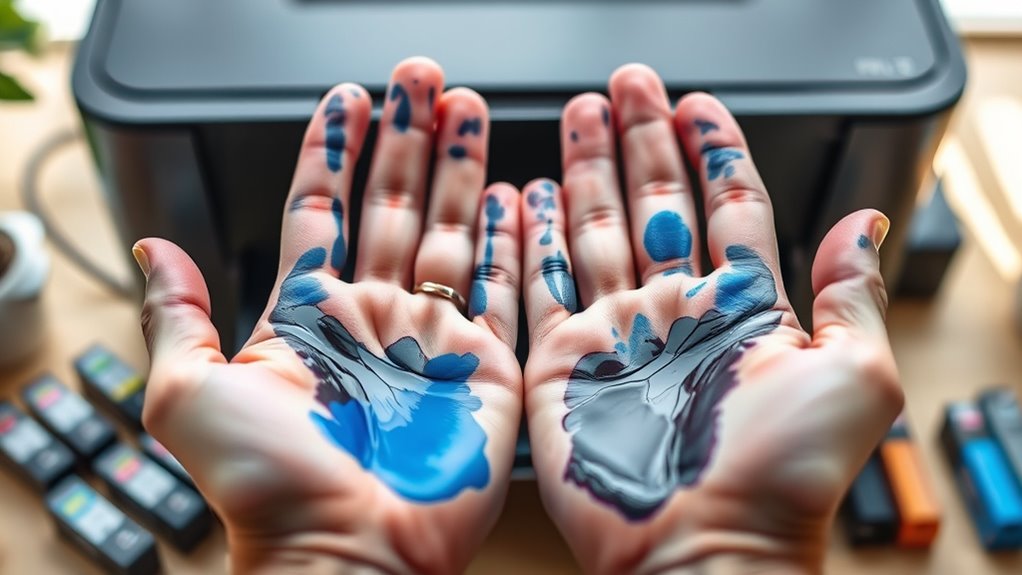
Although you might not notice it immediately, handling printer cartridges or refilling ink often leads to stains on your hands. When you replace or refill cartridges, ink can easily smudge onto your fingers if you’re not careful.
Sometimes, the ink leaks from damaged or improperly sealed cartridges, increasing the chance of contact. Even routine tasks like cleaning the print heads or wiping the printer interior expose you to smudges.
Ink droplets can transfer from the cartridge surface or spilled ink inside the printer. Also, shaking or tapping cartridges to fix printing issues can cause ink to splatter on your skin.
Being aware of these common causes helps you take precautions and minimize the mess before it happens. So, it’s good to be a bit cautious next time you’re dealing with your printer.
Effective Household Ingredients for Ink Removal
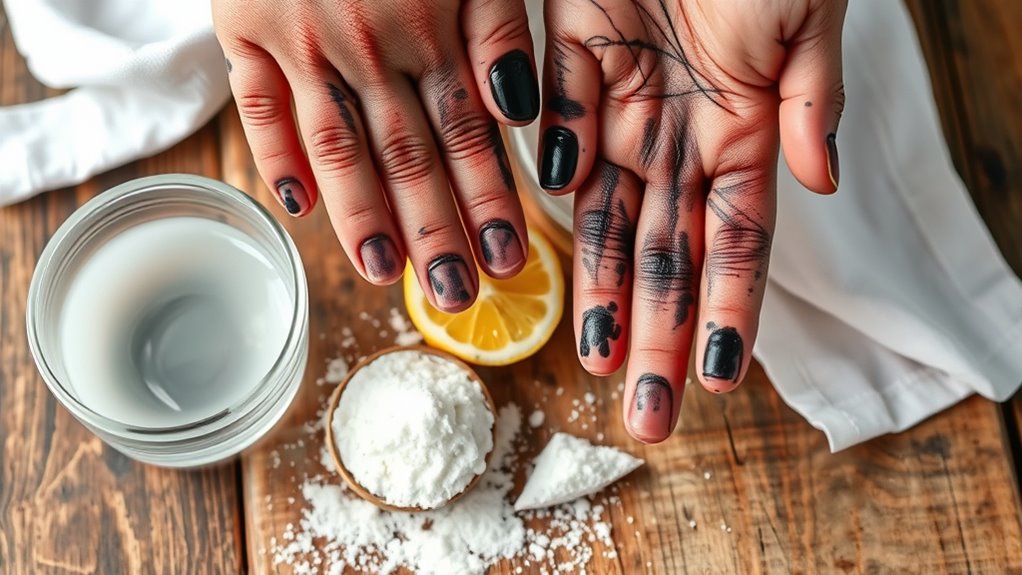
When ink stains your hands, you don’t have to rush to the store—common household items can quickly lift those stubborn marks. Rubbing alcohol is a top choice; it breaks down the ink’s oils, making removal easy. Hand sanitizer works similarly because it contains alcohol.
You can also use baking soda mixed with a bit of water to form a paste; gently scrub your hands with it to lift ink particles. Another effective option is using toothpaste, especially the whitening kind, to scrub away stains.
Don’t overlook vegetable oil or coconut oil—they help dissolve ink without drying your skin. These ingredients are usually on hand and offer a safe, effective way to clean your hands without harsh chemicals. Easy, right?
Step-by-Step Guide to Removing Printer Ink Safely
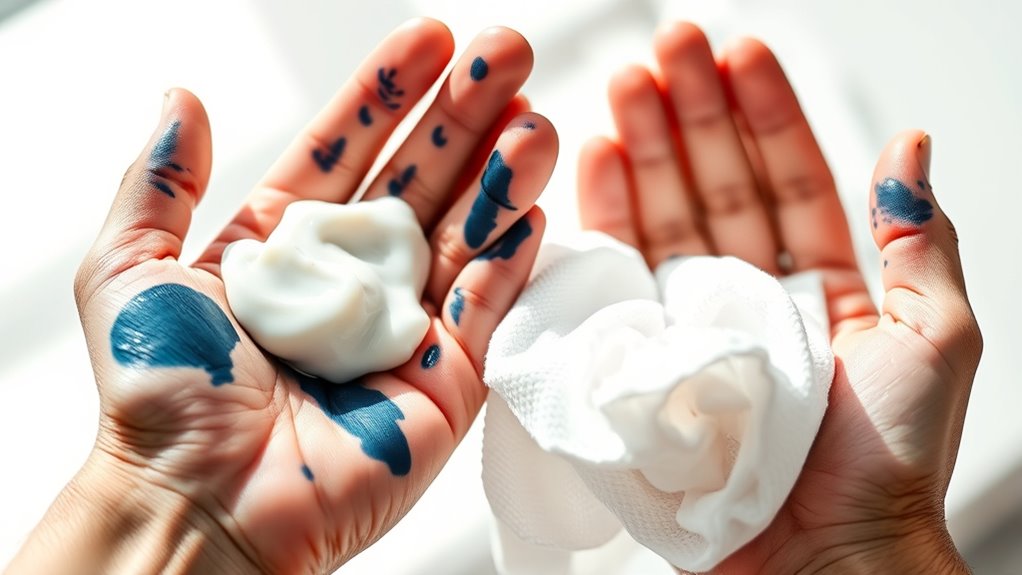
Since printer ink can be stubborn and sometimes messy, you’ll want to follow a careful process to remove it without harming your skin. Here’s a safe step-by-step guide to help you:
- Blot the Ink: Use a paper towel or cloth to gently blot excess ink without rubbing. Rubbing can spread the stain, so be gentle.
- Apply a Mild Cleaner: Use a small amount of dish soap or hand sanitizer on your hands. These are usually gentle but effective.
- Gently Scrub: Rub your hands together, focusing on the ink-stained areas. If you need to, use a soft brush to get into spots.
- Rinse and Repeat: Rinse with warm water, then repeat the process if ink remains. When you’re done, pat your hands dry with a clean towel.
Following these steps helps remove ink effectively while protecting your skin from harsh chemicals. It’s pretty straightforward, so you shouldn’t have any trouble!
Tips to Prevent Ink Stains While Handling Printer Cartridges
Removing printer ink from your hands is helpful, but preventing stains in the first place saves time and hassle. When handling printer cartridges, always wear disposable gloves to create a protective barrier.
Work on a covered surface, like newspaper or a plastic sheet, to catch any spills. Handle cartridges gently and avoid squeezing them, which can cause ink to leak.
Keep a clean cloth or paper towel nearby to quickly wipe any drips before they spread. If possible, replace cartridges over a sink or easily cleanable area.
Also, avoid touching the ink nozzles and contacts, as this reduces the risk of smudging. Following these simple tips will minimize ink stains and keep your hands clean while you maintain your printer.
When to Seek Professional Help for Ink Stains
If the ink stain won’t come off after several attempts, it might be time to get professional help.
Also, watch for skin irritation or allergic reactions like redness, itching, or swelling. Don’t ignore these signs—seeing a dermatologist can prevent further complications.
Persistent Ink Stains
When ink stains refuse to come off despite your best efforts, it’s time to contemplate professional help. Persistent ink stains can be stubborn, especially if they’ve settled deep into your skin or contain toxic chemicals.
Don’t hesitate to seek expert advice if you notice:
- Stains that remain after multiple cleaning attempts with safe household products.
- Ink spreading or staining beyond the initial area.
- Signs of skin damage like cracking or discoloration around the stain.
- Ink exposure involving large skin areas or sensitive skin zones.
A dermatologist or medical professional can recommend treatments or safe removal methods that protect your skin and health. Remember, professional help ensures you avoid worsening the condition or causing irritation while effectively dealing with tough ink stains.
Skin Irritation Signs
How do you know when ink stains are causing more harm than just a mess on your hands? If you notice redness, swelling, or persistent itching around the inked area, it’s a clear sign your skin is irritated.
Small cuts or cracks might also start to develop, making the skin more vulnerable to infection. If the irritation worsens despite cleaning and moisturizing, or if you experience pain or oozing, it’s time to seek professional help.
A dermatologist can assess whether the ink has triggered a deeper skin reaction or infection and recommend appropriate treatment. Don’t ignore these signs—early intervention prevents complications and ensures your skin heals properly after exposure to printer ink.
Allergic Reaction Symptoms
Noticing skin irritation from printer ink might prompt you to watch for allergic reactions, which can require prompt attention. If you experience symptoms beyond mild redness or dryness, it’s vital to act quickly.
Here are key allergic reaction signs that mean you should seek professional help:
- Severe swelling or blistering on the skin
- Intense itching that doesn’t improve after washing
- Difficulty breathing or tightness in the chest
- Persistent rash spreading beyond the contact area
If any of these occur, stop trying home remedies and consult a healthcare provider immediately. Early intervention can prevent complications, especially if you’re sensitive to certain ink ingredients.
Don’t ignore unusual symptoms—your health comes first. It’s always better to be safe and get checked out sooner rather than later.
Safe Skin Care After Removing Printer Ink
Once you’ve removed the printer ink, it’s important to moisturize your hands to prevent dryness and irritation. Choose gentle skin products that won’t further irritate your skin or strip away natural oils.
Taking these steps helps keep your skin healthy and comfortable after cleaning. It’s a simple way to care for your hands after dealing with stubborn ink stains.
Moisturizing After Ink Removal
After removing printer ink from your hands, you’ll want to restore moisture to prevent dryness and irritation. Ink removal can strip natural oils, leaving your skin feeling tight and rough.
To keep your hands soft and healthy, follow these steps:
- Apply a gentle, fragrance-free moisturizer immediately after washing your hands.
- Focus on massaging the cream into dry or cracked areas for better absorption.
- Use a thicker ointment or balm if your skin feels very dry or chapped.
- Reapply moisturizer throughout the day, especially after washing your hands again.
Taking these simple steps helps maintain your skin’s barrier and comfort after ink removal. It reduces the risk of irritation and promotes faster skin recovery.
It’s pretty easy, but your hands will definitely thank you!
Choosing Gentle Skin Products
Although removing printer ink can feel like a quick fix, choosing gentle skin products guarantees you don’t irritate your hands further. After ink removal, your skin might be sensitive, so opt for mild cleansers and fragrance-free lotions.
Avoid harsh chemicals or abrasive scrubs that could worsen dryness or redness.
Here’s a quick guide to help you pick safe products:
| Product Type | Recommended Features |
|---|---|
| Cleanser | Sulfate-free, moisturizing |
| Lotion | Fragrance-free, hypoallergenic |
| Hand Soap | Mild, pH-balanced |
| Exfoliant | Gentle, non-abrasive |
| Sunscreen | Broad spectrum, non-comedogenic |
Choosing wisely supports your skin’s recovery and keeps your hands soft and healthy after cleaning printer ink.
Frequently Asked Questions
Can Printer Ink Cause Allergic Reactions on Skin?
Yes, printer ink can cause allergic reactions on your skin, especially if you have sensitive skin or allergies. If you notice redness, itching, or swelling, wash it off immediately.
And hey, it’s a good idea to consider using gloves next time to avoid any issues. Better safe than sorry!
Is It Safe to Use Nail Polish Remover on Ink Stains?
You can use nail polish remover on ink stains cautiously, but it might irritate your skin, especially if you have sensitive skin.
Always test a small area first and wash your hands thoroughly afterward to avoid dryness or damage. Better safe than sorry, right?
How Long Does Printer Ink Take to Dry on Skin?
Printer ink dries on your skin like a sunset fading—usually within 10 to 15 minutes. But don’t wait too long; once it sets, it’s harder to wash off, so act swiftly and gently scrub.
Seriously, the quicker you start, the better. Give your skin a little love with some soap and water, and you should be good to go.
Can Printer Ink Stain Clothes Permanently?
Yes, printer ink can stain clothes permanently if not treated quickly. You should act fast by blotting the stain, using stain remover, and washing the fabric promptly.
This helps prevent the ink from setting and causing lasting damage. So, the sooner you tackle the stain, the better your chances of saving your clothes.
Are There Specific Inks That Are Easier to Remove?
Ink types vary like night and day—water-based inks are easier to wash off than oil-based ones.
You’ll find that using gentle soap and warm water gets water-based stains off quicker, saving you a stubborn scrubbing battle.
Conclusion
Don’t let printer ink turn your hands into a permanent art project! With just a few household tricks, you can zap that stubborn stain faster than a superhero swipes away villains.
Follow the steps, protect your skin, and you’ll never fear a cartridge change again. Remember, if ink’s really won’t budge, calling in the pros is like summoning your own cleaning squad.
You’ve got this—soon, your hands will be ink-free and ready to conquer the world! Getting printer ink off hands quickly is easier than you think when you know the right tricks. Whether it’s soap and water, rubbing alcohol, or even a little baking soda, these handy methods help remove ink without harsh scrubbing. So next time you’re dealing with messy printer ink, stay calm and use these simple tips to clean your skin fast and safely.