How Do You Know When Printer Ink Will Expire?
You can tell when your printer ink will expire by checking the expiration date printed on the cartridge or its packaging. This is the easiest way to know if your ink is still good to use.
If there’s no clear date, don’t worry—look for codes that indicate manufacture or expiry instead. These might be numbers or abbreviations, so keep an eye out for those.
Sometimes, your prints will give you a heads-up. Faded or streaky prints can be a sign that the ink is past its prime. Also, if your printer starts rejecting the cartridge, that’s another clue the ink might be expired.
Proper storage really helps extend the life of your ink. Keep your cartridges in a cool, dry place and away from direct sunlight to keep prints sharp and vibrant.
Want to know more? Keep going for extra tips on maintaining your printer ink’s quality!
Key Takeaways
- Check the expiration date printed on the cartridge or its packaging for the recommended usage period.
- Decode date codes labeled as “EXP” or numbers indicating manufacturing or expiry dates on the cartridge.
Keep an eye on your print quality too. Signs like faded colors, streaks, or dullness can mean the ink is degrading.
Also, think about how you store your cartridges. Improper temperature or humidity can shorten ink shelf life.
Once you open a cartridge, try to use it within 6-12 months. Opened ink tends to degrade faster than unopened cartridges.
Understanding Printer Ink Shelf Life
Although printer ink doesn’t spoil like food, it does have a limited shelf life that affects its performance. You might not notice immediately, but over time, ink can dry out or separate, leading to poor print quality or clogged nozzles.
Typically, unopened cartridges last about two years if stored properly in a cool, dry place. Once opened, the ink is exposed to air and can degrade faster, usually within six months to a year.
Unopened ink cartridges last around two years; once opened, use within six to twelve months for best results.
Temperature fluctuations and humidity can also shorten the ink’s usability. To keep your prints sharp and avoid wasting ink, you should use cartridges within these time frames.
Understanding this shelf life helps you manage your supplies efficiently and ensures your printer produces reliable results every time you print.
Identifying Expiration Dates on Ink Cartridges
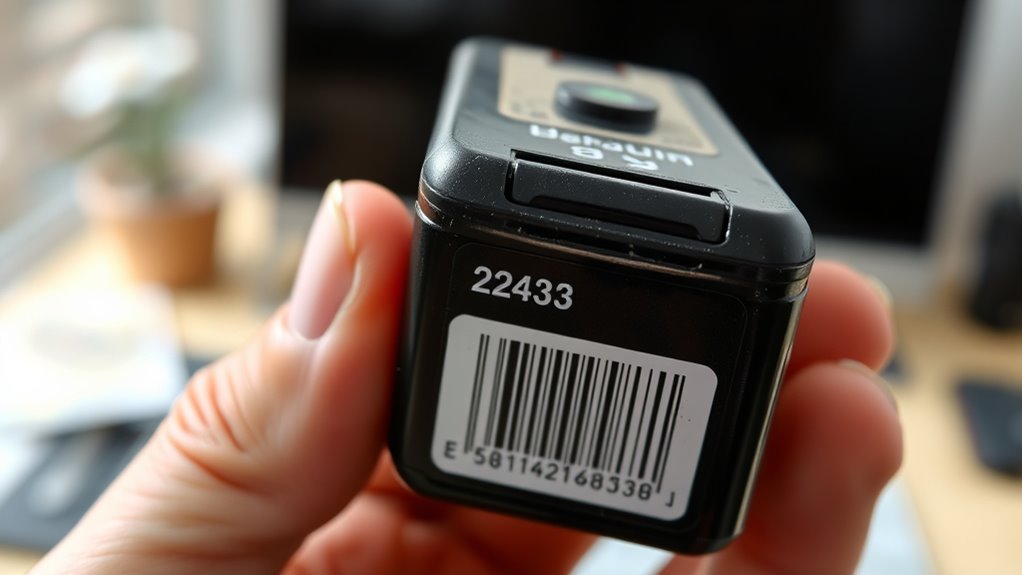
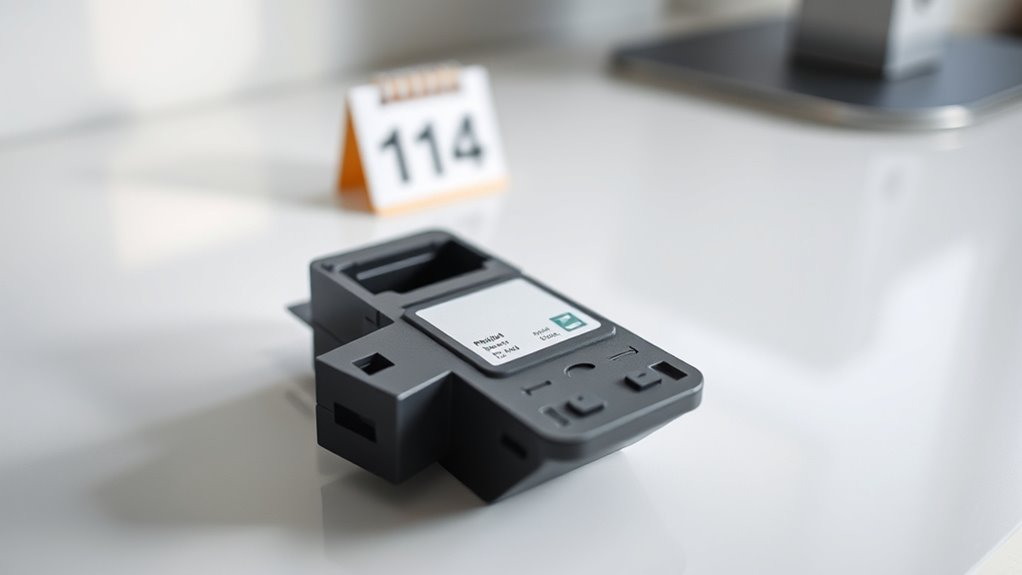
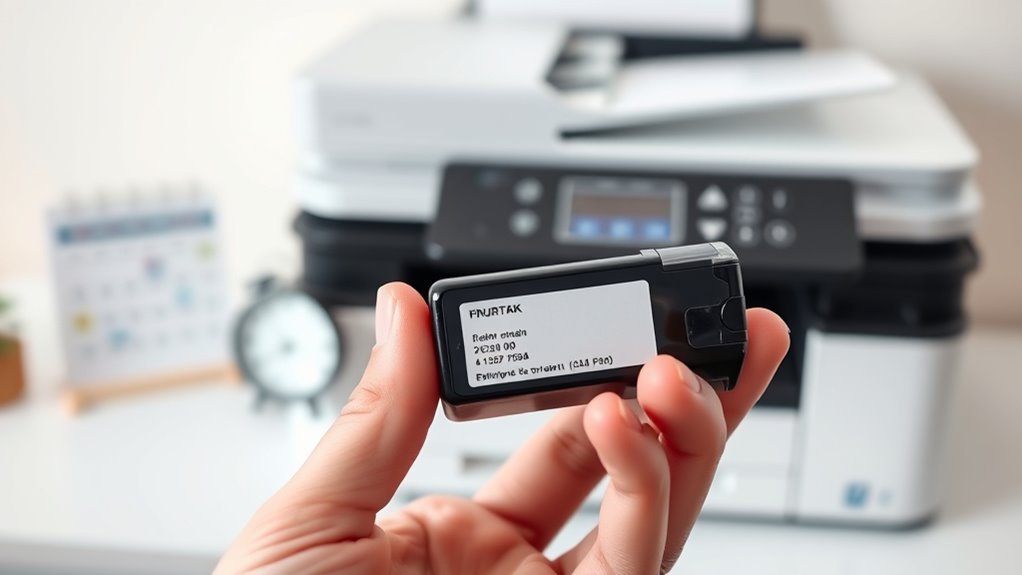
You can usually find expiration dates printed directly on the ink cartridge or its packaging. Look for date codes or labels that indicate when the ink will no longer be reliable.
Knowing how to read these markings helps you avoid using expired ink that could damage your printer. It’s a simple step that can save you from a lot of trouble down the road.
Ink Cartridge Date Codes
When you check your ink cartridge, you’ll often find date codes that reveal its expiration or manufacturing date. These codes might look confusing at first, but they’re your key to knowing how fresh your ink is.
Manufacturers use different formats—some print a clear “EXP” date, while others embed numbers representing the year and month. For example, a code like “2107” might mean July 2021.
You can usually find these codes on the cartridge label or molded into the plastic. If you’re unsure, consult your printer’s manual or the manufacturer’s website for decoding tips.
Packaging Expiry Labels
Since packaging expiry labels provide clear expiration dates, they’re your quickest way to determine if an ink cartridge is still good to use. These labels usually appear on the box or plastic wrap and list the month and year the ink should be used by.
When you check the label, you’ll know immediately if the cartridge is fresh or if it’s past its prime. Always inspect these labels before buying or installing ink, especially if you’ve had the cartridge in storage.
Even unopened cartridges can dry out or degrade over time. If the expiration date has passed, it’s best to replace the cartridge to avoid poor print quality or damage to your printer.
Packaging expiry labels take the guesswork out and help you maintain ideal printing results. So, make it a habit to check those labels—they really make a difference!
Common Signs of Expired Printer Ink
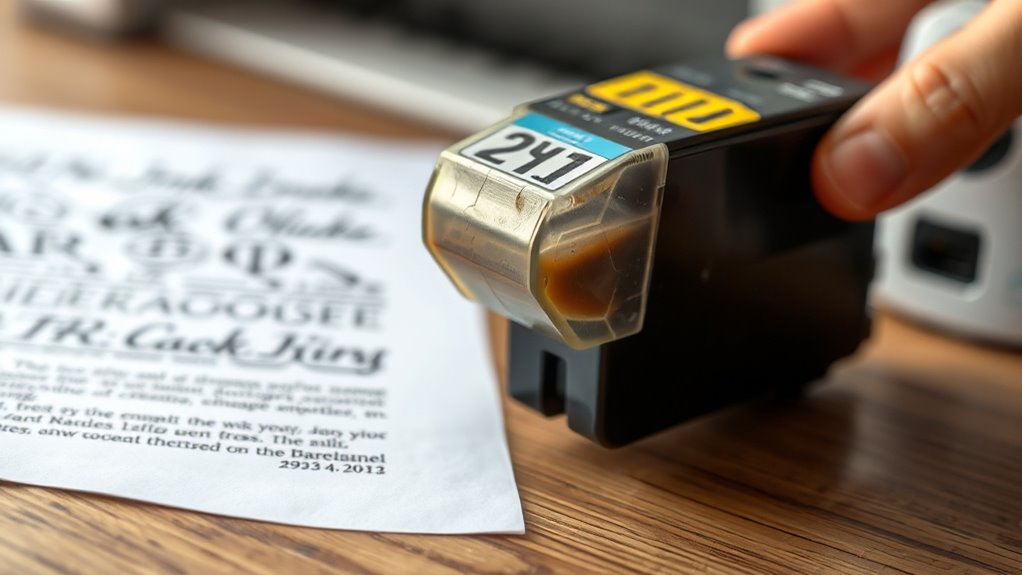
Although printer ink doesn’t come with a clear expiration date, several common signs can help you identify when it’s no longer good to use. You might notice streaky or faded prints even after cleaning your printer heads.
If the colors appear dull or unusual, that’s another red flag. Sometimes, ink cartridges leak or develop clogs, causing inconsistent ink flow.
You may also find that your printer refuses to recognize the cartridge, which can happen if the ink has degraded. Additionally, if the cartridge feels unusually light or you’ve had it stored for a long time, the ink inside might have dried out or settled.
Paying attention to these signs ensures you replace your ink before it causes issues. It’s always better to catch these early than to deal with frustrating print problems later on.
Effects of Using Expired Ink on Print Quality
When you use expired ink, you might notice colors fading or looking dull on your prints. You could also face smudging issues, where the ink doesn’t dry properly and blurs your images or text.
These problems can seriously affect the quality of your documents and photos. So, it’s a good idea to check your ink’s expiration date before printing.
Color Fading Issues
Expired printer ink can cause noticeable color fading in your prints, diminishing their vibrancy and sharpness. When ink passes its prime, the pigments break down, resulting in duller colors that don’t pop like fresh ink does.
You might find that reds look washed out, blues lose depth, and greens appear muted. This fading isn’t just a one-time issue; prints made with expired ink can continue to degrade faster over time.
So, if you rely on your printer for photos, presentations, or any project where color accuracy matters, using expired ink can seriously compromise your results. To keep your prints looking crisp and true to life, it’s best to replace ink cartridges before they expire.
That way, you can avoid the frustration of faded, lackluster prints.
Ink Smudging Problems
Color fading isn’t the only problem you might face with old ink; smudging can also ruin your prints. When ink expires, its consistency changes, making it less likely to dry quickly.
This leads to smears and blurred text or images, especially if you touch the paper right after printing. You might notice streaks or uneven patches too, which affect your document’s professionalism.
Here’s a quick look at how expired ink impacts print quality:
| Issue | Effect on Prints |
|---|---|
| Slow Drying Time | Ink smudges easily when touched |
| Uneven Coverage | Creates streaks or blotches |
| Color Bleeding | Colors mix where they shouldn’t |
Using fresh ink helps you avoid these issues and get crisp, clear prints every time. It’s definitely worth keeping your ink supplies up to date!
Tips to Extend the Life of Your Printer Ink
To get the most out of your printer ink, you’ll want to store cartridges properly and use them regularly. Regular use prevents ink from drying out and clogging the nozzles.
If you don’t print often, try running a test page weekly to keep the ink flowing smoothly. Also, avoid exposing cartridges to extreme temperatures or direct sunlight since that can degrade the ink quality.
When installing cartridges, handle them carefully to prevent damage or air bubbles. Those little bubbles can reduce ink life, so it’s worth being gentle.
And don’t forget to always close your printer’s lid after printing. This helps minimize exposure to air, which can dry out the ink.
Using your printer’s cleaning function is good, but use it sparingly. It helps clear clogs without wasting too much ink.
Following these steps will help you extend the life of your printer ink and keep your print quality looking great for longer.
Proper Storage Practices for Printer Ink Cartridges
Although printer ink cartridges come sealed, how you store them after opening greatly affects their lifespan. To keep your ink fresh and avoid premature drying or clogging, proper storage is essential.
Here’s how you can maintain your cartridges:
- Seal Properly: Always place the cartridge in an airtight container or reseal the original packaging to prevent exposure to air.
- Keep Cool, Avoid Freezing: Store cartridges in a cool, dry place away from direct sunlight or heat sources. Extreme temperatures can degrade the ink.
- Store Upright: Keep cartridges standing upright to prevent leaks and ensure even ink distribution. It really helps keep things working smoothly.
Frequently Asked Questions
Can Expired Ink Damage My Printer’s Internal Components?
Yes, expired ink can damage your printer’s internal components by clogging nozzles or causing poor print quality.
You should replace old cartridges promptly to avoid costly repairs and keep your printer running smoothly.
It’s a good idea to check your ink’s expiration date regularly. That way, you can make sure your prints come out clear and your printer stays in good shape.
Is It Safe to Mix Old and New Ink Cartridges?
Mixing old and new ink cartridges isn’t always a walk in the park. You’ll risk inconsistent print quality or clogged nozzles.
It’s better to replace all cartridges at once for smooth, reliable printing results. That way, you avoid any surprises and keep your prints looking sharp.
How Do Different Printer Brands Affect Ink Expiration?
Different printer brands use various ink formulas, so expiration times can vary. You should check each brand’s guidelines because some inks last longer.
Using their recommended cartridges helps guarantee print quality and prevents clogging. It’s a good habit to stick with what your printer maker suggests. That way, you avoid surprises and keep everything running smoothly.
Are Third-Party Ink Cartridges More Prone to Expiration Issues?
Think of third-party ink like a mystery snack—sometimes fresh, sometimes stale. Yes, they’re more prone to expiration issues because they often lack strict quality controls.
Can Ink Expiration Impact Photo Printing Differently Than Document Printing?
Yes, ink expiration impacts photo printing more because faded or discolored ink shows up clearly in photos, while documents may just look slightly dull.
Conclusion
Knowing when your printer ink will expire helps you avoid frustrating print quality issues. Did you know that about 30% of ink cartridges are thrown away before they’re even empty? That’s because people don’t realize they’ve expired.
By checking expiration dates and storing your ink properly, you’ll save money and get the best results. Keep an eye out for signs like faded colors or streaky prints. These are clear indicators your ink might be past its prime.
So, to keep your prints crisp and vibrant, always store ink cartridges in a cool, dry place and use them within their shelf life. Paying attention to expiration dates and proper storage ensures you get the most from your printer ink without wasting money. After all, knowing when your printer ink will expire is key to enjoying high-quality prints every time.