Does Ink Expire and When Should You Replace It?
Yes, ink does expire, and knowing when to replace your cartridges is key to keeping your prints looking great. You should swap them out when you notice fading, streaks, or blotchy prints.
Over time, ink quality degrades because of exposure to air, heat, and light. This can lead to clogs or shifts in color, which messes with your print quality. Proper storage can help extend the life of your ink, but eventually, it will run out or go bad.
Once you see print quality dropping or your printer warns you about low ink, it’s definitely time for a change. Keep an eye out for these signs, and your prints will stay sharp and vivid for longer.
Curious about what affects ink longevity or how to store it best? There’s plenty more to explore!
Key Takeaways
- Printer ink typically expires within 6-12 months after opening. But if you store it properly, you can stretch that up to 2 years.
- You should replace ink cartridges when print quality starts to drop. Things like fading, streaks, smudges, or weird colors are clear signs.
- Heat, sunlight, and air exposure speed up ink breakdown. This reduces how well the ink works and shortens its lifespan.
- Using your printer regularly and storing ink upright in cool, dark places helps keep the ink fresh. It also prevents the nozzles from clogging.
- If you use expired ink, you risk getting poor printouts, color shifts, clogged nozzles, and even possible printer damage. That could mean costly repairs down the line.
Understanding the Composition of Printer Ink
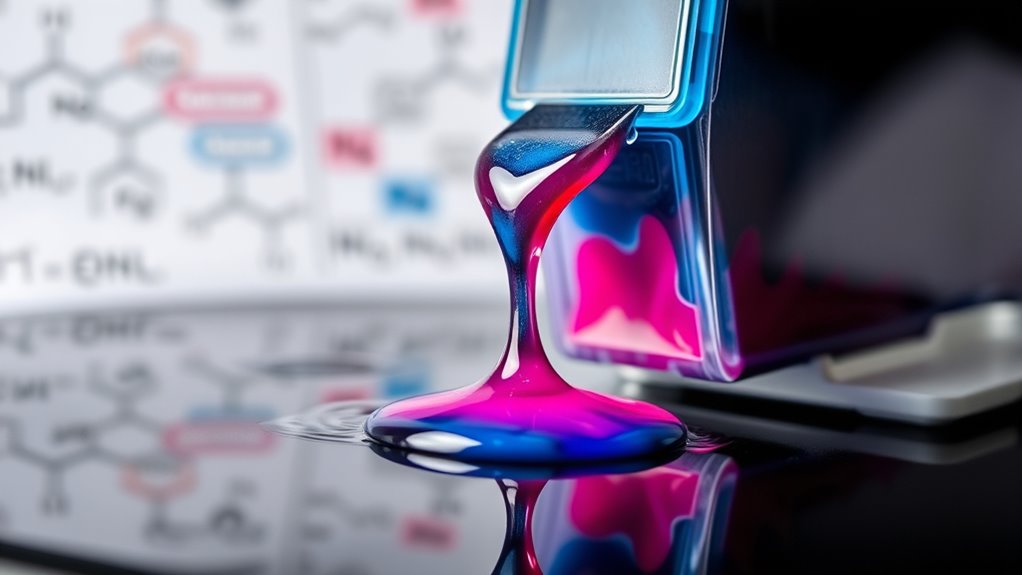
Although printer ink might seem simple, you’ll find it’s a complex mixture of pigments or dyes, solvents, and additives carefully blended to guarantee vibrant colors and smooth application. The pigments and dyes provide the color, with pigments offering durability and dyes delivering vivid hues.
Solvents keep the ink fluid so it flows seamlessly through your printer nozzles. Additives adjust properties like drying time, preventing clogs, and enhancing adhesion to paper.
You’ll notice that different ink types—like dye-based or pigment-based—serve distinct purposes, from photo printing to text documents. Knowing what’s inside your ink helps you understand why it behaves a certain way and why proper storage and handling matter to maintain print quality over time.
How Long Does Ink Typically Last?
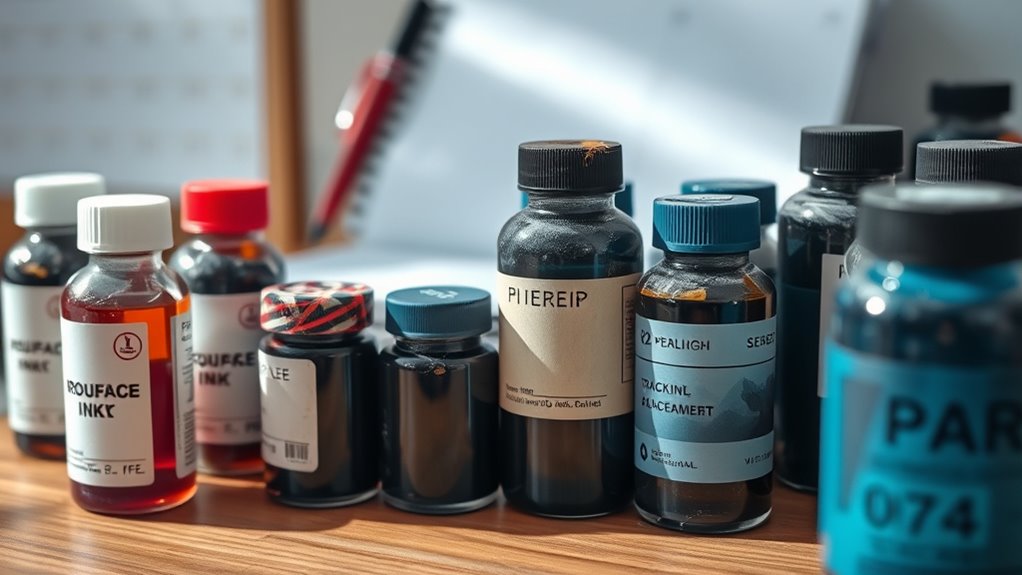
Since ink contains volatile components, it doesn’t last forever once you open the cartridge or bottle. Typically, opened ink cartridges remain usable for about 6 to 12 months, depending on storage conditions.
Opened ink cartridges typically last 6 to 12 months, depending on how well they’re stored.
If you keep your ink sealed and stored in a cool, dark place, it can last up to two years. However, exposure to air, light, and temperature fluctuations speeds up ink degradation.
Ink in bottles, especially for refillable printers, can last a similar timeframe once opened but may dry out faster if not tightly sealed. Keep in mind, ink longevity varies by brand and type—dye-based inks generally fade quicker than pigment-based ones.
To maximize lifespan, store ink cartridges upright, avoid extreme temperatures, and use them regularly to prevent settling or clogging. It’s a bit of effort, but it really helps keep your ink fresh longer!
Signs That Your Ink Cartridge Needs Replacement
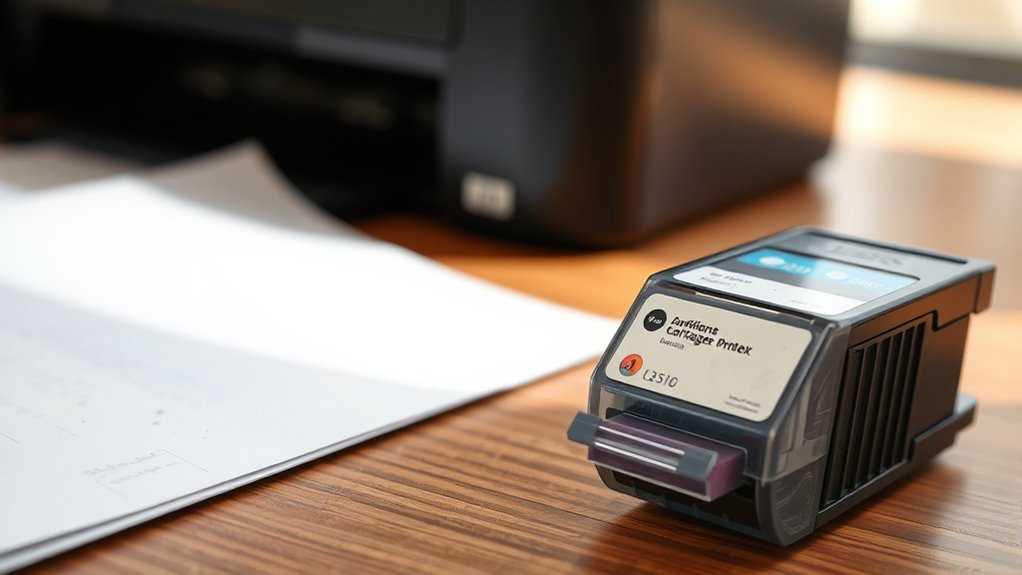
You’ll know it’s time to replace your ink cartridge when print quality starts to decline noticeably. Look out for faded colors, streaks, or missing sections on your prints—these are clear signs the ink is running low or drying out.
If your printer frequently shows “low ink” warnings or refuses to print, that’s another indicator. You may also notice smudging or blotchy prints, which happen when the cartridge can’t dispense ink evenly.
Sometimes, your prints might have unusual colors or spots, suggesting the cartridge is compromised. If cleaning the print heads doesn’t help, substituting the cartridge is your best bet.
Keeping an eye on these signs ensures your documents stay sharp and professional without wasting time on poor-quality prints. So, don’t wait too long—swap out that cartridge and keep your printer running smoothly!
Factors That Affect Ink Shelf Life
Understanding what affects your ink’s shelf life can help you get the most out of each cartridge. Several factors play a role in how long your ink remains viable before it starts to degrade or dry out.
You’ll want to weigh:
- Temperature: Extreme heat or cold can cause ink to thicken or separate.
- Exposure to Air: Once opened, ink interacts with oxygen, reducing its quality over time.
- Light: Direct sunlight can break down ink pigments and solvents.
- Ink Composition: Different brands and types (dye-based vs. pigment-based) have varying longevity.
Proper Storage Tips to Extend Ink Lifespan
To keep your ink fresh longer, store it within an ideal temperature range, usually between 15°C and 25°C.
Avoid exposing your ink to direct sunlight, as UV rays can degrade its quality.
Taking these simple steps helps maintain ink performance and extends its lifespan.
Ideal Temperature Range
Where should you store your ink cartridges to keep them fresh the longest? The key is maintaining an ideal temperature range between 15°C and 25°C (59°F to 77°F).
Temperatures outside this range can cause ink to dry out or separate, which reduces print quality and lifespan.
To protect your ink, aim for a spot that is cool but not cold — so, avoid freezing temperatures. It should also be steady, with minimal temperature fluctuations.
Make sure it’s away from heat sources like radiators or ovens. Plus, pick a well-ventilated area to prevent moisture buildup.
Avoiding Direct Sunlight
Although you might be tempted to keep your ink cartridges on a sunny windowsill, direct sunlight can quickly degrade the ink’s quality. UV rays cause the ink to dry out and separate, leading to clogs and poor print performance.
To extend your ink’s lifespan, store cartridges in a cool, dark place away from any direct exposure to sunlight. A drawer, cabinet, or opaque box works perfectly.
Make sure the storage spot maintains consistent conditions without drastic temperature changes. By avoiding sunlight, you prevent premature ink deterioration, ensuring your prints stay sharp and vibrant longer.
Consequences of Using Expired or Old Ink
When you use expired or old ink, you’ll likely notice your print quality drops with streaks, smudges, or faded colors. This can ruin important documents or photos you want to keep.
Plus, using bad ink might clog or damage your printer. That could lead to costly repairs or replacements. So, it’s really best to avoid using ink that’s past its prime.
Print Quality Degradation
Using expired or old ink can quickly lead to noticeable print quality degradation that affects your documents and images. You’ll see colors fading or shifting, making photos look dull or inaccurate.
Text might blur or appear patchy, reducing readability. Streaks and smudges can ruin important pages, wasting paper and ink.
Here’s what you might encounter when using old ink:
- Faded or washed-out colors that lose vibrancy
- Blurry or inconsistent text edges
- Uneven print density causing streaks or spots
- Smudged prints that don’t dry properly
Potential Printer Damage
Poor print quality is just the beginning of problems caused by expired or old ink. When you keep using outdated ink, it can clog your printer’s nozzles, leading to costly repairs or even permanent damage.
Dried ink may cause blockages that disrupt the smooth flow, forcing your printer to work harder and wear down faster. This can shorten your printer’s lifespan and increase maintenance expenses.
Additionally, old ink can cause leaks inside the cartridge compartment, damaging internal components. By ignoring ink expiration dates, you risk compromising your printer’s performance and reliability.
To avoid these issues, replace cartridges promptly and use fresh ink. Taking care of your printer with timely ink replacement keeps it running smoothly and protects your investment.
Frequently Asked Questions
Can Expired Ink Damage My Printer’s Printhead?
Yes, expired ink can damage your printer’s printhead by clogging nozzles or causing poor ink flow.
To avoid costly repairs, you should replace ink cartridges before they expire or show signs of drying out.
It’s better to stay ahead of the problem than deal with a clogged printhead later on.
Is There a Difference Between Ink and Toner Expiration?
Like milk spoiling faster than cheese, ink and toner expire differently. You’ll find ink dries out sooner, while toner’s powder lasts longer.
How Do Ink Expiration Dates Vary by Brand?
Ink expiration dates vary by brand because each uses different formulas and preservatives. You’ll find some last a year, while others stay good up to two years.
Always check the manufacturer’s recommendations for best results. It really helps to keep your prints looking sharp and consistent.
Can I Recycle or Refill Expired Ink Cartridges?
Don’t toss expired ink cartridges like yesterday’s news! You can recycle them through proper channels or refill if the ink quality holds up.
Just make sure to check for any clogs or damage before refilling. It’s a smart way to save money and reduce waste, right?
Does Ink Expiration Affect Photo Printing Quality Differently?
Yes, expired ink can affect photo printing quality more noticeably because colors may fade or blur.
You’ll see duller images and less sharpness, so replacing ink before expiration helps keep your photos vibrant and clear.
Conclusion
So, go ahead—use that ancient ink cartridge you found in your drawer. Who doesn’t love streaky, faded prints that scream “vintage”?
But if you actually want your documents to look decent and avoid printer tantrums, replacing old ink is your best bet. Remember, ink isn’t a fine wine; it doesn’t get better with age.
Treat it right, store it well, and don’t let your printer suffer through an ink apocalypse. Old ink can clog your printer nozzles and cause messy prints, so timely replacement is key.
In short, yes, ink does expire, and using fresh ink cartridges ensures your printer runs smoothly and your documents look sharp. Don’t wait too long—replace your ink when it’s old or dried out to keep your prints vibrant and your printer happy.