What Does XL Mean on Printer Ink?
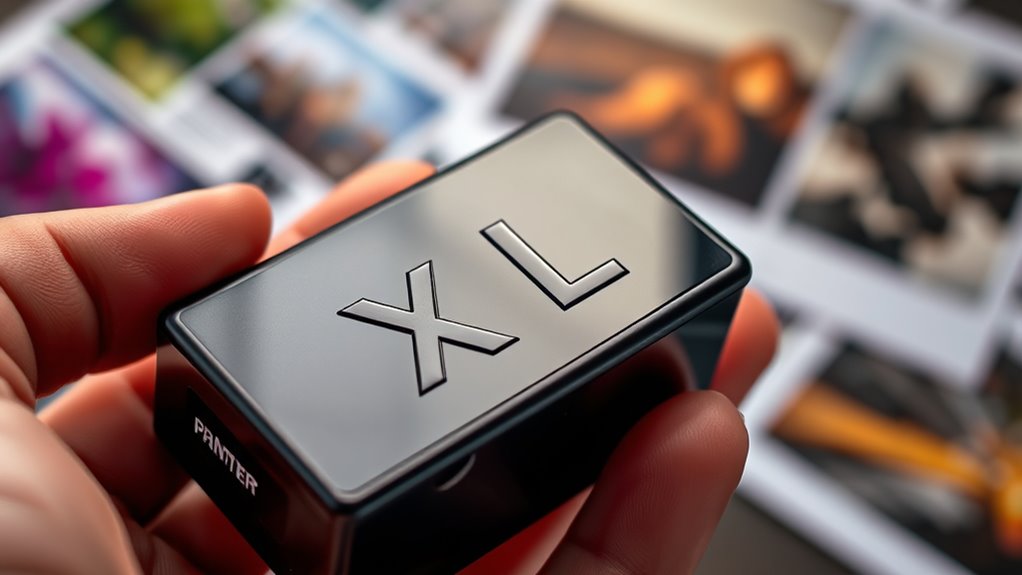
When you see XL on printer ink cartridges, it means the cartridge has a higher ink capacity than a standard one. This means you’ll get more prints before needing a replacement, which saves you time and reduces interruptions.
XL cartridges usually cost more upfront but offer better value per page and create less waste overall.
Just make sure your printer supports XL sizes to avoid errors. It’s a smart choice if you print a lot or want to avoid frequent cartridge changes.
Keep exploring to find out how these cartridges can fit your printing needs perfectly.
Key Takeaways
- XL on printer ink cartridges means they have a higher ink capacity than standard cartridges.
- XL cartridges hold about 2 to 3 times more ink, allowing longer printing before replacement.
Using XL cartridges reduces the frequency of cartridge changes and minimizes printing interruptions.
It’s pretty handy if you print a lot!
XL cartridges often cost more upfront but provide better cost efficiency per printed page.
So, you might spend more at first, but it could save you money over time.
Not all printers support XL cartridges, so check your printer’s compatibility before purchase.
You definitely don’t want to buy one that won’t fit!
Understanding the XL Label on Ink Cartridges
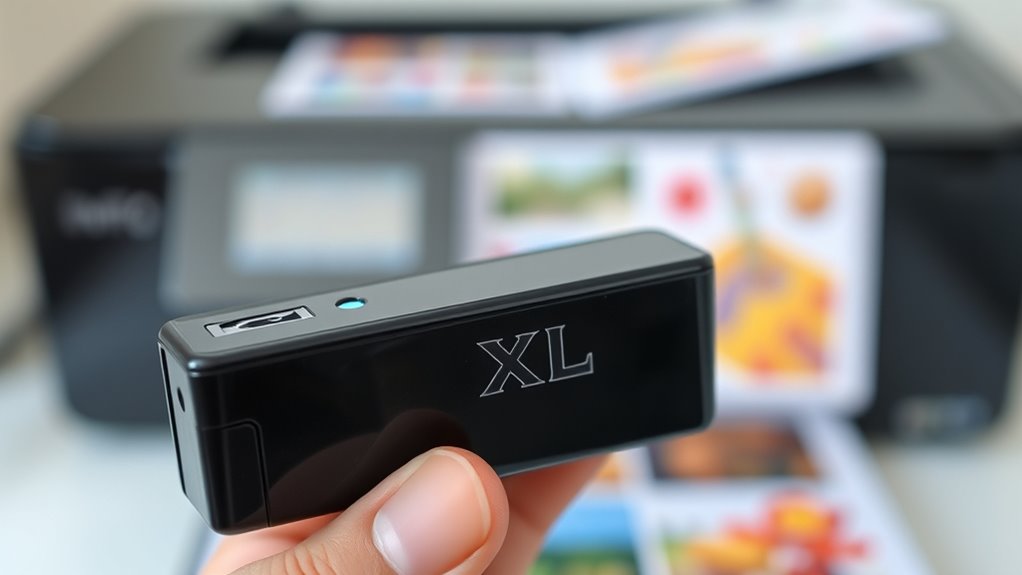
Although you might have seen the XL label on ink cartridges and wondered what it means, it simply indicates a higher ink capacity compared to standard cartridges.
The XL label on ink cartridges means they contain more ink than standard versions.
When you choose an XL cartridge, you’re opting for one that holds more ink, allowing you to print more pages before needing a replacement.
This label helps you quickly identify cartridges designed to last longer, which can be especially useful if you print frequently.
The XL mark is a straightforward way to signal that the cartridge offers extended use without a change in the cartridge size or printer compatibility.
How XL Ink Cartridges Differ From Standard Cartridges
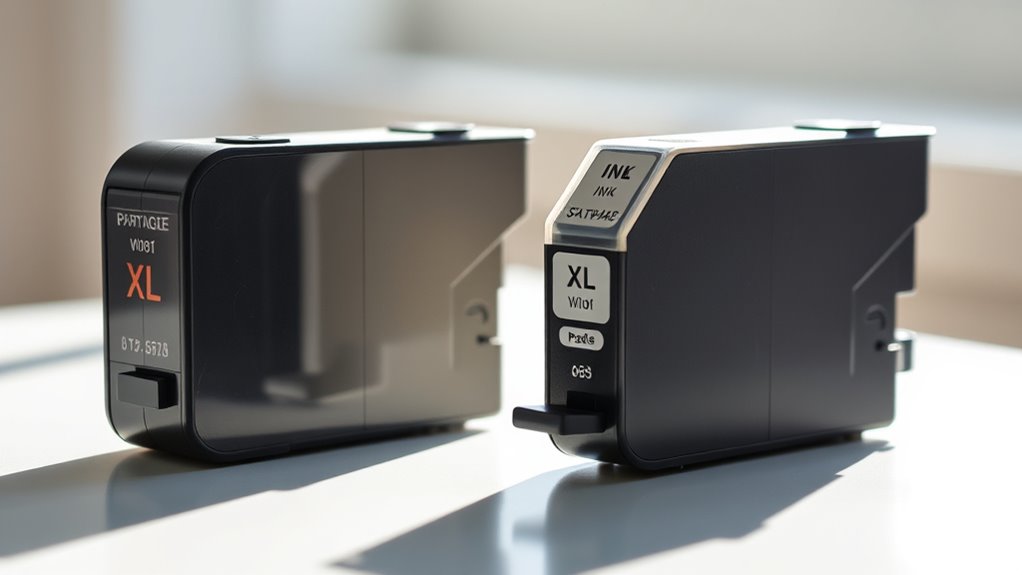
When you choose an XL ink cartridge, you get a larger ink volume compared to standard cartridges. This means you can print more pages before needing a replacement.
Plus, using XL cartridges often saves you money in the long run by reducing the cost per page. It’s a smart choice if you do a lot of printing!
Ink Volume Comparison
How much more ink does an XL cartridge hold compared to a standard one? Typically, XL cartridges contain about 2 to 3 times more ink than standard cartridges. This means fewer replacements and less hassle for you.
Here’s how they differ:
- Increased Capacity: XL cartridges store considerably more ink, so you can print longer without interruption.
- Longer Usage Time: With more ink, you don’t need to swap cartridges as often, saving you time and frustration.
- Reduced Waste: Fewer cartridge changes mean less plastic waste, making XL cartridges a more environmentally friendly choice.
Cost Efficiency Benefits
Since XL cartridges hold considerably more ink, they often provide better value for your money compared to standard cartridges. When you choose XL cartridges, you print more pages per cartridge, reducing how often you need replacements.
This means fewer interruptions and less hassle, saving you time and effort. Although XL cartridges usually cost more upfront, the cost per page is lower, making them more economical in the long run.
You’ll also spend less on packaging and shipping fees since you buy fewer cartridges over time. If you print frequently or in large volumes, switching to XL cartridges helps you manage your printing budget more efficiently and avoid the frequent expense of buying standard cartridges.
It’s a smart choice for both convenience and savings.
Benefits of Using XL Ink Cartridges
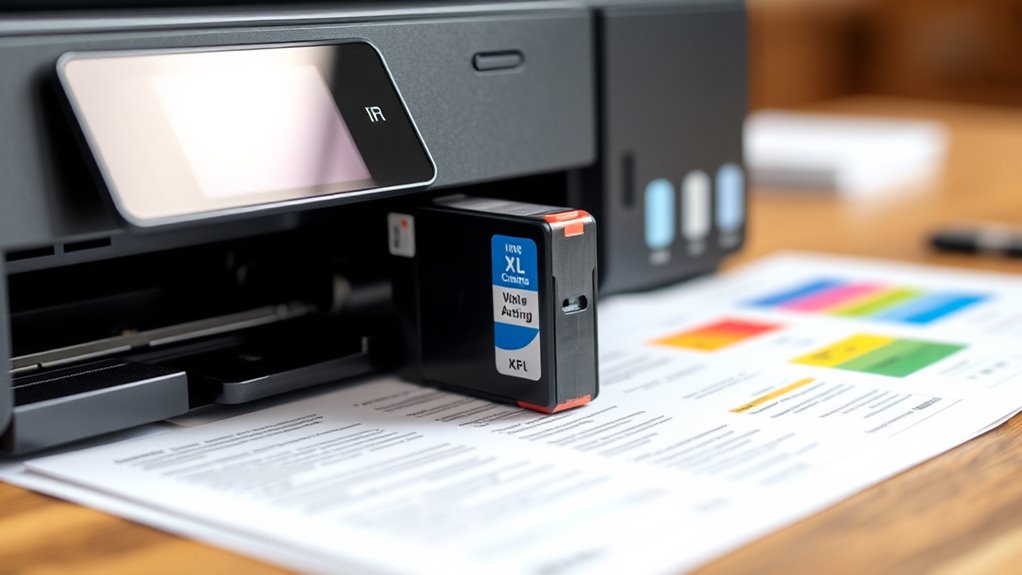
When you choose XL ink cartridges, you’ll save money in the long run because they cost less per page than standard cartridges. You’ll also get more prints before needing a replacement, which means fewer interruptions.
Let’s explore how these benefits make XL cartridges a smart choice. It’s pretty simple, really—more ink means more pages and less hassle. So, if you’re printing a lot, XL cartridges can be a real game-changer.
Cost Efficiency
Although XL ink cartridges cost more upfront, they save you money in the long run by offering a higher page yield than standard cartridges. When you switch to XL cartridges, you reduce the frequency of replacements, meaning fewer trips to the store or online orders.
This convenience alone saves you time and frustration. Plus, buying XL cartridges often results in a lower cost per page, stretching your budget further.
Here’s why XL cartridges are cost-efficient:
- You print more pages per cartridge, cutting down overall expenses.
- Fewer cartridge changes mean less waste and hassle.
- You avoid frequent emergency purchases that usually come at a premium.
Choosing XL ink is a smart move if you want to save money and stress less.
Higher Page Yield
You’ll get considerably more pages out of XL ink cartridges compared to standard ones, making them ideal for heavy printing needs. When you use XL cartridges, you won’t have to replace them as often, which conserves you time and hassle.
This higher page yield means your printer can handle larger jobs without interruptions, helping you stay productive. Whether you print documents, photos, or reports regularly, XL cartridges ensure your supply lasts longer.
Plus, fewer cartridge changes reduce waste, which is better for the environment. By choosing XL ink, you’re making a smart choice that balances convenience and efficiency, allowing you to print more with less effort.
This advantage is especially useful in busy offices or for anyone who prints frequently.
Cost Comparison Between XL and Regular Ink Cartridges
Because XL cartridges hold more ink, they usually cost more upfront than regular cartridges. However, when you consider the cost per page, XL cartridges often save you money in the long run.
Here’s why investing in XL ink makes sense:
- Lower Cost Per Page: You pay less each time you print, which adds up if you print frequently.
- Fewer Cartridge Replacements: You avoid the hassle and expense of buying cartridges as often, saving time and money.
- Better Value for Heavy Users: If you print a lot, XL cartridges stretch your budget further, reducing overall printing costs.
Printer Compatibility With XL Ink Cartridges
Saving money with XL ink cartridges is great, but it’s important to make certain your printer supports them before you buy. Not all printers accept XL cartridges, even if they use the same cartridge model number.
Manufacturers sometimes release specific versions of cartridges designed for standard or XL sizes. So, check your printer’s manual or the manufacturer’s website for compatibility information.
Check your printer manual or website to ensure cartridge size compatibility before purchasing XL ink cartridges.
Using an incompatible XL cartridge might cause error messages or printing issues. Plus, some printers automatically detect cartridge sizes and adjust ink usage accordingly, but others may not.
If you want to switch between standard and XL cartridges, confirm your printer can handle both. Being cautious ensures you get the extended ink capacity without sacrificing print quality or functionality.
Tips for Choosing the Right Ink Cartridge Size
When selecting an ink cartridge size, consider how often you print and the types of documents you produce. Choosing the right cartridge size can save you money and frustration.
If you print frequently or handle large projects, an XL cartridge might be your best bet. On the other hand, if you print occasionally, a standard cartridge could suffice.
Here are three tips to help you decide:
- Assess your monthly printing volume—higher volumes benefit from XL cartridges to avoid frequent replacements.
- Think about your document types—photos and color-heavy pages consume more ink, so larger cartridges make sense.
- Factor in your budget—XL cartridges cost more upfront but offer a lower cost per page, saving you money long-term.
Frequently Asked Questions
Can XL Cartridges Expire or Dry Out Faster Than Standard Ones?
Yes, XL cartridges can expire or dry out faster than standard ones if you don’t use them regularly. Since they hold more ink, leftover ink may sit unused longer, increasing the chance of drying or clogging.
It’s kind of like having a big bottle of paint—you might not finish it before it starts to dry up. So, even though they last longer in terms of volume, you still need to keep using them to keep the ink fresh.
Do XL Cartridges Affect Print Quality Compared to Standard Cartridges?
You won’t notice much difference in print quality between XL and standard cartridges; they both deliver comparable results.
XL cartridges just let you print more before needing a replacement, so you get more value without sacrificing clarity.
Are XL Cartridges Recyclable Like Standard Cartridges?
Yes, you can recycle XL cartridges just like standard ones. Many manufacturers and stores have recycling programs, so don’t toss them in the trash.
Check local options to guarantee they’re properly processed and help reduce environmental waste. It’s a simple way to do your part for the planet!
Can Using XL Cartridges Void Printer Warranty?
About 30% of printer warranties mention ink type restrictions. You shouldn’t worry—using XL cartridges usually won’t void your warranty.
Manufacturers generally accept them since they’re official, high-capacity options designed for your printer. So, if you’re thinking about going for XL cartridges, you’re probably safe.
Just make sure they’re genuine and compatible with your model!
How Should XL Cartridges Be Stored When Not in Use?
You should store XL cartridges in a cool, dry place away from direct sunlight. Keep them sealed in their original packaging or airtight containers to prevent drying out.
This way, you’ll guarantee they’re ready to use when you need them. It’s a simple step that can save you a lot of hassle later!
Conclusion
When you see XL on a printer ink cartridge, it means you’re getting extra ink—usually about 2 to 3 times more than a standard cartridge. This means fewer replacements and less hassle.
Did you know XL cartridges can print up to 50% more pages? That’s a big saving in time and money.
Choosing XL cartridges can keep your printing smooth and efficient, especially if you print often or in large volumes. So, if you want to save on frequent trips to buy ink and reduce interruptions, going for XL ink cartridges is a smart move. It’s all about getting more value and convenience from your printer ink.