What Does XL Mean on Ink Cartridges?
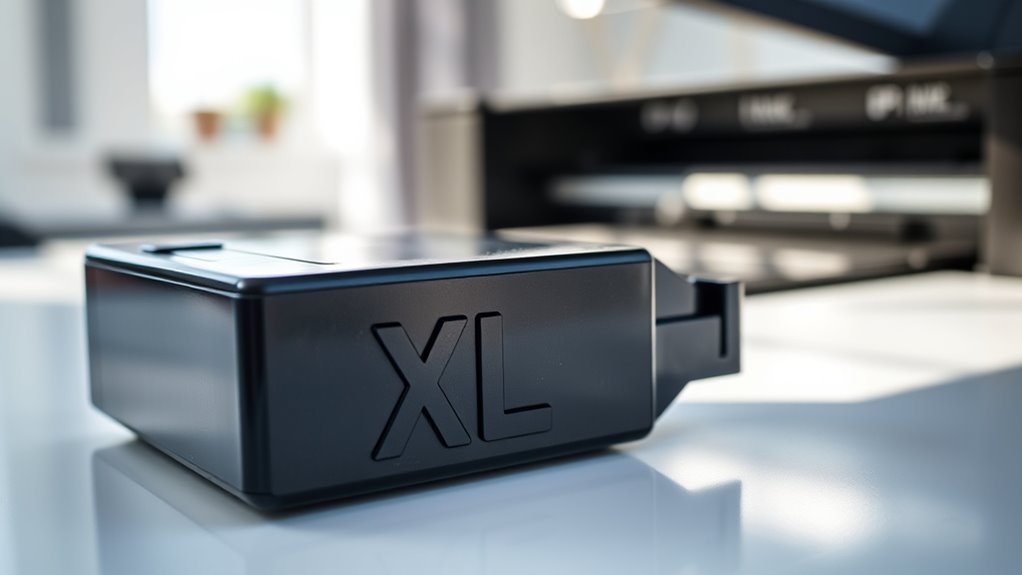
When you see XL on ink cartridges, it means they hold extra ink compared to standard cartridges. This lets you print more pages before needing a replacement, so you’ll make fewer trips to buy new ink. Plus, you save money per page, which is great if you print often or in large volumes.
XL cartridges fit the same printers as regular ones, so no worries about compatibility. They’re ideal for heavy users who want to keep printing without interruption.
Also, using XL cartridges helps reduce waste because you replace them less frequently.
If you want to find out how these options impact performance and cost, keep exploring further. Understanding the benefits of XL cartridges can help you make smarter choices for your printing needs.
Key Takeaways
- XL on ink cartridges means extra-large capacity with 2-3 times more ink than standard cartridges. This means you get more prints before needing to replace them.
- XL cartridges fit the same printers as standard ones but allow printing of more pages before replacement. So, you don’t have to keep swapping cartridges as often.
- They reduce the frequency of cartridge changes, offering cost savings and improved printing efficiency. Plus, it saves you time and hassle.
- XL cartridges help lower environmental impact by generating less plastic waste and supporting recycling programs. It’s a smarter choice if you care about the planet.
- They are ideal for frequent or high-volume printing, while standard cartridges suit light or occasional use. So, pick what matches your printing habits best!
Understanding the XL Label on Ink Cartridges
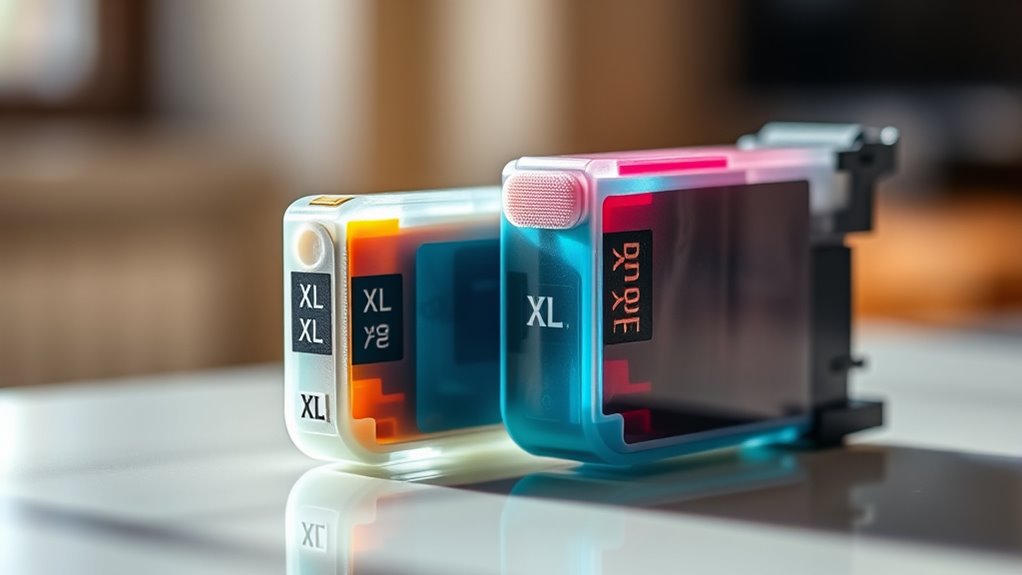
Although the XL label on ink cartridges might seem like just a size indicator, it actually tells you that the cartridge contains more ink than standard versions. When you see “XL” on your cartridge, it means you’re getting extra ink, which usually translates to more pages printed before needing a replacement.
This can save you trips to the store and reduce the frequency of cartridge changes. The XL cartridges fit the same printers as their standard counterparts, so installation is just as easy.
Knowing this, you can make a smarter choice if you print often or want to avoid running out of ink quickly. The XL label is a straightforward way for you to identify ink cartridges designed to last longer.
Differences Between Standard and XL Cartridges
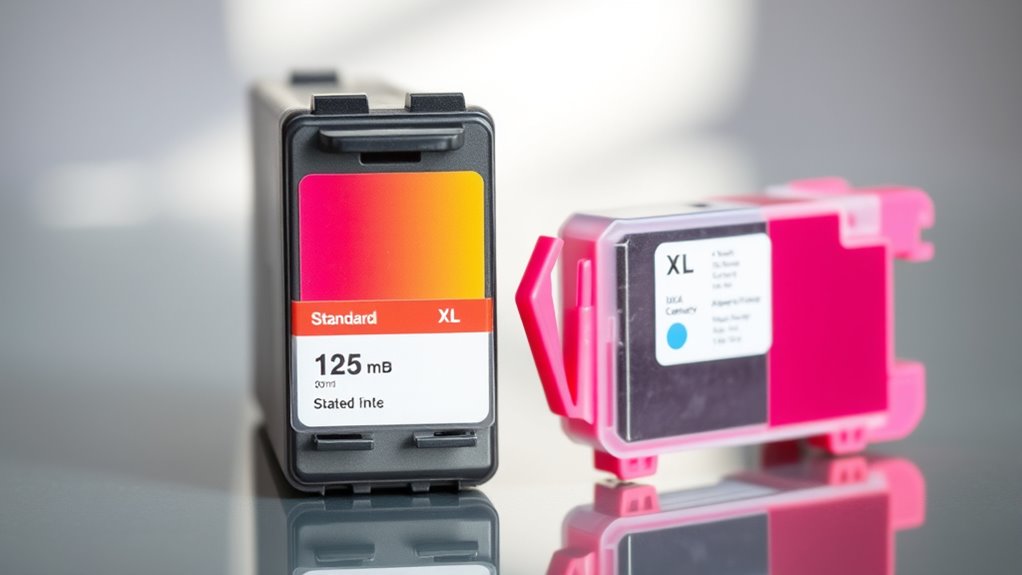
You’ll notice XL cartridges hold more ink than standard ones, which means they print more pages before running out. This extra capacity often makes XL cartridges more cost-effective over time, even if they cost more upfront.
Let’s compare the ink amounts and overall value to see which option suits your needs best. It’s all about finding the right balance between how much you print and what you’re willing to spend.
Ink Capacity Comparison
How much more ink does an XL cartridge hold compared to a standard one? Typically, XL cartridges contain about two to three times the ink volume of standard cartridges. This means you get markedly more pages printed before needing a replacement.
While standard cartridges suit light printing needs, XL cartridges are ideal if you print frequently or in large volumes. The increased ink capacity doesn’t just extend printing intervals; it also reduces the hassle of swapping cartridges often.
Keep in mind, though, the exact difference varies by brand and printer model. Checking your printer’s specifications helps you understand the specific ink capacities and choose the cartridge that best fits your printing habits.
Cost Efficiency Analysis
When you compare standard and XL cartridges, you’ll notice that XL options usually offer better cost efficiency over time. Although XL cartridges cost more upfront, they contain considerably more ink, which means you replace them less often.
This reduces the cost per page, saving you money if you print frequently. Standard cartridges might seem cheaper initially, but you’ll spend more replacing them frequently, especially with heavy use. Plus, fewer cartridge changes mean less hassle and waste.
However, if you print very little, a standard cartridge might be more practical since you won’t use the XL cartridge’s full capacity before it dries. Ultimately, choosing XL cartridges makes the most financial sense if you want to minimize expenses and maximize printing efficiency over the long run.
Cost Benefits of Using XL Ink Cartridges
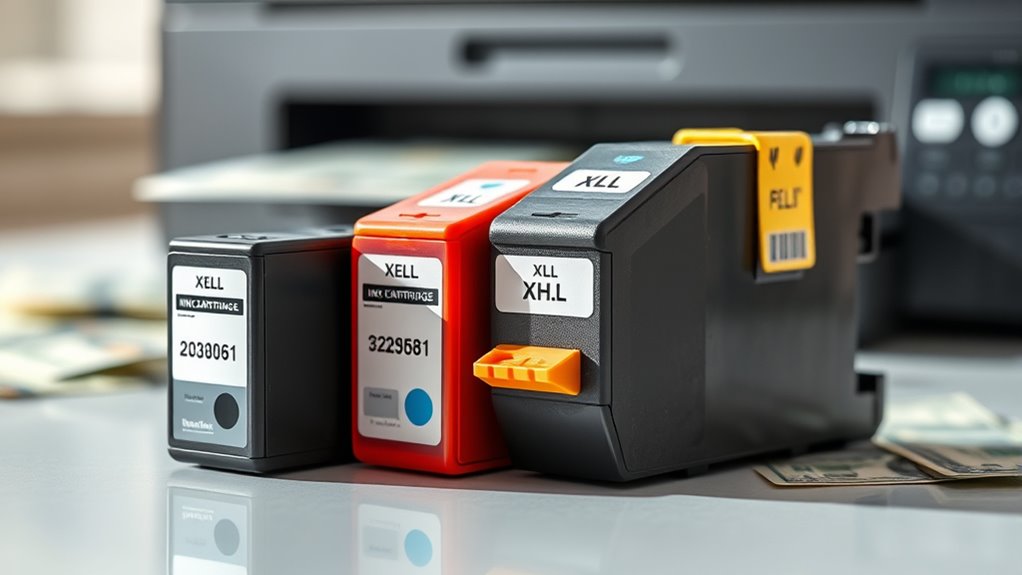
When you choose XL ink cartridges, you get more ink that lasts longer, which means you pay less per page. You’ll also replace cartridges less often, saving both time and money.
Understanding these cost benefits can help you make smarter printing choices. It’s a simple way to get the most out of your printing without breaking the bank.
Lower Cost Per Page
Because XL ink cartridges hold more ink than standard ones, you’ll print more pages before needing a replacement. This means you get more value for your money, effectively lowering your cost per page.
When you use XL cartridges, you’ll notice:
- Fewer purchases: You don’t have to buy cartridges as often, saving on the upfront cost and shipping fees.
- Less waste: Using cartridges longer means less packaging and less environmental impact, helping you save indirectly.
- Better budget management: Predictable, lower printing costs help you plan expenses more efficiently without surprises.
Increased Ink Volume
Although XL ink cartridges cost more upfront, they contain substantially more ink than standard cartridges, giving you a clear cost advantage over time.
When you choose XL cartridges, you’re investing in a larger ink volume that lasts longer, meaning you don’t have to buy replacements as frequently.
This increased capacity allows you to print more pages per cartridge, which directly lowers your overall printing expenses.
You’ll find that the cost per page drops considerably, making XL cartridges more economical in the long run.
Plus, by using cartridges with more ink, you reduce the hassle and expense of constantly monitoring ink levels and making purchases.
Reduced Cartridge Replacements
Since XL ink cartridges hold more ink, you won’t need to replace them as often, saving you time and hassle. This means fewer interruptions when you’re printing important documents or photos.
Plus, reducing cartridge replacements helps you manage your printing costs more effectively. Here’s how using XL cartridges benefits you:
- Less Frequent Purchases – Buy fewer cartridges, freeing up your budget for other essentials.
- Reduced Waste – Fewer empty cartridges mean less environmental impact and clutter.
- Consistent Printing – Enjoy uninterrupted printing sessions without constantly swapping cartridges.
Impact of XL Cartridges on Printer Performance
When you switch to XL cartridges, you’ll likely notice your printer runs longer between replacements, which can boost your overall efficiency. XL cartridges hold more ink, so you don’t have to interrupt your work to swap cartridges as often.
This means you can print large documents or multiple batches without worrying about running out mid-job. However, the impact on print quality is generally minimal since XL cartridges use the same ink formula as standard ones.
You might also experience smoother printing performance because your printer isn’t constantly pausing to check ink levels. Just keep in mind that using XL cartridges doesn’t speed up the actual printing process, but it definitely helps you maintain a steady workflow with fewer interruptions.
Environmental Considerations for XL Ink Cartridges
Because XL ink cartridges last longer between replacements, they can reduce the number of cartridges you use overall. This helps cut down on waste.
Choosing XL cartridges means fewer trips to replace cartridges, which lowers the environmental impact of packaging and shipping. Plus, many XL cartridges are designed for efficient ink use, reducing excess ink waste.
Here’s how XL cartridges benefit the environment:
- Less Plastic Waste: Using fewer cartridges means less plastic ends up in landfills.
- Reduced Carbon Footprint: Fewer shipments and manufacturing cycles lower carbon emissions.
- Encourages Recycling: XL cartridges often come with recycling programs, making it easier for you to dispose of them responsibly.
How to Choose the Right Cartridge Size for Your Printer
Although choosing the right cartridge size might seem straightforward, it really depends on how often you print and what your printing needs are. If you print frequently, an XL cartridge offers more ink and better value.
For occasional use, standard cartridges might do the trick just fine. Also, think about your budget, how much you print, and how quickly you need to replace cartridges.
| Printing Frequency | Suggested Cartridge Size | Cost Efficiency | Cartridge Lifespan | Printing Quality |
|---|---|---|---|---|
| Low | Standard | Lower upfront | Shorter | High |
| Moderate | XL | Moderate | Longer | High |
| High | XXL or High Yield | Best | Longest | High |
| Urgent | XL or Higher Yield | Moderate | Longer | High |
| Budget-Conscious | Standard | Lower upfront | Shorter | High |
Frequently Asked Questions
Are XL Cartridges Compatible With All Printer Brands?
No, XL cartridges aren’t compatible with all printer brands. You need to check your printer’s model and manufacturer because XL just indicates higher ink volume, not universal compatibility.
Always verify before purchasing to avoid issues. It’s a bit of a hassle, but it saves you money and frustration in the long run.
Can XL Cartridges Dry Out Faster Than Standard Ones?
Yes, XL cartridges can dry out faster if you don’t use your printer regularly because they hold more ink exposed to air.
To avoid this, print often or store cartridges properly to keep ink fresh longer.
Do XL Cartridges Require Special Installation Techniques?
No, XL cartridges don’t require special installation techniques. You just install them like standard cartridges.
Just make sure to remove any protective tape and handle them carefully to avoid damaging the ink nozzles or contacts. It’s pretty straightforward!
How Long Do XL Cartridges Typically Last Once Opened?
Think of an XL cartridge like a marathon runner—you’ll get about 6 to 12 months of steady printing once opened.
Just keep it sealed tight and stored cool, or its ink might dry up faster.
Are There Warranty Differences Between Standard and XL Cartridges?
You usually won’t find warranty differences between standard and XL cartridges; both are covered similarly.
Just make sure you follow the manufacturer’s guidelines for installation and usage to keep your warranty valid without any hassle.
Conclusion
You might worry that XL cartridges cost more upfront, but they actually save you money over time since they last much longer than standard ones. Plus, you won’t have to replace them as often, which means less hassle and fewer interruptions while printing.
Choosing XL cartridges not only boosts your printing efficiency but also helps reduce waste, making them a smarter, more convenient option for most users like you. By going for XL ink cartridges, you get more pages per cartridge and fewer trips to the store. So, if you print frequently, XL cartridges are a great choice to keep your workflow smooth and your costs down.