What Does XL Ink Cartridge Mean and How to Choose the Right Size
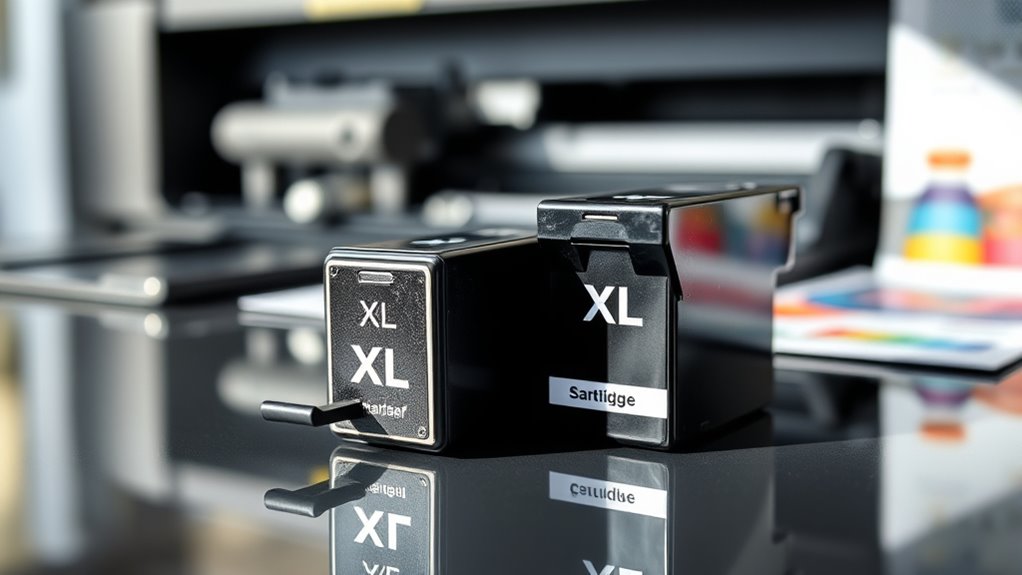
An XL ink cartridge means it holds considerably more ink than a standard one, letting you print up to three times more pages before needing a replacement. This makes it a popular choice for those who want to save money and avoid frequent cartridge changes.
You’ll save money over time due to a lower cost per page and reduce hassle with fewer cartridge changes.
To choose the right size, think about how often and how much you print. Larger cartridges suit high-volume use, while smaller ones are fine for occasional printing.
You’ll find even more helpful tips ahead.
Key Takeaways
- XL ink cartridges contain significantly more ink than standard ones, enabling more pages to be printed before replacement. This means you won’t have to change cartridges as often, which is super convenient.
- They offer better cost efficiency with a lower cost per page, making them ideal if you print frequently or in high volumes. It’s a smart choice for those who want to save money in the long run.
- Standard cartridges are fine if you only print occasionally. But if you print a lot, XL cartridges help reduce how often you need to swap them out, cutting down on hassle.
- When choosing cartridge size, think about your printing volume and frequency. This way, you can find the right balance between cost, capacity, and convenience.
- Plus, XL cartridges deliver the same print quality as standard ones and fit into the same printer slots. So, no need to worry about compatibility or quality issues.
Understanding XL Ink Cartridge: Definition and Benefits
Although you might have seen XL ink cartridges labeled as simply “extra-large,” they actually offer much more ink than standard cartridges. This means you can print more pages before needing a replacement.
When you choose an XL cartridge, you’re getting a higher ink volume, which means fewer trips to the store or fewer online orders for replacements. This convenience saves you time and helps avoid interruptions during important printing tasks.
Plus, many XL cartridges are designed to maintain the same print quality as standard ones, so you won’t sacrifice sharpness or color vibrancy. Using XL cartridges also tends to be more economical in the long run because the cost per page often decreases.
Differences Between XL and Standard Ink Cartridges
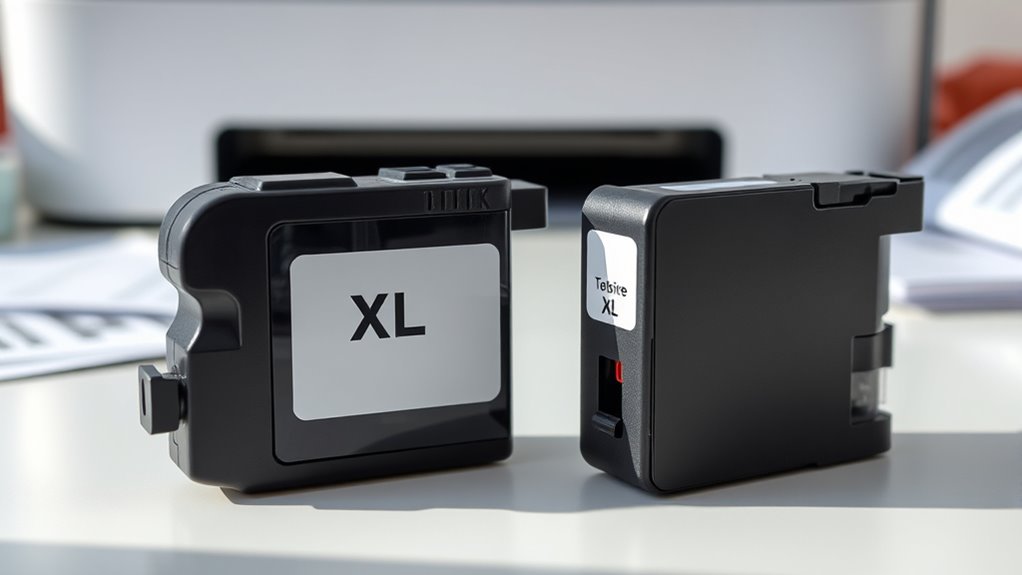
You’ll notice that XL cartridges hold more ink than standard ones, letting you print more pages before needing a replacement. While they cost more upfront, they often save you money over time because of their better cost efficiency.
Understanding these differences helps you pick the cartridge size that fits your printing needs best. So, if you print a lot, XL might be the way to go. But if you print occasionally, a standard cartridge could do just fine.
Capacity Comparison
When comparing XL and standard ink cartridges, the main difference lies in their capacity to hold ink. XL cartridges store considerably more ink than standard ones, meaning you can print many more pages before needing a replacement.
If you print frequently or in large volumes, an XL cartridge will save you the hassle of swapping cartridges often. Standard cartridges, on the other hand, hold less ink and suit occasional or light printing needs.
Keep in mind that while XL cartridges are larger, they fit the same slot as standard ones, so compatibility isn’t an issue. By understanding the capacity difference, you can choose the cartridge that best fits your printing habits, ensuring you have enough ink without frequent interruptions.
Cost Efficiency
Choosing between XL and standard ink cartridges can substantially impact your printing costs. XL cartridges usually cost more upfront but offer a lower cost per page because they contain more ink. This means you’ll replace them less often, saving money and time in the long run.
Standard cartridges may seem cheaper initially, but frequent replacements add up, making them more expensive overall. If you print regularly or in high volumes, XL cartridges provide better value. However, if your printing needs are minimal, standard cartridges might be more practical.
Consider how much you print and your budget. By choosing the right cartridge size, you can optimize cost efficiency while ensuring you don’t run out of ink unexpectedly. It’s all about finding the balance that works best for you.
How XL Ink Cartridges Impact Printing Costs
You’ll notice that XL ink cartridges offer more pages per cartridge compared to standard ones, which means you replace them less often. This higher yield can lead to significant cost savings over time, especially if you print frequently.
Understanding these benefits helps you choose the right cartridge size for your budget and needs. It’s all about finding what works best for how much you print and how much you want to spend.
Cost Efficiency Benefits
Frequently, XL ink cartridges save you money by reducing the cost per page compared to standard cartridges. When you choose XL cartridges, you print more pages per cartridge, lowering your overall expenses.
They also minimize the frequency of replacements, which means less downtime and hassle. Plus, buying in bulk often comes with discounts, giving you better value.
Here’s how XL cartridges boost cost efficiency:
- Lower cost per page, stretching your budget further
- Fewer cartridge changes, saving time and effort
- Bulk buying options often reduce upfront costs
- Less packaging waste, which can reduce disposal fees
Cartridge Yield Comparison
Although XL ink cartridges often cost more upfront, they deliver considerably higher page yields than standard cartridges. This can lower your overall printing expenses.
By choosing XL cartridges, you print more pages before needing a replacement. That means less frequent purchases and downtime.
Here’s a quick comparison of typical cartridge yields:
| Cartridge Type | Approximate Page Yield |
|---|---|
| Standard Black | 200 pages |
| XL Black | 600 pages |
| Standard Color | 150 pages |
| XL Color | 450 pages |
As you can see, XL cartridges offer about three times the pages per cartridge. This means less hassle and better cost efficiency for your printing needs.
Factors to Consider When Choosing Ink Cartridge Size
When deciding on the right ink cartridge size, consider how often you print and the volume of your typical print jobs. Choosing a cartridge that matches your needs helps you avoid frequent replacements and saves money in the long run.
Make sure to weigh the following factors:
- Print frequency: How many pages do you print daily or weekly?
- Print volume: Are your print jobs mostly short documents or large batches?
- Cost per page: Larger cartridges usually lower this cost, offering better value.
- Storage and shelf life: If you don’t print often, smaller cartridges might be better to prevent ink drying out.
Compatibility of XL Ink Cartridges With Your Printer
After figuring out how much you print and which cartridge size fits your needs, you’ll want to confirm that the XL ink cartridge works with your specific printer model. Not all printers support XL cartridges, so check your printer’s manual or the manufacturer’s website for compatible cartridge types.
Using an incompatible cartridge can cause printing errors or damage your device. Many printer models list compatible cartridges by number or size, so match the XL cartridge code exactly.
Using the wrong cartridge can lead to errors or damage; always match the exact XL cartridge code for your printer.
Additionally, some printers might require firmware updates to recognize larger cartridges, so keep your device updated. If you’re unsure, retailer websites often have compatibility tools where you enter your printer model to find suitable XL cartridges.
This step guarantees you get the best performance and avoid wasted ink or money. It’s always better to double-check before making a purchase.
Tips for Maximizing Ink Cartridge Efficiency
To get the most out of your XL ink cartridges, focus on optimizing your printer settings and maintenance habits. Adjust your print quality to draft mode when printing everyday documents to save ink.
Regularly clean your printer heads to prevent clogs and ensure smooth ink flow. Use the ink-saving features available in your printer’s software, like grayscale or economy mode.
Also, store cartridges properly if you don’t use them immediately to avoid drying out.
- Print in draft or economy mode for non-critical documents
- Clean printer heads routinely to maintain ink flow
- Use grayscale printing when color isn’t necessary
- Store cartridges in a cool, dry place to preserve ink quality
These steps help you stretch your ink supply and reduce replacement costs. It’s really about small changes that add up over time!
Frequently Asked Questions
Can XL Ink Cartridges Expire or Dry Out if Unused?
Yes, XL ink cartridges can expire or dry out if you don’t use them for a long time.
To keep them fresh, store them properly and use them before the expiration date printed on the packaging.
It’s a good idea to check your cartridges regularly so they don’t go bad when you need them most.
Are XL Cartridges Environmentally Friendly or Recyclable?
Yes, XL cartridges can be environmentally friendly since they reduce waste by lasting longer. You can recycle them through many printer brands’ programs or local recycling centers.
How Long Does an XL Cartridge Typically Last Once Opened?
Once opened, an XL cartridge lasts like a marathon runner—steady and enduring. It usually prints around 600 to 1,000 pages.
You’ll get more prints than standard cartridges. But remember, the actual life depends on your printing habits and printer model.
Do XL Cartridges Print With the Same Quality as Standard Ones?
Yes, you’ll get the same print quality from XL cartridges as standard ones since they use the same ink formula.
The difference is mainly in volume, so your prints stay sharp and vibrant without compromise.
Can Using XL Cartridges Void My Printer’s Warranty?
You won’t void your printer’s warranty using XL cartridges if they’re manufacturer-approved.
Remarkably, 72% of users prefer XL cartridges for cost-efficiency. Just avoid third-party inks to keep your warranty intact and printing smooth.
Conclusion
Choosing the right ink cartridge can save you time and money. Did you know XL cartridges can print up to 2.5 times more pages than standard ones? That means fewer replacements and less hassle.
By understanding your printer’s compatibility and considering how much you print, you’ll make smarter choices. It’s all about matching the cartridge size to your needs so you don’t run out when you least expect it.
Remember, picking the right size not only boosts efficiency but also keeps your printing costs down. XL ink cartridges are a great option if you print frequently and want to avoid constant replacements. So, go ahead and choose wisely! Knowing what an XL ink cartridge means can help you make better decisions for your printing needs.