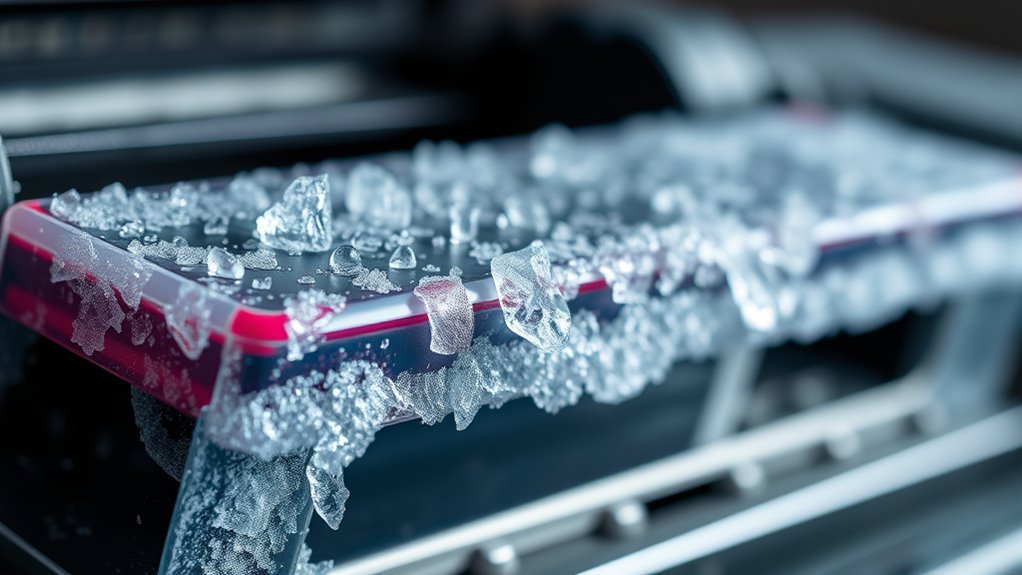
What Happens When Printer Ink Freezes?
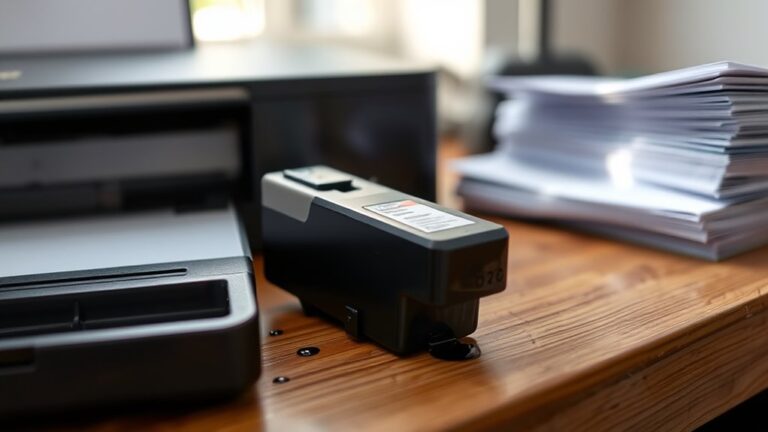
When your printer ink freezes, it can cause quite a few problems that affect your printer’s performance. The water inside the ink expands as it freezes, which messes up the smooth flow of the ink. This expansion can clog the nozzles and even damage the cartridge components.
As the ink thickens and the pigments start to separate, you might notice your printouts looking streaky or faded. Frozen cartridges can sometimes leak or stop working altogether.
When it’s time to thaw them, you need to be careful to avoid causing permanent damage.
If you want to know more about how to prevent your printer ink from freezing or how to fix it if it does, keep reading. There are some easy tips and tricks to help keep your printer running smoothly no matter the weather.
Key Takeaways
- Freezing causes water in ink to form ice crystals, disrupting pigment balance and thickening the ink. This often leads to clogging and poor flow.
- The expansion from freezing can actually crack the cartridge housing. That means leaks, nozzle damage, and weakened seals become a real problem.
- When ink is frozen, prints can come out streaky, dull, or just plain inaccurate. This happens because the ink’s consistency changes and nozzles get clogged.
- Going through freeze-thaw cycles again and again really wears down the ink quality. It might even damage internal printer parts or sensors over time.
- It’s super important to thaw ink properly. If you don’t, the ink might become unusable, and you could end up needing to replace the cartridge altogether.
Composition of Printer Ink and Its Vulnerability to Cold
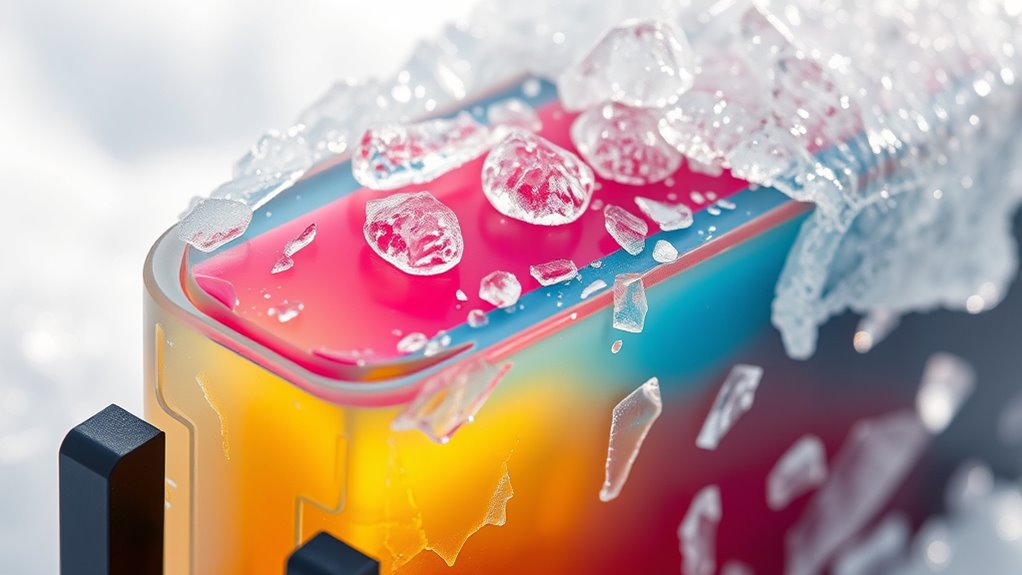
Although printer ink comes in various formulations, most contain water, pigments, and additives that make them sensitive to freezing temperatures. You’ll find that water acts as the solvent, keeping pigments suspended evenly.
The pigments or dyes provide the color, while additives improve flow and drying time. When exposed to cold, the water base in the ink becomes a vital vulnerability.
Since water expands as it freezes, it can disrupt the ink’s delicate balance. You need to understand that these ingredients aren’t designed to withstand ice crystal formation.
This sensitivity means that storing your ink cartridges in freezing conditions can compromise their effectiveness. So, keeping your ink at stable, moderate temperatures is essential to maintaining print quality and preventing damage.
Physical Changes in Ink When Exposed to Freezing Temperatures

When ink freezes, its water content forms ice crystals that alter its physical structure. This change affects how the ink behaves and looks once thawed.
You might notice separation: pigments and solvents can separate, causing uneven color distribution. Also, the ink thickens, making it harder to flow smoothly through printer nozzles.
Another thing is particle clumping. Solid particles may clump together, leading to clogging and inconsistent printing.
Particle clumping can cause clogging and lead to uneven, inconsistent printing results.
These physical changes compromise the ink’s consistency and performance. Once thawed, the ink might not return to its original state, which can impact print quality.
Potential Damage to Ink Cartridges Caused by Freezing
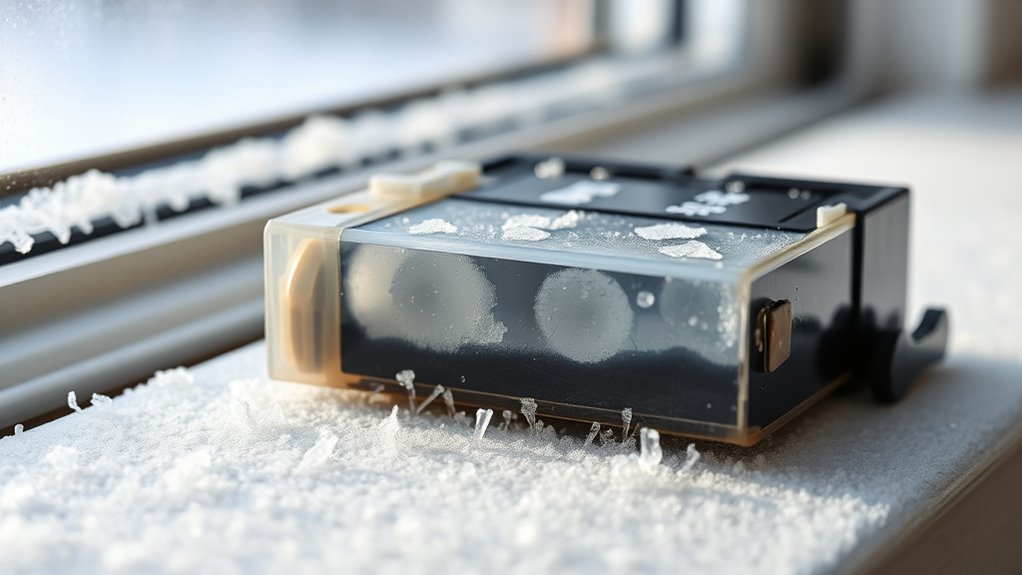
When your printer ink freezes, it can compromise the cartridge’s integrity, causing leaks or cracks. You’ll likely notice a drop in print quality as the ink clumps or separates.
Plus, freezing can damage internal components, making the cartridge unusable. So, it’s best to keep your ink cartridges in a place where they won’t get too cold.
Ink Cartridge Integrity
If you expose ink cartridges to freezing temperatures, you risk damaging their delicate components. The ink inside can freeze and expand, causing cracks or leaks in the cartridge casing.
This compromises the cartridge’s integrity and functionality. Here are three key ways freezing affects ink cartridges:
- Cracked Housing – Ice expansion can create tiny fractures in the plastic shell, leading to leaks or complete failure.
- Clogged Nozzles – Frozen ink may block the nozzles, preventing proper ink flow once thawed.
- Compromised Seals – Freezing can weaken the seals, causing air to enter and dry out the ink prematurely.
To keep your cartridges intact, avoid exposure to below-freezing temperatures. It’s best to store them in a controlled environment.
Print Quality Degradation
Freezing temperatures don’t just threaten the physical structure of your ink cartridges—they can also substantially degrade your print quality. When ink freezes, its chemical composition changes, causing inconsistent flow and color fading.
You might notice streaks, blotches, or uneven tones in your prints. This degradation results from ice crystals disrupting the ink’s smooth texture.
| Issue | Cause | Effect on Print Quality |
|---|---|---|
| Ink Separation | Freezing/Thawing | Uneven color distribution |
| Viscosity Changes | Temperature Shock | Streaks and blotches |
| Pigment Clumping | Ice Crystal Formation | Faded or patchy prints |
To avoid these issues, keep cartridges in a temperature-controlled environment. And never use ink cartridges immediately after freezing.
Cartridge Component Damage
Although ink cartridges are designed to handle regular use, exposure to freezing temperatures can cause serious damage to their internal components. When ink freezes, it expands, putting pressure on delicate parts inside the cartridge.
You might not notice the damage immediately, but it can lead to costly repairs or replacements. Here are three key ways freezing affects your cartridge:
- Cracked Reservoirs: The ink container may crack, causing leaks or dried ink blockages.
- Damaged Nozzles: Frozen ink can clog or warp nozzles, disrupting smooth ink flow.
- Compromised Sensors: Temperature shifts can short-circuit internal sensors, leading to cartridge recognition errors.
To avoid these issues, always store cartridges in a temperature-controlled environment. And be sure to thaw any frozen cartridges slowly before use.
Effects of Frozen Ink on Print Quality
When ink freezes, its consistency changes, which can throw off your printer’s performance. You might notice color accuracy issues that make your prints look off.
Plus, frozen ink can cause clogging and smudging, messing up the final result. It’s frustrating when your prints don’t come out right because of this.
Ink Consistency Changes
If your printer ink freezes, you’ll notice changes in its consistency that directly impact print quality. Frozen ink can thicken, separate, or clump, making it hard for your printer to apply it smoothly on paper.
Here’s what you might experience:
- Thickened Ink: The ink becomes viscous, causing uneven flow and streaky prints.
- Separation: Pigments can separate from the liquid base, leading to inconsistent coverage.
- Clumping: Particles may form clumps that clog nozzles and create blotchy results.
These consistency changes prevent your printer from delivering sharp, clean images. So, to avoid issues, don’t let cartridges freeze or freeze-thaw repeatedly. This damages the ink’s integrity and your printer’s performance.
Color Accuracy Issues
Since frozen ink alters its chemical makeup, you’ll notice that colors in your prints start to look off. The pigments may not blend correctly, leading to dull or inaccurate shades. This imbalance disrupts the vibrancy and precision you expect from your printer.
For example, reds might appear faded, blues could look washed out, and greens may shift toward yellow. To help you understand these effects, here’s a quick overview:
| Color Intended | Common Frozen Ink Issue | Resulting Print Color |
|---|---|---|
| Red | Pigment separation | Pinkish or faded red |
| Blue | Reduced saturation | Pale or washed-out |
| Green | Chemical shift | Yellowish tint |
| Black | Uneven distribution | Gray or blotchy |
Recognizing these shifts can help you decide when to replace frozen ink cartridges. It’s always better to swap out a cartridge early than to keep printing with colors that don’t look right. Your prints will thank you!
Clogging and Smudging
Beyond color inaccuracies, frozen ink can cause your printer to clog and smudge, seriously affecting print quality. When ink freezes, the pigments and solvents separate or thicken, leading to blockages inside the print head.
This causes the ink to flow unevenly or stop entirely, resulting in streaks or missing lines. You might also notice smudging because the ink doesn’t dry properly on the paper. Here’s what happens in detail:
- Frozen ink particles clog tiny nozzles, disrupting smooth ink flow.
- Thickened ink smears across the page instead of forming crisp lines.
- Incomplete drying leads to blotchy prints and smudges when touched.
To keep your prints sharp, avoid using ink that’s been exposed to freezing temperatures. Just a little care can save you a lot of hassle!
Methods to Prevent Printer Ink From Freezing
When temperatures drop, you’ll want to take proactive steps to keep your printer ink from freezing. First, store your ink cartridges in a warm, dry place away from windows or exterior walls where cold air seeps in. Avoid leaving your printer in unheated areas like garages or basements during winter.
If you must use these spaces, consider insulating the printer with foam or thermal covers designed for electronics. Maintaining a consistent indoor temperature above freezing is essential. Using a small space heater near your printer can help, but keep it at a safe distance to avoid overheating.
Finally, seal ink cartridges tightly when not in use to minimize moisture exposure, which can exacerbate freezing issues. These measures will help preserve your ink’s quality and prevent costly damage. It’s easier than you think to keep your printer ink safe during cold months!
How to Restore and Use Ink After It Has Frozen
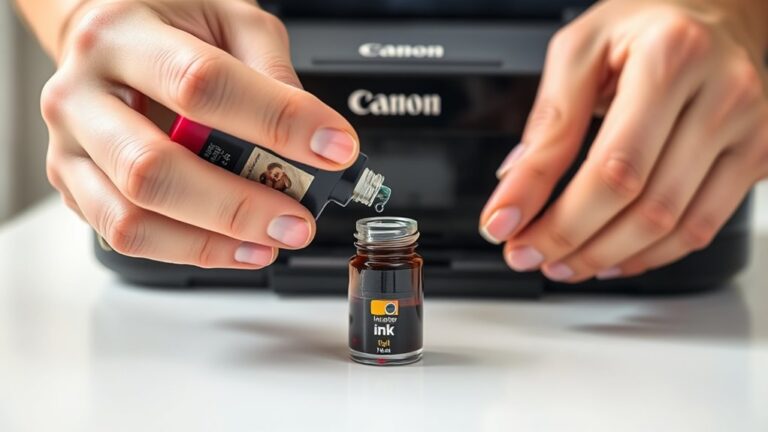
Although frozen ink can seem unusable, you can often restore it by carefully thawing the cartridges. To do this safely and effectively, follow these steps:
- Bring to room temperature: Remove the cartridge from the freezer and let it sit at room temperature for several hours. Avoid using heat sources like hairdryers, which can damage the ink.
- Shake gently: Once thawed, gently shake the cartridge to help mix the ink and restore fluidity.
- Test print: Insert the cartridge back into your printer and run a test print. If the ink flow is inconsistent, repeat the thawing process or consider replacing the cartridge.
Frequently Asked Questions
Can Frozen Ink Cartridges Be Used in All Printer Brands?
You can’t use frozen ink cartridges in all printer brands safely. Some might clog or damage your printer.
Always check your printer’s manual before using frozen cartridges to avoid ruining your device or wasting ink. It’s better to be safe than sorry!
Does Freezing Ink Affect the Printer’s Warranty?
If you freeze your ink, your printer’s warranty might get voided. For example, Sarah’s warranty was denied after freezing ink cartridges.
Manufacturers often see this as user damage, so it’s best to avoid freezing ink to keep your warranty intact.
Better safe than sorry, right? Just keep your ink at room temperature to steer clear of any warranty issues.
How Long Can Ink Remain Frozen Without Damage?
You can keep ink frozen for a few days without damage, but longer than a week risks clogging or separation.
Always thaw it slowly to avoid harming the cartridge or print quality. It’s better to be patient with the thawing process than to rush and mess things up.
Are Laser Printer Toners Affected by Freezing?
No, laser printer toners aren’t usually affected by freezing since they’re powder-based, not liquid. You can store toner cartridges in cold conditions without damage.
Just be sure to avoid extreme temperature swings to keep them working properly. It’s all about keeping things stable so your printer doesn’t have any issues.
Can Freezing Ink Reduce Ink Shelf Life?
Yes, freezing ink can reduce its shelf life because the pigments and solvents may separate or degrade.
You’ll often notice clogs or poor print quality afterward, so it’s best to store ink cartridges at recommended temperatures.
Keeping them in a cool, dry place usually does the trick and helps maintain their quality longer.
Conclusion
When printer ink freezes, it’s like turning liquid gold into a block of ice—useless and fragile. You’ll notice changes in print quality, and your cartridges might get damaged if you’re not careful.
But don’t worry, you can avoid this by storing ink properly and thawing it gently if it does freeze. Taking these simple steps ensures your printer stays ready to produce crisp, vibrant prints every time without a hitch.
Proper storage is key. Keep your ink cartridges in a cool, dry place but avoid freezing temperatures. And if your ink does freeze, let it thaw slowly at room temperature—rushing it can cause damage.
By understanding what happens when printer ink freezes and how to handle it, you can protect your investment and enjoy smooth printing without interruptions. Remember, caring for your ink means your printer will always be ready to deliver high-quality prints whenever you need them.