Do Ink Cartridges Expire and How Can You Extend Their Life?
Yes, ink cartridges do expire, and using them past their date can cause faded prints or even damage your printer. Knowing how to care for your ink cartridges is essential to avoid these issues and keep your printer running smoothly.
To extend their life, store cartridges sealed and upright in a cool, dry place away from sunlight. This helps prevent the ink from drying out or deteriorating prematurely.
Printing regularly is also key—it keeps the ink flowing and stops clogs from forming inside the cartridge.
Avoid exposing cartridges to extreme temperatures and air, as both can negatively affect ink quality. Taking these simple steps not only maintains your print quality but also saves you money in the long run.
Learn how proper care can maximize your cartridge’s performance and lifespan, so you get the best value from every purchase.
Key Takeaways
- Ink cartridges do expire; using expired ink can cause poor print quality and potential printer damage. So, it’s really important to check those dates before you print.
- Store cartridges sealed, upright, and in cool, dry places between 15°C and 25°C to preserve ink quality. This helps keep the ink fresh longer and avoids any clogs.
- Use your printer regularly, ideally weekly, to prevent ink drying and clogged nozzles. If you don’t print often, the ink can dry out and cause problems.
- Check expiration dates and replace cartridges promptly when prints become faded, streaky, or dull. Don’t wait too long, or you might end up with frustrating print jobs.
- Avoid exposing cartridges to extreme temperatures, humidity, or shaking to maintain ink consistency and lifespan. Treat them gently, and they’ll last much better.
Understanding Ink Cartridge Expiration
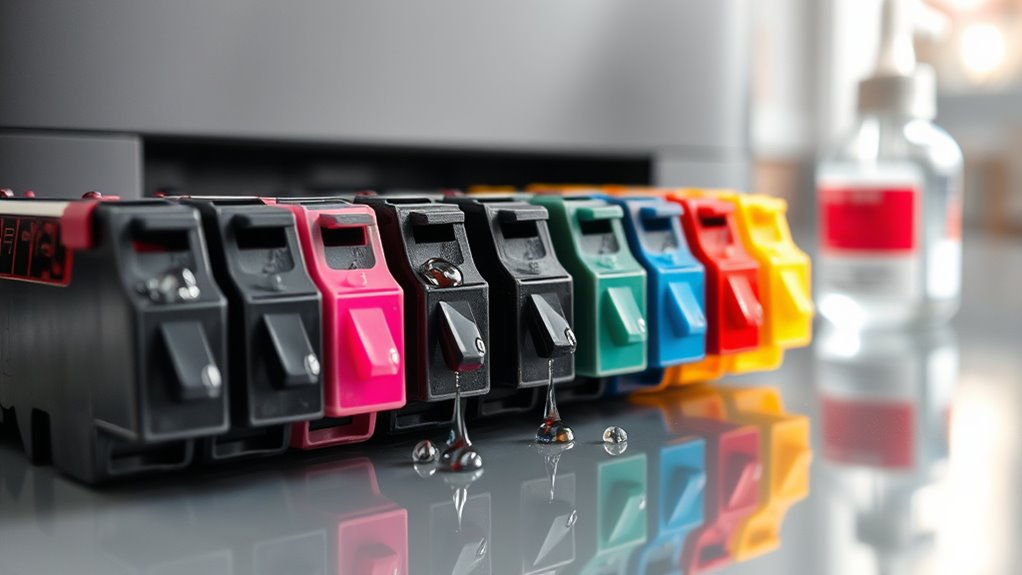
Although ink cartridges don’t spoil like food, they do have expiration dates that affect their performance. When you buy a cartridge, the manufacturer includes an expiration date to guarantee prime ink quality.
Over time, the ink can dry out or separate, which leads to poor print quality or even clogging your printer nozzles. You might notice faded prints, streaks, or inconsistent colors if you use expired cartridges.
Ink drying or separating causes faded prints, streaks, and clogged nozzles with expired cartridges.
While some cartridges may still work past their date, relying on them risks damaging your printer or wasting ink. Always check the expiration date before using a cartridge, and try to use it within that timeframe to maintain smooth printing.
Understanding expiration helps you avoid frustrating print issues and protects your printer investment. So, it’s really worth paying attention to those dates!
Factors That Affect Ink Cartridge Lifespan
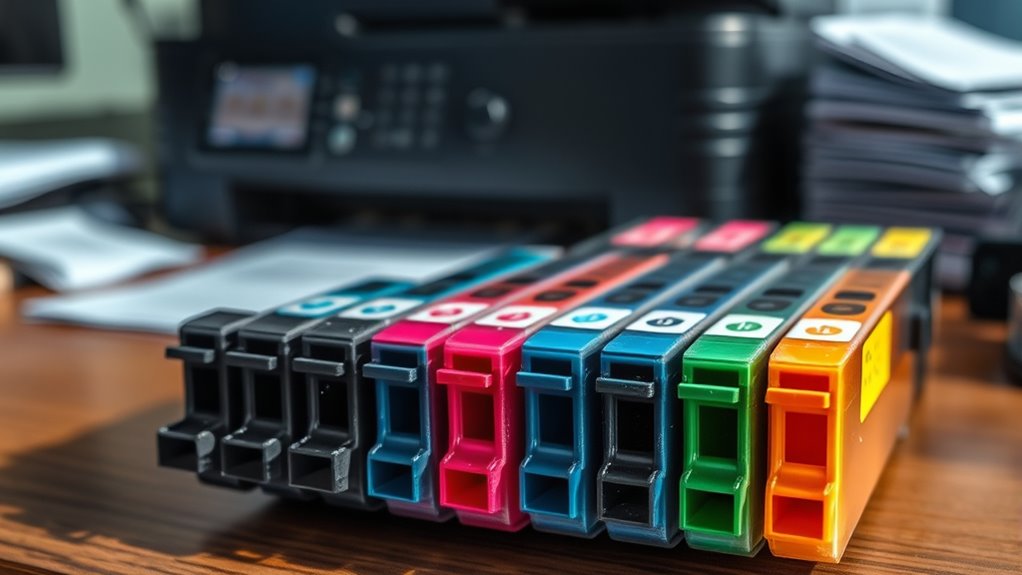
Knowing the expiration date is just one piece of the puzzle when it comes to ink cartridge lifespan. Several factors influence how long your cartridge stays usable.
First, storage conditions matter a lot—exposing cartridges to extreme temperatures or humidity can cause the ink to dry out or separate. You should store them in a cool, dry place away from direct sunlight.
How often you use your printer also plays a role; infrequent printing can lead to clogged nozzles and dried ink. Additionally, the quality of the cartridge itself affects longevity—genuine manufacturer cartridges typically last longer than third-party alternatives.
Ultimately, shaking or mishandling cartridges can introduce air bubbles, which can cause printing issues. By managing these factors, you can maximize your ink cartridge’s life and get the most out of every drop.
Signs Your Ink Cartridge May Be Expired
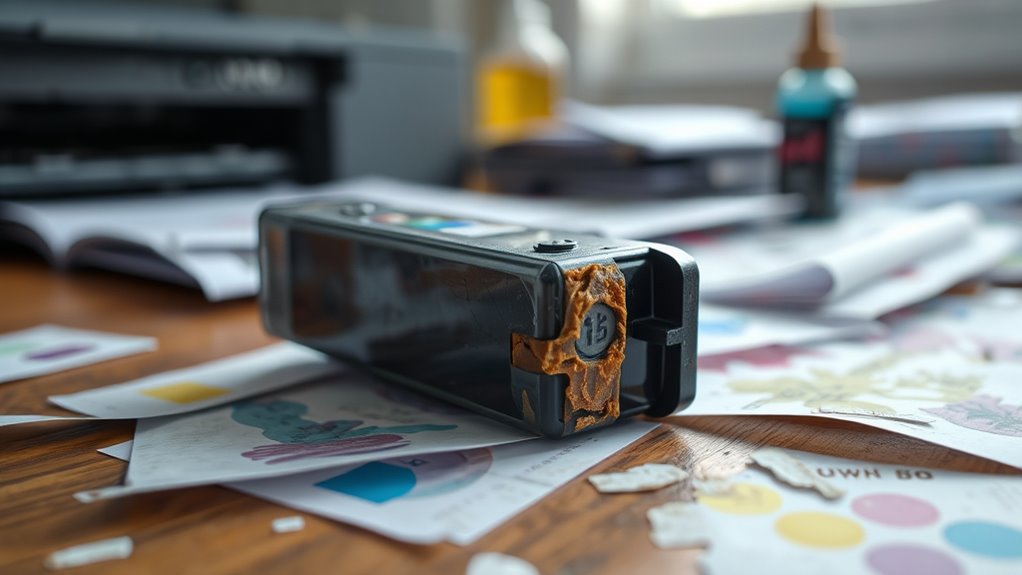
How can you tell if your ink cartridge has expired? One clear sign is noticeably faded or streaky prints, even after cleaning your printer heads. If colors look dull or uneven, it’s a strong indicator that the ink quality has degraded.
You might also see error messages on your printer warning about cartridge issues. Another clue is if the cartridge’s expiration date has passed—manufacturers include these dates because ink can dry out or separate over time.
Additionally, if you haven’t used the cartridge for months, the ink may have thickened, causing poor flow. If you notice these signs, it’s best to replace the cartridge to maintain print quality and avoid potential damage to your printer.
Proper Storage Techniques for Ink Cartridges
To keep your ink cartridges fresh and functional, you need to store them correctly. Proper storage prevents drying out and extends their lifespan.
Here’s how you can do it:
- Keep them sealed: Store cartridges in their original packaging or airtight containers. This helps avoid exposure to air and dust.
- Store upright: Position cartridges upright to prevent ink leakage. It also helps maintain internal pressure.
- Control temperature: Keep cartridges in a cool, dry place away from direct sunlight or heat sources. Ideally, store them between 15-25°C (59-77°F) to maintain ink consistency.
Tips to Prevent Ink Cartridge Drying and Clogging
To keep your ink cartridges from drying out or clogging, store them properly and use your printer regularly.
Make sure to seal any unused cartridges tightly to prevent air exposure.
These simple steps will help extend your cartridges’ life and maintain print quality. Just a little effort goes a long way!
Proper Storage Techniques
Although ink cartridges are designed to last a certain period, improper storage can cause them to dry out or clog prematurely. To keep your cartridges in top shape, follow these essential storage tips:
First, seal them tightly. Store cartridges in airtight containers or resealable bags to prevent exposure to air, which dries out the ink.
Next, keep them cool and dark. Avoid heat and direct sunlight by placing cartridges in a cool, shaded area, ideally between 15°C and 25°C (59°F to 77°F).
Finally, store cartridges upright. Position them standing up to minimize ink settling and leakage. This way, you’ll ensure consistent flow when you use them.
Regular Printer Usage
How often you use your printer directly affects the lifespan of your ink cartridges. If you let long periods pass without printing, the ink can dry up and clog the nozzles.
To keep your cartridges in good shape, try printing a page or two at least once a week. This simple routine keeps the ink flowing smoothly and prevents buildup.
Avoid letting cartridges sit idle for weeks, especially in dry environments, as that accelerates drying. Additionally, use the printer’s built-in cleaning cycles when you notice print quality declining.
Regular usage combined with occasional maintenance keeps your cartridges functioning longer and maintains print quality. By staying consistent with printing, you reduce the risk of clogs and extend the overall life of your ink cartridges.
Sealing Unused Cartridges
Keeping your printer cartridges active with regular use helps prevent drying, but sometimes you’ll have cartridges that stay unused for a while.
To keep these cartridges from drying out or clogging, you need to seal them properly. Here are three effective steps to do that:
- Use airtight containers: Place unused cartridges in small airtight containers or sealable plastic bags to block air exposure.
- Apply protective tape: Cover the cartridge’s ink nozzles and contacts with specialized protective tape or cling film to prevent drying.
- Store in a cool, dark place: Keep sealed cartridges away from heat and sunlight, which can accelerate ink evaporation.
How to Maximize Ink Cartridge Usage and Efficiency
Since ink cartridges can be costly and have limited lifespans, you’ll want to get the most out of every drop. Start by printing in draft mode for everyday documents to conserve ink. Use black-and-white printing unless color is necessary.
Maximize ink by printing drafts and using black-and-white unless color is essential.
Regularly clean your printer heads to prevent clogs, which waste ink. Avoid letting your printer sit idle for long periods; print a test page weekly to keep ink flowing smoothly.
Store cartridges properly when not in use, sealing them airtight and keeping them cool. If your printer supports ink-saving settings, enable them.
Finally, consider refilling cartridges or using high-yield replacements to reduce cost per page. These steps help stretch your ink’s life and keep your printing efficient without sacrificing quality.
Frequently Asked Questions
Can Expired Ink Cartridges Damage My Printer?
Yes, expired ink cartridges can damage your printer by clogging nozzles or leaking ink.
It’s a good idea to replace them promptly. Also, make sure to store new cartridges properly to avoid any issues.
That way, you’ll keep your printer running smoothly without any hiccups.
Are Third-Party Ink Cartridges More Prone to Expiration?
Think of third-party ink cartridges as travelers on a less charted path—they’re often more prone to expiration since their quality controls can vary.
How Does Temperature Affect Ink Cartridge Performance During Printing?
Temperature affects ink cartridge performance by causing ink to thicken in cold or dry out in heat, leading you to experience clogs or poor print quality.
Keep cartridges at room temperature to make certain of smooth printing and longevity.
It’s pretty simple, really. When the ink is too cold, it doesn’t flow well, and when it’s too hot, it can evaporate or get sticky.
Is It Safe to Refill Expired Ink Cartridges?
Refilling expired ink cartridges risks ruining your printer’s performance. While you can certainly try, clogged nozzles and poor print quality commonly occur.
You’d be better off buying fresh cartridges for flawless, faithful printing. It saves you the hassle and keeps your printer happy.
Do Ink Cartridges Have Different Expiration Periods by Brand?
Yes, different brands set varying expiration periods for their ink cartridges. You should check the packaging or manufacturer’s website to find specific details.
Factors like ink formulation and storage recommendations affect their shelf life. So, it’s a good idea to keep an eye on those to make sure your cartridges last as long as possible.
Conclusion
Just like a plant needs the right care to thrive, your ink cartridges need proper storage and use to last. By keeping them sealed and stored in cool places, you’ll help prevent drying and clogging.
Using your cartridges regularly is also key to maintaining good ink flow. Paying attention to signs of expiration helps you avoid poor print quality and wasted ink.
With these simple steps, you can extend the life of your ink cartridges and get the most out of every drop of ink. Proper care and mindful usage not only save money but also ensure your prints look sharp and vibrant. So, if you want your ink cartridges to last longer and keep printing smoothly, store them right, use them often, and watch for expiration signs. It’s the best way to make every cartridge work harder for you!