What Will Cause Printer Ink to Dry Out?
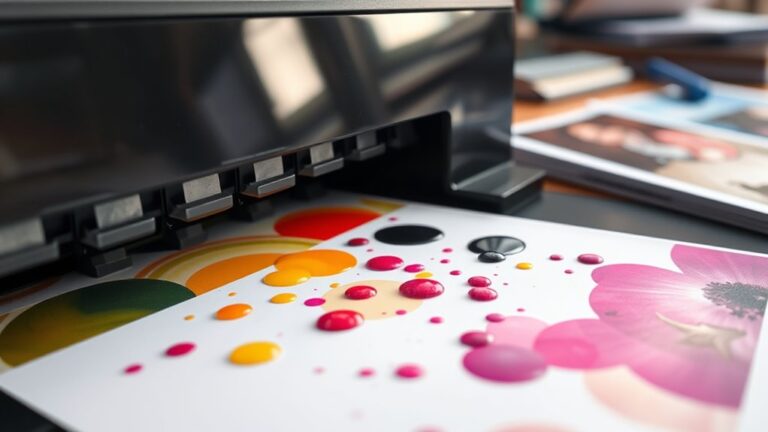
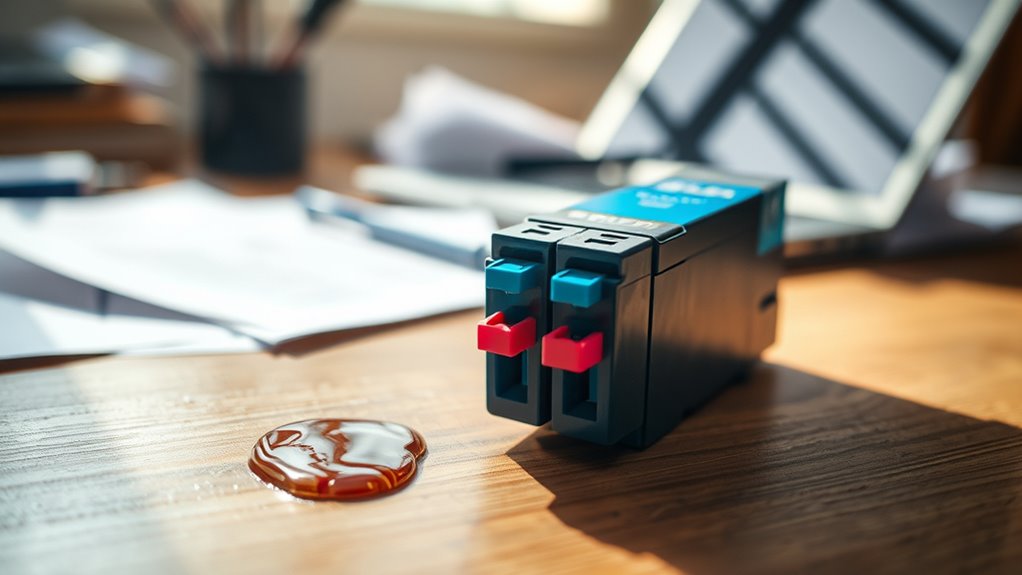
You’ll cause printer ink to dry out if you leave cartridges open or exposed to air, store them in hot or humid places, or don’t use your printer regularly. Printer ink drying out is a common issue that can lead to clogged nozzles and poor print quality.
Using poor-quality or expired ink can also make it dry and clog nozzles faster.
Plus, skipping routine maintenance allows leftover ink to thicken and block flow.
If you want to avoid frustrating print issues and keep your ink fresh longer, there’s more to learn about proper care and storage. Taking a few simple steps can really help extend the life of your printer ink and keep your prints looking sharp.
Key Takeaways
– Exposure to air or leaving cartridges open causes ink solvents to evaporate, leading to drying and clogging.
It’s important to keep cartridges sealed when not in use to avoid this problem.
– High temperatures accelerate ink evaporation and chemical breakdown, resulting in dried-out ink.
So, try to keep your printer in a cool, stable environment for the best results.
– Infrequent printer use allows ink to settle and dry inside nozzles, causing flow issues.
If you don’t print often, the ink can dry up and clog the nozzles, which is a common issue.
– Using poor quality or expired cartridges speeds up ink drying due to chemical changes.
Always check the cartridge quality and expiration date before buying.
– Improper storage, like unsealed cartridges or exposure to sunlight, promotes ink drying and nozzle clogs.
Make sure to store your cartridges properly, away from sunlight and sealed tight to keep the ink fresh.
Exposure to Air and Open Cartridges
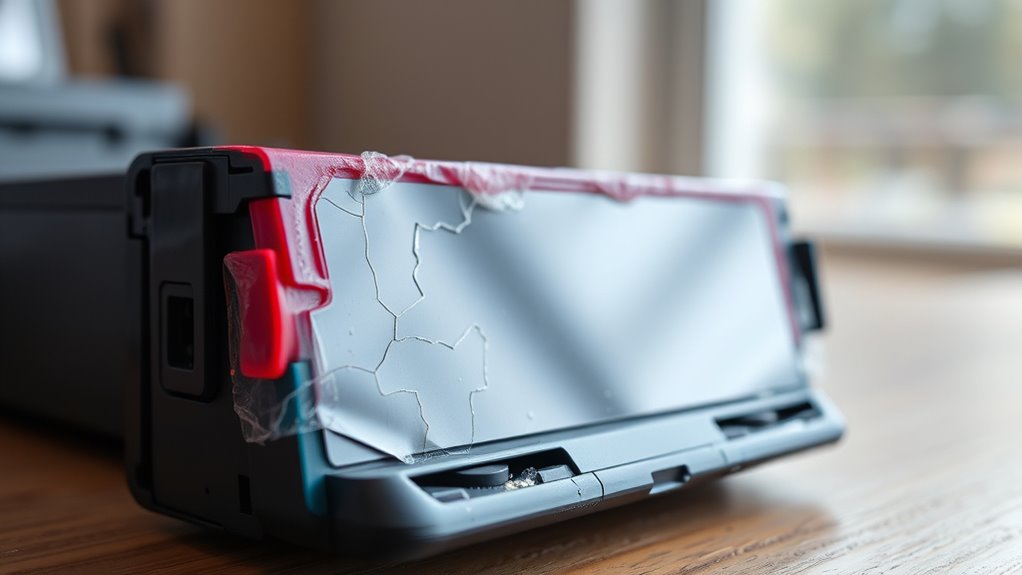
When you leave your printer cartridges open or exposed to air, the ink starts drying out quickly. This happens because the ink is designed to stay moist inside a sealed environment.
Once exposed, the solvents in the ink evaporate, causing it to thicken and clog the cartridge nozzles. You might notice faded prints or streaks as the ink struggles to flow properly.
To prevent this, always keep your cartridges sealed when not in use. Avoid leaving your printer idle with cartridges uncovered, especially for extended periods.
If you remove cartridges for storage, place them in airtight containers or use the protective caps provided. Taking these steps helps maintain ink quality and guarantees your printer performs reliably without premature drying issues.
High Temperature and Humidity Conditions
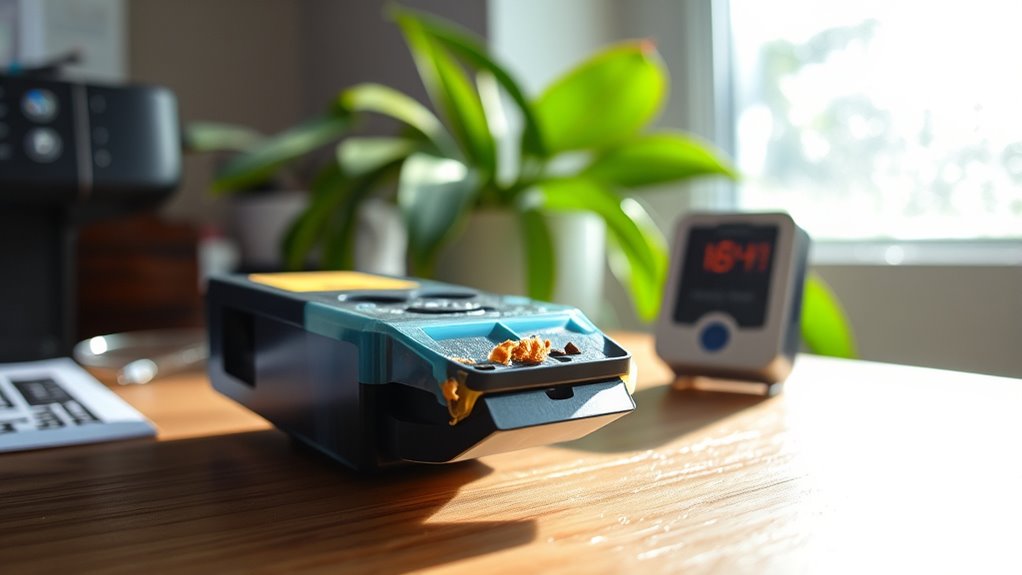
You’ll notice that high temperatures can cause your printer ink to dry out faster, leading to clogs and poor print quality.
On the other hand, excessive humidity can affect the ink’s consistency and cause smudging.
Let’s explore how these conditions impact your ink and what you can do to protect it.
Effects of Heat
Although heat and humidity can seem harmless, they markedly accelerate the drying out of printer ink. When your printer is exposed to high temperatures, the ink’s liquid components evaporate faster, causing it to dry up inside the cartridge or on the print head.
This leads to clogged nozzles and poor print quality. Here’s how heat impacts your ink:
- Increased evaporation rate – Heat makes the solvent in ink evaporate quickly, thickening it.
- Ink thickening – Thicker ink clogs nozzles, causing streaks and faded prints.
- Accelerated cartridge aging – Heat speeds up chemical breakdown, shortening cartridge life.
To protect your printer ink, store cartridges in a cool, stable environment. Also, try to avoid placing your printer near heat sources.
Impact of Humidity
Since high humidity often accompanies heat, it creates a unique challenge for your printer ink’s stability. Moisture in the air can cause ink to clump or thicken inside the cartridge, disrupting smooth printing.
On the flip side, humidity can slow down the drying process on paper, leading to smudges. Balancing temperature and humidity is vital to avoid these issues.
| Condition | Effect on Ink | Your Action |
|---|---|---|
| High Humidity | Ink thickens, clogs nozzle | Store cartridges in dry place |
| Low Humidity | Ink dries quickly inside | Use sealed containers |
| Moderate Humidity | Ideal ink flow | Maintain stable environment |
| Fluctuating Humidity | Ink consistency varies | Avoid abrupt environment changes |
Infrequent Use of the Printer
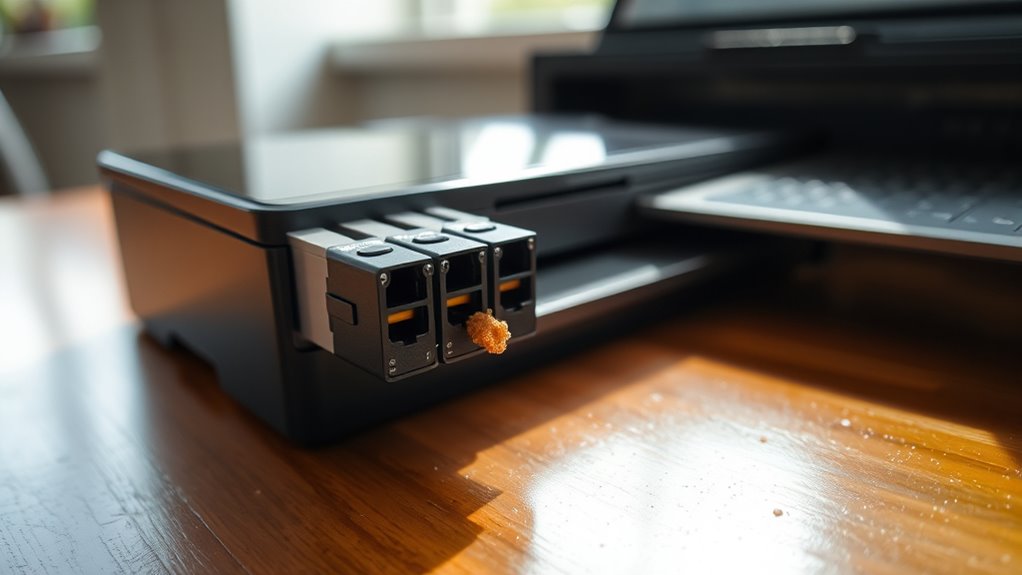
If you don’t use your printer often, the ink can settle and cause problems. This settling can lead to clogged nozzles, which affects print quality.
Using your printer regularly helps keep the ink flowing smoothly. It also prevents these annoying issues from popping up. So, try to print something every now and then to keep things running well.
Ink Settling Issues
When you don’t use your printer regularly, the ink inside the cartridges tends to settle and separate over time. This settling can cause uneven ink consistency, leading to poor print quality and wasted ink when you do print.
To prevent this, you need to shake or gently roll the cartridge before installation to mix the ink. Also, run a cleaning cycle on your printer occasionally to redistribute the ink.
Try to print a test page weekly to keep the ink flowing and prevent settling. It really helps keep everything working smoothly!
Nozzle Clogging Risks
Shaking your cartridge and running cleaning cycles help mix the ink, but they don’t fully prevent another common problem: nozzle clogging. If you don’t use your printer regularly, ink can dry up inside the tiny nozzles, blocking the flow.
When that happens, print quality drops, and you may see streaks or missing sections on your pages. To avoid this, try printing a test page or a simple document at least once a week.
If you notice clogs, run the printer’s built-in cleaning function promptly to clear blockages. Ignoring nozzle maintenance can lead to permanent damage, forcing you to replace cartridges or even the entire printhead.
Regular use is your best defense against ink drying and clogged nozzles. So, keep your printer active, and it’ll keep working smoothly!
Poor Quality or Expired Ink Cartridges
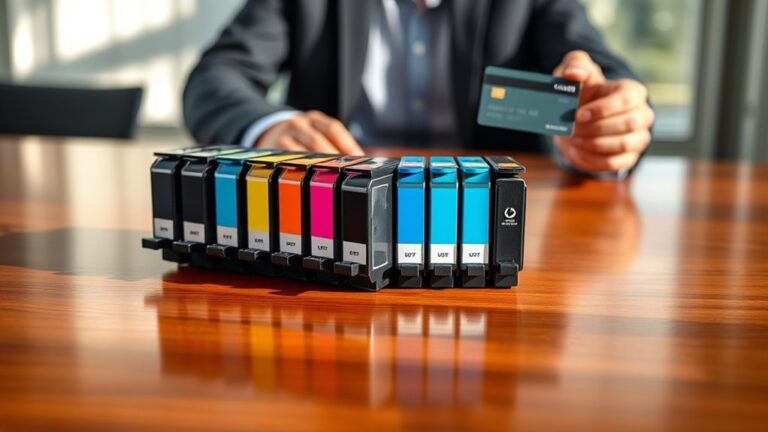
Although you might not realize it, using poor quality or expired ink cartridges can cause your printer ink to dry out faster than usual. When you opt for subpar or old cartridges, the ink inside may not have the right consistency or moisture level.
Using low-quality or expired ink cartridges can dry out your printer ink faster due to poor consistency and moisture levels.
Here’s why that matters:
- Ink Composition: Low-quality ink often lacks proper additives that keep it fluid, leading to quicker drying.
- Expiration Effects: Expired cartridges can experience chemical changes, causing the ink to thicken or separate.
- Printer Damage Risk: Using these cartridges can clog your printer nozzles, accelerating drying and print issues.
To keep your printer running smoothly, always choose reputable cartridges and check their expiration dates before use. It really makes a difference!
Improper Storage of Ink Cartridges
If you don’t store your ink cartridges properly, they can dry out much faster than expected. Exposure to air, heat, or sunlight causes the ink to evaporate or thicken, leading to clogs and poor print quality.
Keeping cartridges sealed and in a cool, dark place preserves their lifespan. It really makes a difference in how long your ink lasts.
| Storage Mistake | Effect on Ink Cartridge |
|---|---|
| Leaving cartridge open | Ink dries and clogs nozzles |
| Storing in high heat | Ink thickens, reducing flow |
| Exposure to sunlight | Ink degrades and fades |
| Keeping cartridges long unused | Ink settles and dries out |
| Not sealing cartridges | Air accelerates evaporation |
Printer Maintenance and Cleaning Issues
When you skip regular printer maintenance and cleaning, ink can build up and clog the nozzles. This causes streaky or faded prints.
This buildup can dry out the ink inside the cartridge, which reduces its lifespan and effectiveness. To keep your printer running smoothly and prevent ink from drying out, focus on a few simple steps.
- Regular Cleaning Cycles: Run your printer’s automatic cleaning to clear nozzle clogs.
- Wiping Printer Heads: Gently clean the printer heads with a lint-free cloth and distilled water.
- Avoiding Long Inactivity: Use your printer regularly to keep ink flowing and prevent drying.
It’s pretty easy to keep your printer in good shape if you just give it a little attention now and then!
Frequently Asked Questions
Can Using Third-Party Ink Affect Drying Time?
Yes, using third-party ink can affect drying time because its formulation might differ from the original.
You’ll notice it may dry slower or faster, potentially causing smudging or longer wait times before handling prints.
It’s something to keep in mind if you’re switching inks and want to avoid surprises with your print quality.
Does Printer Model Influence How Quickly Ink Dries?
When you use an Epson EcoTank, you’ll notice ink dries faster than on older HP models. So yes, printer model affects drying speed because different technologies and ink formulations influence how quickly ink sets on paper.
It’s pretty interesting how these differences come about. Each printer uses its own method and type of ink, which makes a big difference in drying times.
How Does the Type of Paper Impact Ink Drying?
The type of paper you use directly affects how fast ink dries. Glossy or coated papers slow drying, while uncoated, porous papers absorb ink quickly.
This helps it dry faster and reduces smudging on your prints. So, choosing the right paper can really make a difference!
Can Ink Drying Be Prevented With Special Printer Settings?
You can’t completely stop ink drying with printer settings, but adjusting print speed and quality can help. Slower speeds let ink settle better, reducing smudges.
Still, environmental factors play a bigger role in drying. So, while settings make a difference, they aren’t the whole story.
Is There a Difference in Drying Between Dye and Pigment Inks?
Yes, dye inks dry faster but can smudge easily. On the other hand, pigment inks take longer to dry but offer better water resistance and longevity.
You’ll notice pigment inks stay vibrant and stable longer on most papers. So, it really depends on what you need for your project.
Conclusion
If you want to keep your printer ink from drying out, you’ll need to avoid leaving cartridges exposed to air or high heat. Using your printer regularly also helps prevent the ink from drying up.
Storing ink properly is another key point. Think of your ink like a delicate flower—neglect it, and it’ll wither quickly.
By paying attention to these details and maintaining your printer well, you’ll ensure your prints stay vibrant and your cartridges last longer. Don’t let dried ink stop your creativity! Remember, keeping your ink fresh means avoiding air exposure, heat, and infrequent use. Follow these tips to extend cartridge life and enjoy smooth, colorful printing every time.