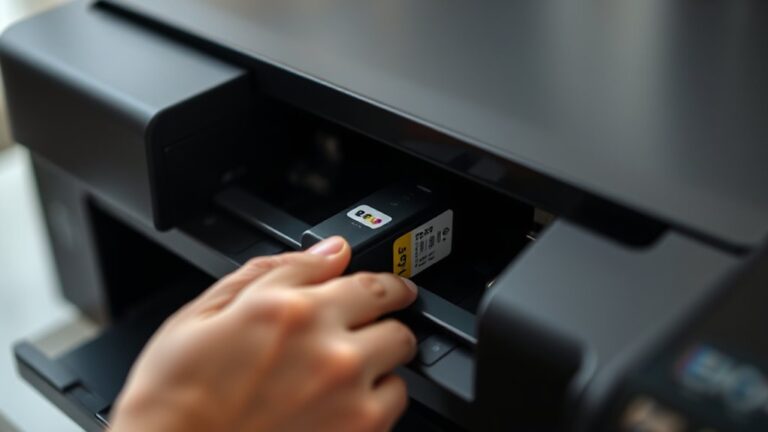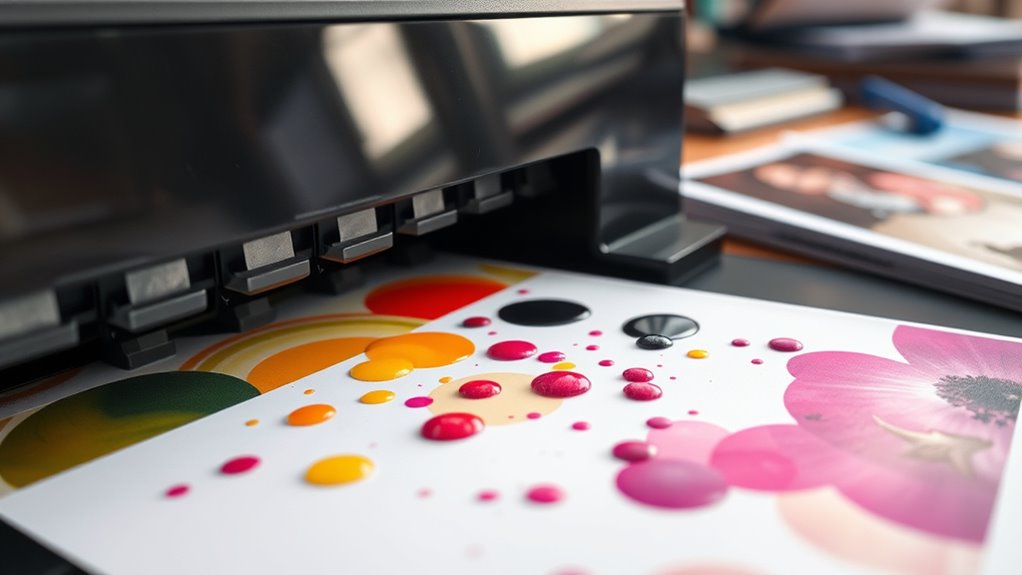
What Happens When Printer Ink Expires?
When your printer ink expires, the chemicals inside start to break down. This can make the ink thicken or separate, which often leads to clogged nozzles and streaky prints. You might notice your colors looking faded or dull, and the ink flow can become uneven.
Blotchy or smudged results are pretty common with expired ink. Plus, using old ink can actually put extra strain on your printer’s components, potentially shortening its lifespan. It’s not just about the ink itself—poor storage conditions like heat or humidity can speed up this whole process.
If you’re curious about how ink ages and want to keep it fresh for longer, it’s worth learning what really affects your printer’s performance. Taking care of your ink can save you time and money in the long run!
Key Takeaways
- Expired printer ink undergoes chemical breakdown, causing pigments to separate and solvents to evaporate. This reduces the overall ink quality.
- Print colors fade, shift, or appear dull because the ink components degrade over time. You might notice your prints just don’t look as vibrant as they used to.
- Ink thickening and clumping can increase nozzle clogging. This often leads to streaky, blotchy, or inconsistent prints that are frustrating to deal with.
- Using expired ink can cause residue buildup inside your printer. It also puts extra strain on printer parts, which could damage nozzles and print heads in the long run.
- Poor storage conditions speed up ink degradation even more. This not only reduces print quality but can also shorten your printer’s lifespan.
Understanding Printer Ink Composition
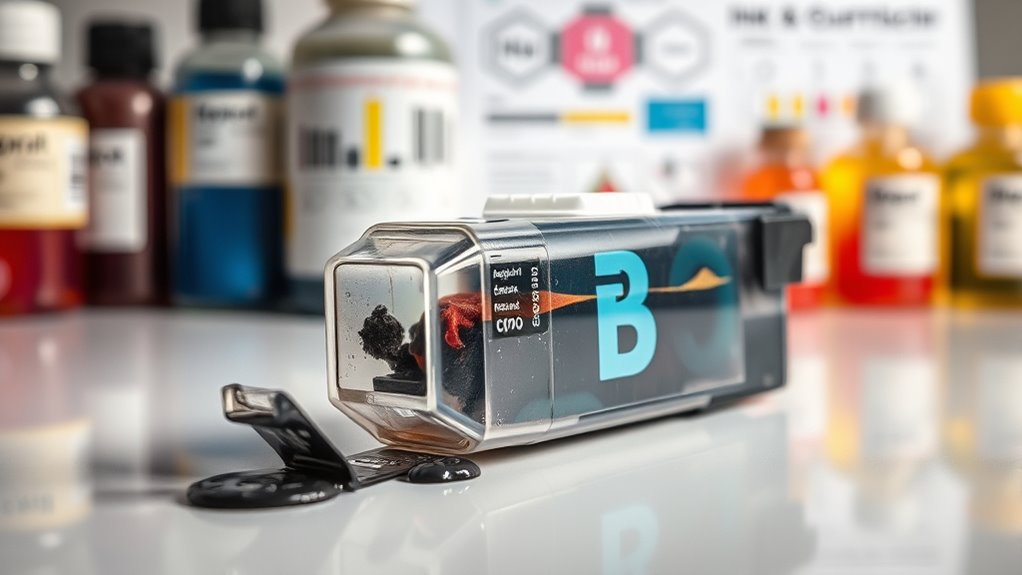
Although you might not think about it often, printer ink is a complex mixture designed to deliver vibrant and precise colors on paper. When you use your printer, the ink must flow smoothly through tiny nozzles and dry quickly without smudging.
Printer ink is a carefully crafted blend that flows smoothly and dries quickly for sharp, vibrant prints.
To achieve this, manufacturers blend dyes or pigments with solvents, resins, and additives. Dyes dissolve completely, offering bright colors but can fade faster, while pigments consist of tiny particles suspended in liquid, providing better durability.
The solvents control the ink’s consistency, ensuring it sprays evenly, while resins help the ink stick to paper. Additives prevent clogging and improve drying time.
Understanding these components helps you appreciate why ink has a shelf life and why proper storage is essential to maintain its quality. It’s pretty interesting once you get to know what’s inside those little cartridges!
Causes of Ink Expiration
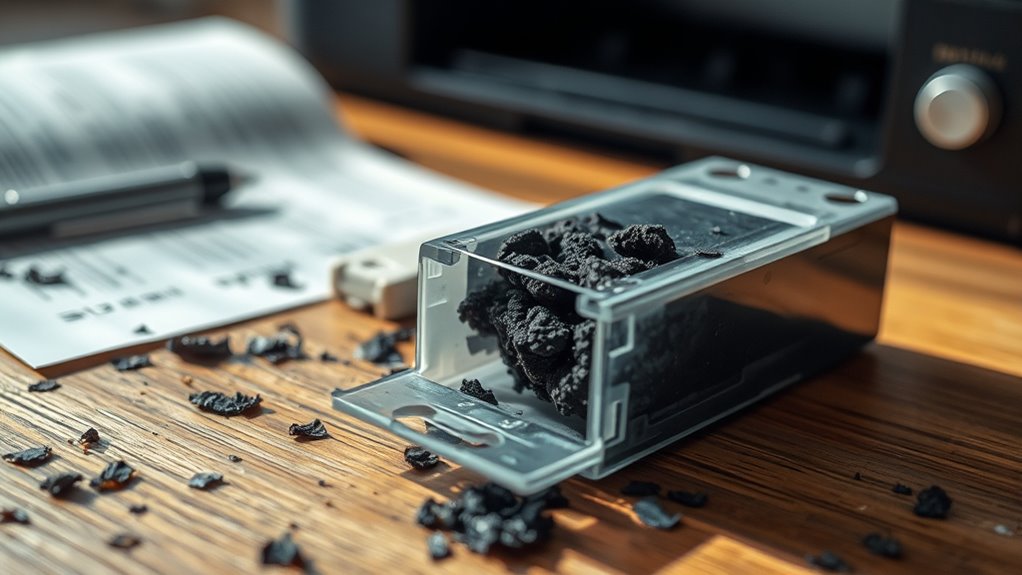
You’ll find that printer ink expires mainly because its chemicals break down over time, losing their effectiveness.
Plus, environmental factors like heat and humidity can speed up this process and affect ink quality.
Understanding these causes helps you know when it’s time to replace your ink cartridges.
Chemical Breakdown Over Time
When ink sits unused, its chemical components start to break down, causing the quality to deteriorate over time. You’ll notice that the pigments or dyes begin to separate or settle, leading to uneven color distribution when you print.
The solvents and other additives can evaporate or react with each other, changing the ink’s consistency and making it thicker or clumpier. These chemical changes reduce the ink’s ability to flow smoothly through your printer’s nozzles, often resulting in streaks, smudges, or faded prints.
Even if the cartridge looks fine, the internal breakdown compromises its performance. So, when you use expired ink, you risk wasting paper and time due to poor print quality.
Understanding this chemical breakdown helps you realize why ink doesn’t last forever. It’s just how the chemistry works, and it’s worth keeping in mind if you want the best results.
Environmental Factors Impact
Chemical changes inside the ink aren’t the only reason it expires; the environment where you store your cartridges plays a big role too.
If you want your ink to last, consider how these factors might affect it:
- Temperature fluctuations – Extreme heat or cold can cause the ink’s consistency to break down. This often leads to clogs or poor print quality.
- Humidity levels – Too much moisture can dilute the ink or promote mold growth inside the cartridge. Either way, it ends up damaging it.
- Exposure to light – Direct sunlight or strong artificial light can degrade the ink’s chemical components. This makes it dry out or separate.
Signs of Expired Printer Ink
Although expired printer ink might still seem usable, it often reveals clear signs that it’s past its prime. When you notice these indicators, it’s time to replace the cartridge to avoid issues.
| Sign | Description | What You’ll See |
|---|---|---|
| Changed Color | Ink color fades or shifts | Prints look dull or off-tone |
| Ink Separation | Pigments separate from base fluid | Ink appears layered or clumpy |
| Clogging | Dried ink blocks nozzles | Printer jams or streaks |
| Unusual Smell | Ink develops chemical odors | Strong, unpleasant scent |
| Reduced Flow | Ink flows inconsistently | Missing lines or patches |
Spotting these signs early helps you maintain print quality and avoid printer damage. It’s always better to replace old ink before it causes bigger problems. Keep an eye out so your prints stay sharp and your printer runs smoothly.
Effects of Using Expired Ink on Print Quality
Noticing signs like faded colors or clogged nozzles means your print quality is already at risk. When you use expired ink, the results can be disappointing and frustrating.
You might see dull or washed-out colors – the ink loses vibrancy, making your prints look lifeless. Uneven or streaky prints can happen too. Expired ink can clog tiny nozzles, causing inconsistent ink flow.
Blotchy or smudged areas are another problem. The ink’s altered consistency can cause it to spread unevenly on paper.
These effects reduce the clarity and sharpness of your documents or photos. If you want crisp, vibrant prints, using fresh ink is essential.
Expired ink simply can’t deliver the quality you expect, so replacing it promptly saves you time and frustration.
Potential Risks to Your Printer From Expired Ink
When you use expired ink, its quality can break down and cause clogs or leaks in your printer. This deterioration doesn’t just affect your prints—it can damage critical components over time.
Understanding these risks helps you protect your printer and avoid costly repairs. So, it’s really worth checking your ink’s expiration date before using it!
Ink Quality Degradation
If you keep using expired ink, you risk compromising print quality and harming your printer. Over time, the ink’s chemical composition changes, causing it to degrade and perform poorly.
You might notice faded colors—colors become dull and less vibrant, ruining your documents or photos. Or clogged nozzles—thickened ink can block the printer nozzles, leading to streaks or incomplete prints.
Sometimes, the ink may not flow evenly, resulting in blotchy or patchy areas on the page. These issues happen because expired ink loses its ideal consistency and adhesion properties.
Printer Component Damage
Although expired ink might seem like a minor issue, it can seriously damage your printer’s components over time. When ink dries out or thickens after its expiry date, it can clog the nozzles and print heads, leading to poor print quality and even hardware malfunctions.
You might find your printer struggling to eject ink properly, forcing you to run multiple cleaning cycles that wear down delicate parts. The residue from old ink can also accumulate inside the cartridge and around the print head, causing corrosion or blockages.
Ignoring expired ink may ultimately shorten your printer’s lifespan and result in costly repairs or replacements. So, to keep your printer running smoothly, always use fresh ink and replace cartridges before they expire.
Tips for Storing Ink to Extend Its Lifespan
To keep your printer ink fresh for as long as possible, you should store it in a cool, dry place away from direct sunlight. Heat and humidity can cause the ink to degrade faster, which messes with the print quality.
Here are three tips to help you extend your ink’s lifespan:
- Seal the cartridges tightly: Always close the ink container or cartridge securely to prevent air exposure. Air dries out the ink, so keeping it sealed is key.
- Keep it upright: Store cartridges standing up. This helps avoid leaks and keeps the ink evenly distributed inside.
- Avoid temperature fluctuations: Don’t store ink near heaters or windows. Temperature swings can cause condensation inside the cartridge, which is no good for your ink.
Frequently Asked Questions
Can Expired Ink Cartridges Be Recycled or Disposed of Safely?
You can recycle expired ink cartridges by taking them to designated e-waste or office supply stores. Don’t throw them in the trash, as they contain harmful chemicals.
It’s really important to check local guidelines to dispose of them safely. That way, you’re doing your part for the environment.
How Does Temperature Affect Printer Ink Expiration?
Temperature affects printer ink expiration like a volcano erupting in your fridge—extreme heat or cold breaks down the ink’s chemicals faster.
Are There Specific Printer Brands More Affected by Expired Ink?
Yes, some brands like Epson and Canon are more sensitive to expired ink because their ink formulations and printhead designs differ.
You’ll notice more clogging or color fading with expired ink on these printers compared to others.
It’s kind of like how different cars react differently to the same type of fuel. Some just handle it better than others!
Can Expired Ink Cause Permanent Damage to Printer Heads?
About 30% of printer head failures relate to clogged nozzles from expired ink.
Yes, expired ink can cause permanent damage by drying and clogging heads. So, you should replace ink promptly to keep your printer safe.
Is It Safe to Mix Expired and Fresh Ink in a Cartridge?
You shouldn’t mix expired and fresh ink in a cartridge because the expired ink can clog nozzles or affect print quality. It’s safer to replace the entire cartridge to guarantee consistent performance and avoid damage.
Mixing old and new ink might seem like a good way to save money, but it often causes more trouble than it’s worth. So, it’s best to just use fresh ink to keep your prints looking great.
Conclusion
Just like fresh paint brings a canvas to life, fresh ink guarantees your prints stay vibrant and sharp. Using expired printer ink is like trying to sail with a tattered sail—your results can falter, and your printer might suffer.
To keep your printing smooth and colors bright, store your ink properly and replace it when needed. That way, you’ll avoid faded documents and costly repairs, sailing smoothly through every print job.
Expired printer ink can cause clogs, streaks, and dull prints. So, it’s always best to check the ink’s expiration date and invest in fresh cartridges when necessary. Taking care of your printer ink not only preserves print quality but also extends your printer’s lifespan, saving you time and money in the long run.