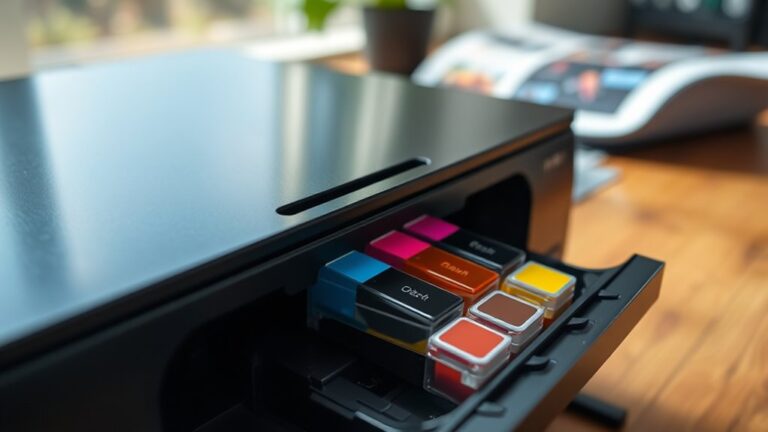
How Long Do Printer Ink Cartridges Last and How to Use Them
Your printer ink cartridge’s lifespan depends on how often and what you print—light users can get 6-12 months, while heavy use may drain it in weeks.
Proper storage in a cool, dry place away from sunlight helps prevent drying out.
Use draft mode for everyday prints to save ink and replace cartridges when print fades or streaks appear.
Handle cartridges carefully and keep them sealed until use.
There’s more to know to make your ink last longer and print better. Let’s dive into some handy tips on how to use your printer ink cartridges effectively and extend their life.
Key Takeaways
- Ink cartridges last 6-12 months for light users, 2-4 months for moderate, and 2-4 weeks for heavy users based on daily printing volume. So, how often you print really affects how long they last.
- Store cartridges sealed, upright, in cool, dry places away from sunlight and heat. This helps prevent drying out and ink degradation, keeping your prints sharp.
- Replace cartridges when print quality fades, shows streaks, smudges, or when printer warnings indicate low ink levels. Don’t wait too long, or your prints might look messy.
- Print regularly and use draft mode to conserve ink. This also helps avoid nozzle clogging, which can extend the cartridge’s life.
- Handle cartridges carefully and avoid touching the nozzles. It’s best to install them promptly after opening to maintain ink quality and functionality.
Factors Affecting the Lifespan of Printer Ink Cartridges
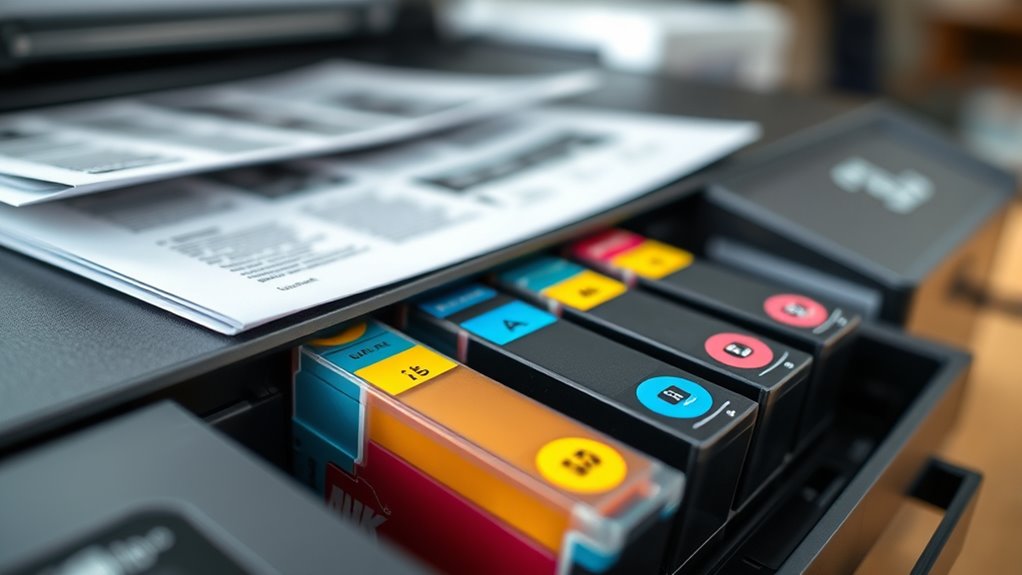
Although printer ink cartridges vary in capacity, several key factors directly affect how long yours will last. First, the type of printing you do plays a big role—printing mostly text uses less ink than full-color photos.
Next, the printer settings you choose matter; draft mode consumes less ink compared to high-quality prints. Environmental conditions also impact lifespan; heat and humidity can cause ink to dry out faster.
Additionally, the brand and quality of your cartridge influence durability—original cartridges tend to last longer than generic ones. Finally, how often you use your printer affects ink longevity.
If you let the cartridge sit unused for long periods, ink can dry up or clog the nozzles, reducing usable ink. Keeping these factors in mind helps you get the most from your cartridges.
Average Ink Cartridge Duration Based on Usage
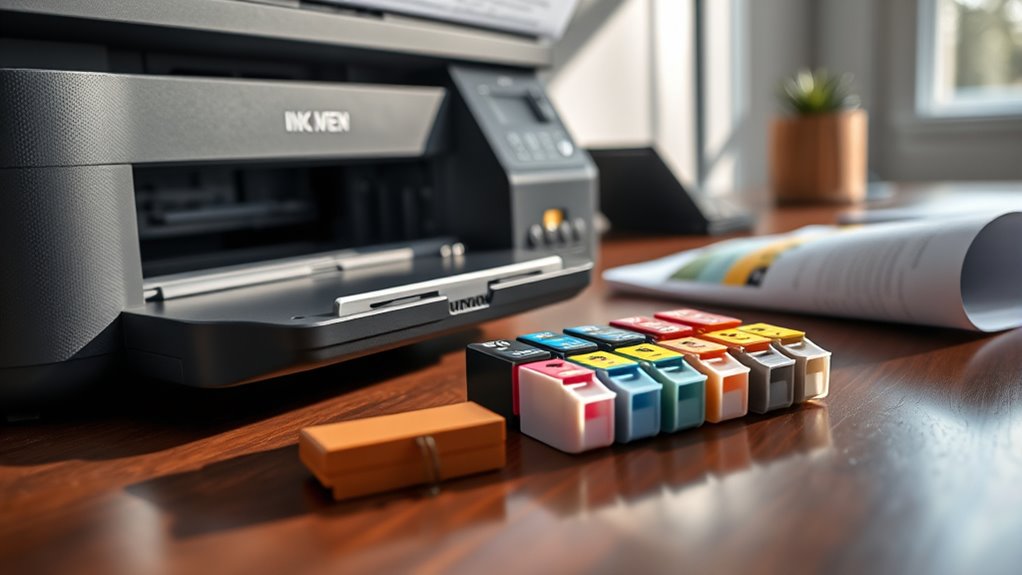
When you print frequently, your ink cartridge naturally runs out faster than if you print occasionally. The duration of your cartridge depends heavily on how much you print daily or weekly.
For light users, cartridges can last several months, while heavy users might need replacements every few weeks.
Here’s a quick overview of average cartridge duration based on usage:
| Usage Level | Cartridge Duration |
|---|---|
| Light (1-5 pages/day) | 6-12 months |
| Moderate (6-20 pages/day) | 2-4 months |
| Heavy (20+ pages/day) | 2-4 weeks |
Understanding your print habits helps you plan cartridge replacements better. This way, you can avoid unexpectedly running out of ink.
Signs That Indicate It’s Time to Replace Your Ink Cartridge
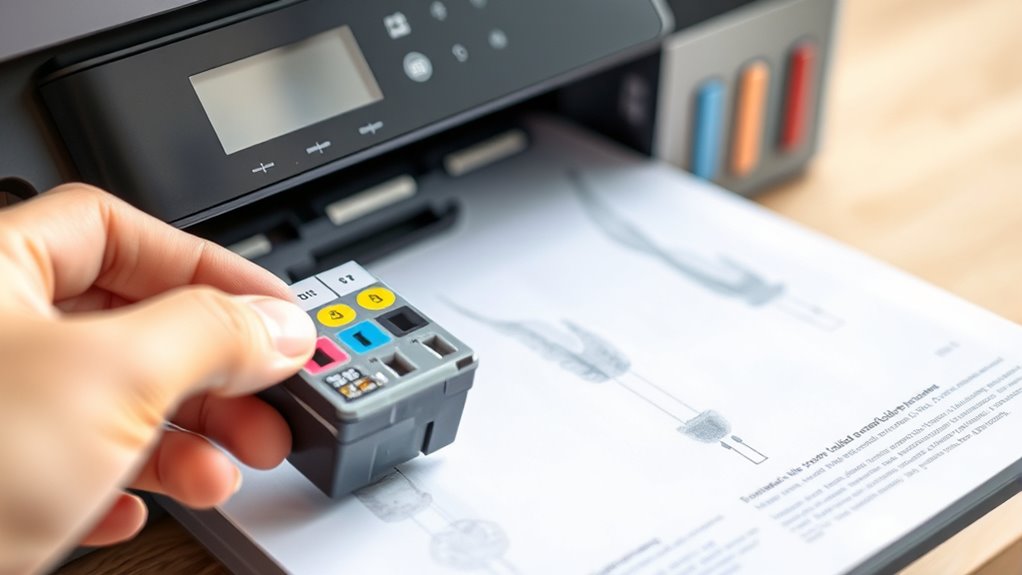
You’ll know it’s time to replace your ink cartridge when your prints start fading or colors look dull. Pay attention to ink level warnings on your printer display—they’re a clear signal to prepare for a change.
Also, if you notice streaks or smudges on your pages, it’s a sign the cartridge isn’t performing well anymore. It might be time to swap it out to keep your prints looking sharp.
Faded Print Quality
If your prints start looking washed out or less vibrant, it’s a clear sign your ink cartridge is running low. You might notice colors fading or appearing dull, and black text turning grayish or faint.
These changes mean your printer isn’t getting enough ink to produce sharp, clear images or solid text. Ignoring faded print quality can lead to frustrating results, especially when you need professional-looking documents or photos.
To fix this, replace the cartridge promptly to restore crisp, vibrant prints. Waiting too long can also damage your printer’s print heads, so don’t hesitate once you see these signs.
Keeping an eye on print quality helps ensure your printer performs at its best and your documents always look their best. It’s a simple step that saves you time and hassle in the long run.
Ink Level Warnings
How do you know it’s time to replace your ink cartridge before print quality suffers? Most modern printers alert you with ink level warnings, either on the printer’s display or through pop-up notifications on your computer.
These warnings indicate the ink is running low and prompt you to prepare a replacement. Don’t ignore these signals—they help prevent unexpected print failures.
Some printers even offer estimated page counts left, giving you a clearer idea of how much ink remains. If you see a flashing ink icon or a message like “Replace Cartridge” or “Low Ink,” it’s time to act.
Responding promptly ensures your prints stay sharp and avoids damaging your printer from running empty cartridges. So, keep an eye on these alerts to maintain smooth printing.
Streaks and Smudges
When your prints start showing streaks or smudges, it’s a clear sign that your ink cartridge needs replacing. These defects usually happen when the ink runs low or the cartridge nozzle is clogged.
Ignoring these signs can lead to poor print quality and wasted paper. You can try cleaning the printhead, but if the problem sticks around, changing the cartridge is the best move.
| Issue | What It Means |
|---|---|
| Streaks | Ink is running low or clogged |
| Smudges | Excess ink or poor drying |
| Faded Prints | Ink nearing depletion |
| Uneven Colors | Cartridge malfunction or low ink |
Keep an eye out for these signs so your prints stay sharp and professional.
Tips for Maximizing Ink Cartridge Life
Although ink cartridges naturally deplete over time, you can extend their lifespan considerably by adopting a few simple habits. First, print regularly to prevent the ink from drying out or clogging the nozzles. Even a small test page once a week helps keep the ink flowing smoothly.
Second, adjust your print settings to draft or economy mode for everyday documents—this uses less ink without sacrificing basic readability. Third, avoid frequent cleaning cycles unless necessary, as these consume extra ink.
Fourth, use your printer’s built-in maintenance tools sparingly and only when print quality noticeably drops. Finally, keep your printer firmware updated to ensure peak performance. Following these tips will help you get the most from each cartridge, saving money and reducing waste.
Proper Storage and Handling of Ink Cartridges
To keep your ink cartridges in top condition, you need to store and handle them properly. Always keep cartridges in their original sealed packaging until you’re ready to use them.
Keep ink cartridges sealed and stored properly until use for best performance and longevity
Store them in a cool, dry place away from direct sunlight and extreme temperatures. Heat or cold can damage the ink’s quality, so watch out for that.
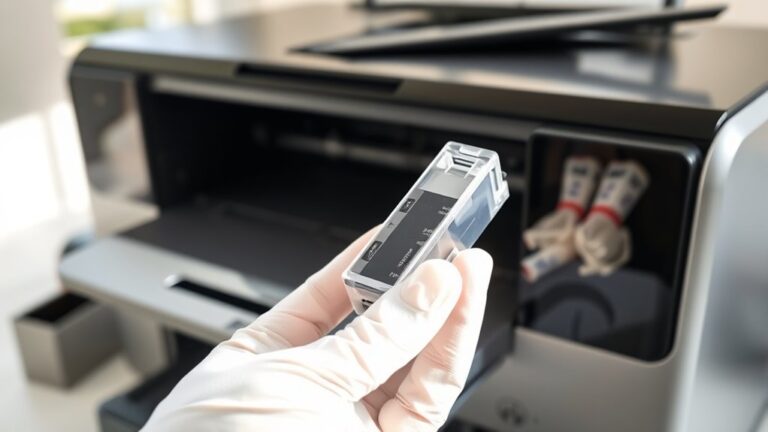
When handling cartridges, avoid touching the nozzles or electrical contacts. This helps prevent clogs and connectivity issues.
If you remove a cartridge from your printer, place it in an airtight container or reseal it with plastic wrap. This keeps the moisture levels just right.
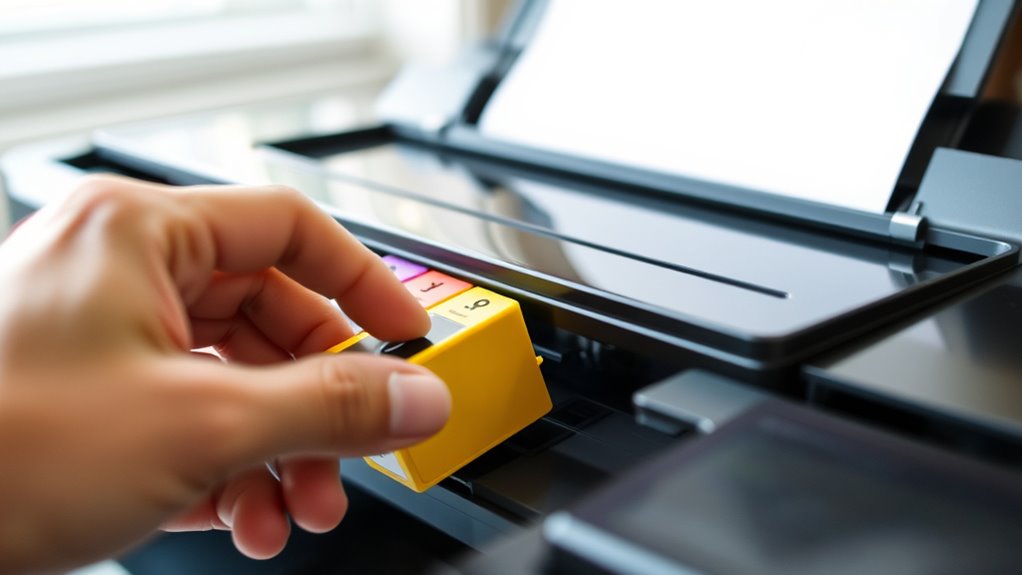
Also, try to install cartridges soon after opening. Doing so prevents the ink from drying out.
Proper care guarantees your cartridges stay fresh and perform reliably when you need them.
How to Avoid Common Ink Cartridge Problems
To keep your ink cartridges working smoothly, you’ll want to prevent ink from drying out by using your printer regularly.
Also, store cartridges in a cool, dark place and keep them sealed until you’re ready to install them.
These simple steps can help you avoid common cartridge issues and save you time and money.
It’s really all about simple care and a little bit of routine. You’ll notice the difference in your print quality and cartridge life!
Preventing Ink Dry-Out
When you don’t use your printer regularly, the ink inside the cartridges can dry out and clog the nozzles. To prevent this, make sure you print a test page or a small document at least once a week. This keeps the ink flowing and stops it from drying prematurely.
Also, avoid turning off your printer immediately after use; some models perform a cleaning cycle when powered down, which helps maintain ink flow. Keep the printer in a room with stable temperature and humidity, as extreme conditions can accelerate ink drying.
If you notice print quality declining, run the printer’s cleaning utility promptly to clear any clogs before they worsen. Taking these steps helps you avoid the frustration of dried-out cartridges and wasted ink. It’s really worth the little effort!
Proper Cartridge Storage
How should you store your ink cartridges to keep them in top condition? Store cartridges in a cool, dry place away from direct sunlight to prevent drying and fading.
Keep them sealed in their original packaging until you’re ready to use them. Avoid extreme temperatures and humidity, which can damage ink quality.
| Storage Tip | Why It Matters | What to Avoid |
|---|---|---|
| Keep sealed | Prevents ink from drying out | Leaving cartridges open |
| Cool, dry location | Maintains ink consistency | Heat and moisture |
| Avoid sunlight | Prevents ink degradation | Direct exposure to light |
| Use original packaging | Protects from air and dust | Storing loosely |
| Store upright | Prevents leaks and clogs | Laying cartridges flat |
Proper storage helps you avoid common cartridge problems and extends their lifespan. So, taking these simple steps really pays off!
Frequently Asked Questions
Can Expired Ink Cartridges Still Be Used Safely?
You can use expired ink cartridges, but they might clog or produce poor print quality. To avoid damage, test them on less important documents first and replace them promptly if you notice smudging or fading.
It’s a good idea to keep an eye on how your prints look. If things start to look off, it’s probably time to swap in a new cartridge. Better safe than sorry, right?
Are Third-Party Ink Cartridges Compatible With All Printers?
Think of third-party cartridges as puzzle pieces; they don’t always fit every printer. You won’t find universal compatibility, so check your printer model before buying.
This helps you avoid mismatched parts and printing headaches. It’s always better to be sure than sorry!
How Does Printer Model Affect Ink Cartridge Lifespan?
Your printer model affects ink lifespan because newer models often use ink more efficiently, and some have larger cartridges.
Different printers also vary in print quality settings, which can either extend or shorten how long your ink lasts. So, depending on your model, you might get more prints per cartridge than someone with an older or different printer.
What Environmental Factors Impact Ink Drying Time?
Humidity and heat heavily hasten ink drying. If you’re in a cold, damp climate, ink dries slower.
Airflow also affects drying speed, so placing your prints in a breezy, balanced environment helps you achieve quicker, quality results.
Is It Better to Replace All Cartridges at Once?
It’s usually better to replace all cartridges at once to guarantee consistent print quality and avoid color mismatches. Plus, your printer runs smoother without struggling between old and new ink levels.
You’ll save time, too. It just makes the whole printing process a lot easier and less frustrating.
Conclusion
To make your printer ink cartridges last longer, you need to understand their lifespan and recognize when they’re running low. Handling them with care is also key.
You’ll save money by maximizing cartridge usage and avoid frustration by storing cartridges properly. This helps improve print quality by preventing common issues.
By paying attention to these factors, you’ll get the most out of every cartridge. Keeping your printer running smoothly means hassle-free printing every time you hit print.
In conclusion, knowing how long printer ink cartridges last and using them correctly can make a big difference. Proper care, timely refills, and smart storage extend cartridge life, saving you money and ensuring top print quality. So, take a little time to maintain your cartridges, and you’ll enjoy reliable, high-quality printing without the hassle.