How Long Will Ink Last in a Printer: A How-To Guide
You can expect your printer ink to last from several months up to a year, depending on the type of ink (dye or pigment), how often you print, and how you store your cartridges. Printer ink longevity varies, so understanding these factors is key to getting the most out of your cartridges.
Keeping cartridges sealed in cool, dry conditions and using your printer regularly helps prevent drying and clogs. This simple routine can significantly extend the life of your ink.
If you start noticing faded prints or streaks, it’s a clear sign it’s time to replace the ink. Don’t worry, this guide also has tips on maximizing ink use and proper storage to help you stretch your cartridges further.
Key Takeaways
- Ink longevity depends on type: dye-based inks fade faster, while pigment-based inks last longer and resist fading.
- Regular printer use prevents ink from drying out and clogging nozzles, extending cartridge lifespan.
- Store cartridges sealed in cool, dry places away from sunlight and air exposure to maintain ink quality.
- Print settings like draft mode and black-and-white printing conserve ink and prolong cartridge life.
- Replace ink when print quality shows fading, streaks, or when printer alerts indicate low ink levels.
Understanding Printer Ink Types and Their Lifespan
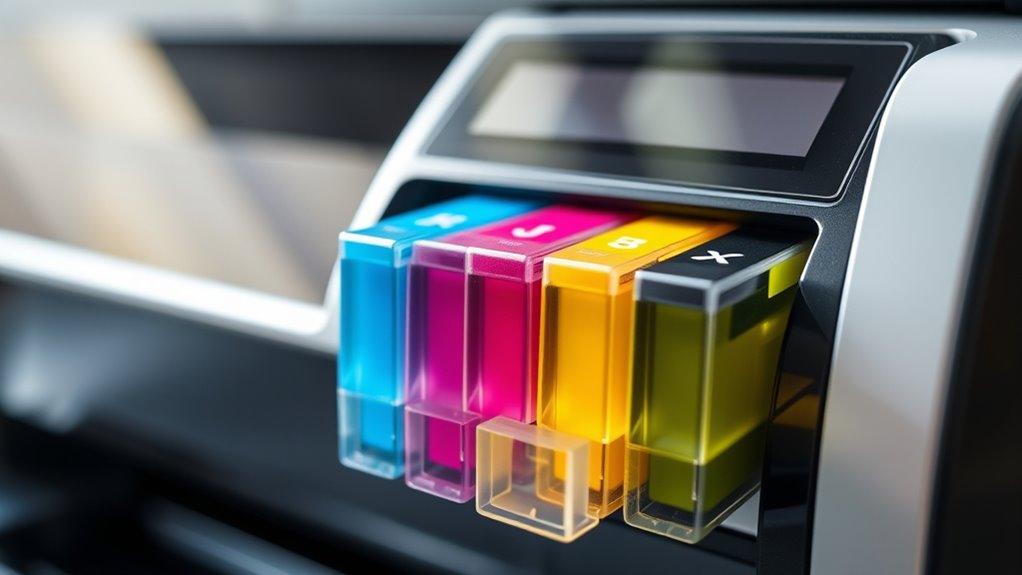
Although printer ink seems straightforward, understanding its types is key to knowing how long it will last. You’ll mainly encounter dye-based and pigment-based inks.
Understanding the difference between dye-based and pigment-based inks is essential to gauge print longevity.
Dye-based inks soak into paper fibers, offering vibrant colors but tend to fade faster, especially when exposed to light or moisture. Pigment-based inks, on the other hand, sit on the paper’s surface and resist fading better, making them ideal for archival prints.
Your choice between these inks impacts print longevity. Ink cartridges also vary; some are designed for high volume but may dry out if unused, while others focus on quality and durability.
Knowing the type of ink your printer uses helps you anticipate how long prints will stay sharp and when you’ll need replacements. This knowledge prepares you for smarter printing decisions.
Factors That Affect Ink Longevity
Because several elements influence how long your printer ink lasts, understanding these factors helps you maximize its lifespan. The environment, printer usage, and ink quality all play key roles.
For instance, frequent printing prevents ink from drying inside cartridges, while storage conditions affect ink stability. Also, the type of paper and print settings impact how quickly ink depletes. Here’s a quick overview:
| Factor | Effect on Ink Longevity |
|---|---|
| Usage Frequency | Frequent use keeps ink flowing |
| Storage Conditions | Extreme heat or cold shortens lifespan |
| Ink Quality | Higher quality ink lasts longer |
| Paper Type | Glossy paper absorbs more ink |
| Print Settings | High-quality or color prints use more ink |
How to Maximize the Life of Your Printer Ink
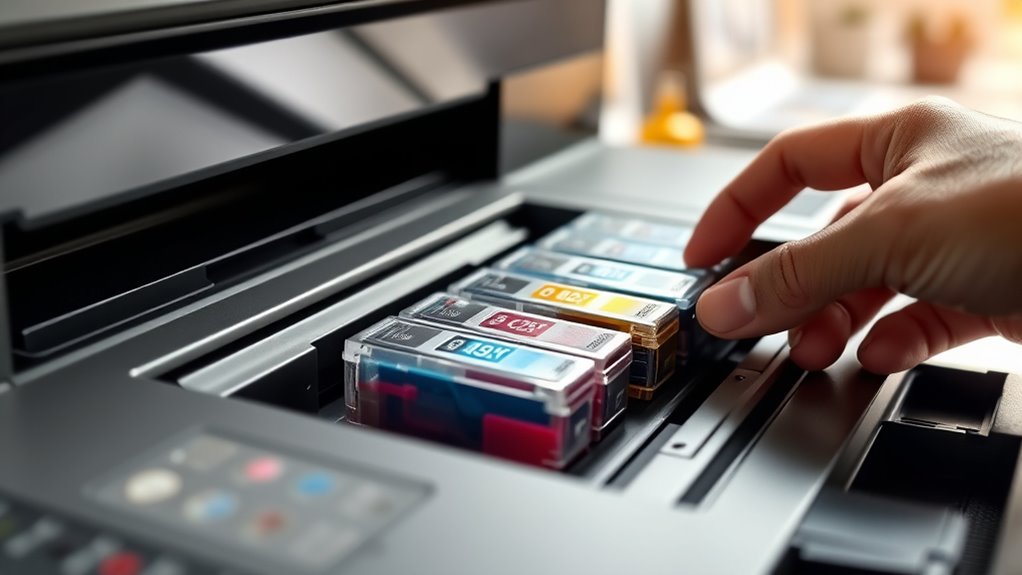
To get the most from your printer ink, you need to store cartridges properly, use your printer regularly, and keep the cartridges well-maintained. Proper storage prevents ink from drying out, while consistent usage stops clogs.
Regular maintenance guarantees your ink flows smoothly and lasts longer. So, don’t let your printer sit idle for too long—give it a little workout now and then!
Proper Storage Techniques
When you store your printer ink properly, you can substantially extend its usable life and maintain print quality. Keep your ink cartridges in a cool, dry place away from direct sunlight, as heat and UV rays can degrade the ink.
Store cartridges in their original sealed packaging until you’re ready to use them to prevent exposure to air, which causes drying out. If you’ve opened a cartridge but won’t use it immediately, place it in an airtight container or reseal it tightly to minimize air contact.
Avoid storing ink near strong odors or chemicals, since some inks can absorb them and alter print quality. Following these storage tips assures your ink stays fresh longer and ready for crisp, clear prints when you need them.
Printer Usage Frequency
Proper storage keeps your ink fresh, but how often you use your printer also plays a big role in ink longevity.
If you leave your printer idle for too long, ink can dry out and clog the nozzles, wasting valuable ink. To maximize your ink’s lifespan, consider these tips:
- Print a test page weekly to keep ink flowing smoothly.
- Avoid long gaps between printing sessions.
Try to use your printer for small, regular tasks rather than large, infrequent jobs.
- Store cartridges properly when not in use to prevent drying.
- Choose draft mode for everyday prints to save ink.
Keeping your printer active and cared for really helps stretch your ink’s life. Just a little regular use goes a long way!
Ink Cartridge Maintenance
Although ink cartridges are designed to be user-friendly, you can extend their life considerably by following a few simple maintenance steps. First, always keep your printer in a dust-free, cool environment to prevent ink from drying out or clogging the nozzles.
Run a cleaning cycle or print a test page regularly to keep the ink flowing smoothly and avoid blockages. When replacing cartridges, handle them carefully and avoid touching the nozzles to prevent damage.
Also, don’t let your printer sit idle for long periods; printing something small every week helps keep the ink active. Finally, store unopened cartridges in their original packaging at room temperature to maintain their quality.
These practices help you maximize ink usage and minimize waste, saving money in the long run. It’s really just a few easy steps that make a big difference!
Signs It’s Time to Replace Your Ink Cartridge
If your prints start showing faded colors or streaks, it’s a clear sign that your ink cartridge is running low. Ignoring these signs can lead to poor print quality and even damage your printer.
You should replace the cartridge when you notice:
- Colors appearing washed out or inconsistent
- Horizontal lines or streaks on printed pages
- Missing sections of text or images
- Printer warnings or low ink alerts on your device
- Ink smudging or blotches on the paper
Paying attention to these signs helps you maintain high-quality prints and avoid interruptions. Replacing your cartridge promptly ensures your projects look professional and saves you time on troubleshooting later.
Comparing Ink Usage in Different Printing Scenarios
Recognizing when to replace your ink cartridge is important, but understanding how different printing tasks affect ink consumption can help you manage supplies better. For instance, printing text documents usually uses less ink than printing photos or graphics, which require more color saturation and detail.
If you mostly print black-and-white documents, your ink will last longer compared to frequently printing vibrant images. Draft or economy mode also reduces ink use by lowering print quality, so use it for casual prints to save ink.
On the other hand, high-quality prints or photo printing consume ink rapidly. Knowing these differences lets you adjust your printing habits to stretch your cartridges further and avoid unexpected replacements.
Tips for Storing Ink Cartridges Properly
To keep your ink cartridges fresh, store them in a cool spot with a stable temperature. Avoid placing them where direct sunlight hits.
Make sure you seal them properly to prevent air exposure. This is key because air can dry out the ink.
Also, using the original packaging is a smart move. It helps protect the cartridges and keeps their quality intact.
Ideal Temperature Conditions
While storing ink cartridges, you should keep them in a cool, stable environment to maintain their quality. Extreme temperatures can cause ink to dry out or separate, reducing its effectiveness.
Ideally, store cartridges at a temperature between 15°C and 25°C (59°F to 77°F). Avoid places prone to temperature fluctuations, like near windows or heating vents.
Here are some tips for maintaining ideal temperature conditions:
- Store cartridges away from direct sunlight.
- Keep them in a temperature-controlled room.
- Avoid storing cartridges in garages or basements.
- Use airtight containers to reduce temperature variation.
- Check the storage area regularly for temperature consistency.
Following these tips helps preserve your ink’s freshness. That way, you get better print quality and longer cartridge life.
Avoid Exposure to Air
Since air exposure can cause ink to dry out and clog your printer, you should store cartridges in airtight containers or sealed bags. This prevents the ink from evaporating and maintains its consistency.
When you remove a cartridge from your printer, avoid leaving it exposed to open air for extended periods. Quickly place it back into an airtight environment to keep it fresh.
If you don’t have specialized containers, resealable plastic bags work well as a temporary solution. Make sure to press out as much air as possible before sealing.
Properly limiting air exposure can considerably extend your cartridge’s lifespan and ensure smooth printing without clogs or streaks. Taking these simple steps helps protect your investment and keeps your printer running efficiently.
Use Original Packaging
Although you might be tempted to toss the original packaging once you install a new cartridge, keeping it can make a big difference in preserving your ink. The packaging is designed to protect the cartridge from light, dust, and air, all of which can degrade ink quality.
When storing unused cartridges, place them back in their original boxes to maintain ideal conditions. It really helps keep everything fresh.
Here’s why you should keep the original packaging:
- Provides a sealed environment to prevent drying out
- Shields cartridges from light exposure that breaks down ink
- Offers physical protection against bumps and impacts
- Helps you easily identify cartridges by model and expiration date
- Ensures cartridges stay upright, preventing ink leakage
Using the original packaging keeps your ink fresh and ready when you need it. So, hold on to those boxes—they’re more useful than you might think!
Frequently Asked Questions
Can Expired Ink Cartridges Damage My Printer?
Yes, expired ink cartridges can damage your printer by clogging nozzles or leaking.
You should avoid using them to keep your printer running smoothly and prevent costly repairs or replacements down the line.
Are Third-Party Ink Cartridges as Reliable as Brand-Name Ones?
You might think third-party ink cartridges are like off-brand snacks—sometimes just as tasty, sometimes not. While they can save you money, they’re not always as reliable or consistent as brand-name cartridges, so choose wisely.
It really depends on the brand you pick and your printer model. Some third-party cartridges work great, while others might cause issues like clogging or poor print quality. So, it’s a bit of a gamble, but with some research, you can find good options that won’t break the bank.
How Does Ink Quality Affect Print Resolution and Color Accuracy?
Ink quality directly affects your print resolution and color accuracy; high-quality ink produces sharper images and vibrant colors.
On the other hand, low-quality ink can cause blurry prints and dull hues, reducing overall print quality and detail. So, if you want your prints to look their best, choosing the right ink really matters.
Is It Safe to Refill Ink Cartridges at Home?
You can safely refill ink cartridges at home, but keep in mind 30% of refills cause printer damage due to improper technique.
So, it’s really important to use quality ink and follow instructions carefully. This helps you avoid clogs or poor print quality.
Just take your time and be gentle with the process. That way, your printer stays happy and your prints come out great!
Do Printers Use More Ink When Printing Photos Versus Documents?
Yes, you’ll use more ink printing photos than documents because photos require higher ink coverage and color blending.
Documents usually need less ink since they mostly use black text with minimal color.
Conclusion
Now that you know how various factors affect your printer ink’s lifespan, you can make smarter choices to save money and avoid frustration. Did you know that unused ink cartridges can still dry out and lose quality after about six months?
So, it’s not just about how much you print but also how you store your ink. Keep your cartridges sealed and cool, and you’ll get the most from every drop!
In short, understanding how long ink lasts in a printer helps you plan better. By managing usage and storage, you can extend the life of your ink cartridges. This means fewer replacements and more savings. Remember, printer ink longevity depends on both usage and care. Follow these tips to make your ink last longer and enjoy hassle-free printing every time!