How to Remove Printer Cartridge Ink From Hands Quickly
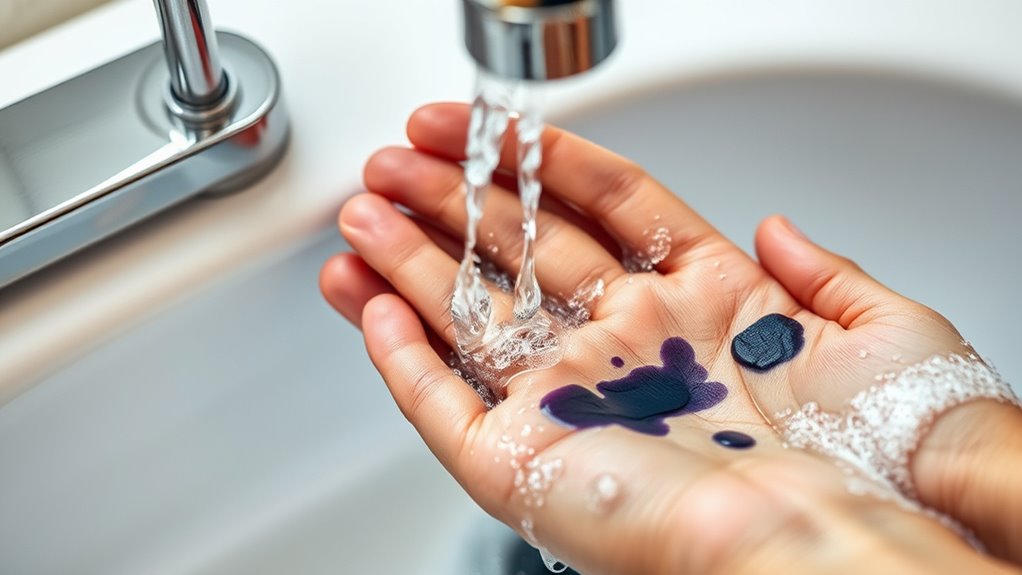
If you get printer cartridge ink on your hands, it’s best to act quickly to remove the stain. Rinse your hands promptly with cool water—hot water can actually set the ink, making it harder to get off.
Next, gently scrub your hands with mild soap, liquid dish soap, or hand sanitizer that contains alcohol. These are great for breaking down the ink without being too harsh on your skin.
If the stain is stubborn, you can try using rubbing alcohol or a baking soda paste to lift the ink more effectively.
Don’t worry if the stain doesn’t come off right away—just repeat the process as needed before drying your hands. Taking these quick steps helps prevent the ink from staining your skin permanently.
Plus, if you want to avoid this mess in the future, there are plenty of handy tips and tricks you can explore to keep your hands clean while handling printer cartridges.
Key Takeaways
- Rinse hands immediately with cool running water to prevent ink from setting in the skin. This helps stop the ink from soaking deeper.
- Use rubbing alcohol or hand sanitizer to quickly dissolve and lift printer ink stains. Just rub it gently on the spots where the ink is.
- Apply a baking soda paste or lemon juice to stained areas, then gently scrub and rinse. These natural cleaners can work wonders on stubborn ink.
- Wash hands thoroughly with liquid dish soap or glycerin-based soap to remove residual ink. Make sure to lather up well for best results.
- Dry hands with a clean towel and repeat washing if ink stains persist for complete removal. Sometimes, you might need to do it a couple of times to get all the ink off.
Common Causes of Printer Ink Stains on Hands
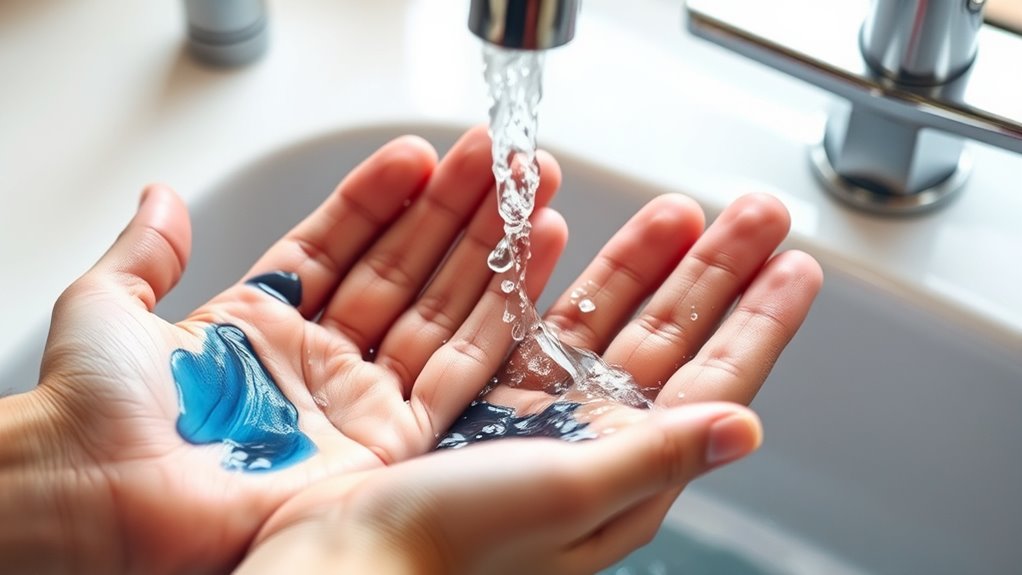
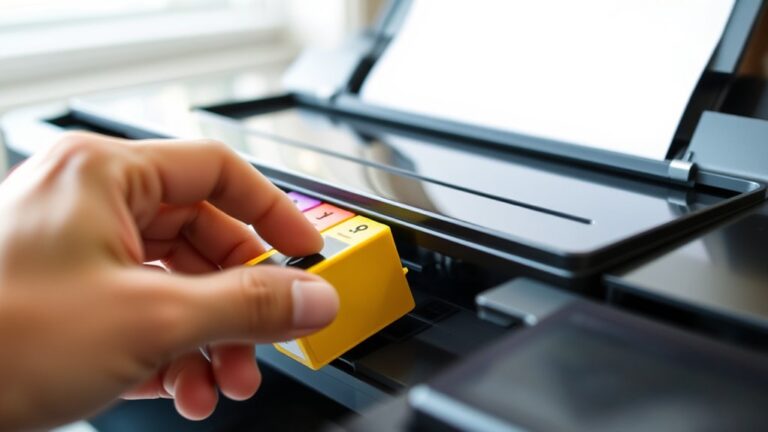
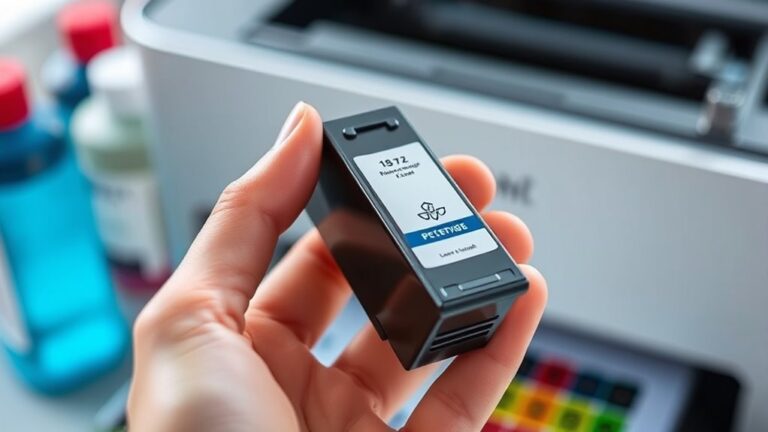
Although printer ink stains on your hands can be frustrating, they usually happen because of a few common reasons. You might get ink on your hands when replacing or refilling ink cartridges, especially if you don’t handle them carefully.
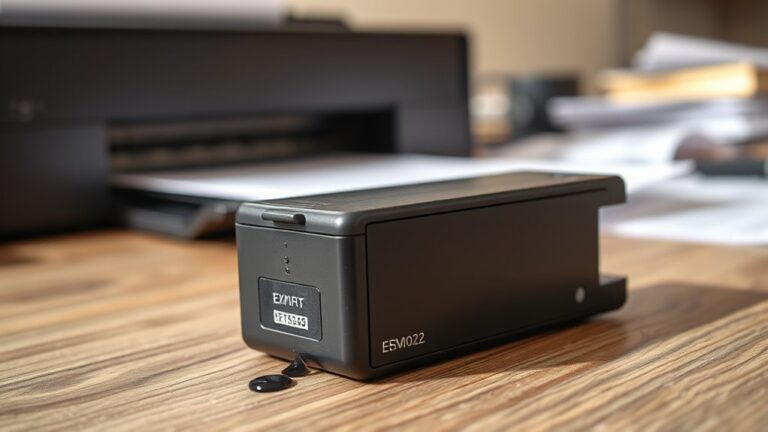
Sometimes, ink leaks from a faulty cartridge or spills during installation. If you’re cleaning printer heads or wiping off excess ink, it’s easy to get stains without gloves.
Also, paper jams can cause ink smudges when you try to fix or remove stuck pages. Even touching printed documents right after printing can transfer wet ink to your skin.
Being aware of these situations helps you take precautions and avoid those annoying ink stains on your hands in the first place.
Immediate Steps to Take After Ink Contact
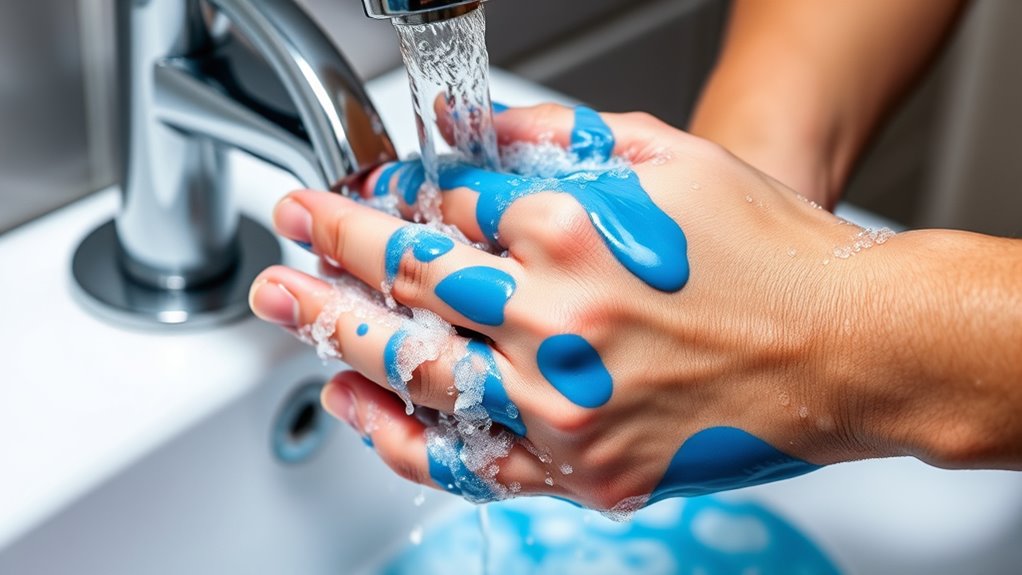
Accidentally getting printer ink on your hands happens more often than you’d like, especially during the common tasks mentioned earlier. The moment you notice ink on your skin, don’t wait—act quickly to prevent it from setting.
First, rinse your hands under cool running water to remove as much ink as possible. Avoid hot water since it can open pores, making the ink harder to remove.
Start by rinsing hands with cool water to lift ink without opening pores.
Next, gently rub your hands with a mild soap or hand wash, focusing on stained areas. If the ink persists, repeat rinsing and washing a few times.
Avoid scrubbing harshly to prevent skin irritation. Finally, pat your hands dry with a clean towel.
Taking these immediate steps helps minimize staining and prepares your skin for further cleaning methods.
Using Household Items to Remove Ink
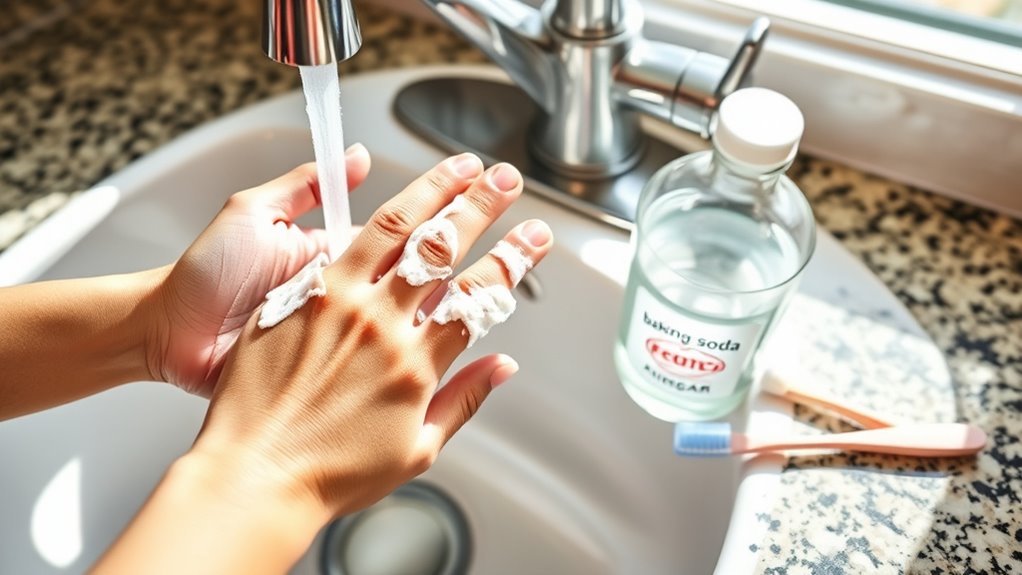
You can tackle printer ink stains using common household items you probably already have. Certain soaps work better at breaking down ink, while baking soda offers gentle scrubbing power.
Lemon juice also helps by naturally lifting stains and brightening your skin. It’s pretty handy for getting those stubborn marks out. Give these a try next time you’re dealing with ink!
Effective Soap Types
When tackling printer ink stains on your hands, choosing the right type of soap can make a significant difference. Regular hand soap may not always cut through the stubborn ink effectively.
Instead, opt for liquid dish soap or hand soaps with grease-cutting properties, as they break down ink oils more efficiently. Soaps containing moisturizing ingredients, like glycerin, help protect your skin during repeated washes.
Avoid harsh antibacterial soaps that can dry your skin out further. You can also use castile soap, which is gentle yet powerful against ink stains.
Simply lather the soap on your hands, scrub gently, then rinse with warm water. Using an effective soap type speeds up ink removal and reduces skin irritation, making cleanup easier and more comfortable.
Using Baking Soda
If soap alone doesn’t fully lift the printer ink, household items like baking soda can offer a gentle yet effective boost. Start by mixing a small amount of baking soda with water to create a thick paste.
Apply this paste directly onto the ink-stained areas of your hands. Gently rub the paste in circular motions, allowing the mild abrasive nature of baking soda to break down the ink particles without irritating your skin.
After scrubbing for about a minute, rinse your hands thoroughly with warm water. You’ll likely notice the ink fading considerably or disappearing entirely. If needed, just go ahead and repeat the process once more.
Baking soda is safe for most skin types and helps remove stubborn ink without harsh chemicals. So, it’s a handy option when soap alone isn’t enough.
Lemon Juice Benefits
Although lemon juice is a natural acid, it works wonders in breaking down printer ink on your hands without causing harsh irritation. When you apply fresh lemon juice to ink-stained skin, its citric acid helps dissolve the ink particles, making them easier to wash away.
To use it, simply squeeze some juice onto a cotton ball or directly onto your hands, then gently rub the stained areas. After a few minutes, rinse with warm water and soap.
Lemon juice not only removes ink effectively but also leaves your skin feeling fresh and lightly scented. Plus, it’s a safe, eco-friendly option you likely already have at home.
Just be sure to moisturize afterward, as lemon juice can dry your skin if used frequently.
Commercial Products Effective for Ink Removal
Since home remedies can sometimes fall short, commercial products offer a reliable way to remove printer ink from your hands quickly and effectively. These products are specially formulated to break down ink stains without harsh scrubbing.
Here are four effective options you can try:
- Rubbing Alcohol: This dissolves ink fast and is widely available.
- Ink Remover Wipes: Pre-soaked wipes designed for printer ink make cleanup easy.
- Hand Sanitizer: Contains alcohol that helps lift ink from skin.
- Specialized Ink Remover Solutions: Products like “Zep Ink & Stain Remover” work specifically on printer ink.
Use any of these with a little rubbing, then wash your hands thoroughly. They’ll save you time and effort compared to natural remedies.
Pretty handy, right? Just pick what’s easiest for you and say goodbye to those stubborn ink stains!
Tips to Prevent Ink Stains in the Future
To keep your hands ink-free, you should handle printer cartridges and ink with care every time. Always wear disposable gloves when changing or refilling cartridges to create a protective barrier.
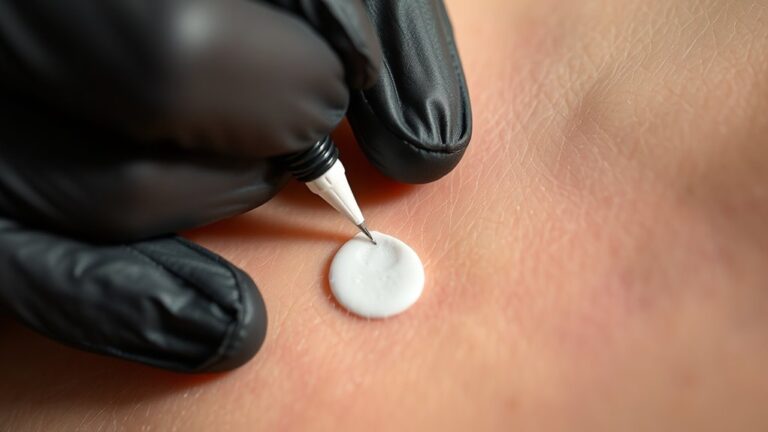
Handle printer ink carefully and always wear disposable gloves to keep your hands clean and protected.
Work over a disposable surface or newspaper to catch any drips or spills. Avoid touching the ink nozzles or contacts directly, as this not only prevents stains but also protects your printer’s performance.
When possible, use cartridges with spill-proof designs to minimize accidental leaks. Keep a damp cloth nearby to quickly wipe any ink before it dries.
Finally, wash your hands immediately after handling ink to prevent stains from setting. By following these simple steps, you’ll reduce the chance of ink stains and keep both your hands and workspace clean.
When to Seek Professional Help for Ink Stains
Even with careful handling and quick cleaning, some ink stains can be stubborn or extensive enough to require expert attention. You should consider seeking professional help if:
- The ink covers a large area or is deeply embedded in your skin.
- Your skin shows signs of irritation, redness, or an allergic reaction.
- Home remedies haven’t improved the stain after several attempts.
- You accidentally got ink in sensitive areas such as your eyes or mouth.
A dermatologist or healthcare professional can provide safe, effective treatments that prevent damage or infection. Don’t hesitate to get help if you’re unsure or if the stain worsens.
Your skin’s health is more important than quick fixes. So, it’s always better to be safe and get the right care when you need it!
Frequently Asked Questions
Can Printer Ink Be Harmful if Absorbed Through the Skin?
Printer ink can irritate your skin but usually isn’t harmful if absorbed. Still, you shouldn’t let it stay on long.
Wash it off quickly to avoid irritation or allergic reactions, especially with sensitive skin. Better safe than sorry, right?
How Long Does Printer Ink Typically Take to Dry on Skin?
Printer ink usually takes about 10 to 20 minutes to dry on your skin, depending on the type and amount of ink.
It’s best to wash it off promptly to avoid stains or irritation.
If you leave it on too long, it might be harder to remove and could cause some redness. So, better safe than sorry!
Are There Any Home Remedies That Can Cause Skin Irritation?
Yes, some home remedies like lemon juice, vinegar, or rubbing alcohol can irritate your skin. This is especially true if you have sensitive skin or cuts.
Is It Safe to Use Alcohol-Based Products on Sensitive Skin?
You absolutely can’t douse sensitive skin in alcohol-based products without risking a volcanic eruption of irritation.
It’s best you avoid them or patch-test first, as these products can strip moisture and cause redness or dryness quickly.
Can Printer Ink Stains Transfer to Clothing or Other Surfaces?
Yes, printer ink stains can transfer to clothing or other surfaces if you’re not careful.
To avoid spreading, handle cartridges gently and clean any spills immediately using appropriate stain removers or rubbing alcohol.
It’s a good idea to act fast—ink can set quickly and become harder to remove later. Just take your time and be cautious!
Conclusion
You might think a little printer ink stain on your hands is just a minor annoyance, but ignoring it can leave lasting marks and frustration. On the other hand, acting quickly with simple household items or the right commercial products can wipe away the mess in no time.
Balancing swift action with prevention not only saves your skin but also keeps your printing experience smooth. Don’t let ink stains take over—clean up fast and stay prepared!
Removing printer cartridge ink from hands quickly is easier than you think. Using common items like soap, rubbing alcohol, or even hand sanitizer can make a big difference. Just remember, the sooner you start, the better the results.
So next time you get ink on your hands, don’t stress. Follow these quick tips to remove printer ink stains effectively and keep your hands clean and stain-free!