Can Ink Cartridges Expire and How to Tell
Yes, ink cartridges do expire, usually after about two years if unopened or around six months once opened. This is important to know because expired ink cartridges can cause issues with your printer and print quality.
You might notice faded prints, streaks, or blotchy colors when the ink goes bad. That’s usually a sign the cartridge is past its prime. Exposure to heat, sunlight, or air speeds up this process, causing the ink to dry out or clump inside the cartridge.
Proper storage really helps extend the life of your cartridges. Keeping them cool, dry, sealed, and upright makes a big difference. Using expired cartridges not only risks poor print quality but can also damage your printer over time.
Stick around to learn how to spot ink cartridge problems early and prevent them effectively!
Key Takeaways
- Ink cartridges can expire, typically lasting about 2 years unopened and 6 months once opened. So, it’s a good idea to check the date before using one.
- Expired ink may cause faded prints, streaks, inconsistent colors, and printer recognition errors. You might notice your prints just don’t look right anymore.
- Signs of expiration include clumping, discoloration, leaks, bubbles, or sediment inside cartridges. If you see any of these, it’s probably time to replace the cartridge.
- Proper storage in a cool, dry place away from heat and sunlight extends cartridge lifespan. Keeping them in the right conditions really helps.
- Using expired cartridges risks clogged nozzles, poor print quality, leaks, and potential printer damage. So, it’s best not to push your luck with old ink!
Understanding Ink Cartridge Shelf Life
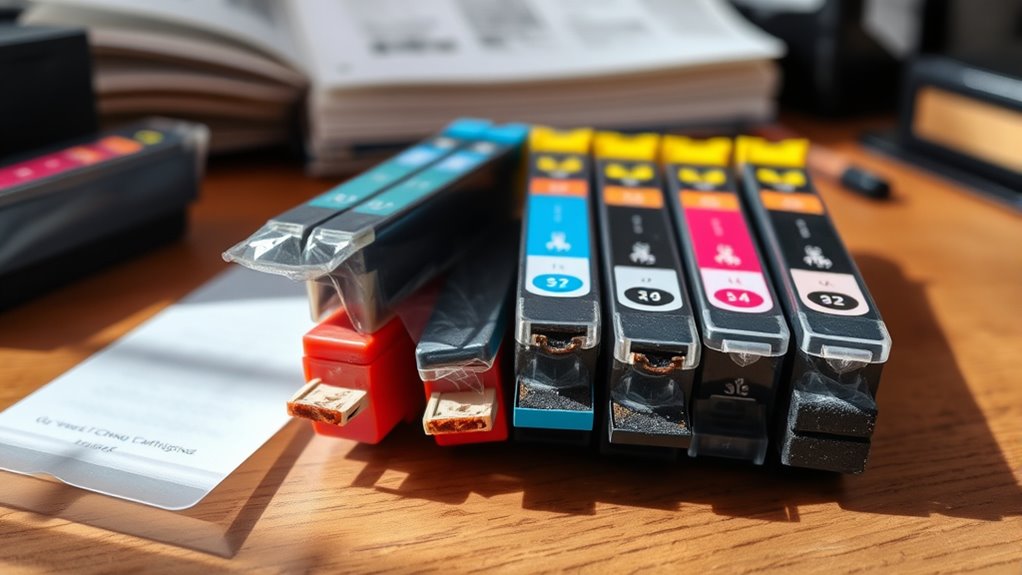
Although ink cartridges may seem like durable products, they do have a limited shelf life that affects their performance. You should know that over time, the ink inside can dry out or separate, which leads to poor print quality or even clogging your printer.
Typically, unopened cartridges last about two years if stored properly. Once opened, though, their usability decreases markedly, often within six months.
You’ll notice signs like faded prints, streaks, or inconsistent colors when the cartridge is past its prime. It’s important to keep cartridges sealed and stored in a cool, dry place to maximize their lifespan.
Being aware of shelf life helps you avoid wasting money on unusable ink and ensures your prints stay sharp and vibrant. So, taking a little care with storage really pays off!
Factors That Affect Ink Cartridge Expiration
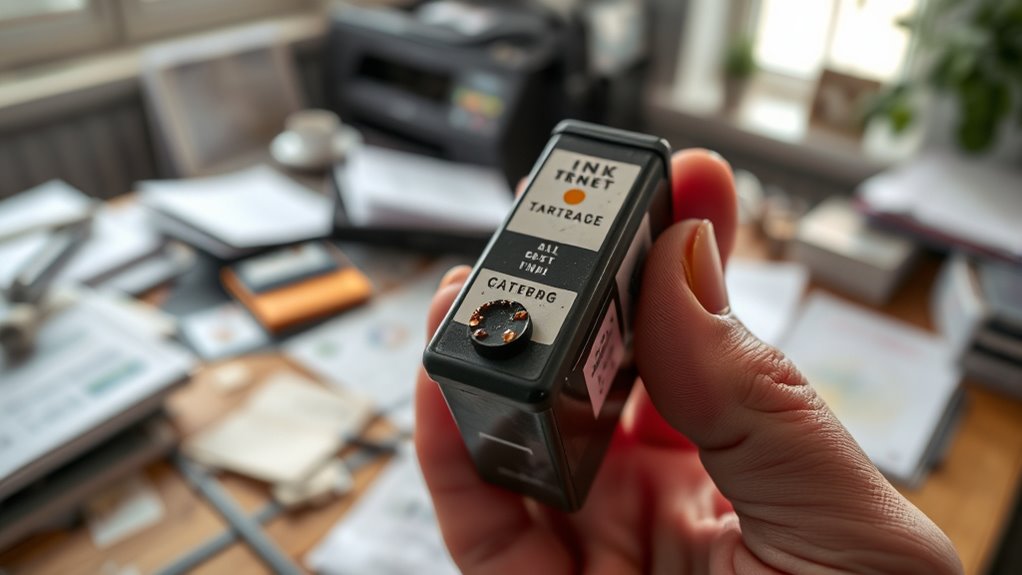
Since ink cartridges contain liquid components, several factors can speed up their expiration and affect print quality. You should store cartridges in a cool, dry place because heat and humidity can cause the ink to dry out or separate.
Exposure to direct sunlight also degrades the ink faster. Frequent temperature fluctuations can lead to condensation inside the cartridge, damaging the ink.
Additionally, once you open a cartridge, air exposure accelerates drying. If you don’t use your printer regularly, the ink can settle or clog the nozzles, which reduces performance.
Finally, the quality and type of ink also play a role; some inks have preservatives that extend shelf life, while others degrade more quickly. Keeping these factors in mind helps you maximize your cartridge’s lifespan.
Signs Your Ink Cartridge Is No Longer Usable
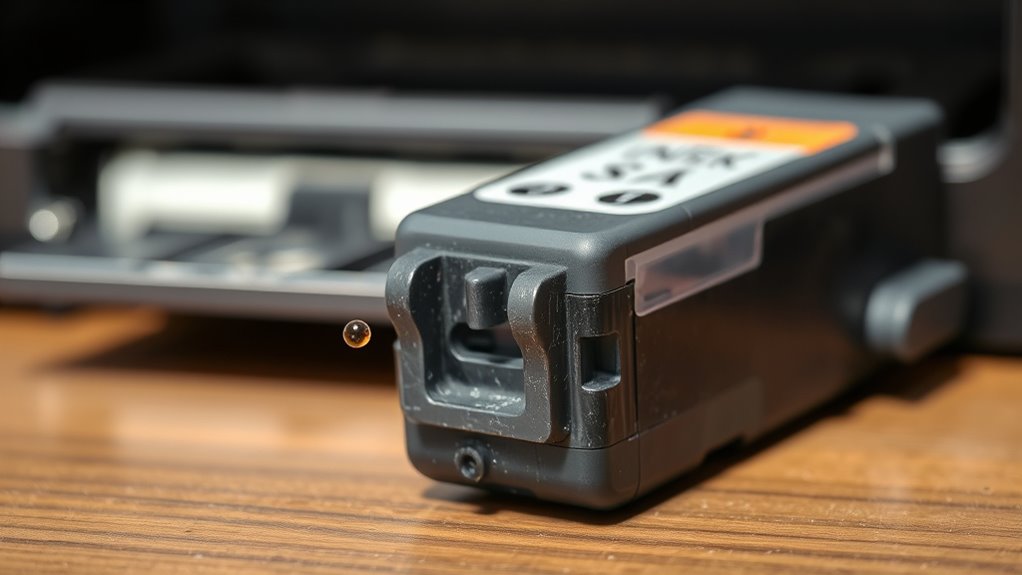
You’ll notice your ink cartridge is no longer usable when the ink looks faded or clumpy.
Your printer might also start producing streaky or incomplete prints.
Paying attention to these signs helps you avoid wasting time and materials.
It’s pretty easy to spot once you know what to look for! Just keep an eye out for those clues and you’ll be good.
Visible Ink Deterioration
When ink cartridges start to show visible signs of deterioration, you’ll notice changes that signal they’re no longer reliable. The ink may clump or dry up inside the cartridge, making it look thick or crusty.
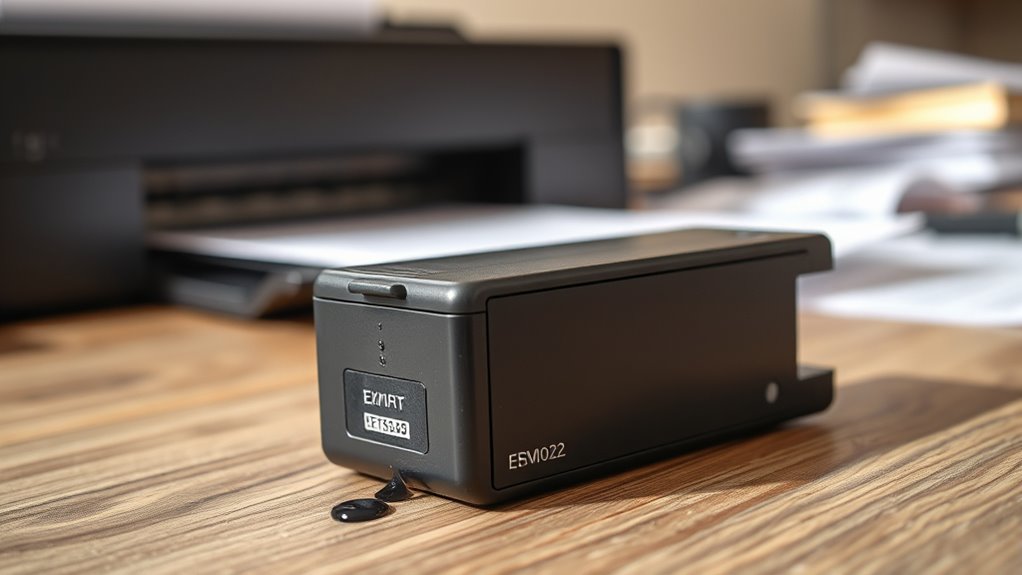
You might see discoloration, such as faded or uneven colors, indicating that the ink’s quality has degraded. Sometimes, the cartridge’s exterior will show leaks or stains, which means the ink is seeping out and losing its effectiveness.
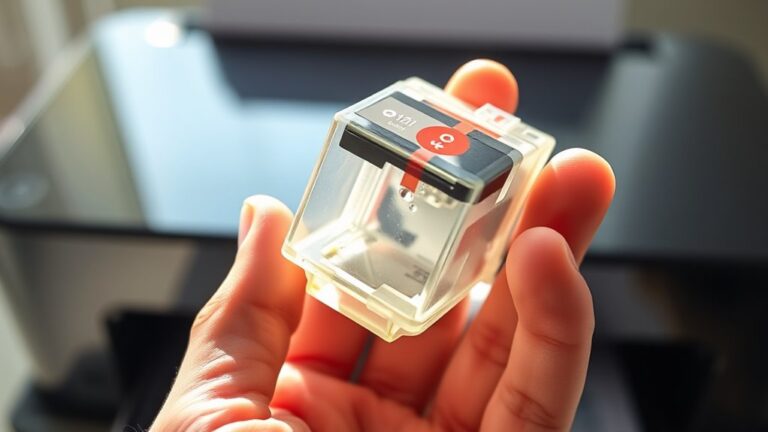
If you spot any bubbles or sediment inside the cartridge’s transparent parts, that’s also a red flag. These visible cues tell you the ink has aged or been exposed to unfavorable conditions. When you see these signs, it’s best to replace the cartridge to maintain print quality.
Printer Performance Issues
If your printer starts producing streaky, faded, or blotchy prints, it’s a clear sign that the ink cartridge is no longer performing as it should. You might also notice slow printing speeds or frequent error messages indicating low ink levels, even if you recently replaced the cartridge.
Sometimes, the printer may refuse to recognize the cartridge altogether. These issues often stem from expired or dried-out ink that clogs the printhead or disrupts the cartridge’s functionality.
Ignoring these signs can lead to poor print quality and potential damage to your printer. To avoid frustration, check your cartridges regularly and replace them if you spot any performance issues.
Staying proactive helps ensure your printer runs smoothly and your documents look professional every time. It’s a small step that can save you a lot of hassle down the road!
How to Properly Store Ink Cartridges
Although ink cartridges have a limited shelf life, proper storage can extend their usability considerably. You should keep cartridges sealed in their original packaging until use, protecting them from air exposure.
Store them in a cool, dry place away from direct sunlight or heat sources to prevent ink degradation. Avoid freezing temperatures, as they can cause the ink to separate or thicken.
| Storage Tip | Why It Matters |
|---|---|
| Keep sealed | Prevents ink from drying out |
| Cool environment | Maintains ink consistency |
| Dry location | Avoids moisture damage |
| Away from sunlight | Stops ink breakdown |
| Avoid freezing | Prevents ink separation or clumping |
Risks of Using Expired Ink Cartridges
Because expired ink cartridges tend to clog your printer nozzles, you’ll likely experience poor print quality and frequent jams. Using old ink can cause streaks, faded colors, or blotchy prints, making your documents look unprofessional.
Expired ink might also dry out inside the cartridge, leading to uneven flow and wasted ink. You risk damaging your printer’s internal components when clogged nozzles force the machine to work harder or when dried ink flakes break loose.
Plus, expired cartridges may leak, causing stains inside your printer and potentially costly repairs. If you rely on your printer for important tasks, these risks can disrupt your workflow and increase expenses.
Tips to Extend the Life of Your Ink Cartridges
To get the most from your ink cartridges, store them in a cool, dry place away from direct sunlight. You should also perform regular printer maintenance to prevent clogs and guarantee smooth ink flow.
These simple steps can help you avoid premature cartridge expiration and save money. It’s all about taking a little extra care to make your cartridges last longer.
Proper Storage Techniques
When you store your ink cartridges correctly, you can substantially extend their lifespan and maintain print quality. Keep cartridges in a cool, dry place, avoiding direct sunlight and extreme temperatures. These conditions can cause the ink to dry out or degrade.
Store them upright to prevent leaks and ensure the ink settles evenly. Always keep cartridges sealed in their original packaging until you’re ready to use them, as exposure to air can dry the ink.
If you’ve opened a cartridge but aren’t using it immediately, place it in an airtight container with a damp cloth nearby to maintain humidity. Avoid freezing temperatures, as freezing can ruin the ink’s consistency.
Regular Printer Maintenance
Although proper storage is essential, regular printer maintenance plays an equally important role in extending your ink cartridges’ life. By keeping your printer clean and using it consistently, you prevent ink from drying out or clogging.
Running printer cleaning cycles and aligning cartridges help maintain print quality and efficiency. Don’t let cartridges sit unused for long periods, and always turn off your printer properly.
| Maintenance Task | Frequency | Benefit |
|---|---|---|
| Print a test page | Weekly | Prevents ink drying |
| Clean print heads | Monthly | Removes clogs, improves flow |
| Proper shutdown | Every use | Protects cartridges, printer |
Frequently Asked Questions
Can Expired Ink Cartridges Damage My Printer?
Yes, expired ink cartridges can damage your printer by clogging nozzles or leaking ink. You should avoid using them and replace cartridges promptly to keep your printer running smoothly and prevent costly repairs.
It’s really best to swap out old cartridges as soon as you notice they’re expired. That way, you dodge potential issues and save yourself from headaches down the line. Keeping your printer happy means better prints and fewer problems overall.
Are Remanufactured Cartridges More Prone to Expiration?
Yes, remanufactured cartridges can expire faster because their ink quality and seals might not be as reliable as new ones.
You should check their expiration date and store them properly to avoid drying out or clogging.
It’s a good idea to handle them with a bit more care to get the best performance.
How Do Ink Cartridges Differ Between Brands?
Ink cartridges differ by brand in ink formula, print quality, and compatibility with printers. You’ll notice variations in cartridge design, capacity, and price.
Some brands prioritize longevity, while others focus on vibrant colors or eco-friendliness. It really depends on what you value most in your printing needs.
Can I Recycle Old Ink Cartridges Safely?
Yes, you can recycle old ink cartridges safely. Just drop them off at designated recycling centers or participate in brand-specific return programs.
This helps reduce waste and supports environmental conservation, so don’t hesitate to recycle responsibly. It’s an easy way to do your part for the planet!
Does Ink Color Affect Cartridge Expiration?
Imagine vibrant reds fading faster than deep blues—yes, ink color can affect cartridge expiration.
Different pigments break down at varying rates, so you’ll notice some colors drying out or clumping sooner than others in your printer.
It’s kind of like how certain foods spoil quicker than others. So, keep an eye on your cartridges, especially the ones with brighter colors!
Conclusion
Ink cartridges can expire, and using them past their prime is like trying to paint with dried-out brushes—frustrating and messy. It’s important to know your cartridge’s shelf life and how to store it properly.
By keeping your cartridges in a cool, dry place, you can extend their usability. Watch out for signs of expiration, like streaky prints or clogged nozzles. These issues can waste ink and ruin your projects.
Treat your ink cartridges well, and you’ll enjoy smooth, vibrant prints every time. Remember, recognizing when cartridges expire helps you avoid printing problems and keeps your printer running smoothly. So, always check your ink cartridges for expiration to save money and get the best print quality possible.