

Does Thermal Printer Use Ink?
You don’t need ink with a thermal printer because it uses heat to create images on special heat-sensitive paper. This means no messy ink cartridges or ribbons to replace, making it quick, quiet, and low-maintenance.
Thermal printing is ideal for receipts, labels, and barcodes. Though the prints may fade over time, the process itself is straightforward.
If you want to understand the different types of thermal printers and how they compare to inkjets, there’s more useful info ahead.
Key Takeaways
- Thermal printers use heat-sensitive paper and do not require ink cartridges or ribbons for direct thermal printing.
- Direct thermal printing darkens special coated paper with heat, eliminating the need for any ink.
- Thermal transfer printers use a heated ribbon with ink, but direct thermal printers print without ink.
- Thermal printing relies on heat reactions in paper chemicals rather than spraying or depositing ink.
- No liquid or powdered ink is used in thermal printing, making it low-maintenance and cost-effective.
- So, if you’re wondering whether thermal printers use ink, the answer is basically no, at least for direct thermal printing.
How Thermal Printing Technology Works
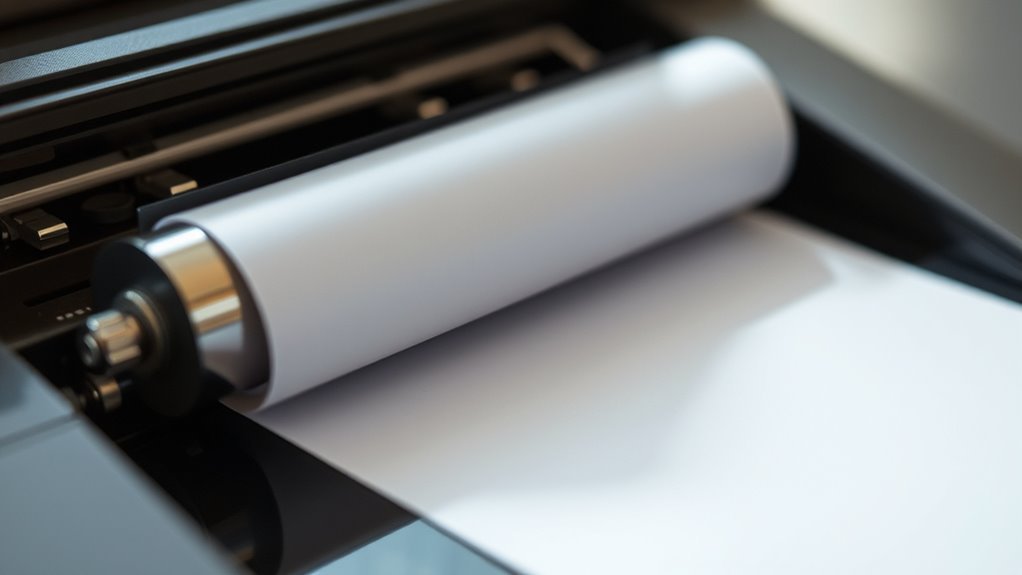
Although thermal printing might seem complex, it works in a straightforward way by applying heat to special paper. You don’t need ink cartridges or ribbons because the paper itself reacts to heat.
Thermal printing is simple—heat special paper to create images without ink cartridges or ribbons.
When you send a print command, the printer’s thermal head selectively heats tiny areas on the thermal paper. These heated spots change color instantly, forming text or images.
This process happens quickly and quietly, making thermal printing efficient. The key is the thermal paper coated with heat-sensitive chemicals. Without this coating, you wouldn’t get any print at all.
Since the printer only heats specific points, it uses less energy compared to other printers. Understanding this helps you appreciate why thermal printers are popular in receipts, labels, and tickets.
Types of Thermal Printers

When you explore thermal printers, you’ll find two main types: direct thermal and thermal transfer. Direct thermal printers use heat-sensitive paper that darkens when heated, so you don’t need ink or ribbons. This makes them simple and low-maintenance, perfect for short-term labels or receipts.
However, the prints tend to fade over time because the paper reacts to heat and light. So, they’re not the best choice if you need something durable.
Thermal transfer printers, on the other hand, use a heated ribbon to transfer ink onto regular paper or synthetic materials. This process produces durable, long-lasting prints ideal for barcodes, product labels, and outdoor applications.
While thermal transfer printers require ribbons, they offer greater versatility in materials and print longevity. Understanding these types helps you choose the right printer for your specific needs.
Comparison Between Thermal and Inkjet Printers

You’ll notice thermal and inkjet printers work quite differently, with thermal printers using heat and inkjets spraying ink. When you compare costs, thermal printers often save you money over time.
Plus, the image quality can vary depending on which printer you choose for your needs. So, it really depends on what you’re looking for in a printer!
Printing Mechanism Differences
Because thermal and inkjet printers use fundamentally different methods to produce images, understanding their printing mechanisms helps you choose the right device for your needs.
Thermal printers apply heat to special paper to create images, while inkjet printers spray tiny droplets of ink onto paper.
Here’s a quick comparison:
| Feature | Thermal Printer | Inkjet Printer |
|---|---|---|
| Printing Method | Heat activates color on paper | Ink droplets deposited on paper |
| Ink Usage | No ink required | Uses liquid ink cartridges |
| Print Durability | Resistant to water and smudging | May smudge unless coated paper used |
Knowing these differences helps you decide based on your printing tasks and environment. It’s all about matching the printer to what you actually need.
Cost Efficiency Comparison
Understanding how thermal and inkjet printers operate sets the stage for evaluating their cost efficiency. When you choose a thermal printer, you’ll save money on ink since it doesn’t use traditional ink cartridges. Instead, it relies on heat-sensitive paper, which can be more affordable over time.
On the other hand, inkjet printers require regular ink replacements, and ink cartridges can get expensive, especially if you print frequently. However, inkjet printers often have lower upfront costs compared to thermal models.
You should also consider maintenance expenses; thermal printers generally need less upkeep, reducing long-term costs. Ultimately, if you print labels or receipts regularly, a thermal printer offers better cost efficiency.
Meanwhile, inkjets might suit occasional, color-heavy printing despite higher ink costs. So, it really depends on what you print and how often.
Image Quality Variations
Although thermal printers excel in cost efficiency, they can’t always match the image quality you get from inkjet printers. When you use a thermal printer, the images tend to be sharper for text and simple graphics, but they often lack the color depth and richness that inkjets provide.
Inkjet printers spray tiny droplets of ink, which lets you capture subtle gradients and vibrant hues, perfect for photos or detailed artwork. On the other hand, thermal printers rely on heat-sensitive paper, limiting their ability to produce full-color images.
If you need high-resolution prints with vivid colors, inkjet is your best bet. But if you prioritize durability and low maintenance for labels or receipts, thermal printers offer reliable, clear results without the mess of ink.
Advantages of Using Thermal Printers
While thermal printers might seem specialized, they offer several clear advantages that make them a smart choice for many applications. You’ll appreciate their speed, low maintenance, and cost-efficiency, especially since they don’t require ink cartridges.
Plus, their compact design saves valuable space.
| Advantage | Benefit | Impact |
|---|---|---|
| No Ink Needed | Reduced supply costs | Saves money over time |
| Fast Printing | Quick output | Increases productivity |
| Low Maintenance | Fewer parts to replace | Less downtime and hassle |
Choosing a thermal printer means you get reliable performance without frequent interruptions. It really makes it easier for you to focus on your tasks.
Common Applications for Thermal Printers
Because thermal printers deliver fast, reliable results without the need for ink, you’ll find them in many everyday settings. If you shop at a grocery store or a pharmacy, the receipts you get likely come from a thermal printer.
They’re popular in retail, printing price tags and barcodes quickly and clearly. You’ll also see them in logistics, where they print shipping labels that must be durable and easy to scan.
In healthcare, thermal printers produce wristbands and labels for samples, ensuring accuracy and hygiene. Plus, if you use a parking meter or ATM, chances are the tickets or transaction slips are thermal prints.
Their speed, low cost, and reliability make thermal printers ideal for these high-volume, on-the-spot printing needs. So, next time you grab a receipt or label, you might just be looking at the work of a thermal printer!
Maintenance Tips for Thermal Printers
To keep your thermal printer running smoothly and produce clear prints every time, you need to perform regular maintenance. First, clean the print head with isopropyl alcohol and a lint-free cloth to remove residue that can cause streaks or fading. Avoid using abrasive materials that might damage the sensitive surface.
Next, check the platen roller for dirt or debris and clean it gently to ensure proper paper feeding. Also, always use high-quality thermal paper to prevent dust buildup and protect the print head.
Finally, store your printer in a dust-free environment and cover it when not in use. By following these simple steps, you’ll extend your printer’s lifespan and maintain consistent print quality without relying on ink. It’s really not that hard once you get into the habit!
Frequently Asked Questions
Can Thermal Printers Print in Color?
Yes, you can print in color with certain thermal printers, but they use special color thermal paper or ribbons, not traditional ink.
Make sure your printer supports color thermal printing before you start. It’s pretty different from regular printers, so double-check what your device can do!
Are Thermal Printers Eco-Friendly?
Think of a thermal printer as a clean breeze—yes, it’s eco-friendly since it skips ink and toner, reducing waste and chemicals.
You’ll save resources, making your printing greener and kinder to the planet every time you print.
How Long Do Thermal Printer Prints Last?
Your thermal printer prints typically last between 5 to 7 years if you store them properly, away from heat, light, and humidity.
Exposure to these factors can cause fading or discoloration much sooner. So, it’s a good idea to keep your prints in a cool, dark place to make them last longer.
Can Thermal Printers Print on Any Paper Size?
You might think thermal printers can handle any paper size, but that’s not quite true. They work best with specific thermal paper sizes designed for them.
Do Thermal Printers Require Special Software?
You don’t always need special software for thermal printers, but using compatible drivers or apps helps you customize settings and guarantees smooth printing.
Check your printer’s manual to find recommended software for best results. It’s usually pretty straightforward, so don’t worry too much about it!
Conclusion
Imagine the smooth hum of your thermal printer as it quickly produces crisp, clear labels and receipts—without a drop of ink. You don’t need to worry about smudges or refills, just clean, sharp prints every time.
By understanding how thermal printing works and its benefits, you’ll see why it’s perfect for fast-paced environments. With simple maintenance, your printer stays reliable, turning your everyday tasks into seamless, efficient moments.
Thermal printers do not use ink. Instead, they use heat-sensitive paper that changes color when heated by the printer’s thermal head. This process eliminates the need for ink cartridges or ribbons, making thermal printers cost-effective and low-maintenance.
So, if you’re wondering, “Does thermal printer use ink?” the answer is no. This makes thermal printing an excellent choice for businesses needing quick, clear, and smudge-free prints without the hassle of ink refills or replacements.