What Can You Do If Printer Ink Does Dry Out?
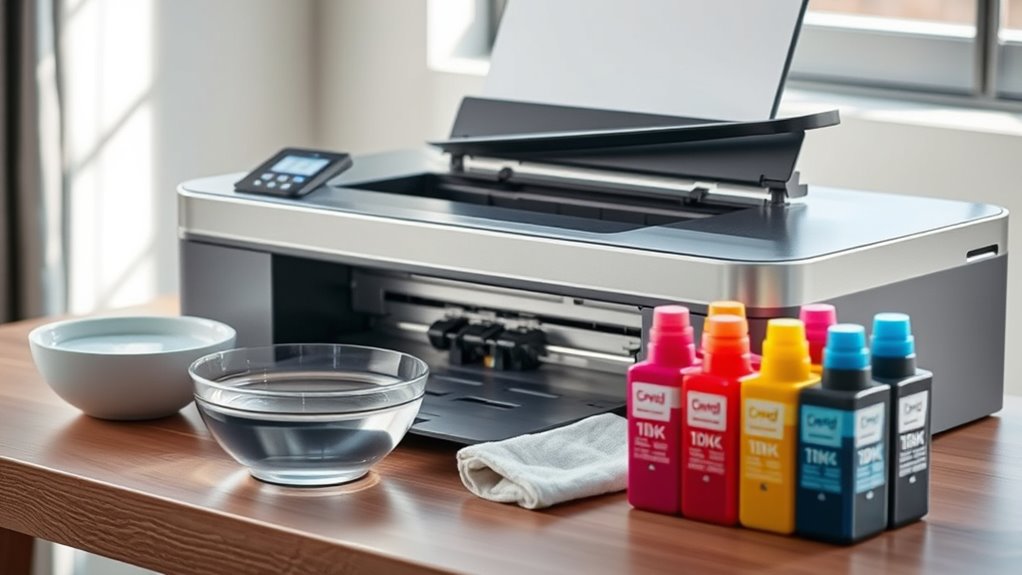
If your printer ink dries out, don’t worry—it’s a common issue that you can often fix at home. First, try cleaning the cartridges by gently wiping the nozzles with a lint-free cloth dampened with isopropyl alcohol. This helps remove any dried ink clogging the print head.
You can also soak the ink nozzles in warm water for 10-15 minutes to soften stubborn dried ink. After soaking, let them dry completely before placing them back in the printer.
Once reinstalled, run your printer’s cleaning cycle to clear any remaining blockages.
Regular maintenance and using your printer frequently can help prevent the ink from drying out in the first place. If these steps don’t work and the problem persists, it might be time to replace the cartridge.
Keep exploring for detailed tips on restoring and maintaining your printer ink to keep your prints looking sharp!
Key Takeaways
- Remove the cartridge and gently clean the nozzles with a lint-free cloth dampened in isopropyl alcohol to dissolve dried ink. This helps break down the clogs and gets the ink flowing again.
- Soak the cartridge’s ink nozzles in warm water for 10-15 minutes to rehydrate and loosen dried ink deposits. Warm water works wonders to soften up those stubborn spots.
- Run the printer’s built-in cleaning and nozzle check cycles multiple times to clear clogs after cleaning or soaking. It might take a few tries, but keep at it!
- Use the printer regularly and perform routine cleaning to prevent ink from drying out again in the future. Staying on top of this keeps your prints smooth and hassle-free.
- Replace the cartridge if repeated cleaning fails or the cartridge is damaged or dried out for an extended period. Sometimes, it’s just time to get a new one and move on.
Signs Your Printer Ink Has Dried Out
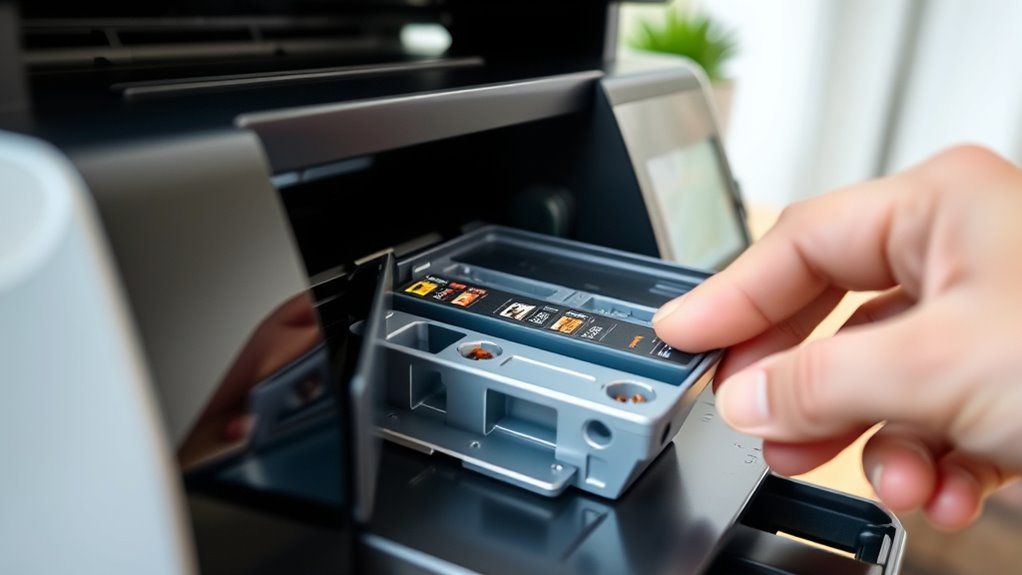
Although it might not be immediately obvious, you can usually tell when your printer ink has dried out by certain key signs. You’ll notice faded or streaky prints that lack the usual sharpness and vivid color.
Sometimes, the printer might produce blank pages or only partial prints. If your printer starts making unusual noises or the print head seems clogged, that’s another clue.
When you run a nozzle check or print a test page, missing lines or gaps often mean dried ink obstructs the flow. Also, if you haven’t used your printer for a while, dried ink is a common culprit behind poor print quality.
Recognizing these signs early helps you take action before the problem worsens. So, keep an eye out and don’t wait too long to fix it!
How to Clean Dried Ink From Printer Cartridges
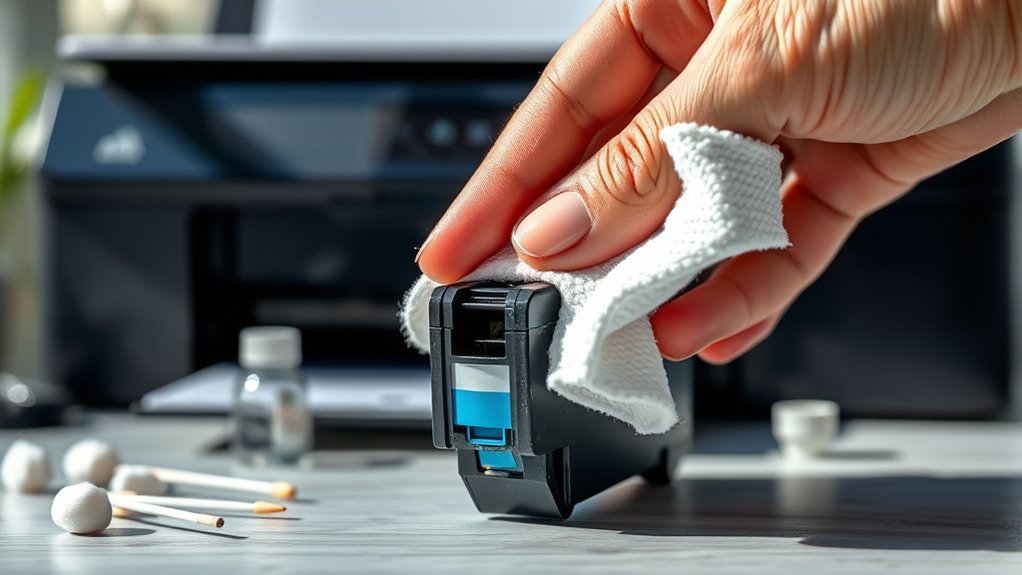
If you notice dried ink affecting your print quality, cleaning your printer cartridges promptly can restore their performance.
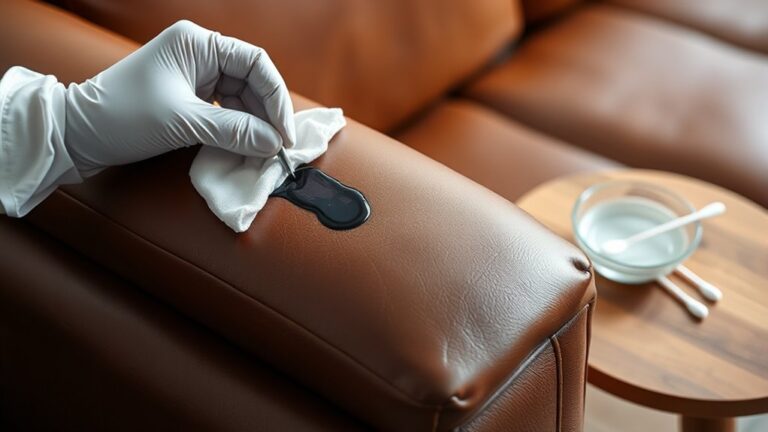
Start by turning off your printer and carefully removing the cartridges. Use a lint-free cloth or cotton swab slightly dampened with isopropyl alcohol to gently wipe the cartridge nozzles and contacts.
Avoid using too much liquid, as this can damage the cartridge. Be gentle to prevent harming delicate parts.
After cleaning, let the cartridges dry completely before reinstalling them. Running a printer’s built-in cleaning cycle afterward can help clear any remaining blockages.
Regular maintenance like this can extend your cartridge’s life and improve print quality without needing immediate replacement. Taking these steps quickly can save you time and money.
Using Warm Water to Rehydrate Ink Cartridges
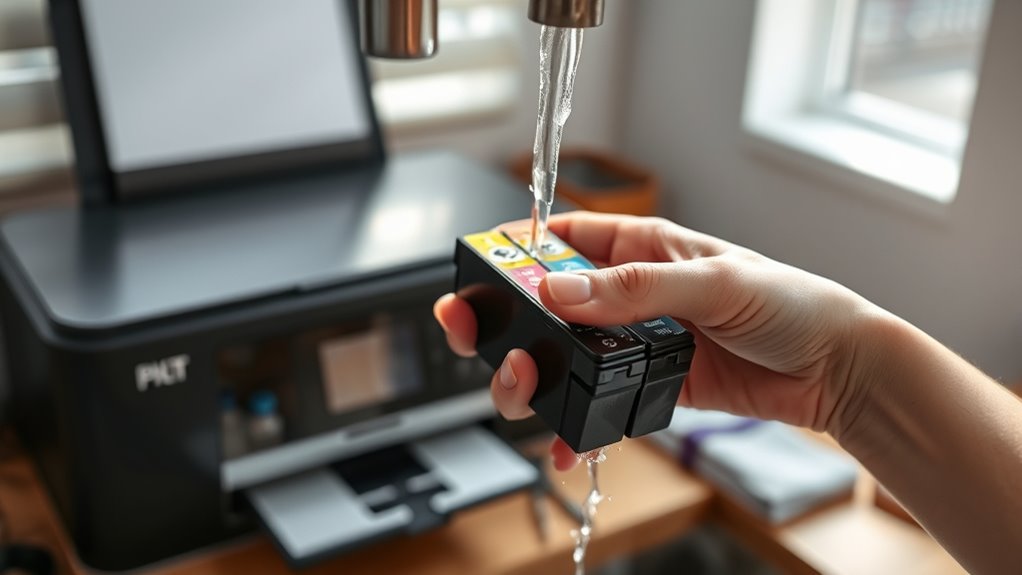
When your printer cartridges dry out, you can often bring them back to life by soaking them in warm water. This method helps soften the dried ink, making it flow smoothly again.
Here’s how to do it:
- Remove the cartridge carefully and fill a shallow dish with warm water—avoid hot water as it can damage the cartridge.
- Submerge the cartridge’s ink nozzles in the water for about 10-15 minutes to loosen the dried ink.
- After soaking, gently pat the cartridge dry with a lint-free cloth and let it air dry completely before reinserting it into your printer.
This simple technique can save you from buying new cartridges and get your printer working again quickly.
Give it a try next time your ink seems stuck! It’s an easy fix that often does the trick.
The Role of Printer Maintenance in Preventing Ink Drying
You can prevent your printer ink from drying out by sticking to a regular cleaning routine and using your printer properly.
Make sure to replace ink cartridges before they run completely dry to avoid clogs. Taking these simple steps will keep your printer running smoothly and save you from messy ink issues.
Regular Cleaning Routine
Although ink drying out can be frustrating, establishing a regular cleaning routine helps keep your printer in top shape and prevents clogs. By maintaining cleanliness, you reduce the risk of dried ink blocking nozzles and ruining print quality.
Here’s how to keep your printer clean:
- Use the Printer’s Cleaning Function: Run the built-in cleaning cycle every few weeks to clear minor clogs and keep ink flowing smoothly.
- Wipe the Print Head and Cartridges: Gently clean these parts with a lint-free cloth and distilled water to remove dried ink residues.
- Keep the Printer Dust-Free: Regularly dust the exterior and interior to prevent particles from interfering with the ink system.
Following these steps consistently will help you avoid ink drying issues and extend the life of your printer. It’s really worth making it a habit!
Proper Printer Usage
Maintaining a regular cleaning routine sets a strong foundation, but proper printer usage plays a big role in preventing ink from drying out. You should use your printer regularly, ideally printing a few pages weekly, to keep the ink flowing and prevent it from settling or drying inside the cartridges.
Avoid leaving your printer unused for long periods, as stagnant ink tends to dry quickly. Also, always turn off your printer properly using its power button rather than unplugging it. This helps the printer seal the ink cartridges correctly.
When you print, choose the appropriate quality settings and avoid excessive use of draft mode, which can cause uneven ink distribution. By following these habits, you’ll extend your printer’s life and reduce the chance of ink drying out unexpectedly.
Timely Ink Replacement
Since ink cartridges have a limited lifespan, replacing them on time is essential to keep your printer functioning smoothly and prevent ink from drying out. Neglecting timely replacement can lead to clogged nozzles and poor print quality.
To maintain your printer well, follow these tips:
- Monitor Ink Levels Regularly – Check your printer’s ink status to avoid unexpected drying.
- Set Replacement Reminders – Use your phone or calendar to remind you when cartridges need changing.
- Use Genuine Cartridges – They often last longer and are less prone to drying than third-party alternatives.
When to Replace Versus Revive an Ink Cartridge
Before you decide whether to replace or revive an ink cartridge, consider how long it’s been dried out and the cartridge’s overall condition. If it’s only recently dried and the cartridge looks intact, you might try reviving it by soaking or using cleaning solutions.
However, if it’s been dried for weeks or shows physical damage, replacement is usually the better option. Reviving takes effort and isn’t always successful, so if you need reliable print quality quickly, replacing saves time and frustration.
Also, older cartridges might clog more easily after revival attempts. Ultimately, if your prints remain faded or streaked after cleaning, it’s time to invest in a new cartridge to avoid wasting paper and ink on poor results.
Tips to Extend the Life of Your Printer Ink Cartridges
To get the most out of your printer ink cartridges, you need to store them properly and keep your printer well-maintained. Make sure cartridges are sealed tightly and kept in a cool, dry place when not in use.
Regularly cleaning your printer helps prevent clogs and keeps ink flowing smoothly. It’s a simple step that can save you a lot of hassle down the line. Just a little upkeep goes a long way!
Proper Storage Techniques
Although printer ink cartridges are designed for convenience, you can substantially extend their lifespan by storing them properly. Proper storage prevents the ink from drying out and keeps your prints sharp and vibrant.
Here’s how you should store your cartridges:
- Keep them sealed: Always store cartridges in their original sealed packaging until you’re ready to use them. Exposure to air speeds up drying.
- Store horizontally: Lay cartridges flat to keep the ink evenly distributed and avoid clogs.
- Choose a cool, dark place: Heat and sunlight degrade ink quality, so keep cartridges away from windows and direct heat sources.
Regular Printer Maintenance
Since printer ink cartridges can dry out or clog when left unused, you should perform regular maintenance to keep them working smoothly. First, print a test page at least once a week to prevent ink from settling and clogging the nozzles.
If you notice streaks or faded prints, run the printer’s cleaning cycle to clear blocked heads. Avoid leaving cartridges exposed to air for long periods; always reseal unused cartridges properly.
Also, keep your printer in a dust-free environment and cover it when not in use to prevent debris buildup. Finally, replace cartridges promptly when ink runs low to avoid damage from dried ink.
Frequently Asked Questions
Can Dried Ink Damage My Printer Permanently?
Yes, dried ink can damage your printer permanently by clogging the nozzles and affecting print quality.
If you act quickly and clean the cartridges, you can often prevent serious issues and keep your printer working well.
Is It Safe to Use Expired Ink Cartridges?
It’s not safe to use expired ink cartridges; they can clog your printer, cause poor print quality, and lead to damage.
You risk wasted ink, wasted paper, and wasted time. So, it’s best to replace cartridges promptly and carefully.
How Does Temperature Affect Ink Drying Inside Cartridges?
Temperature affects ink drying inside cartridges by speeding up evaporation when it’s too hot, causing clogs.
If it’s too cold, ink thickens and flows poorly. You should store cartridges at moderate temperatures to keep ink fresh.
Can Third-Party Ink Cartridges Dry Out Faster?
You might find third-party ink cartridges dry out up to 30% faster because their formulas often lack the same moisture-retaining additives as originals.
So, you’ll want to store them properly and use them regularly to avoid drying. It’s a good idea to keep them sealed tight when not in use.
That way, you can make sure they last longer and keep your prints looking great.
What Are the Environmental Impacts of Disposing Dried Ink Cartridges?
You’ll harm the environment if you toss dried ink cartridges in the trash since they release toxic chemicals and non-biodegradable plastics.
Instead, recycle them properly to reduce pollution and conserve resources. It’s a simple step that makes a big difference!
Conclusion
You might think a dried-out ink cartridge is doomed, but don’t give up just yet. With some careful cleaning and a bit of patience, you could bring your printer back to life. Imagine watching those faded prints suddenly burst with color again.
If your efforts fall short, knowing when to replace the cartridge will save you time and frustration. Keep these tips in mind—you’re closer to vibrant prints than you realize. Taking proper care of your printer ink can make a big difference. So, if your printer ink does dry out, try cleaning the cartridge first before buying a new one. This way, you can enjoy clear, colorful prints without unnecessary expense or hassle.