What Causes Ink to Dry Out in a Printer?
Ink dries out in your printer mainly because of air exposure and infrequent use that lets ink evaporate or clog nozzles. When your printer sits idle for too long, the ink can start to dry up, leading to poor print quality.
Storing your printer or cartridges in hot, dry places also speeds up the drying process. Using low-quality or expired ink makes things worse, causing the ink to thicken and clog the nozzles more quickly.
Neglecting regular maintenance and cleaning can really compound the problem. It often results in streaks or even blank prints, which is frustrating.
By understanding these common causes, you can take simple steps to keep your ink fresh and your printer running smoothly. Regular use, proper storage, and cleaning are key to avoiding dried-out ink issues.
Key Takeaways
- Low humidity and exposure to heat or air cause ink to evaporate and dry out faster inside the printer. It’s like the ink is just disappearing into thin air.
- Infrequent printer use allows ink to settle and dry in nozzles, leading to clogging and poor print quality. So, if you don’t print often, the ink can get stuck and cause trouble.
- Using expired, low-quality, or improperly refilled cartridges increases the risk of ink drying and nozzle blockages. Basically, not all cartridges are created equal, and some can mess things up.
- Opening the printer cover or leaving cartridges unsealed exposes ink to air, accelerating evaporation and drying. You want to keep those cartridges sealed tight when you’re not printing.
- Lack of regular maintenance and cleaning cycles causes dried ink buildup, restricting ink flow and damaging printheads. Skipping cleanings can really hurt your printer’s performance over time.
Exposure to Air and Environmental Factors
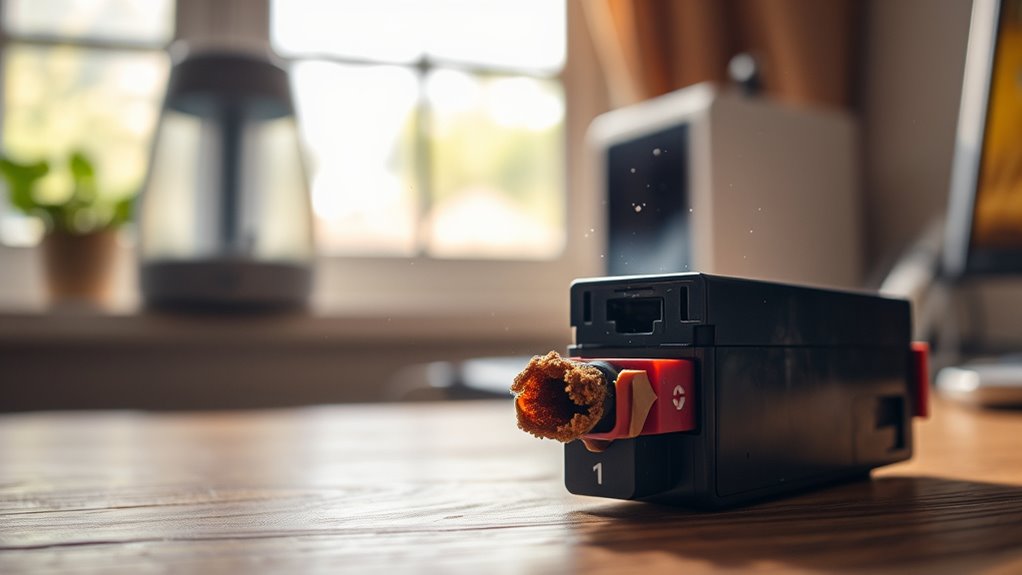
Although printers are designed to protect ink, exposure to air and environmental factors can quickly cause it to dry out. When you leave your printer in a room with low humidity or near a heat source, the ink inside the cartridges evaporates faster.
Dust and debris can also settle on the ink nozzles, clogging them and making the ink dry up unevenly. If you frequently open the printer cover or leave cartridges exposed to open air, the drying process speeds up.
Even the quality of the ink itself plays a role—some inks dry faster when exposed to oxygen. To keep your ink fresh, you should store your printer in a cool, clean environment and avoid unnecessary exposure to open air.
Infrequent Printer Use
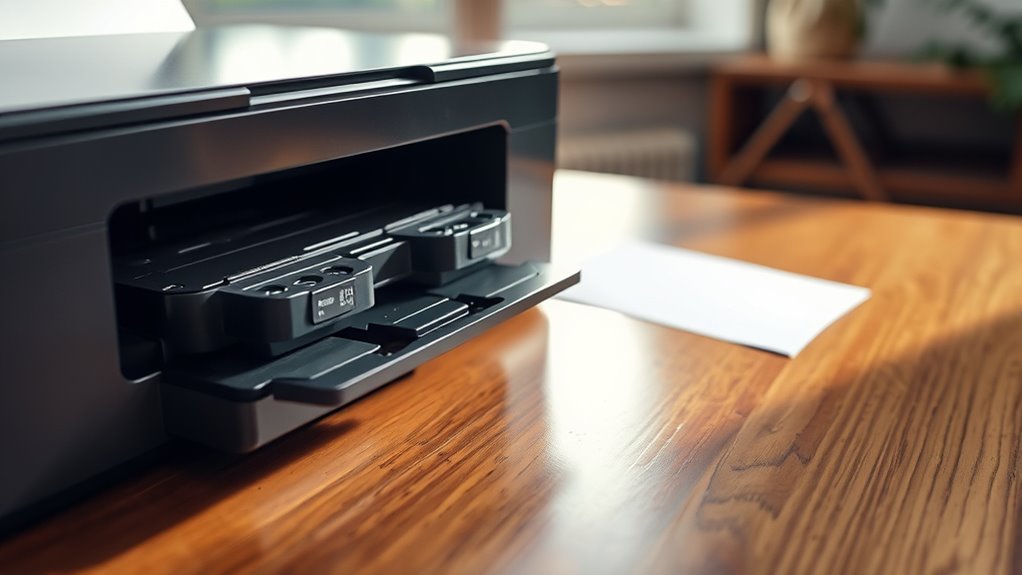
When you don’t use your printer regularly, the ink inside the cartridges tends to dry out and clog the nozzles. This happens because the ink stays exposed to air within the cartridge, gradually evaporating and thickening.
As a result, the flow becomes obstructed, leading to poor print quality or failed prints. To prevent this, try to print something at least once a week. Regular use keeps the ink moving, reducing the chances of it drying up.
If you let your printer sit idle for long periods, the dried ink can cause permanent damage. This might mean you’ll need to replace the cartridge or get professional cleaning done.
Improper Printer Storage
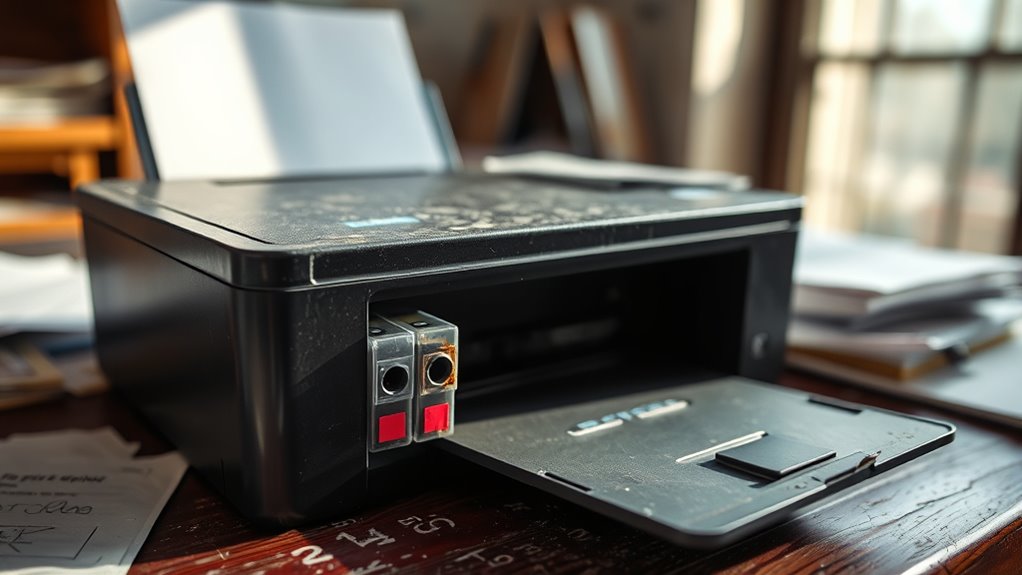
If you store your printer in a place with extreme temperatures or high humidity, the ink can dry out faster or become unusable.
Leaving your printer inactive for long periods without proper storage can also cause the ink to clog or evaporate.
Temperature and Humidity Effects
Since you store your printer in environments with extreme temperatures or fluctuating humidity, the ink inside can dry out faster than expected. High temperatures cause the liquid components of the ink to evaporate quickly, leaving behind dried pigment that clogs the nozzles.
On the other hand, very low temperatures can thicken the ink, making it harder to flow properly. Humidity levels also play a vital role; low humidity accelerates evaporation, while excessive moisture can cause ink to degrade or lead to mold growth inside the cartridge.
To keep your ink fresh, store your printer in a cool, stable environment with moderate humidity—ideally between 40% and 60%. By controlling these factors, you help prevent premature ink drying and maintain ideal printing quality.
Long-Term Inactivity Issues
Controlling temperature and humidity helps, but leaving your printer unused for extended periods can still cause ink to dry out or clog. When you don’t print regularly, the ink sits idle in the nozzles and cartridges. This increases the chance it will thicken or harden.
Improper storage—like keeping your printer in a dusty, warm, or overly dry environment—makes this worse. It accelerates evaporation or contamination, which you definitely want to avoid.
To prevent these issues, make sure you store your printer in a cool, clean area. Also, try to run a test print every week or two. Doing this keeps the ink flowing smoothly and prevents buildup.
If you know you won’t use the printer for a long time, consider removing the cartridges and storing them properly. This way, you can avoid permanent damage and keep your printer ready for action when you need it.
Low-Quality or Expired Ink Cartridges
Using low-quality or expired ink cartridges can cause your printer’s ink to dry out faster than usual. These cartridges often contain ink formulas that don’t maintain moisture as well as genuine, fresh ink.
When you use expired ink, the chemical composition may have changed, leading to quicker drying and clogging risks. Low-quality cartridges might also have poor sealing, allowing air to enter and dry the ink prematurely.
To keep your printer working smoothly, always check the expiration date before installing a cartridge. And it’s a good idea to stick with reputable brands or original manufacturer supplies.
Printer Nozzle Clogging
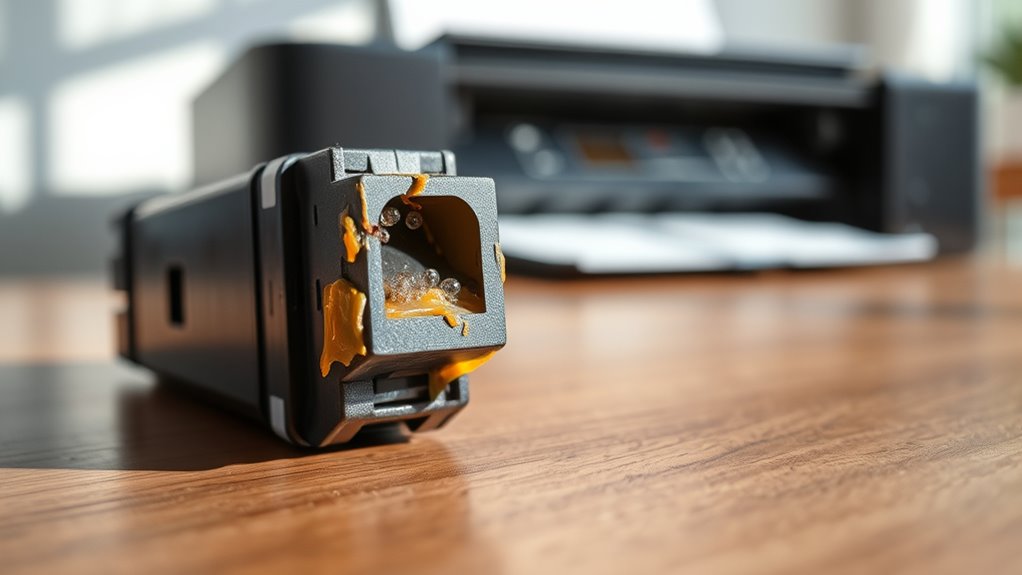
Poor ink quality and expired cartridges can speed up drying, which often leads to printer nozzle clogging. When ink dries inside the nozzles, it blocks the tiny openings, preventing fresh ink from flowing smoothly onto the paper.
Expired cartridges and poor ink quality cause drying and clog printer nozzles, disrupting smooth ink flow.
You might notice streaks, faded prints, or even blank spots on your documents. This clogging happens because the dried ink hardens and restricts the nozzle’s function.
To avoid this, you need to use good-quality ink and replace cartridges before they expire. Running your printer regularly also helps keep the ink moving through the nozzles, reducing the chance of clogs.
If you encounter clogging, most printers offer cleaning cycles to flush out dried ink, restoring proper ink flow and print quality. It’s a pretty handy feature that can save you a lot of frustration!
Incorrect Printer Maintenance Practices
You can cause ink to dry out by skipping regular cleaning and letting residue build up. Using expired ink cartridges also leads to poor print quality and drying issues.
Ignoring your printer’s usage guidelines only makes these problems worse over time. It’s really important to keep up with maintenance to avoid these headaches.
Skipping Regular Cleaning
When you skip regular cleaning, ink buildup can clog the printer’s nozzles and cause drying issues. This buildup restricts ink flow, making your prints faint or streaky.
If you don’t clean your printer regularly, dried ink can harden inside the nozzles, leading to partial or complete blockages. These blockages force the printer to push harder, which can waste ink and damage components.
By running cleaning cycles or manually wiping accessible parts, you prevent ink from drying prematurely. Neglecting this maintenance means your printer struggles to deliver consistent ink, resulting in poor print quality and frequent cartridge replacements.
Regular cleaning keeps ink flowing smoothly, extending the life of your printer and saving you money on unnecessary repairs or replacements. Don’t let neglect ruin your prints.
Using Expired Ink Cartridges
Although expired ink cartridges might seem harmless, using them can seriously affect your printer’s performance. When ink sits past its expiration date, it often thickens or dries out inside the cartridge, clogging the nozzles and reducing print quality.
You’ll likely notice streaks, faded colors, or even paper jams caused by dried ink fragments. Using expired cartridges also risks damaging your printhead, leading to costly repairs or replacements.
To keep your printer running smoothly, always check the expiration date before installing a cartridge and replace old ink promptly. Don’t try to save money by using expired ink—doing so usually ends up costing more in maintenance and wasted supplies.
Proper ink management helps prevent drying issues and ensures crisp, reliable prints every time. So, it’s really worth keeping an eye on those dates!
Ignoring Printer Usage Guidelines
Failing to follow your printer’s usage guidelines can quickly lead to ink drying out and other problems. When you ignore recommended printing schedules or skip maintenance steps, ink sits idle and dries inside the cartridge or nozzles.
You might think it’s fine to leave your printer unused for weeks, but that inactivity causes the ink to thicken and clog. Also, using improper paper types or incorrect settings can force the printer to work harder, wasting ink and increasing the risk of clogs.
Always stick to the manufacturer’s instructions for cleaning cycles and storage conditions. By doing so, you keep the ink flowing smoothly and extend both cartridge life and print quality.
Don’t let careless habits ruin your printer’s performance. It really pays off to be mindful and keep up with regular printer care.
Frequently Asked Questions
How Long Does Ink Typically Last Inside a Sealed Cartridge?
You’ll typically get about 1 to 2 years of shelf life from a sealed ink cartridge. Just keep it stored in a cool, dry place, and you won’t have to worry about the ink drying out prematurely.
It’s pretty straightforward — the cooler and drier the spot, the better the ink holds up. So, no need to stress if you’re not using it right away!
Can Printer Ink Dry Out Faster in Certain Climates?
Yes, you’ll notice printer ink dries out faster in hot, dry climates because low humidity speeds evaporation.
To keep your ink fresh, store cartridges in cool, sealed containers and avoid exposing them to extreme temperatures.
It really makes a difference if you’re mindful about how and where you keep your ink. Just a little care can help your cartridges last longer!
Does the Type of Printer Affect Ink Drying Time?
Yes, the type of printer affects ink drying time. Inkjet printers use liquid ink that dries slower, while laser printers use toner powder that fuses instantly.
Are There Specific Brands Known for Longer-Lasting Ink?
Think of ink like a marathon runner—brands like Epson and Canon often go the distance with longer-lasting ink.
You’ll find their formulations resist drying, keeping your prints sharp and vibrant for much longer.
Is It Safe to Mix Different Ink Brands in One Printer?
It’s generally not safe to mix different ink brands in one printer because formulations vary, which can cause clogs or poor print quality.
Stick to the manufacturer’s recommended ink to keep your printer running smoothly. It really helps avoid headaches down the line.
Conclusion
So, if you love that thrilling surprise of a dried-out printer just when you need it most, keep ignoring air exposure, skip regular use, and treat your ink like fine wine—let it age until it’s useless.
Feel free to buy the cheapest cartridges and never clean those nozzles. Or, you could do the opposite and actually care for your printer.
Ink drying out in a printer is mainly caused by exposure to air, infrequent use, and poor maintenance. When ink is left sitting too long without printing, it can dry up and clog the nozzles, leading to frustrating print failures.
To keep your printer ink fresh and avoid those annoying blockages, use your printer regularly, store cartridges properly, and clean the nozzles as recommended. Taking these simple steps helps ensure hassle-free printing and extends the life of your ink cartridges. Trust me, a little care goes a long way in preventing dried-out ink and keeping your printer running smoothly.