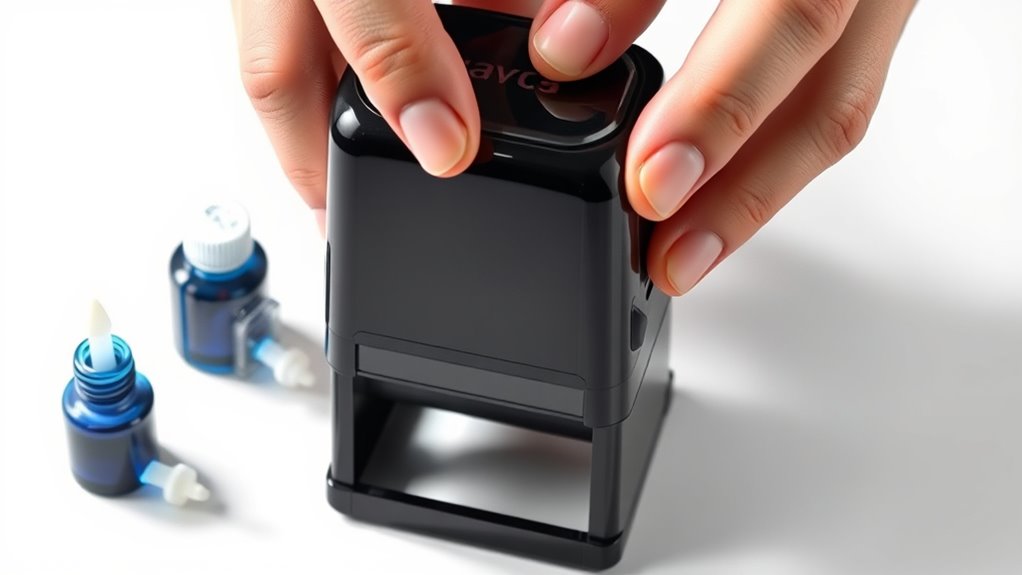
How Do You Refill a Self-Inking Stamp in 10 Easy Steps
To refill your self-inking stamp, first gather compatible ink and protective materials. Make sure you have the right type of ink designed for self-inking stamps to avoid any damage.
Removing the ink pad carefully is the next step, and it’s important to check for any dirt or debris that could affect the stamp’s performance.
Once the pad is clean, apply a few drops of the correct ink evenly. Let it absorb for several minutes so the ink soaks in properly.
Then, reinsert the pad securely into the stamp.
Give your stamp a test on scrap paper to see how it prints. If the print looks faint, add a bit more ink carefully—just a few drops at a time.
Don’t forget to clean up any spills to keep your workspace neat.
Finally, store the stamp properly to maintain the ink’s quality and longevity.
Following these simple steps will help you keep your self-inking stamp working perfectly every time. Keep going for detailed tips to perfect your refill!
Key Takeaways
– Gather compatible ink, gloves, cloth, and tools before starting to refill your self-inking stamp.
Make sure you have everything ready so the process goes smoothly.
– Carefully remove the ink pad from the stamp housing without forcing it or touching the ink surface.
You want to avoid any damage or smudges here.
– Apply the correct ink type evenly on the pad and let it absorb fully before reinserting.
Take your time to make sure the ink soaks in properly.
– Test stamp impressions on scrap paper, adjusting ink quantity for clear, consistent prints.
If the print looks too light or blotchy, add a little more ink.
– Clean excess ink, let the pad settle, and store the stamp properly to maintain ink longevity.
This helps keep your stamp working great for longer!
Gather Your Materials
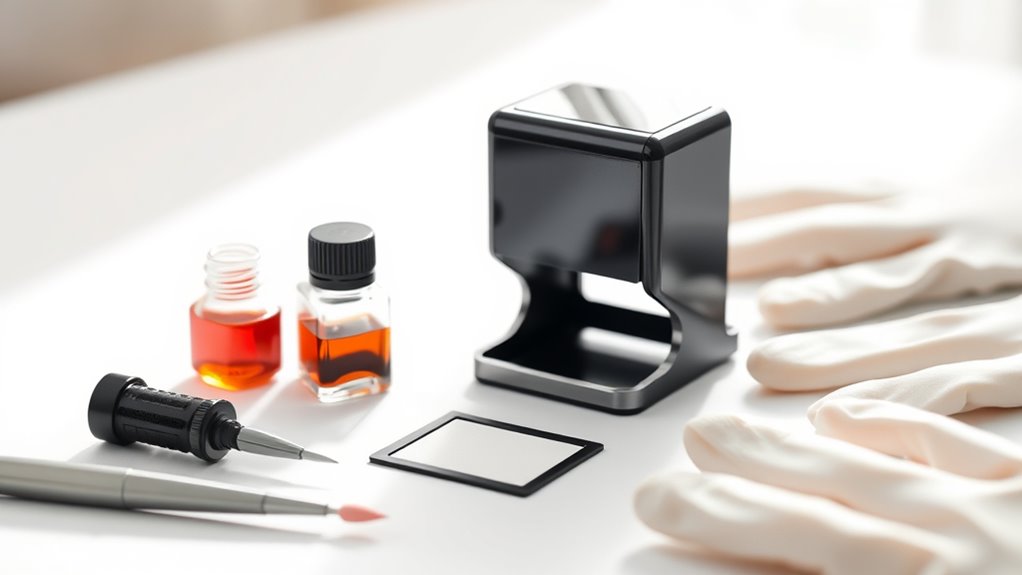
Before you begin refilling your self-inking stamp, you’ll need to gather a few essential materials to guarantee the process goes smoothly. First, get the right ink refill specifically designed for your stamp type to avoid damage or poor quality prints.
Gather the correct ink refill for your specific stamp to ensure smooth, quality prints without damage.
Have a clean cloth or paper towel ready to wipe any excess ink or spills. You’ll also want some gloves to keep your hands clean and prevent ink stains.
If your stamp requires it, keep a small screwdriver or tool handy for minor adjustments. Finally, work in a well-ventilated area on a protected surface to avoid staining furniture or fabrics.
Having these materials at hand ensures you can refill your stamp efficiently and neatly. It makes the whole process easier and less messy!
Remove the Stamp Pad
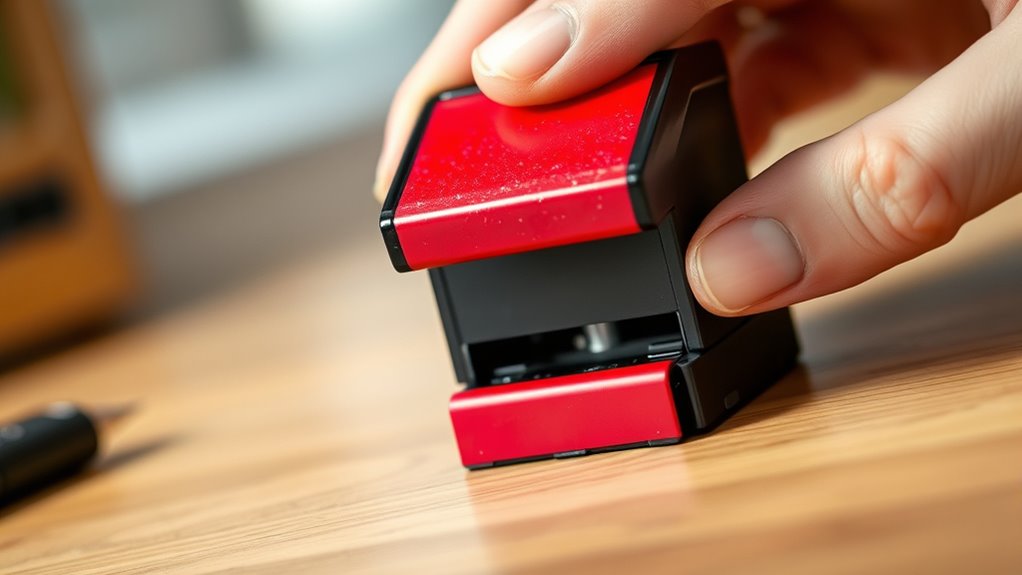
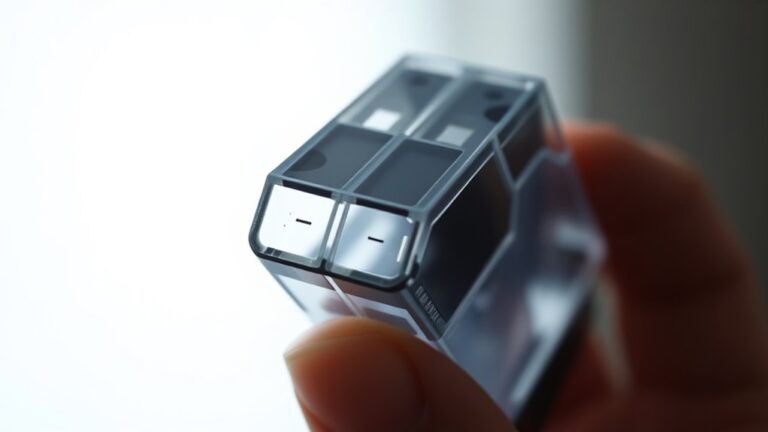
First, find the stamp pad inside your self-inking stamp. It’s usually located right beneath the ink mechanism.
Next, use gentle pressure or a small tool to carefully remove the pad without damaging it. Be sure to handle it carefully to avoid ink stains. Keep it ready for refilling when you need it.
Locating the Stamp Pad
Wondering where to find the stamp pad inside your self-inking stamp? Start by holding your stamp firmly and look for a small, rectangular section typically located on the underside or side of the stamp’s housing. This area houses the ink pad that gets pressed against the stamp plate during use.
Depending on your stamp’s design, the pad might be visible once you slightly tilt or partially open the stamp casing. Some models have a clearly marked slot or window indicating the pad’s position.
If you don’t see it immediately, check the manufacturer’s instructions or look for a removable panel. Knowing exactly where the stamp pad sits helps you handle it properly for refilling or replacement without damaging your stamp.
Methods to Remove
Once you’ve located the stamp pad, you’ll need to carefully remove it to refill or replace the ink. Removing the pad properly prevents damage and guarantees smooth refilling.
Here are three common methods to remove the stamp pad:
- Slide It Out: Press the release button or lever on the stamp body, then gently slide the pad out from its holder.
- Pull It Out: Grip the edges of the pad firmly and pull it straight out, applying steady pressure to avoid bending.
- Flip and Remove: Some stamps require you to flip the stamp upside down and press firmly to pop the pad out.
Handling the Stamp Pad
After removing the stamp pad using one of the common methods, you’ll want to handle it carefully to avoid ink spills or damage. Hold the pad over a surface you can clean easily, and avoid touching the inked side.
Keep your workspace organized to prevent accidents. If the ink looks dry, you’re ready to add more.
Here’s a quick guide to handling your stamp pad safely:
| Task | Tip | Warning |
|---|---|---|
| Holding the pad | Grip edges firmly | Don’t touch the ink side |
| Checking ink level | Look for dry patches | Avoid over-saturating |
| Ink application | Use dropper or syringe | Don’t spill ink |
| Cleaning | Wipe edges with cloth | Avoid soaking the pad |
| Storage | Keep in plastic case | Store away from heat |
Prepare the Ink for Refilling
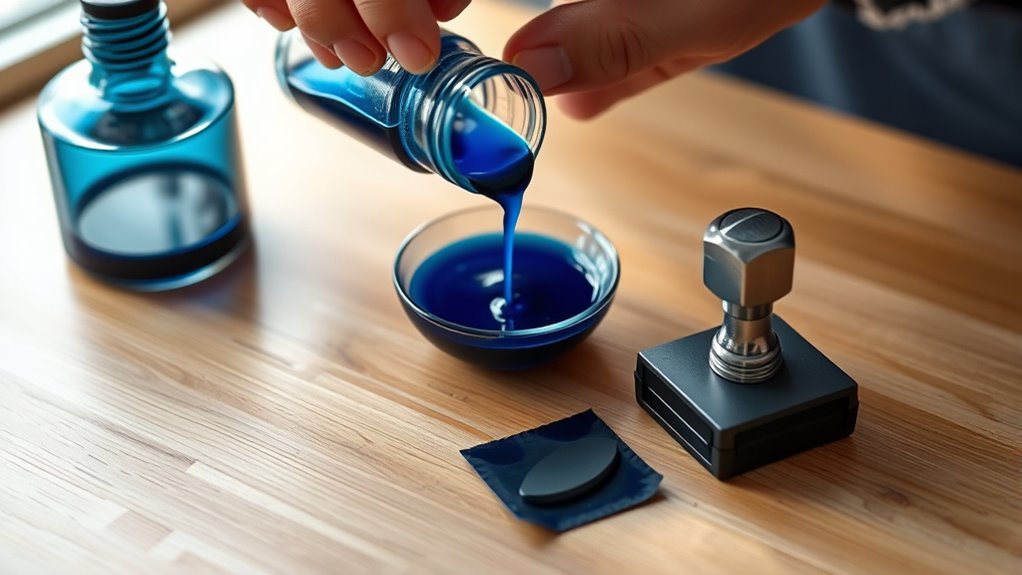
How do you make certain the ink is ready for refilling your self-inking stamp? First, verify the ink type matches your stamp’s requirements—using the wrong ink can damage the pad or affect impression quality.
Next, check the ink’s condition; it should be fresh and not dried out or separated. Finally, prepare a clean workspace to avoid spills and contamination.
Make sure your ink is fresh and your workspace clean to keep refilling mess-free and effective.
- Confirm the ink type suits your stamp (water-based or pigment-based).
- Inspect the ink bottle for freshness and proper consistency.
- Set up a protected area with paper towels or cloth to catch any drips.
Following these steps ensures your ink is in prime condition, making the refilling process smooth and effective. Easy, right? Just a little prep goes a long way!
Apply Ink to the Stamp Pad
You’ll want to pick ink that’s compatible with your stamp to avoid damage or poor impressions. When applying, make sure to spread the ink evenly across the pad to guarantee consistent stamping.
Taking these steps helps your self-inking stamp work smoothly every time. It’s a simple trick that makes a big difference!
Choosing the Right Ink
When selecting ink for your self-inking stamp, it’s essential to choose one that matches both the stamp material and the surface you’ll be marking. Using the wrong ink can cause smudging, fading, or damage to your stamp pad.
Here’s how to pick the right ink:
- Check the stamp pad type: Some pads require water-based ink, while others need oil-based or pigment ink. Match the ink to your pad to avoid clogging.
- Consider the surface: For paper, water-based ink works well. But if you’re stamping on non-porous surfaces like plastic or metal, you’ll want to use solvent-based or permanent ink.
- Color choice: Pick an ink color that stands out on your chosen surface. That way, your impressions will be clear and legible every time.
Choosing correctly keeps your stamp sharp and functional. So, take a moment to match your ink with your stamp and surface—it really makes a difference!
Applying Ink Evenly
Although refilling a self-inking stamp might seem straightforward, applying ink evenly to the stamp pad takes careful attention to avoid blotches or uneven impressions.
Start by placing a few drops of ink evenly across the pad’s surface—don’t saturate one spot. Use a small brush or a cotton swab to spread the ink gently but thoroughly, ensuring every corner is covered.
Avoid pressing too hard, which can damage the pad or cause ink pooling. After application, let the pad sit for a few minutes to absorb the ink fully.
Test the stamp on scrap paper to check for consistency, adding small amounts of ink if needed. This careful approach guarantees crisp, clean prints every time you use your self-inking stamp.
Let the Ink Absorb
Since the ink needs time to spread evenly, allow your self-inking stamp to rest for several minutes after refilling. This pause helps the ink saturate the pad thoroughly, preventing uneven prints or smudges.
Let your self-inking stamp rest after refilling to ensure even ink saturation and crisp, smudge-free prints.
Avoid pressing or shaking the stamp during this time to keep the ink distribution consistent. It’s best to just let it be.
To make the most of this step:
- Place the stamp on a clean surface with the pad facing up.
- Keep it undisturbed for about 10-15 minutes.
- Check the pad’s color depth to ensure the ink has absorbed well before use. That way, you know it’s ready.
Giving the ink this time to settle ensures sharp, clear impressions every time you stamp. Trust me, it makes a big difference!
Reinsert the Stamp Pad
Now that the ink has absorbed, carefully remove the old stamp pad from the mechanism.
Make certain you align the new pad properly to guarantee even stamping.
Take your time reinserting it so your stamp works smoothly every time.
Removing the Old Pad
Before you can reinsert the stamp pad, you need to remove the old one carefully to avoid damaging the stamp mechanism. Here’s how to do it efficiently:
- Locate the pad holder: Press the stamp slightly to expose the ink pad compartment.
- Remove the old pad: Gently push or slide the pad out of its slot, avoiding force that could harm the mechanism.
- Inspect the area: Check for any leftover ink residue or debris and clean it with a soft cloth if necessary.
Taking these steps ensures the old pad comes out smoothly and your stamp stays in good working order. This way, it’ll be ready for the fresh ink pad you’re about to reinsert.
Proper Pad Alignment
Although reinserting the stamp pad may seem straightforward, aligning it properly is essential to guarantee even ink distribution and smooth stamping. First, locate the guide rails or grooves inside the stamp frame where the pad slides in.
Carefully position the pad so it fits snugly within these tracks without forcing it. Make sure the inked side faces the stamp’s rubber die. If it’s misaligned, you’ll get uneven impressions or smudging.
Once in place, gently press the pad until you hear or feel it click, indicating it’s securely seated. Double-check by pressing the stamp a few times on scrap paper.
If the impressions look clear and consistent, you’ve aligned the pad correctly. Proper alignment extends your stamp’s life and keeps your impressions sharp.
Test the Stamp on Scrap Paper
How can you be sure your self-inking stamp is properly refilled? Testing it on scrap paper is the best way to check.
Here’s how to do it effectively:
- Press the stamp firmly onto the scrap paper, simulating normal use.
- Examine the imprint carefully for even ink coverage and clarity.
- Repeat the stamping a few times to confirm consistent results.
This quick test helps you spot any areas that might still be faint or uneven. If the stamp leaves a clear, complete impression, you’ve done a great job refilling it.
Testing now guarantees you won’t get any surprises when you use the stamp on important documents later. Remember, a well-tested stamp ensures professional and reliable impressions every time.
Add More Ink if Necessary
If your stamp’s impression still looks faint or uneven after testing, you’ll want to add more ink to guarantee clear, consistent prints. Gently lift the ink pad from the stamp housing, exposing the surface.
Apply a few drops of the recommended ink evenly across the pad—avoid soaking it to prevent blotching. Press down lightly to help the ink absorb thoroughly. Wait a couple of minutes to let the ink penetrate fully before testing again on scrap paper.
Repeat adding small amounts if necessary, but don’t overdo it, as too much ink can cause smudging. By carefully adding ink this way, you maintain your stamp’s sharpness and prolong its usability without making a mess or damaging the pad.
Clean Up Any Excess Ink
Since excess ink can cause smudges and messy impressions, you’ll want to clean it up promptly after refilling. Start by inspecting the stamp pad and surrounding areas for any spills or drips.
Here’s how to clean up effectively:
- Use a clean cloth or paper towel to blot away any visible ink on the surface without rubbing, which can spread the ink further.
- Dampen a cotton swab with rubbing alcohol and gently wipe around the edges and the stamp’s impression area to remove stubborn ink stains.
- Allow the stamp to air dry completely before using it again to avoid smearing your next impression.
Store Your Stamp Properly
To keep your self-inking stamp in good condition, you’ll want to store it in a cool, dry place away from direct sunlight. Heat and moisture can damage the ink pad and cause the stamp to dry out or smear.
Keep the stamp upright or flat, depending on the manufacturer’s recommendations, to prevent ink from pooling unevenly. It’s a simple step but makes a big difference.
Also, avoid leaving the stamp exposed to dust or dirt, which can clog the mechanism. If your stamp has a protective cover or case, be sure to use it to shield the ink pad and stamping surface.
Proper storage not only preserves ink quality but also extends the life of your stamp. That way, it’s ready to use whenever you need it without smudging or fading.
Frequently Asked Questions
How Long Does the Ink Take to Dry on Paper?
The ink usually takes about 10 to 30 seconds to dry on paper, depending on the type of ink and paper you’re using.
You’ll want to wait a bit before handling it to avoid smudging.
It’s a good idea to be patient and let it set properly. That way, your work stays neat and clean!
Can I Use Any Type of Ink for Refilling?
You shouldn’t use just any ink; use specially formulated stamp ink to avoid damaging the pad or mechanism. Regular ink might clog or fade quickly, so stick to recommended ink for best results and longevity.
It’s really tempting to grab whatever ink you have on hand, but trust me, it can cause more harm than good. Using the right ink keeps your stamp working smoothly and looking sharp over time.
How Often Should I Refill a Self-Inking Stamp?
You should refill your self-inking stamp every 3-6 months or after about 10,000 impressions.
Don’t wait too long—over 60% of stamps lose clarity without timely refills. So, keep it sharp and professional!
Is It Safe to Use Alcohol-Based Inks in Self-Inking Stamps?
You shouldn’t use alcohol-based inks in self-inking stamps because they can damage the stamp’s foam pad and mechanism.
Stick to the manufacturer’s recommended ink to keep your stamp working smoothly and avoid ruining it.
It’s really best to follow these guidelines to make sure your stamp lasts a long time. Using the right ink keeps everything running without a hitch.
What Should I Do if My Stamp Image Is Blurry After Refilling?
Oh, blurry stamps—exactly what you wanted, right? Don’t worry, just clean the stamp pad, let the ink soak evenly, and press firmly.
If it’s still fuzzy, replace the pad to get crisp, clear impressions again.
Conclusion
Refilling your self-inking stamp is easier than you think, and keeping it well-maintained can extend its life by up to 50%. By following these simple steps, you’ll save money and avoid the hassle of buying a new one.
Remember, a properly refilled stamp guarantees crisp, clear impressions every time. So, take a few minutes to refresh your stamp—you’ll be surprised how much smoother your stamping tasks become!
When you refill your self-inking stamp regularly, you not only maintain its quality but also ensure consistent, professional results. This simple maintenance trick keeps your stamp working like new and can save you time and money in the long run. So, don’t hesitate—refill your self-inking stamp today and enjoy hassle-free stamping with clear, sharp impressions every time!