How to Do Refill Canon Ink Cartridges in 5 Easy Steps
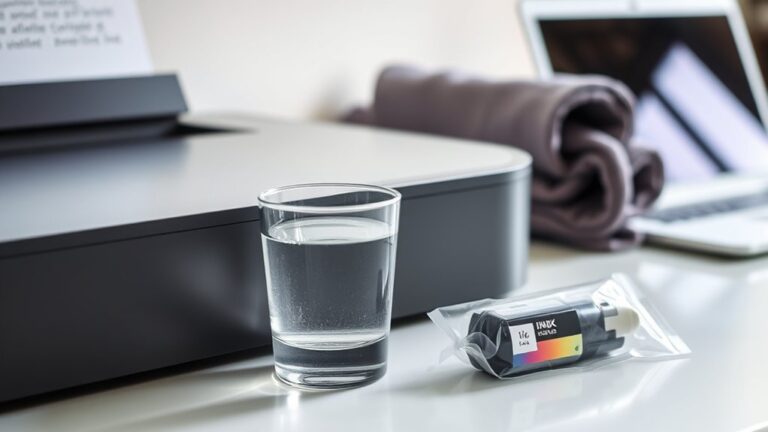
To refill your Canon ink cartridges, start by gathering all the necessary supplies: refill ink, a syringe, gloves, and paper towels. Having everything ready will make the process smoother and less messy.
Next, clean the cartridge exterior to remove any dust or dried ink. Then, locate the refill hole or carefully create one if it’s not already there. This step is important to avoid any damage to your cartridge.
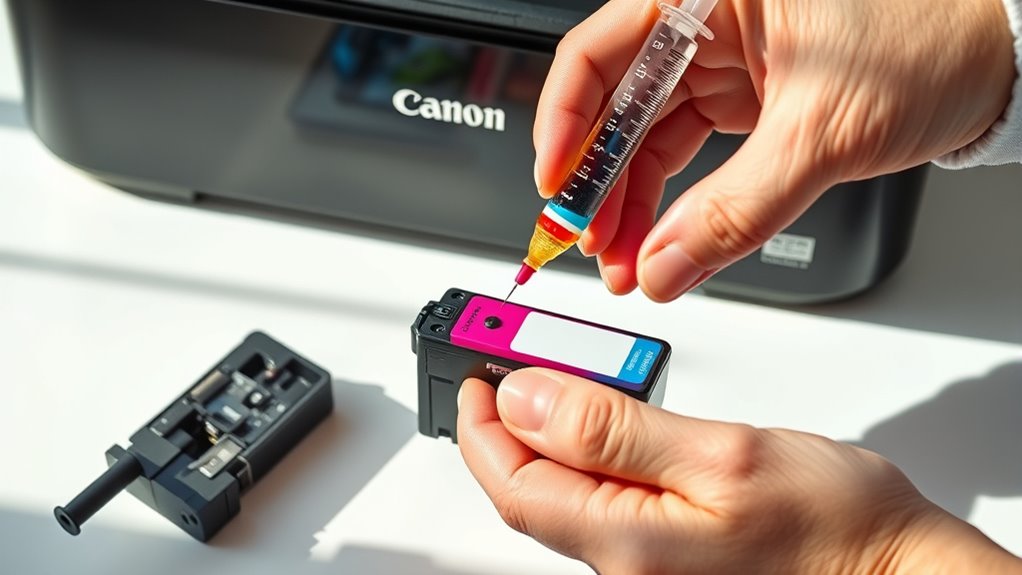
Now, slowly inject the refill ink using the syringe. Take your time and avoid overfilling the cartridge, as this can cause leaks or poor print quality.
After filling, seal the hole tightly with tape or use the original plug if available.
Be sure to wipe off any excess ink carefully to keep things neat. Finally, insert the cartridge back into your printer and run a test print. This way, you can check the quality and make sure your printer is running smoothly again.
Key Takeaways
- Gather refill ink, syringe with needle, gloves, paper towels, and a small screwdriver before starting.
- Clean the cartridge exterior, locate the refill holes, and place it on a protected surface.
- Slowly inject ink through the refill hole using the syringe. Be careful not to overfill or create air bubbles.
- Seal the refill hole tightly, then clean the cartridge exterior and the print head area.
- Insert the cartridge into the printer. Run a test print and check the print quality.
Gather the Necessary Materials
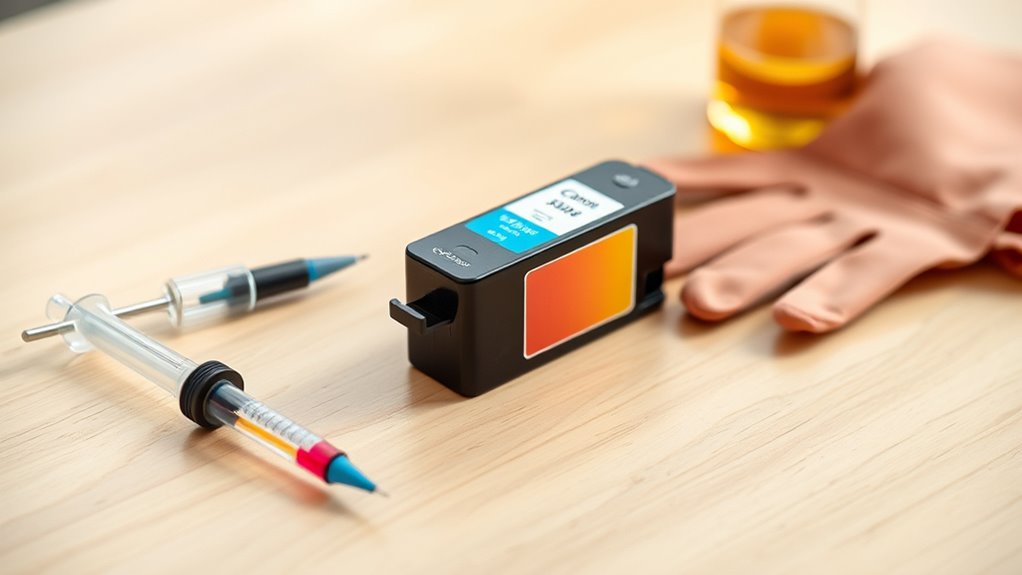
Before you begin refilling your Canon ink cartridges, make sure you have all the necessary materials on hand. You’ll need refill ink specific to your cartridge model to avoid damage or poor print quality.
Grab a syringe with a needle for precise ink injection, and some gloves to keep your hands clean. Have paper towels or a cloth nearby to catch any spills.
A small screwdriver might be useful if your cartridge has a sealed refill hole. Keep a plastic bag or container handy to store the cartridge while refilling, preventing ink stains on your workspace.
Finally, verify you have a well-lit, clean area to work in. Having everything ready will make the refilling process smoother and more efficient.
Prepare the Canon Ink Cartridge for Refilling
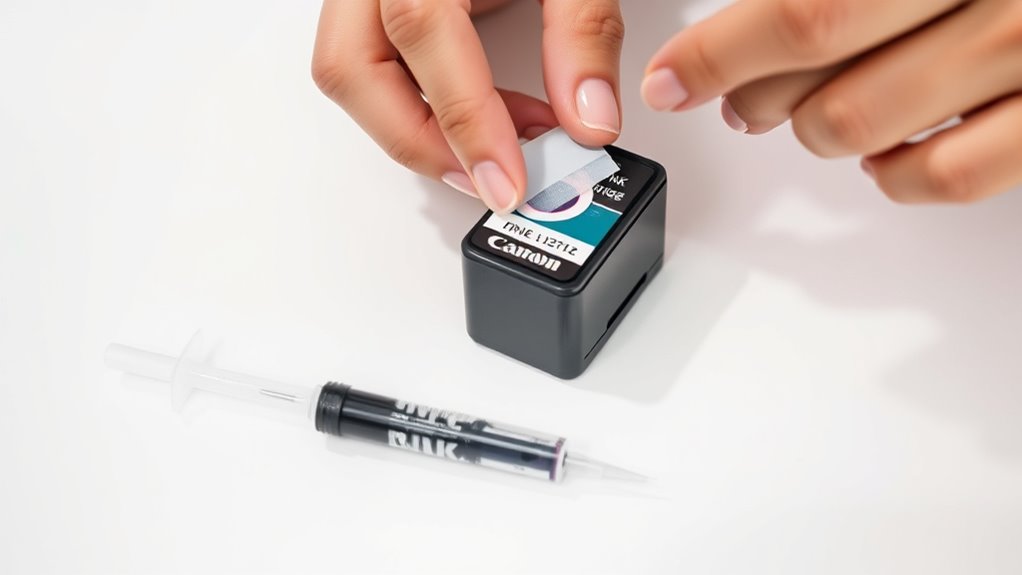
After gathering your materials, you’ll need to prepare the Canon ink cartridge carefully to guarantee a successful refill. First, clean the cartridge exterior with a lint-free cloth to avoid dirt contamination.
Next, locate the refill holes or remove the label if necessary. Be gentle to prevent damage. Also, check for any cracks or leaks that might affect performance.
Finally, place the cartridge on a protected surface.
| Step | Action | Tip |
|---|---|---|
| 1 | Clean cartridge exterior | Use a lint-free cloth |
| 2 | Find refill holes | Remove label carefully |
| 3 | Inspect for damage | Look for cracks or leaks |
| 4 | Set cartridge down safely | Use a protective surface |
Refill the Ink Cartridge Carefully
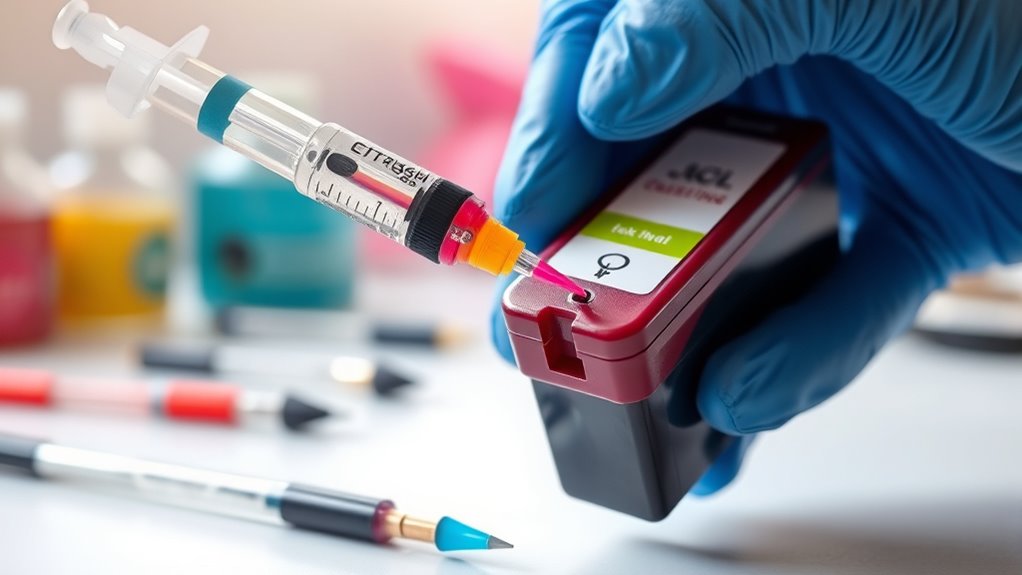
When you’re ready to refill the ink cartridge, handle the syringe and ink with care to avoid spills and air bubbles. Follow these steps to refill smoothly:
- Insert the syringe needle slowly into the cartridge’s refill hole.
- Pull the plunger gently to inject the ink, avoiding rapid movements.
- Stop once the cartridge is full, but don’t overfill to prevent leaks.
- Remove the syringe carefully, wiping any excess ink immediately.
It’s pretty straightforward, but taking your time really helps. You don’t want to rush and end up with a mess!
Seal and Clean the Cartridge
Once you’ve refilled the cartridge, sealing and cleaning it properly helps prevent leaks and guarantees smooth printing. Start by sealing the refill hole with a piece of tape or the original plug if available, ensuring it’s airtight.
After refilling, securely seal the cartridge to prevent leaks and ensure flawless printing every time.
This step is essential to avoid ink spills inside your printer. Next, gently wipe the cartridge’s exterior and the print head area with a lint-free cloth or paper towel dampened with a little distilled water or isopropyl alcohol.
This removes any excess ink or dust that might clog the nozzles or cause smudges on your prints. Just be careful not to touch the copper contacts or nozzles directly.
Proper sealing and cleaning will extend your cartridge’s life and keep your printer running efficiently. It really makes a difference in the long run!
Test the Cartridge in Your Printer
How do you know if your refilled cartridge is working properly? Testing it in your printer is essential to ensure everything runs smoothly. Follow these steps to check your cartridge:
- Insert the cartridge carefully into your Canon printer.
- Close the printer cover and power on the device.
- Run a test print or nozzle check from the printer’s maintenance menu.
- Examine the printed page for any streaks, gaps, or faded colors.
If the printout looks clear and consistent, your refill was successful. If there are issues, consider cleaning the printhead or repeating the refill process.
Testing helps you catch problems early, saving time and ink. So, always perform this step before regular use to guarantee ideal printing quality.
Frequently Asked Questions
How Many Times Can I Refill a Canon Ink Cartridge?
You can usually refill a Canon ink cartridge about 2 to 3 times before the quality drops or it stops working properly.
Just be careful to avoid damaging the cartridge during refills to get the most out of it.
Taking your time and handling it gently can really help extend its life.
Will Refilling Void My Printer’s Warranty?
Yes, refilling your Canon ink cartridge can void your printer’s warranty if damage occurs from the refill.
Can I Use Any Type of Ink for Refilling?
You shouldn’t use just any ink for refilling; choose ink specifically designed for Canon cartridges.
Using incompatible ink can clog your printer, damage cartridges, and affect print quality. So, always pick the right type for best results.
How Do I Know When the Cartridge Is Empty?
You’ll know the cartridge is empty when print quality drops, colors fade, or the printer shows low ink warnings.
If prints have streaks or missing sections, it’s time to refill or replace the cartridge.
What Should I Do if the Cartridge Leaks After Refilling?
If your cartridge leaks after refilling, stop using it immediately. Clean up any ink spills carefully, check for cracks or damage, and try resealing the refill hole properly.
If leaking persists, consider replacing the cartridge. It’s better not to risk damaging your printer with a faulty cartridge. Just take it easy and handle everything carefully!
Conclusion
Now that you’ve breathed new life into your Canon ink cartridge, think of it as a well-tuned instrument ready to create vibrant stories on paper. Each refill is a fresh start, a drop of color restoring harmony to your printing rhythm.
With care and patience, you’ve turned a simple cartridge into a lasting ally. This proves that even small actions like refilling Canon ink cartridges can keep your creativity flowing strong and steady.
By following these easy steps, you’re not only saving money but also reducing waste. So, every time you refill your Canon ink cartridges, you’re making a smart choice for both your wallet and the environment. Keep your printer running smoothly and your prints looking vibrant with this simple refill process!