Author: Admin

  • How to Get Ink off Plastic With a Step-By-Step Guide

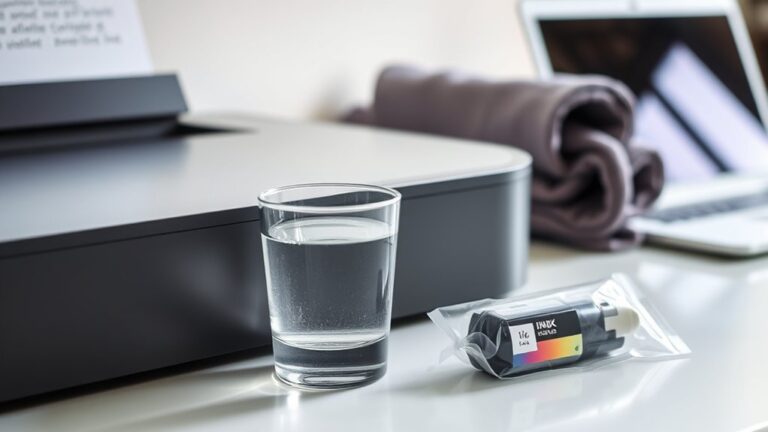
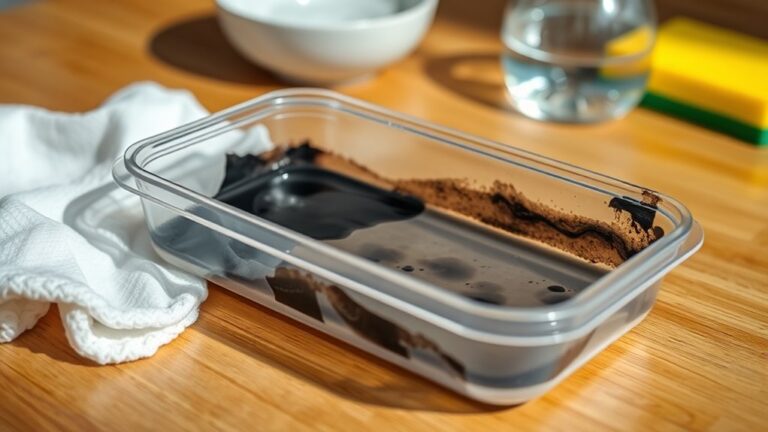
    To get ink off plastic, first identify your ink type and plastic material. Gather rubbing alcohol, cotton balls, and a soft cloth.

    Dab rubbing alcohol onto the ink stain and gently rub in circles until it lifts. If that doesn’t work, mix baking soda and toothpaste into a paste, apply, and scrub gently.

    Rinse and dry the area afterwards. For tougher marks, a magic eraser can help.

    Keep going to explore more effective tips and ways to protect your plastic surfaces.
  • How to Dispose of Printer Ink Cartridges Properly

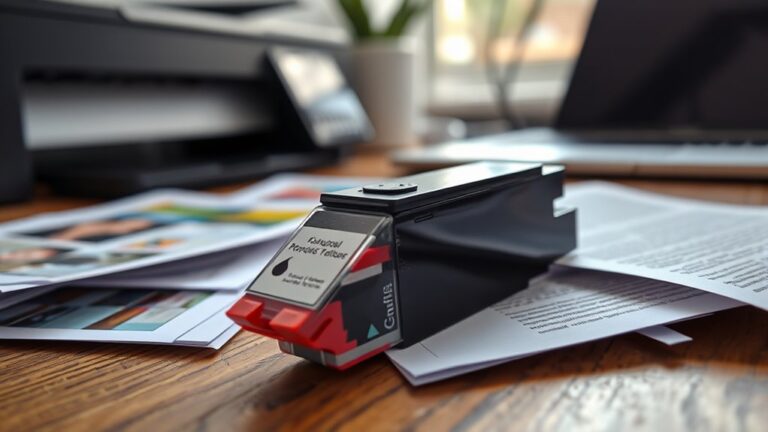
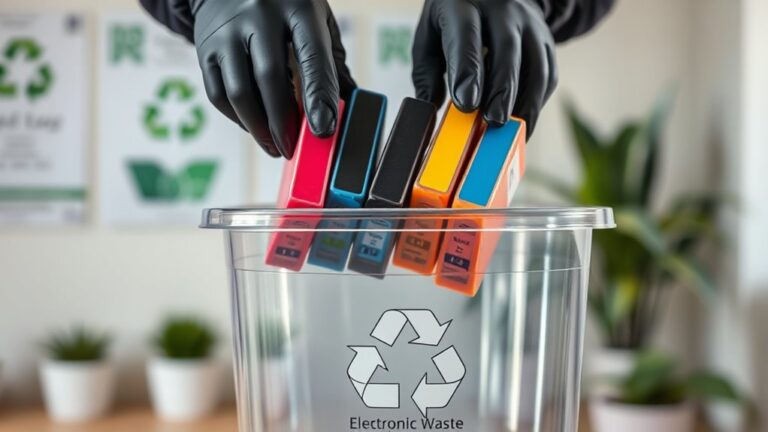
    You shouldn’t toss your used printer ink cartridges in the trash because they contain toxins harmful to soil and water. Instead, check if the manufacturer offers a recycling program with prepaid shipping or drop-off spots.

    Local recycling centers and office supply stores often accept cartridges too. Before recycling, seal them well to prevent ink leaks.

    You can also consider donating or refilling cartridges to extend their life. Keep going to discover the best ways to handle your cartridges responsibly.

  • How to Clean Rubber Ink Stamps in 3 Easy Steps

    To clean your rubber ink stamps, first gather mild dish soap, warm water, a soft cloth, and a toothbrush for detailed areas.

    Next, gently dip the cloth in soapy water and carefully wipe the stamp to remove ink, using the toothbrush for tight spots.

    Finally, pat the stamp dry with a lint-free cloth and let it air dry completely before storing in a cool, dry place.

    Keep going for tips on preserving your stamps longer.

  • 10 Simple Steps to Check Ink Level on a Canon Printer

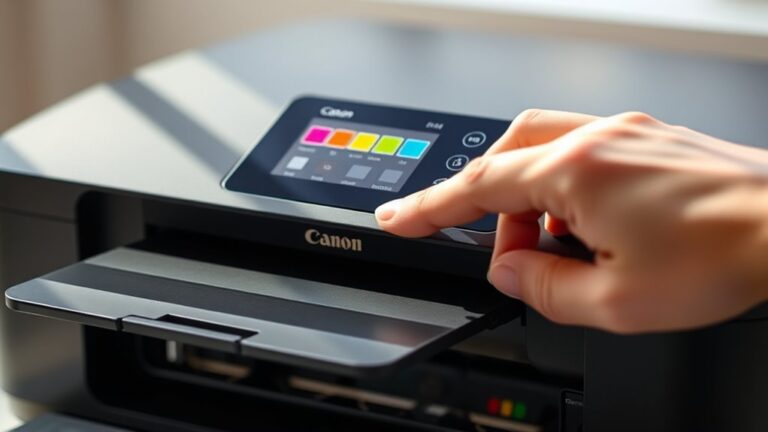
    To check ink levels on your Canon printer, start by locating and accessing the control panel or touchscreen. Press the Home or Menu button, then navigate to “Setup” or “Maintenance.”

    Select “Ink Levels” or “Ink Status” to view your current ink levels on the display. You can also check via Canon’s printer software on your computer or use the Canon PRINT app on your mobile device for real-time updates.

    Keep an eye on these levels to prevent running out mid-print, and there’s more useful info ahead to help you manage ink efficiently.

  • How Long Does Ink Last in Printer and How to Maximize It

    Your printer ink typically lasts from a few hundred to over a thousand pages depending on use and cartridge type. To maximize its life, store cartridges sealed in a cool, dry place away from sunlight.

    Print only what you need, use draft mode for non-critical jobs, and avoid letting ink dry out by turning off the printer properly. Watch for fading or streaks indicating low ink.

    Keep going to discover smarter ways to extend your ink’s lifespan and maintain print quality. It’s easier than you think to get the most out of your printer!

  • How Long Does an Ink Cartridge Last?

    You’ll find an ink cartridge typically lasts between a few hundred to about 600 pages, depending on your printer type, cartridge quality, and how often you print. Printing photos or color-heavy documents drains ink faster than text-only pages.

    Using draft mode and printing in black-and-white can help extend cartridge life. If you notice fading or streaks, it might be time to replace it.

    Keep going to discover what else affects your cartridge’s lifespan and how to get the most out of it.

  • How Is Ink Produced?

    When ink is produced, you first pick pigments or dyes based on the color and durability you want. Then, you prepare a smooth ink base by mixing these with binders and solvents, sometimes gently heating the blend.

    Next, the pigments are finely ground for vibrancy, and additives are added to improve flow, drying, and adhesion. Finally, the ink undergoes quality tests and is carefully packaged.

    If you want to know what makes each step so essential, keep exploring the process.

  • How Do I Get Ink Stains Out of My Dryer

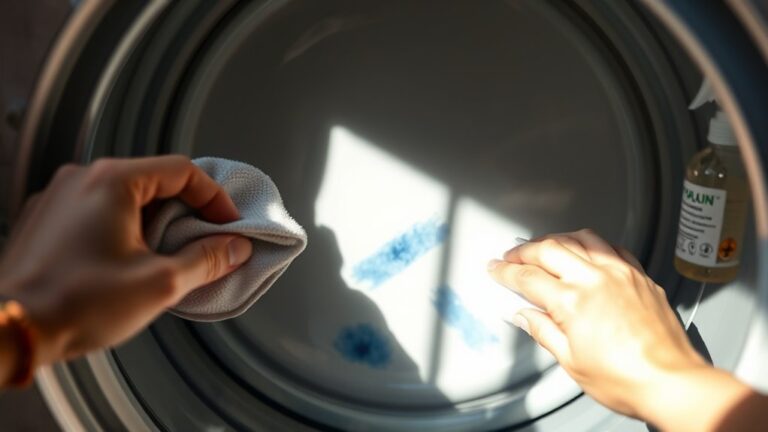
    To get ink stains out of your dryer, first identify whether the ink is oil- or water-based to pick the best cleaning method. Start by blotting excess ink, then gently apply rubbing alcohol with a cloth, avoiding harsh rubbing.

    If stains persist, try a baking soda paste or a damp magic eraser, scrubbing lightly to protect your dryer’s surface. Always test a small area first.

    Keep going, and you’ll discover effective ways to restore your dryer and prevent future stains. It might take a little patience, but it’s worth it!

  • How Can You Tattoo Over Black Ink?

    You can tattoo over black ink by choosing colors that contrast well, like dark blues, purples, or bright reds. Using precise layering techniques helps build depth without muddying the design.

    Bold shapes and thick outlines work best to mask the dark base. Preparing your skin and following proper aftercare also help the new tattoo heal beautifully.

    Keep going, and you’ll discover how to pick ideal colors, designs, and care tips to get the best results. It’s all about finding what works for you!

  • How to Prevent Printer Ink From Drying Out

    To prevent your printer ink from drying out, always seal cartridges immediately after use with airtight materials and store them upright in a cool, dry, shaded place.

    Use your printer regularly—at least once a week—to keep ink flowing and avoid clogs.

    Maintain stable room humidity between 40%-60%, avoid direct sunlight, and run periodic head cleaning cycles for best results.

    Using original or high-quality cartridges also helps keep ink fresh and ready.

    Keep these tips in mind to ensure longer-lasting prints and fewer headaches.