Day: September 18, 2026

  • 10 Simple Steps to Check Ink Level on a Canon Printer

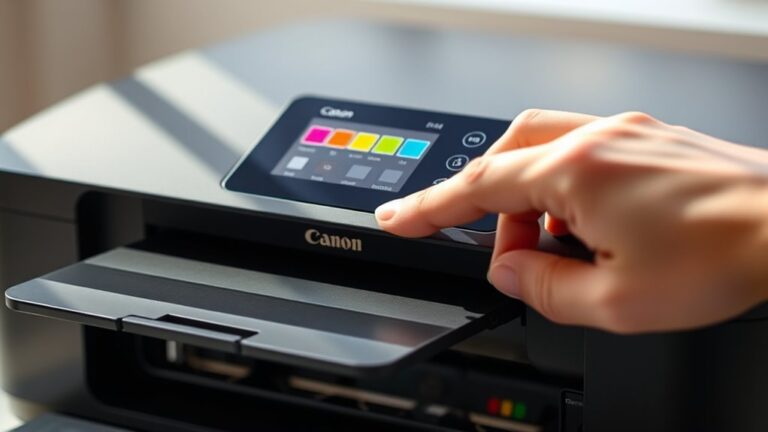
    To check ink levels on your Canon printer, start by locating and accessing the control panel or touchscreen. Press the Home or Menu button, then navigate to “Setup” or “Maintenance.”

    Select “Ink Levels” or “Ink Status” to view your current ink levels on the display. You can also check via Canon’s printer software on your computer or use the Canon PRINT app on your mobile device for real-time updates.

    Keep an eye on these levels to prevent running out mid-print, and there’s more useful info ahead to help you manage ink efficiently.

  • How Long Does Ink Last in Printer and How to Maximize It

    Your printer ink typically lasts from a few hundred to over a thousand pages depending on use and cartridge type. To maximize its life, store cartridges sealed in a cool, dry place away from sunlight.

    Print only what you need, use draft mode for non-critical jobs, and avoid letting ink dry out by turning off the printer properly. Watch for fading or streaks indicating low ink.

    Keep going to discover smarter ways to extend your ink’s lifespan and maintain print quality. It’s easier than you think to get the most out of your printer!

  • How Long Does an Ink Cartridge Last?

    You’ll find an ink cartridge typically lasts between a few hundred to about 600 pages, depending on your printer type, cartridge quality, and how often you print. Printing photos or color-heavy documents drains ink faster than text-only pages.

    Using draft mode and printing in black-and-white can help extend cartridge life. If you notice fading or streaks, it might be time to replace it.

    Keep going to discover what else affects your cartridge’s lifespan and how to get the most out of it.

  • How Is Ink Produced?

    When ink is produced, you first pick pigments or dyes based on the color and durability you want. Then, you prepare a smooth ink base by mixing these with binders and solvents, sometimes gently heating the blend.

    Next, the pigments are finely ground for vibrancy, and additives are added to improve flow, drying, and adhesion. Finally, the ink undergoes quality tests and is carefully packaged.

    If you want to know what makes each step so essential, keep exploring the process.

  • How Do I Get Ink Stains Out of My Dryer

    To get ink stains out of your dryer, first identify whether the ink is oil- or water-based to pick the best cleaning method. Start by blotting excess ink, then gently apply rubbing alcohol with a cloth, avoiding harsh rubbing.

    If stains persist, try a baking soda paste or a damp magic eraser, scrubbing lightly to protect your dryer’s surface. Always test a small area first.

    Keep going, and you’ll discover effective ways to restore your dryer and prevent future stains. It might take a little patience, but it’s worth it!