How Long Does an Ink Cartridge Last?
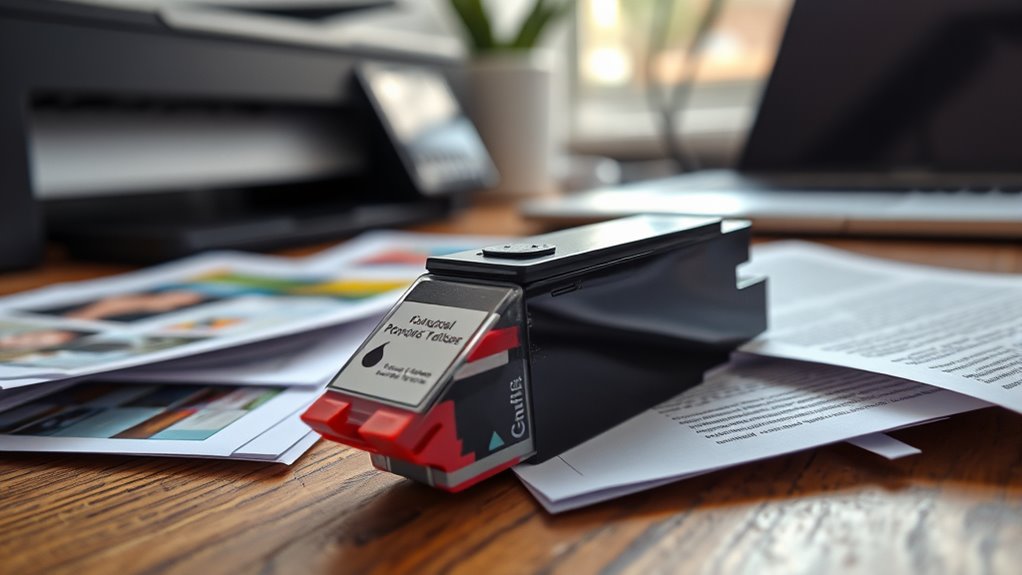
You’ll find an ink cartridge typically lasts between a few hundred to about 600 pages, depending on your printer type, cartridge quality, and how often you print.
The lifespan of an ink cartridge can vary quite a bit, so it’s good to know what affects it.
Printing photos or color-heavy documents drains ink faster than text-only pages. Using draft mode and printing in black-and-white can help extend cartridge life.
These simple tweaks can really make a difference if you want to get more out of your cartridge.
If you notice fading or streaks, it might be time to replace it.
Keep going to discover what else affects your cartridge’s lifespan and how to get the most out of it.
Key Takeaways
- Ink cartridge lifespan varies, typically lasting from 150 to 600 pages depending on cartridge type and printer usage. High-yield cartridges last longer, with black ink averaging around 600 pages and color cartridges about 500 pages.
- Frequent or photo-heavy printing uses up ink faster. But if you print in draft mode or stick to black-and-white, your cartridge will last longer.
- Cartridge quality matters too, as do environmental factors like temperature and humidity. These can affect how long your ink lasts and how well it performs.
- You’ll want to replace cartridges when your prints start showing streaks or faded colors. Also, don’t ignore those low ink warnings if you want to keep your print quality sharp.
Factors Influencing Ink Cartridge Lifespan
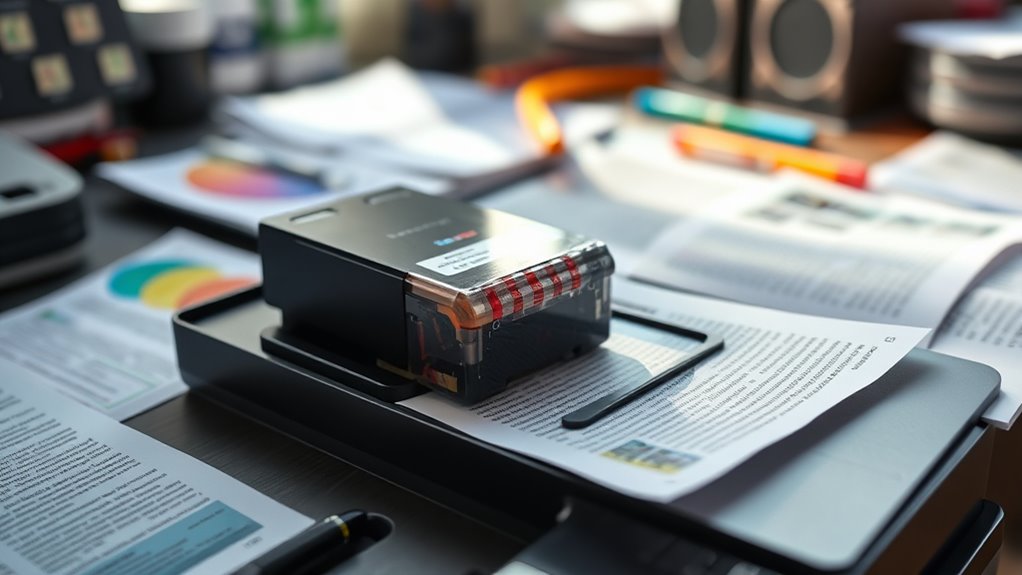
Although ink cartridges vary widely, several key factors influence how long yours will last. First, the type of printer you use matters—inkjet printers typically consume ink faster than laser printers.
Next, consider your printing habits; frequent printing or large documents drain ink more quickly. The quality of the cartridge itself also plays a role—original manufacturer cartridges often last longer than third-party options.
Printing frequency and cartridge quality significantly affect ink longevity—OEM cartridges typically outperform third-party alternatives.
Environmental conditions, like temperature and humidity, can affect ink drying and usage. Additionally, printer settings impact consumption; printing in draft mode uses less ink than high-quality photo mode.
Finally, regular printer maintenance, such as cleaning print heads, can prevent ink wastage. By understanding these factors, you can better manage your cartridge’s lifespan and avoid unexpected replacements.
Average Page Yield of Common Ink Cartridges
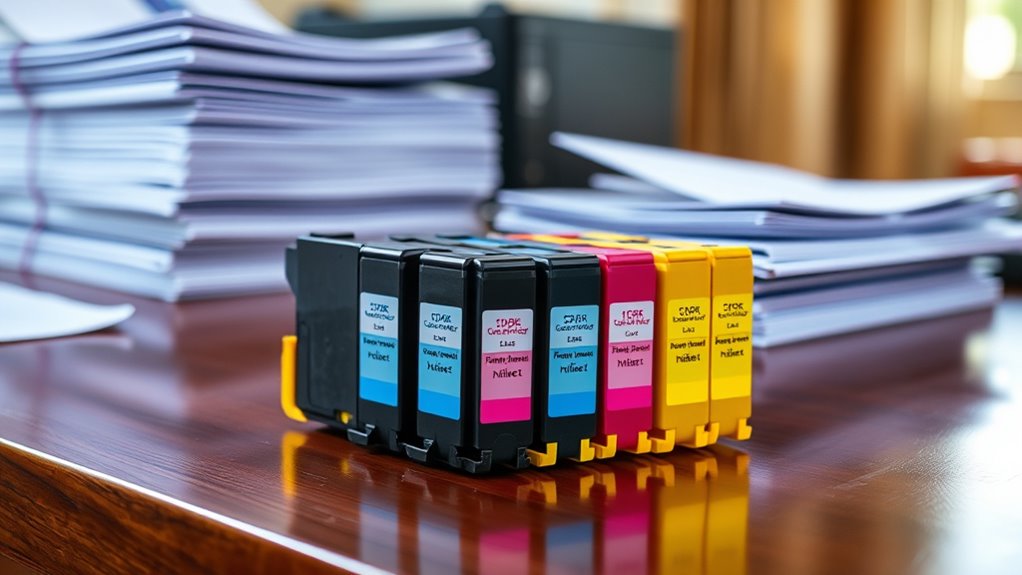
The average page yield of ink cartridges varies considerably depending on the type and brand you choose. Standard cartridges often print fewer pages, while high-yield or XL cartridges extend your printing capacity markedly.
Here’s a quick glance at typical page yields for common cartridges:
| Cartridge Type | Average Page Yield |
|---|---|
| Standard Black | 200 pages |
| Standard Color | 150 pages |
| High-Yield Black | 600 pages |
| High-Yield Color | 500 pages |
| Photo Ink Cartridge | 100 pages |
Knowing these numbers helps you plan replacements better and avoid unexpected printing interruptions. Keep in mind, these yields are estimates based on 5% page coverage, so your actual mileage may vary.
How Printing Habits Affect Cartridge Longevity
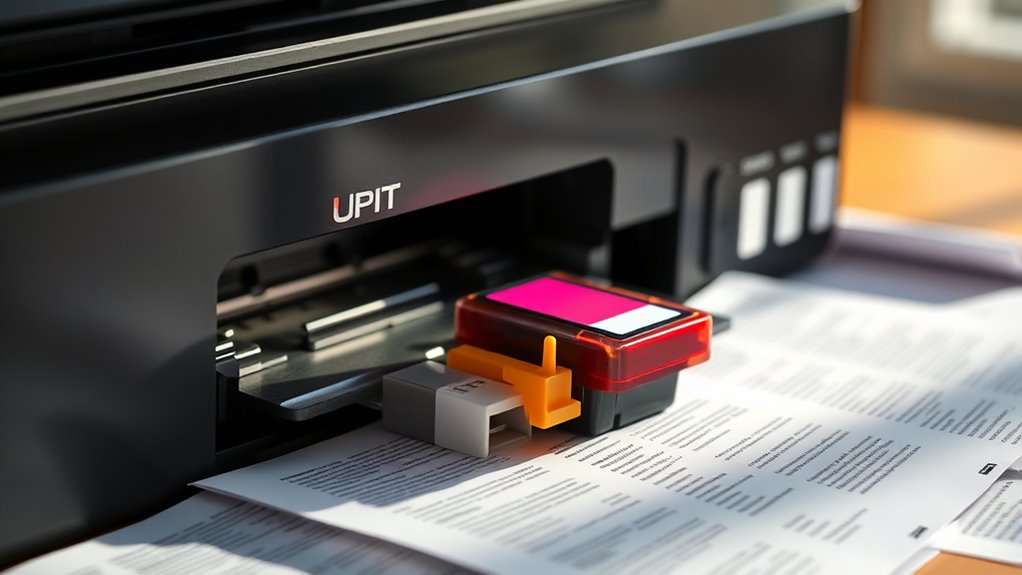
Your printing habits play a big role in how long your ink cartridge lasts. Printing a high volume of pages daily can drain your cartridge faster.
The type of documents you print also matters. Whether you use color or just black ink affects cartridge life, too.
Understanding these factors helps you manage your printer’s efficiency better. So, keeping an eye on what and how much you print can save you money in the long run.
Daily Printing Volume
How often you print each day directly impacts how quickly your ink cartridge runs out. If you print frequently, your cartridge will deplete faster because it’s constantly in use.
On the other hand, printing occasionally lets the ink last longer since the cartridge isn’t working as hard. Keep in mind that even if you print small amounts daily, the cumulative effect can add up, shortening cartridge life.
To stretch your cartridge, try batching your print jobs instead of printing sporadically throughout the day. Also, avoid unnecessary prints and preview documents to catch errors before printing.
Document Type Impact
Why does the type of document you print affect your ink cartridge’s lifespan? Different documents use varying amounts of ink, which directly impacts how quickly your cartridge runs out.
For example, printing text-heavy documents consumes less ink than images or graphics. Consider these factors that influence cartridge longevity:
- Text density: More words mean more ink usage.
- Graphics and images: High-resolution photos drain ink faster.
- Font size and style: Larger or bolder fonts use more ink.
- Document length: Longer documents require more printing, shortening cartridge life.
- Background colors or shading: Filled backgrounds consume extra ink.
Color vs. Black Usage
When do you use color ink versus black ink, and how does it impact your cartridge’s lifespan? If you mainly print black-and-white documents, your black ink cartridge will run out faster. Meanwhile, color cartridges tend to last longer.
On the other hand, printing vibrant photos or color graphics uses up color ink more quickly, so those cartridges don’t last as long. Using color sparingly can really help extend the life of your color cartridge.
Also, some printers blend colors to create black, which means your color cartridges might run down even when printing black-and-white pages. If you want to get the most out of your cartridges, try adjusting your print settings to grayscale or draft mode when color isn’t necessary.
Being mindful of how often and what type of ink you use can help you manage replacements better, so you can avoid those annoying, unexpected ink shortages.
Tips to Extend the Life of Your Ink Cartridge
Although ink cartridges have a limited lifespan, you can take simple steps to make them last longer. By managing usage and maintenance carefully, you’ll get more prints per cartridge and avoid frequent replacements.
Here are some practical tips: Use draft or economy mode for everyday printing to save ink. Also, print in black and white when color isn’t necessary.
Make sure to store cartridges properly in a cool, dry place to prevent them from drying out. And try to run print head cleaning cycles sparingly so you don’t waste ink.
Lastly, turn off your printer instead of leaving it in standby mode. That standby can actually cause the ink to dry up faster.
Signs It’s Time to Replace Your Ink Cartridge
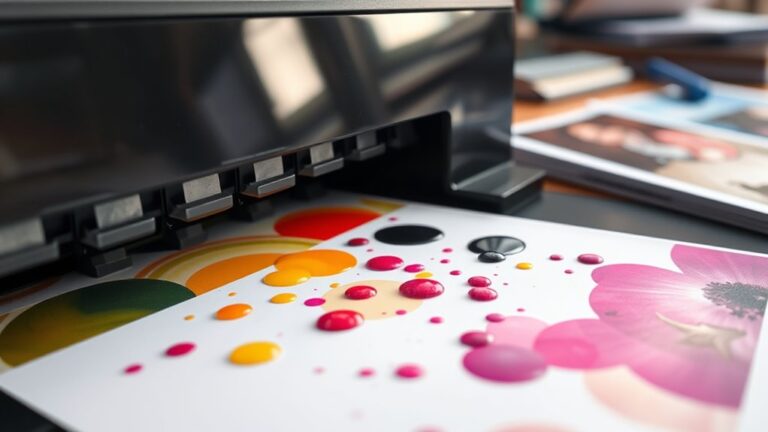
If your prints start showing streaks, faded colors, or incomplete images, it’s a clear sign your ink cartridge needs replacing. You might also notice warning messages on your printer’s display or computer, indicating low ink levels.
Sometimes, colors may appear dull or off, signaling that the cartridge is running out of ink or has clogged nozzles. If your pages come out blank or only partially printed, don’t ignore it—it’s time for a new cartridge.
Additionally, if you’ve had your cartridge for several months or have printed a high volume of pages, expect the ink to run low. Paying attention to these signs ensures your prints stay sharp and vibrant without interruption.
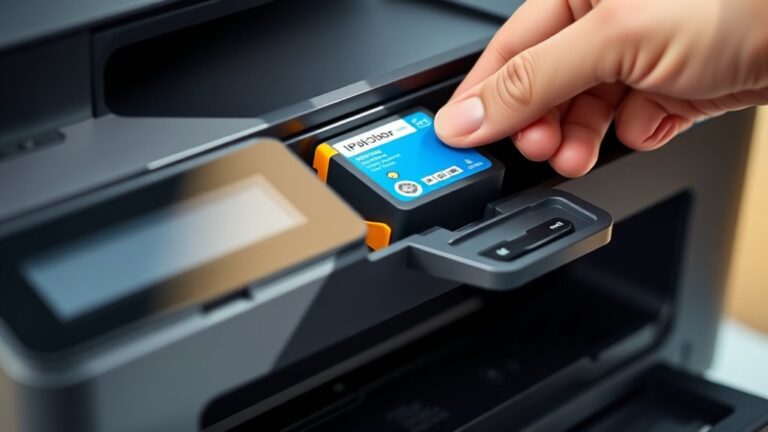
Replace your cartridge promptly to maintain excellent print quality. It’s a simple step that keeps your printer running smoothly and your documents looking great.
Comparing Original vs. Compatible Ink Cartridges
When choosing between original and compatible ink cartridges, you’ll notice differences in print quality and reliability. Original cartridges usually deliver sharper results but come at a higher price.
Compatible cartridges can save you money, but you’ll want to weigh that against potential variations in performance. It’s all about finding the right balance for your needs.
Quality Differences Explained
Since you want reliable print quality, understanding the differences between original and compatible ink cartridges is essential. Original cartridges, made by your printer’s manufacturer, typically deliver consistent and vibrant prints.
Compatible cartridges, produced by third parties, can vary widely in quality. Here’s what to evaluate:
- Original inks often offer better color accuracy and sharper images.
- Compatible inks might clog printheads if not well-made.
- Originals undergo rigorous testing for compatibility and performance.
- Some compatibles provide acceptable quality but may fade faster.
- Using originals usually maintains printer warranty; compatibles sometimes don’t.
Cost Efficiency Comparison
Although original ink cartridges often come with a higher price tag, you can save money in the long run by avoiding frequent replacements and printer repairs. Original cartridges are designed to work seamlessly with your printer, reducing the risk of leaks or damage that compatible cartridges might cause.
Compatible cartridges cost less upfront, but they often offer lower page yields and inconsistent quality, leading to more frequent replacements. If you print frequently, original cartridges may prove more cost-efficient despite their initial cost.
However, if your printing needs are occasional, compatible cartridges can be a budget-friendly choice. Ultimately, weigh the cost per page and potential printer maintenance when deciding.
Choosing wisely guarantees you get the best value without compromising your printer’s longevity or print quality. So, think about how often you print and what matters most to you before making a choice.
Frequently Asked Questions
Can Ink Cartridges Dry Out if Unused for a Long Time?
Yes, ink cartridges can dry out if you leave them unused for a long time.
To avoid this, you should use your printer regularly or store cartridges properly in a sealed, cool environment to maintain ink quality.
It’s kind of like how paint can dry up if left open too long. So, keeping things sealed and using your printer often really helps!
How Should I Store Unused Ink Cartridges?
You should store unused ink cartridges in a cool, dry place away from direct sunlight. Keep them sealed in their original packaging to prevent drying out.
Also, avoid extreme temperatures to maintain ink quality and longevity. This way, your cartridges will be ready to use whenever you need them.
Are Ink Cartridges Recyclable or Environmentally Friendly?
Yes, you can recycle ink cartridges, and many programs accept them to reduce waste. While cartridges aren’t completely eco-friendly, recycling helps minimize environmental impact.
Do Ink Cartridges Have Expiration Dates?
Yes, ink cartridges do have expiration dates. You should use them before that date to guarantee ideal print quality.
After expiration, the ink might dry out or clog, which can cause poor performance or even damage your printer. So, it’s a good idea to keep an eye on those dates!
Can Refilling Ink Cartridges Damage My Printer?
Yes, refilling ink cartridges can damage your printer if done improperly. You might experience leaks, clogs, or poor print quality.
Always use quality ink and follow instructions carefully to avoid harming your printer. It’s worth taking the time to do it right!
Conclusion
Think of your ink cartridge like a garden—nurture it with mindful printing habits, and it’ll bloom longer, delivering crisp pages each time. Just as flowers wilt without care, your cartridge fades with heavy use or neglect.
By understanding its lifespan and spotting signs of wear, you’ll know exactly when to refresh it. With a little attention, you’ll keep your printer running smoothly, turning every page into a vibrant, lasting impression.
Remember, how long an ink cartridge lasts depends on your printing frequency and the type of documents you print. Keeping an eye on ink levels and using your printer regularly can help extend cartridge life. So, treat your ink cartridge well, and enjoy sharp, clear prints every time you hit print!