How to Tell If Printer Ink Has Gone Bad
You can tell your printer ink has gone bad if you notice changes in color, such as it looking darker, lighter, or discolored. The texture might also seem thicker or clumpy, which is a clear sign something’s off.
Prints may appear faded, patchy, or blurry. Sometimes you might even see error messages like “Ink Cartridge Not Recognized.” That’s usually a hint that your ink isn’t working right anymore.
Also, it’s a good idea to check the expiration dates and storage conditions. Extreme heat, cold, or humidity can spoil ink pretty quickly.
Keep an eye out for these signs, and you’ll understand more about how to manage your ink effectively. It’ll save you time and money in the long run!
Key Takeaways
- Check for visible changes in ink color or texture, such as discoloration, clumping, or watery consistency.
- Notice poor print quality like faded colors, patchy coverage, or blurred text indicating ink degradation.
- Confirm the cartridge expiration date and proper storage conditions to ensure ink quality.
- Be aware that exposure to extreme temperatures, sunlight, or humidity accelerates ink spoilage.
- Watch for printer error messages and perform test prints to detect ink problems early.
Visible Changes in Ink Color and Consistency
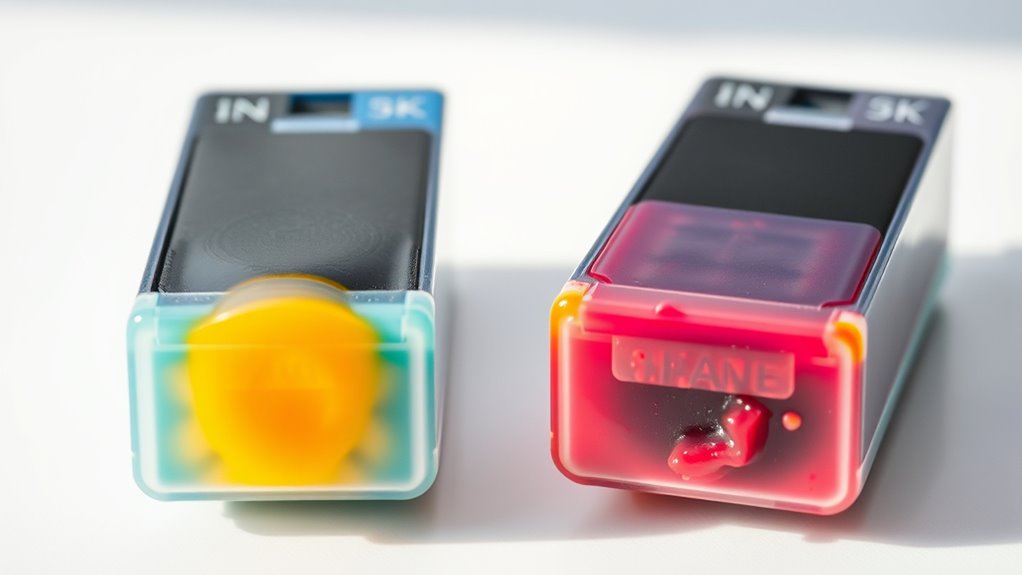
How can you tell if your printer ink has gone bad just by looking at it? Start by checking the ink’s color and consistency. If the ink appears darker or lighter than usual, or if you notice any discoloration, it might be a sign that the ink has degraded.
Also, watch for changes in texture—if the ink looks thicker, clumpy, or has separated into layers, it’s likely no longer good. Clear or watery ink can indicate that the cartridge has dried out or broken down chemically.
These visible changes mean the ink’s quality has declined, and you should consider replacing the cartridge before printing. Keeping an eye on these signs helps you avoid potential issues without waiting for print quality problems to appear.
Poor Print Quality and Fading

When your printer ink starts to go bad, you’ll notice a drop in print quality and fading colors on your pages. Text might appear blurry or uneven, and images may lose their vibrancy.
This happens because the ink no longer flows properly or lacks the right pigment concentration. To spot poor print quality and fading, watch for:
- Dull or washed-out colors – Prints look less vibrant than usual.
- Inconsistent ink coverage – Some areas may appear lighter or patchy.
- Blurred or smudged text and images – Edges lose sharpness and clarity.
If you see these signs, it’s a strong indicator your ink cartridge is past its prime. You’ll need to replace it to restore print quality.
Ink Cartridge Expiration Dates and Storage Conditions
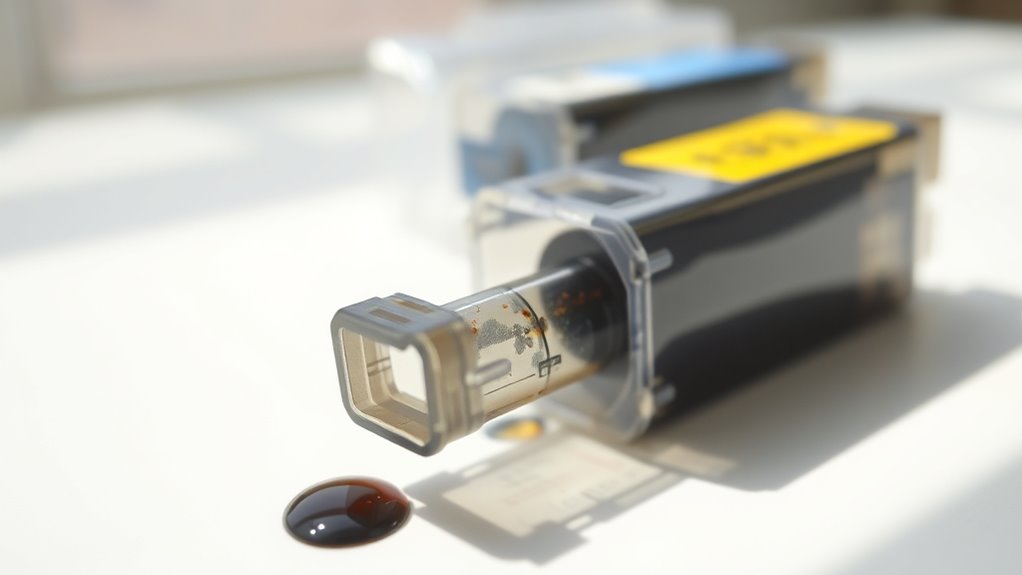
You should always check the expiration date on your ink cartridge to guarantee it’s still good to use.
Storing cartridges in cool, dry places helps keep the ink fresh longer. Avoid exposing them to extreme temperatures or sunlight, as this can ruin the ink quality.
Understanding Expiration Labels
Although ink cartridges often come with expiration dates, understanding what these labels mean can help you determine if your printer ink is still usable. These dates indicate the period during which the manufacturer guarantees the best ink quality.
However, expiration doesn’t always mean the ink is unusable; it just signals when performance might start to decline.
When checking expiration labels, consider these points:
- Manufacture Date vs. Expiration Date: Know the difference to track ink age accurately.
- Sealed Packaging: Ink inside sealed cartridges usually lasts longer than opened ones.
- Storage Conditions: Proper storage can extend the ink’s life even past the expiration date.
Knowing these factors helps you avoid unnecessary cartridge replacements and ensures better print quality. So, next time you check your ink, keep these tips in mind!
Ideal Storage Temperatures
Since ink cartridges are sensitive to temperature fluctuations, storing them within the ideal temperature range is crucial to maintain their quality and extend their usability beyond the expiration date. You should keep cartridges in a cool, dry place, ideally between 15°C and 25°C (59°F to 77°F).
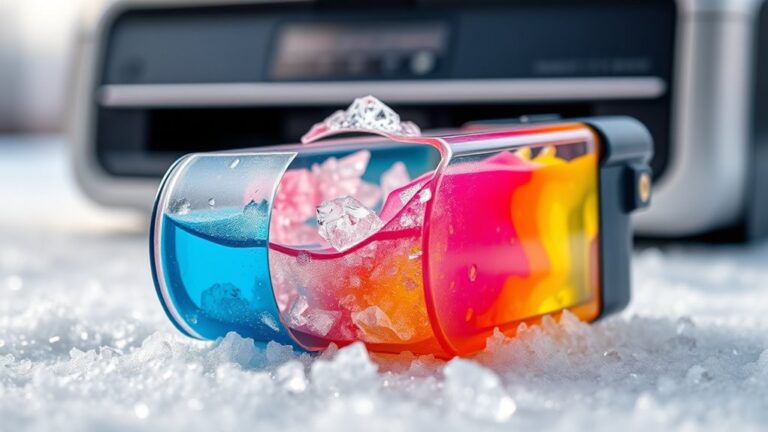
Avoid extreme heat, which can cause ink to dry out or thicken, and freezing temperatures, which may cause the ink to separate or clog the cartridge. Also, don’t store cartridges near windows, radiators, or in direct sunlight, as temperature spikes can degrade the ink fast.
Effects of Exposure Conditions
When ink cartridges face unfavorable exposure conditions, their expiration dates can become unreliable indicators of performance. You might think the date guarantees fresh ink, but factors like temperature, light, and humidity play a huge role in ink quality.
If you store cartridges incorrectly, even new ink can clog your printer or produce faded prints. To keep your ink in top shape, focus on these three key exposure conditions:
- Temperature: Avoid extreme heat or cold, which can cause ink to thicken or separate.
- Light: Keep cartridges away from direct sunlight to prevent ink degradation.
- Humidity: Store in a dry place to stop moisture from damaging the cartridge components.
Unusual Printer Error Messages Related to Ink
If your printer suddenly displays unfamiliar error messages, it could be a sign that your ink has gone bad. Messages like “Ink Cartridge Not Recognized,” “Replace Ink Cartridge,” or “Ink System Failure” often indicate issues with the ink itself rather than the printer hardware.
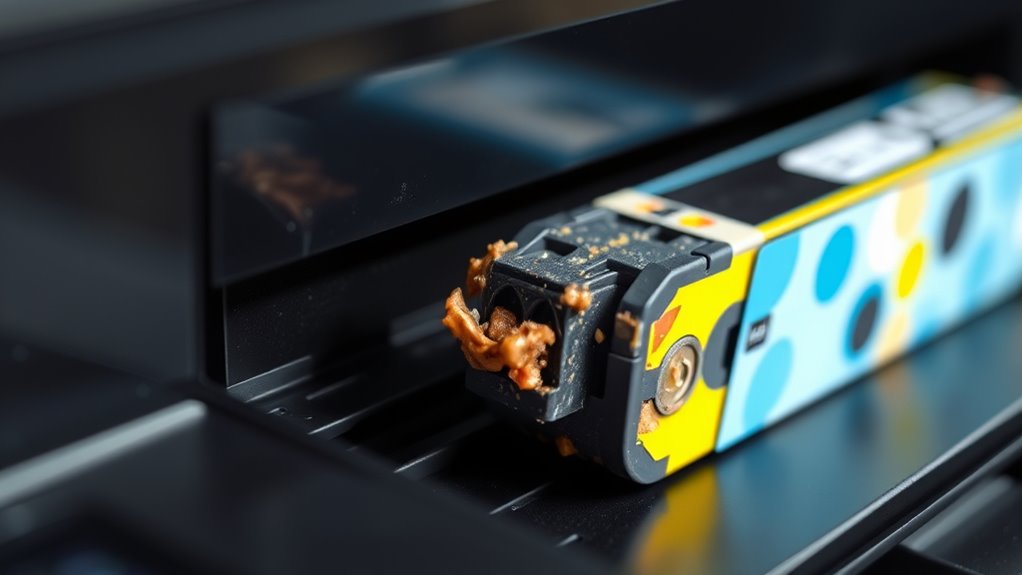
Sometimes, the ink may have dried up, or the cartridge’s chip might not communicate properly due to degraded ink quality. You might also see warnings about low ink levels even after replacing cartridges, signaling a faulty or expired product.
When these errors pop up, try removing and reinstalling the cartridges or cleaning the contacts. If the messages persist, consider replacing the ink to avoid print quality problems and ensure your printer runs smoothly.
Signs of Ink Separation or Contamination
Although ink separation or contamination might not be obvious at first, you can often spot it by checking your cartridges closely. When ink separates, pigments and liquids settle unevenly, leading to inconsistent printing.
Contamination can introduce particles or discoloration, affecting output quality.
Look for these signs:
- Uneven color layers: Noticeable streaks or patches of ink that look lighter or darker than usual.
- Sediment or clumps: Small solid bits floating or settled at the bottom inside the cartridge.
- Unusual odors or color changes: Ink that smells off or appears cloudy instead of smooth and uniform.
If you see any of these, your ink might be compromised. It could cause print defects or even damage your printer. So, it’s a good idea to check regularly!
Testing Ink Performance With a Print Test Page
Noticing signs of ink separation or contamination is just the first step in evaluating your printer’s ink health. To get a clearer picture, print a test page. This page helps you see if colors are accurate, lines are sharp, and there are no streaks or gaps.
Most printers offer a built-in test page option accessible through the settings or maintenance menu. After printing, examine the page closely. Look for faded areas, blotches, or uneven color patches that could indicate bad ink.
If the printout looks dull or inconsistent, your ink might be dried out or compromised. Running a test page regularly keeps you informed about your ink’s condition and helps avoid poor print quality before it becomes a bigger issue.
Frequently Asked Questions
Can Old Ink Damage My Printer Hardware?
Yes, old ink can damage your printer hardware by clogging nozzles or causing poor print quality.
You should replace expired ink promptly to keep your printer running smoothly and avoid costly repairs or replacements.
How Long Does Ink Typically Last Once Opened?
Once opened, your printer ink typically lasts about 6 to 12 months. You’ll want to use it within that time to avoid clogs or poor print quality.
That’s because exposure to air can dry it out or degrade its performance over time. So, keeping it sealed when not in use is a smart move!
Are Third-Party Inks More Prone to Going Bad?
Yes, third-party inks are often more prone to going bad because they may lack the same quality controls and preservatives as original brands.
You should check expiration dates and store them properly to extend their lifespan.
It’s a good idea to keep an eye on how you store them since that can make a big difference too.
Can Environmental Factors Accelerate Ink Spoilage?
Yes, environmental factors like heat, humidity, and sunlight can speed up ink spoilage.
You’ll want to store your ink cartridges in a cool, dry place to keep them fresh. This helps avoid clogging or poor print quality.
Is It Safe to Mix Old and New Ink Cartridges?
You shouldn’t mix old and new ink cartridges; studies show 30% of print quality issues stem from cartridge incompatibility.
Mixing can cause clogs or color inconsistencies, so it’s safer to replace all cartridges at once for best results. It just helps keep your prints looking sharp and consistent.
Conclusion
You’ll notice faded colors, streaky lines, and blotchy prints. You might also see ink that’s separated or changed in texture. Sometimes, error messages pop up, or cartridges may be past their expiration dates.
Improper storage of ink can also cause your prints to look off. By checking these signs and running test pages regularly, you can catch bad ink early. This helps save time and keeps your prints sharp and vibrant every time.
Don’t let bad ink ruin your work. Paying attention to these clues ensures your printer ink stays fresh and effective. Regular maintenance and awareness will keep your printer running smoothly and your documents looking professional.