Do Thermal Printers Need Ink?
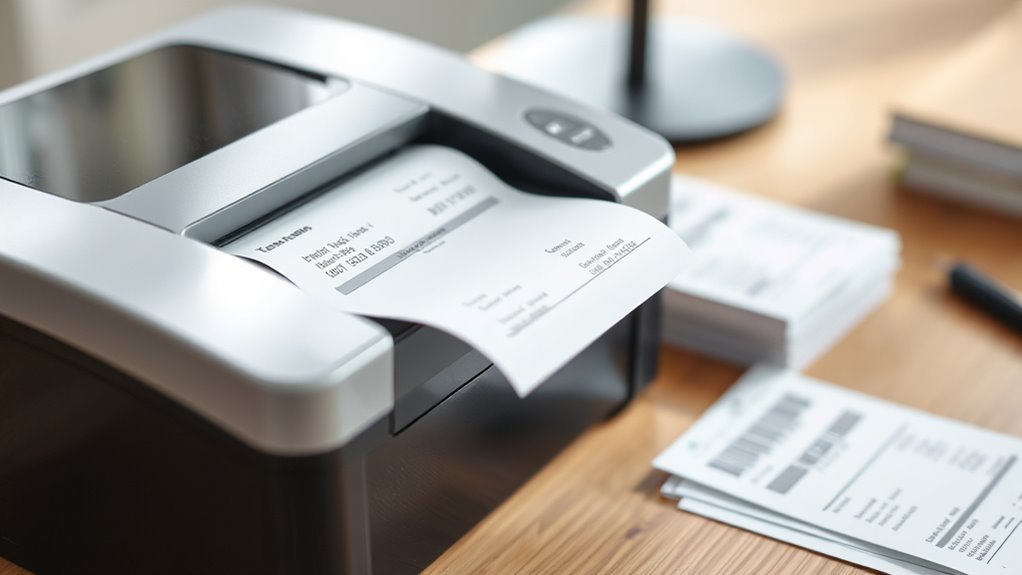
You don’t need ink with thermal printers because they create images by heating special coated paper. Direct thermal printers use heat-sensitive paper to form images without any ink or ribbons. This makes them super convenient and low-maintenance.
Some thermal printers, called thermal transfer printers, do use ink-like ribbons that melt onto labels for durable prints. So, while direct thermal printers skip the ink, thermal transfer models still rely on ribbon “ink” for their prints.
Overall, thermal printing cuts costs and maintenance since no ink cartridges are required for many types. If you want to understand how these types differ and when ink-like materials come into play, keep exploring the details ahead. It’s pretty interesting once you dive in!
Key Takeaways
- Direct thermal printers don’t need ink at all. They work by heating special thermal paper that changes color when heated.
- On the other hand, thermal transfer printers do use something like ink. They have ribbons that melt and stick the ink onto labels, which makes the prints durable and high-quality.
- So, most of the time, thermal printing doesn’t involve ink. It relies on heat-sensitive paper instead of cartridges or toner.
- Ink only comes into play when you’re using thermal transfer ribbons. But if you’re using direct thermal printing, no ink is involved.
- Because of this, thermal printers usually cut down on maintenance and costs, since you don’t have to worry about buying ink or toner in most cases.
How Thermal Printing Technology Works
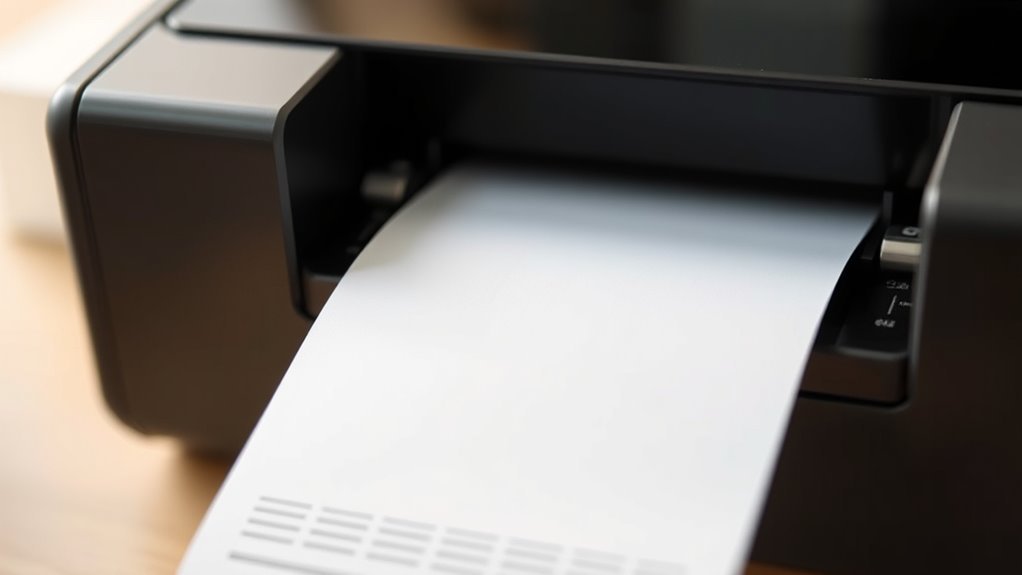
Although thermal printing might seem complex, it works through a straightforward process that you can easily understand. When you use a thermal printer, it applies heat to special thermal paper.
This paper is coated with a material that changes color when heated. The printer’s thermal head heats specific spots according to the image or text you want to print, creating dark marks on the paper.
You don’t need ink or toner because the image forms directly on the paper through this heat reaction. This method is fast and quiet, making it ideal for printing receipts, labels, and tickets.
Types of Thermal Printers
You’ll find two main types of thermal printers: direct thermal and thermal transfer. Each one uses heat differently to create images on your labels or receipts.
Plus, there are specialty thermal technologies that handle unique printing needs you might encounter. These can be really handy depending on what you’re printing and the environment you’re working in.
Direct Thermal Printers
A direct thermal printer creates images by applying heat directly to specially coated thermal paper, eliminating the need for ink or ribbons. When you use one, you’ll notice it’s straightforward and cost-effective since you don’t have to worry about replacing ink cartridges.
These printers are perfect for printing receipts, labels, and tickets where durability isn’t a major concern. However, keep in mind that the printed images can fade over time, especially if exposed to heat or sunlight.
You’ll want to store the prints properly if you need them to last. Overall, direct thermal printers offer a simple, low-maintenance option for short-term printing tasks without the hassle or expense of ink or toner.
Just make sure you use the right thermal paper to get the best results.
Thermal Transfer Printers
While direct thermal printers rely on heat-sensitive paper to create images, thermal transfer printers use a different approach by applying heat to a ribbon that transfers ink onto the paper or other materials.
This method means you do need ink—in the form of a ribbon—to produce durable, high-quality prints. Thermal transfer printers are ideal when you want long-lasting labels or barcodes that resist fading and smudging.
Here’s why thermal transfer printers might be your go-to choice:
- They produce sharp, detailed images suitable for various surfaces.
- Printed materials resist heat, chemicals, and sunlight better than direct thermal prints.
- You can use different ribbon types to match specific printing needs.
Specialty Thermal Technologies
How do specialized thermal printers handle unique printing challenges? You’ll find that specialty thermal technologies, like dye-sublimation and direct thermal RFID printers, tackle specific needs beyond standard printing.
Dye-sublimation printers use heat to transfer dye onto materials like fabric or plastic, giving you vibrant, durable images without ink cartridges. On the other hand, direct thermal RFID printers embed electronic tags into labels, combining printing and encoding in one seamless step.
These printers don’t rely on traditional ink but use heat-sensitive materials or embedded chips to produce results tailored to industries like retail, healthcare, and logistics. So, depending on your requirements, specialty thermal printers offer efficient, ink-free solutions that handle complex tasks with precision and reliability.
Advantages of Ink-Free Printing
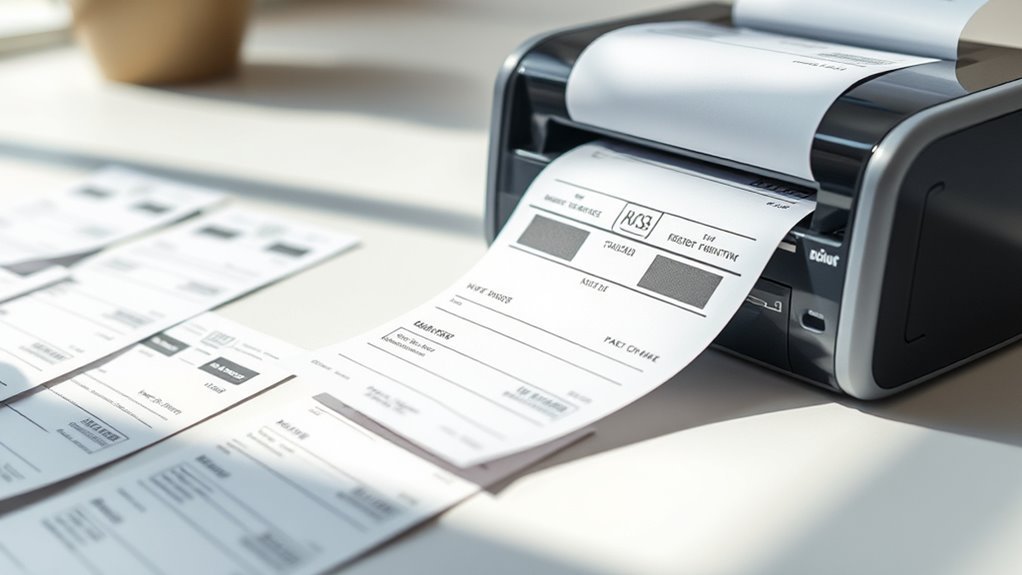
Because you don’t need ink cartridges, ink-free printing saves you money and cuts down on maintenance. You won’t have to worry about replacing or refilling ink, which means fewer interruptions and a smoother workflow.
Thermal printers are also more reliable since they have fewer moving parts and no ink to dry out or clog.
Here are some key advantages you’ll appreciate:
- Lower operating costs: No ink purchases reduce expenses.
- Less maintenance: Fewer issues with smudging or clogged print heads.
- Faster printing: Thermal printers can work quickly without ink-drying delays.
With these benefits, ink-free thermal printing offers a practical and efficient solution. It’s especially great for businesses that need consistent, high-volume printing without the hassle of managing ink.
When Ink-Like Materials Are Used in Thermal Printing
Though thermal printers typically don’t use traditional ink, some models rely on ink-like materials to achieve specific printing effects or colors. You’ll find that thermal transfer printers use ribbons coated with wax, resin, or a wax-resin mix.
When heated, this coating melts and fuses onto the paper or label, creating durable, colored, or high-contrast images. Unlike direct thermal printing, which darkens special paper, thermal transfer offers more versatility in materials and colors.
If you need waterproof or abrasion-resistant prints, using a thermal transfer ribbon is your best bet. So, while you’re not dealing with liquid ink cartridges, these ink-like ribbons play a vital role in extending thermal printing’s capabilities beyond simple black-and-white outputs.
Common Applications for Thermal Printers
You’ve probably seen thermal printers at retail checkouts, quickly printing your receipts. These printers are also essential for shipping labels, helping packages get to the right place.
Plus, they’re widely used for printing tickets at events and transportation hubs. Pretty handy, right?
Retail Point-of-Sale
A thermal printer plays a crucial role at retail point-of-sale (POS) systems by quickly producing receipts, labels, and tickets without the need for ink.
When you run a store, you want fast, reliable printing that keeps lines moving. Thermal printers deliver just that, using heat-sensitive paper to create sharp, clear prints instantly.
You don’t have to worry about replacing ink cartridges or ribbons, saving time and reducing costs. Plus, these printers handle high-volume printing with minimal maintenance.
Here’s why you’ll appreciate thermal printers at your POS:
- Print receipts with clear text and barcodes quickly
- Generate price tags and shelf labels effortlessly
- Produce event or queue tickets on demand
Thermal printing simplifies your checkout process while cutting operational hassles. It really makes things easier for you and your customers.
Shipping Label Printing
How do businesses keep their shipping processes efficient and error-free? You rely on thermal printers for shipping label printing. These printers produce clear, durable labels quickly without needing ink cartridges.
The thermal paper reacts to heat, creating sharp barcodes and addresses that scanning systems read easily, reducing shipping errors. Since you don’t have to replace ink, maintenance is simpler and downtime decreases.
Thermal printers handle high volumes, so you can print multiple labels rapidly during peak shipping times. Their reliability ensures every package is properly identified, improving tracking and delivery accuracy.
When you use thermal printers for shipping labels, you streamline your operations, cut costs, and minimize mistakes. That’s why they’re an essential tool in modern logistics.
Ticket and Receipt Printing
While thermal printers excel at shipping label printing, they also play a vital role in ticket and receipt printing. You’ll find these printers in places like retail stores, restaurants, and event venues because they deliver fast, reliable, and clear prints without needing ink cartridges.
This makes them cost-effective and low-maintenance for high-volume printing tasks. When you use a thermal printer for tickets and receipts, you benefit from quick printing speeds that reduce customer wait times.
Plus, the text and barcodes come out crisp and smudge-resistant, making scanning a breeze. On top of that, their compact designs fit perfectly in crowded counters or kiosks.
Maintenance Tips for Thermal Printers
Since thermal printers rely on heat to produce images, keeping the print head clean is essential to maintain print quality and extend the device’s lifespan. You should regularly wipe the print head with isopropyl alcohol and a lint-free cloth to remove residue and prevent clogging.
Also, keep the platen roller clean to ensure smooth paper feeding. Avoid using abrasive materials that can damage components.
Use high-quality thermal paper to reduce wear and tear. When not in use, cover your printer to protect it from dust and moisture.
Periodically check for firmware updates to keep your printer running efficiently. By following these simple maintenance steps, you’ll avoid common issues like faded prints or paper jams and keep your thermal printer performing reliably over time.
Frequently Asked Questions
Can Thermal Printers Print in Color Without Ink?
No, you can’t print in color without ink using traditional thermal printers since they rely on heat reacting with special paper.
However, some advanced color thermal printers use colored thermal paper or ribbons instead of ink. So, while traditional ones can’t, there are options out there that do color differently.
Are Thermal Printer Papers More Expensive Than Regular Paper?
Yes, thermal printer papers tend to be pricier than regular paper because they contain special heat-sensitive coatings.
You’ll pay more upfront, but you save on ink costs, making it cost-effective depending on your printing needs. It really depends on how much you print and what kind of printer you use.
How Long Do Thermal Prints Typically Last Without Fading?
Thermal prints last about 5 to 7 years without fading, but sunlight or heat can speed up fading, like a candle’s flame burning down.
You’ll want to store them in a cool, dark place to preserve them. It really helps keep those prints looking good for longer.
Can Thermal Printers Print on Any Type of Paper?
You can’t use just any paper with thermal printers; they require special thermal paper that reacts to heat.
Using regular paper won’t produce a print since it lacks the heat-sensitive coating needed for images to form. So, if you try regular paper, it just won’t work.
Do Environmental Factors Affect Thermal Printer Performance?
Think of your thermal printer as a delicate flower; yes, environmental factors like temperature and humidity directly impact its performance. You’ll notice print quality drop if conditions aren’t ideal, so keep its surroundings stable and clean.
Maintaining a consistent environment helps your printer run smoothly. So, avoid extreme heat, cold, or dampness to get the best results every time.
Conclusion
You don’t need ink with thermal printers because they use heat to create images directly on special paper. In fact, over 80% of retail receipts worldwide are printed this way, showing just how popular and efficient ink-free printing is.
This means less mess, fewer supplies, and simpler maintenance for you. So, whether you’re running a store or printing labels, thermal printers offer a clean, reliable, and cost-effective solution you can count on.
In short, thermal printers don’t require ink at all, which saves time and money. They use heat-sensitive paper to produce clear, durable prints quickly. If you want hassle-free printing with minimal upkeep, a thermal printer is a smart choice for your business or personal use.