How to Prevent Printer Ink From Drying up Quickly
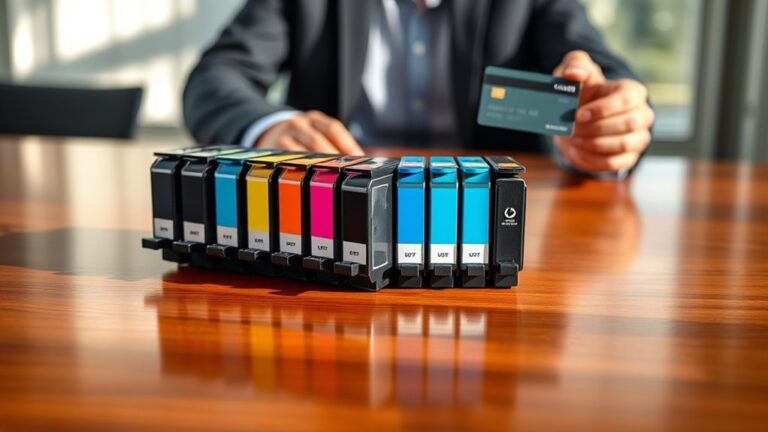
To prevent your printer ink from drying up quickly, it’s important to store the cartridges properly. Keep them upright in a cool, dark place and make sure they’re sealed tightly when not in use. This simple step helps maintain the ink’s moisture and prevents it from drying out prematurely.
Also, using your printer regularly can make a big difference. Printing a page or two every week keeps the ink flowing and the nozzles clear. It’s a simple habit that saves you from clogged cartridges.
Another tip is to adjust your printer settings to draft mode for everyday printing. This saves ink and extends the life of your cartridges.
Taking these easy steps can markedly extend your cartridge life, and there’s even more you can do to keep your printer in top shape.
Key Takeaways
- Store ink cartridges upright in a cool, dark place. Make sure they’re sealed tightly to keep air and sunlight out.
- Try to print at least once a week. This helps keep the ink flowing and stops the nozzles from drying or clogging.
- Use draft or economy print mode regularly. It reduces how much ink you use and lowers the risk of drying out.
- Don’t let your printer sit unused for too long. Schedule small, consistent print jobs to keep things moving.
- When you’re not using cartridges, seal them in airtight containers or keep them in their original packaging. This helps maintain the ink’s moisture and quality.
Store Printer Ink Properly
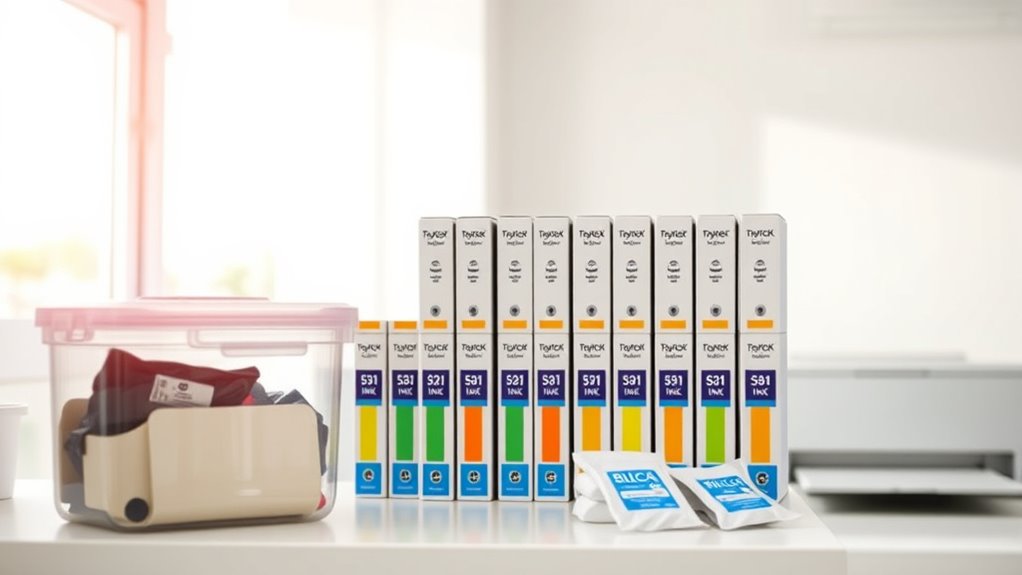
Although it may seem simple, storing your printer ink properly plays a crucial role in preventing it from drying out. You should keep ink cartridges in a cool, dark place away from direct sunlight and heat sources, as heat accelerates drying.
Store them upright to prevent leaks and maintain the integrity of the ink. Make sure the cartridges are sealed tightly in their original packaging or airtight containers if unused.
Avoid leaving cartridges exposed to air for extended periods since exposure speeds up evaporation and drying. If you remove a cartridge from the printer, place it in a sealed plastic bag with a damp cloth to maintain moisture.
Use Your Printer Regularly
You should schedule consistent printing to keep the ink flowing and prevent it from drying out. Avoid letting your printer sit unused for long periods, as inactivity can cause clogs.
Regular use helps maintain your printer’s performance and extends the life of your ink cartridges. So, try to print something every now and then to keep everything running smoothly.
Schedule Consistent Printing
How often do you use your printer? If it sits idle for too long, the ink inside the cartridges can dry out and clog the nozzles.
To prevent this, schedule consistent printing sessions. Aim to print a page or two at least once a week to keep the ink flowing smoothly.
Setting a reminder on your phone or calendar can help you stay on track. Regular use guarantees the ink stays moist and reduces the chance of cartridge damage.
Even printing simple documents or test pages works. By making printing a routine habit, you maintain your printer’s performance and extend the life of your ink cartridges.
Consistency is key, so don’t let your printer gather dust for weeks on end.
Avoid Long Inactivity
When printers stay unused for long stretches, ink tends to dry up and clog the nozzles. This can lead to poor print quality or even cartridge damage.
To keep your printer in top shape, make sure you use it regularly. Even printing a simple page once a week helps keep the ink flowing smoothly and prevents it from drying out.
If you don’t print often, try scheduling small print jobs to maintain ink circulation. It’s an easy habit that reduces the risk of clogs and extends your cartridge’s lifespan.
Choose the Right Printer Settings
Although it might seem minor, selecting the right printer settings can substantially reduce the risk of your ink drying out. Start by choosing draft or economy mode for everyday printing. This setting uses less ink, so your cartridges won’t dry out as quickly.
Also, avoid using high-resolution or photo printing modes unless necessary, since they consume more ink and increase drying risks. Adjust the print frequency settings if your printer offers them—some models allow you to schedule regular maintenance prints, which keeps the ink flowing.
Finally, disable any unnecessary cleaning cycles, as they waste ink and can accelerate drying. By customizing your printer settings thoughtfully, you’ll extend the life of your ink cartridges and save money in the long run.
Keep Printer Cartridges Sealed
Since exposure to air causes ink to dry out quickly, you should always keep printer cartridges sealed tightly when they’re not in use. After removing a cartridge, place it in its original packaging or an airtight container to prevent air from reaching the ink.
Avoid leaving cartridges out in open air for extended periods, as even brief exposure can cause drying. If you need to store cartridges for a while, consider using plastic wrap or resealable bags with a small damp cloth nearby to maintain humidity.
Also, check the cartridge seals regularly for damage or wear, replacing them if necessary to guarantee a proper airtight barrier. By keeping your cartridges sealed, you’ll extend their lifespan and maintain consistent print quality without wasting ink.
Maintain a Stable Printing Environment
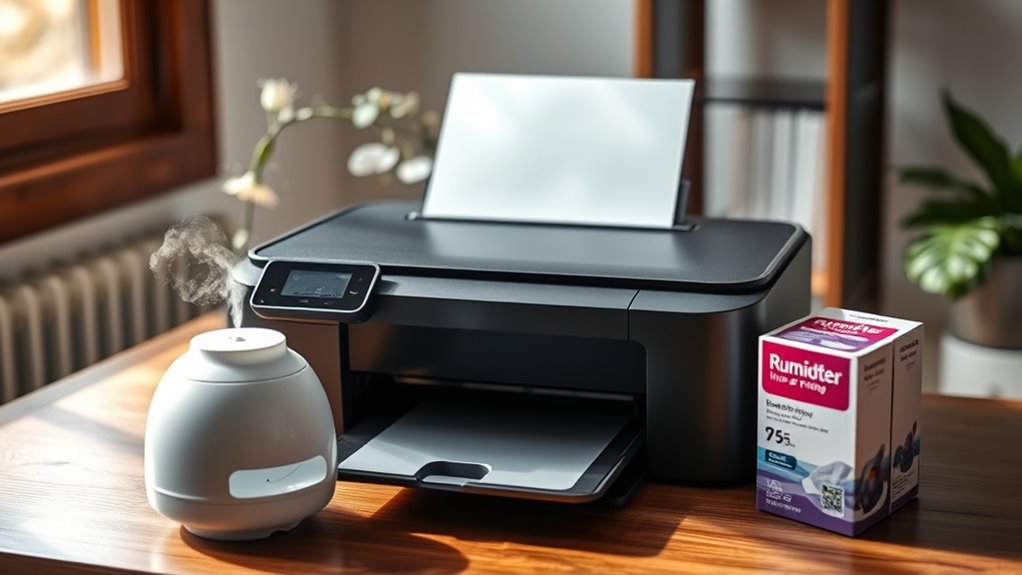
To keep your printer ink from drying out prematurely, you need to maintain a stable printing environment with consistent temperature and humidity levels. Avoid placing your printer near windows, heating vents, or air conditioners where temperature fluctuations and dry air can cause ink to dry faster.
Aim for a room temperature between 65°F and 75°F (18°C to 24°C) and humidity around 40-60%. Using a humidifier in drier climates can help uphold proper moisture levels.
Keep your printer away from direct sunlight, as UV rays can also accelerate ink drying. By controlling these environmental factors, you’ll extend the life of your ink cartridges and improve print quality.
A stable environment ensures your printer performs reliably without ink clogs or wasted cartridges. It really makes a difference in how smoothly your printer works!
Perform Routine Printer Maintenance
You’ll want to clean your print heads regularly to keep ink flowing smoothly. Using your printer frequently also helps prevent the ink from drying out.
These simple maintenance steps can save you from costly clogs and wasted ink. It’s a small effort that goes a long way in keeping your printer running well.
Clean Print Heads Regularly
Although it may seem tedious, cleaning your printer’s print heads regularly is essential to keep ink flowing smoothly and prevent clogs. Over time, dried ink and debris can block tiny nozzles, causing streaks or faded prints.
Most printers have a built-in cleaning function—run it according to the manufacturer’s instructions to clear blockages effectively. If your prints still look off after cleaning, consider manually cleaning the print heads using a lint-free cloth and distilled water or a specialized cleaning solution. Be gentle to avoid damage.
Regular cleaning not only improves print quality but also extends your printer’s lifespan. Make it a habit to check and clean the print heads every few weeks or whenever you notice print quality dropping.
This simple step helps prevent ink wastage and keeps your printer reliable.
Use Printer Frequently
How often do you use your printer? If it sits idle for too long, ink can dry up, clogging the nozzles and wasting your cartridges.
To keep your printer in top shape, try printing something at least once a week. This simple habit keeps ink flowing smoothly and prevents costly replacements.
Here’s why printing regularly matters:
- It stops ink from drying and clogging the print heads.
- It helps you spot issues early before they become bigger problems.
- It extends the life of your printer and saves money.
Frequently Asked Questions
Can Using Third-Party Ink Affect Drying Time?
Yes, using third-party ink can affect drying time since it often has different formulations than original ink. You might notice it dries slower or faster, which can impact print quality and how quickly your prints are ready to handle.
It’s a bit of a trade-off sometimes. If drying time is important for your projects, keep that in mind when choosing your ink.
Does the Type of Paper Impact Ink Drying?
Yes, the type of paper impacts ink drying. You’ll find glossy or coated papers slow drying, while uncoated or matte papers absorb ink faster, helping it dry quicker.
Choosing the right paper speeds up drying time effectively. It’s a simple way to get better results without extra effort.
How Does Humidity Outside Affect Ink Longevity?
Imagine you live in a dry climate; low humidity causes ink to dry faster, shortening its lifespan.
You’ll want to store cartridges in a sealed container to maintain moisture and keep your prints looking fresh longer.
Are Ink Refills Better Than New Cartridges?
Ink refills can save you money, but new cartridges usually offer better reliability and print quality.
If you want hassle-free printing, go with new cartridges; if you’re careful, refills are a budget-friendly option.
Can Software Updates Influence Ink Usage Efficiency?
Yes, software updates can improve ink usage efficiency by optimizing print settings and reducing unnecessary ink consumption.
Make sure you regularly update your printer’s firmware and drivers to benefit from these enhancements and save ink over time.
It’s a simple step that can make a noticeable difference in how much ink you use. Keeping your software current means your printer runs smarter, not harder.
Conclusion
You might think letting your printer sit idle is a great way to save ink, but ironically, that’s the quickest way to dry it up!
By storing your ink properly, printing regularly, and keeping cartridges sealed, you’ll actually keep your ink flowing longer.
So, instead of hoping your printer magically stays ready, give it some love and care.
After all, a little attention now saves you from a frustrating scramble later!
To prevent printer ink from drying up quickly, make sure to use your printer often. Regular printing keeps the ink moving and stops it from drying inside the nozzles. Also, store your ink cartridges in a cool, dry place and keep them sealed tightly when not in use. Taking these simple steps helps extend the life of your ink, saves money, and keeps your printer working smoothly. Remember, a bit of care goes a long way in preventing your printer ink from drying up and ensures you get the best quality prints every time!