4 Best Printers That Use Less Ink in 2027
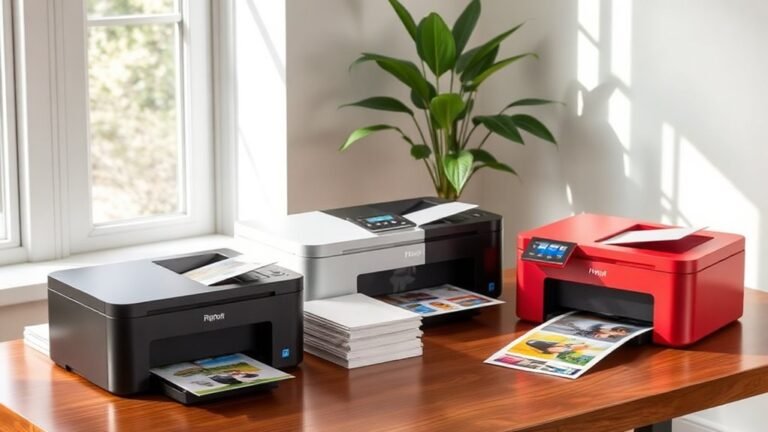
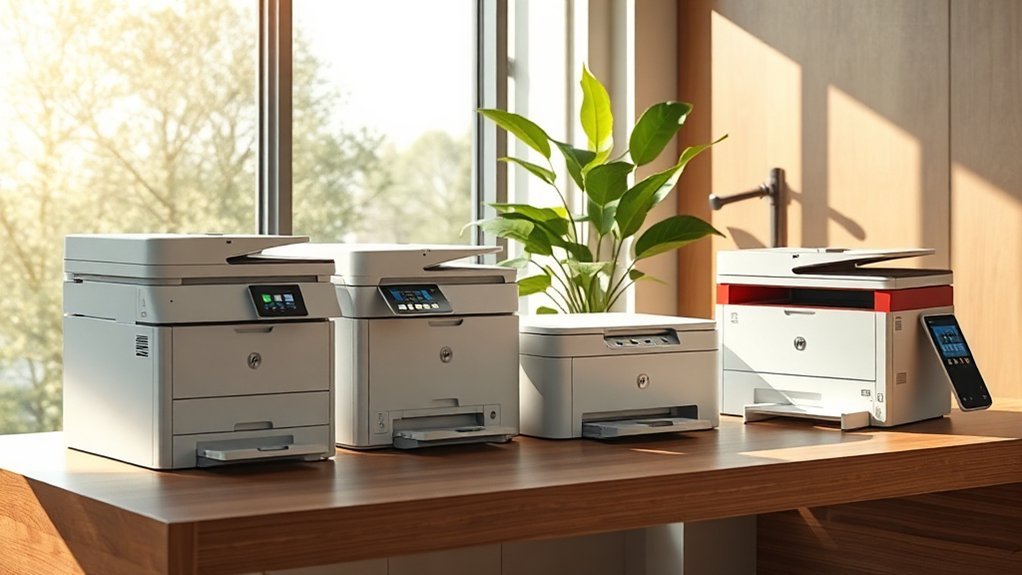
In 2027, if you’re looking for printers that use less ink without sacrificing quality, you’ll want to check out the Epson EcoTank ET-2903, HP Smart Tank 5100, Canon MegaTank G3270, and HP Envy 6155.
These models are perfect for both home and office use because they help you save money and reduce waste.
Each printer comes with large, refillable ink tanks that can last for thousands of pages, so you won’t have to worry about constantly buying cartridges.
Plus, they maintain high-quality prints, making them a smart choice for everyday printing needs.
Curious about which one fits your needs best? There’s more to explore on the features and benefits!
Epson EcoTank ET-2903 Wireless All-in-One Printer
The Epson EcoTank ET-2903 Wireless All-in-One Printer offers a smart solution for reducing ink expenses without compromising on quality. Its large ink tanks hold enough ink to print thousands of pages, helping you avoid frequent cartridge replacements. This makes it ideal for families and home offices that require reliable, cost-effective printing.
Refilling the ink is simple and clean, thanks to the uniquely keyed EcoFit bottles designed to prevent spills. The printer delivers sharp, high-resolution prints at 5760 x 1440 dpi, producing vivid photos and crisp documents. Wireless connectivity allows easy printing from smartphones and tablets, improving convenience and workflow.
Designed with everyday use in mind, the printer balances functionality with ease of maintenance. While it may take up more space than compact models and print at a slower pace for color pages, its cost savings and print quality make it a practical choice.
Best for: Families and home offices seeking an affordable, high-quality all-in-one printer with low ink costs.
What We Like:
- Large ink tanks reduce frequent refilling.
- High print resolution for detailed photos and documents.
- Wireless printing from multiple smart devices.
- Mess-free ink refills with EcoFit bottles.
- All-in-one functionality for versatile use.
Specification:
| Feature | Details |
|---|---|
| Manufacturer | Epson |
| Dimensions | Approx. 15.4 x 12 x 7.5 in (39.1 x 30.5 x 19 cm) |
| Weight | Approx. 7.5 lbs (3.4 kg) |
| Color Options | White |
HP Smart Tank 5100 Ink Tank Printer | 3 Years of Ink Included | All-in-One
Experience hassle-free printing with the HP Smart Tank 5100, designed to keep your ink costs low without compromising quality. This all-in-one printer handles printing, copying, and scanning efficiently, making it ideal for busy homes or small offices.
With up to three years of ink included, you can print around 6,000 pages before needing a refill. This feature significantly reduces interruptions and ongoing expenses. The cartridge-free ink tank system also helps prevent spills and makes refilling simple and clean.
Maintenance is straightforward thanks to the mess-free refill design. You’ll spend less time worrying about upkeep and more time focusing on your tasks. The printer delivers crisp text and vibrant colors, ensuring your documents look polished and professional every time.
Compact yet functional, the HP Smart Tank 5100 fits well in spaces where high-volume printing is needed. Its design supports ease of use, allowing quick setup so you can start printing right away.
Best for: Users who need a cost-efficient all-in-one printer for frequent printing in home or small office environments.
What We Like:
- Includes up to three years of ink for extended use without extra cost
- Cartridge-free refill system minimizes spills and simplifies maintenance
- Produces sharp text and vibrant color prints suitable for professional documents
Specification:
| Feature | Details |
|---|---|
| Manufacturer | HP |
| Dimensions | Not specified |
| Weight | Not specified |
| Color Options | Not specified |
| Ink System | Cartridge-free tank |
Canon MegaTank G3270 All-in-One Wireless Color Printer
The Canon MegaTank G3270 All-in-One Wireless Color Printer offers a smart solution for those tired of frequent ink replacements. Its MegaTank refillable ink system lets you print thousands of pages—up to 6,000 in black-and-white and 7,700 in color—before needing a refill. This significantly cuts down on maintenance and ongoing ink costs.
Designed with a compact form, the printer fits easily in both home and office settings. It handles printing, copying, and scanning tasks with a clear resolution of 4800 x 1200 dpi, ensuring your documents and images come out sharp. The multifunctionality streamlines your workflow without requiring multiple devices.
Connectivity is simple with both USB and Wi-Fi options, enabling quick setup and flexible placement. This makes it convenient to share the printer across devices without cables getting in the way. Additionally, the included ink supply can last up to two years, reducing interruptions and increasing productivity.
While its print speed may be slower compared to some traditional models, and the display is somewhat limited in size, the overall ease of use and cost-efficiency make it a practical choice for everyday printing needs.
Best for: Budget-conscious users seeking an efficient and compact all-in-one printer for home or office use.
What We Like:
- High page yield per refill reduces ink maintenance
- Compact design suits small spaces
- Multiple connectivity options for easy setup
- Sharp print quality for diverse tasks
Specification:
| Feature | Details |
|---|---|
| Manufacturer | Canon |
| Dimensions (inches) | Approx. compact size (not specified) |
| Weight | Not specified |
| Color Options | Standard black and white |
| Connectivity | USB, Wi-Fi |
HP Envy 6155 Wireless All-in-One Printer (C2WR7A)
With its vibrant color printing and efficient ink use, the HP Envy 6155 Wireless All-in-One Printer is designed to meet everyday home printing needs. It delivers sharp documents and borderless photos, helping you create professional-quality prints without hassle. This printer simplifies your workflow by combining printing, scanning, and copying in one compact device.
Maintenance is straightforward with original HP cartridges, ensuring consistent quality and fewer interruptions. The printer supports duplex printing, which helps reduce paper waste and saves you time on two-sided documents. Its dual-band Wi-Fi offers a stable connection for wireless printing from multiple devices, making it easy to print from anywhere in your home.
The 2.4-inch touchscreen enhances usability, allowing you to navigate menus quickly and manage tasks with ease. Built with sustainability in mind, the device uses 60% recycled plastic, making it an environmentally responsible choice. While the 100-sheet paper tray suits everyday printing, larger jobs may require frequent refills.
Best for: Home users who need reliable, high-quality color printing for documents and photos with convenient all-in-one functionality.
What We Like:
- Combines printing, scanning, and copying in a single unit
- High-quality prints with resolutions up to 4800 x 1200 dpi
- Eco-friendly design with 60% recycled plastic
- Easy-to-use 2.4-inch touchscreen interface
- Supports duplex printing to save paper
Specification:
| Feature | Details |
|---|---|
| Manufacturer | HP |
| Model | Envy 6155 (C2WR7A) |
| Dimensions | Approx. 17.3 x 14.5 x 5.6 in (W x D x H) |
| Weight | Approx. 12.1 lbs |
| Color Options | Black |
| Connectivity | Dual-band Wi-Fi |
| Paper Capacity | 100 sheets |
| Print Resolution | Up to 4800 x 1200 dpi |
Factors to Consider When Choosing a Printer That Uses Less Ink

When you’re looking for a printer that uses less ink, consider several key factors. You’ll want to evaluate ink efficiency technology, cost per page, and the ink refill system to guarantee long-term savings.
Also, think about the print volume capacity and the environmental impact. These will help you make a well-rounded choice that fits your needs and values.
Ink Efficiency Technology
Choosing a printer that uses less ink can save you money and reduce environmental impact, especially when you consider the various ink efficiency technologies available.
Look for models with refillable ink systems, which can yield up to 6,500 color pages and drastically cut down on cartridge waste. It’s a smart way to keep costs low and be eco-friendly at the same time.
Advanced printhead designs, like Heat-Free technology, also enhance durability and minimize ink wastage. This means your printer lasts longer and uses ink more efficiently.
High-capacity ink tanks can replace around 80 traditional cartridges, leading to significant long-term savings. That’s a lot less hassle and a lot more value.
Additionally, features such as optimized print resolutions and speeds guarantee you achieve high-quality prints while using less ink.
Eco-friendly designs that eliminate traditional cartridges further promote sustainability, making your printing habits more responsible. It’s a win for your wallet and the planet!
Cost Per Page
Understanding cost per page is essential for anyone looking to choose a printer that uses less ink. This metric shows how much you’ll spend on printing each page, which can really affect your long-term expenses.
Printers with high-capacity ink tanks, like MegaTanks or EcoTanks, can print thousands of pages per refill. That means your cost per page is usually much lower compared to traditional cartridge models.
Keep in mind, print quality and resolution also play a role. Higher resolutions use more ink, so they can increase your costs.
Also, color printing generally requires more ink than black and white, which raises your overall expenses.
Regular maintenance and using your printer’s economy mode can help optimize ink usage. Over time, these small steps add up and help reduce your cost per page.
Ink Refill System
An efficient ink refill system can make a huge difference in your printing experience. Look for models that offer supersized ink tanks, enabling you to print thousands of pages without frequent refills—like 6,500 color pages or 3,600 black pages from a single set.
Choose printers with specially designed refill bottles to guarantee mess-free refilling, reducing the risk of spills and mix-ups. It really helps keep things clean and simple.
Consider cartridge-free designs for easier maintenance and significant savings. You could potentially cut your ink costs by up to $1,000 over time.
Additionally, opt for systems with high page yields that equate to around 80 standard cartridges. This not only enhances cost efficiency but also minimizes environmental impact by lowering cartridge waste.
Versatile printers can handle various media types and borderless printing, which optimizes ink usage. So, you get great quality without any hassle.
Print Volume Capacity
Print volume capacity plays a significant role in your printer selection, especially if you want to minimize ink usage. When choosing a printer, look for models with high print volume capacities, as these can print more pages before needing a refill.
High-yield ink systems can produce thousands of pages per refill, cutting down on ink replacement frequency and interruptions. Check for page yield estimates—like 6,000 black and 7,700 color pages—to gauge long-term ink usage.
Also, consider printers with advanced ink technologies that optimize ink consumption while ensuring quality. And don’t forget to look for support for refillable ink systems, which can lead to substantial savings compared to traditional cartridges.
All in all, choosing the right print volume capacity makes your printing more efficient and cost-effective.
Environmental Impact Considerations
When selecting a printer that uses less ink, environmental impact considerations become increasingly important. Opting for models with refillable ink systems, like EcoTank or MegaTank, cuts down on plastic waste from single-use cartridges.
You’ll also want to choose printers with high page yields, as they can print thousands of pages on just one ink set, reducing overall ink consumption. Look for devices that utilize technologies optimizing ink use, ensuring you get quality prints with less waste.
Energy-efficient printers help lower your energy consumption, further supporting sustainability. Additionally, selecting models made from recycled materials and designed for longevity can extend the printer’s lifespan, minimizing your environmental footprint and the demand for new resources.
Frequently Asked Questions
How Do Ink Tank Printers Compare to Traditional Cartridge Printers?
Ink tank printers generally offer lower running costs and longer print durations compared to traditional cartridge printers. You’ll find they require less frequent ink refills, making them ideal for high-volume printing needs.
Because of this, they’re perfect if you do a lot of printing and want to save money over time. Plus, you won’t have to stop as often to replace ink, which is pretty convenient.
Can I Use Third-Party Ink With These Printers?
Absolutely, you can use third-party ink with these printers. But isn’t it risky? Sometimes, it affects print quality or voids warranties.
Always do your research to guarantee compatibility and avoid potential issues down the line. It’s better to be safe than sorry!
What Is the Lifespan of Ink in These Printers?
The lifespan of ink in these printers typically ranges from several months to a couple of years, depending on usage and storage conditions. You should check the expiration dates and store cartridges properly to maximize longevity.
It really helps to keep an eye on how you store your ink. Keeping them in a cool, dry place can make a big difference. That way, you get the most out of every cartridge!
Are There Eco-Friendly Printing Options Available?
Yes, there are eco-friendly printing options available. You can choose printers with recyclable cartridges, use refillable ink tanks, and select paper made from sustainable materials.
These choices help reduce waste and promote a greener environment. It’s a simple way to make your printing habits more eco-conscious.
How Do I Maintain My Printer for Optimal Ink Efficiency?
To maintain your printer for ideal ink efficiency, regularly clean the print heads. Using draft mode for everyday printing can also save a lot of ink.
Choosing high-quality paper makes a difference too. It helps the ink absorb better and prevents smudging.
Also, keep your printer updated to ensure it runs smoothly. And don’t forget to use compatible, high-yield cartridges—they stretch your ink further and keep your prints sharp.
Conclusion
In wrapping up, you’ll find that these printers are like delightful companions, offering both efficiency and savings. They let you print your favorite memories and important documents without making your wallet feel too light.
By choosing one of these ink-savvy models, you’re not just investing in a printer; you’re embracing a smarter, more economical way to keep your creativity flowing. These best printers that use less ink in 2027 help you cut down on ink waste and lower your overall printing costs.
So, go ahead and enjoy the printing journey while keeping those ink costs in check! With these efficient printers, you get quality prints without frequent cartridge changes—making every print more affordable and eco-friendly.