
How Do You Get Printer Ink Off Your Hands Quickly
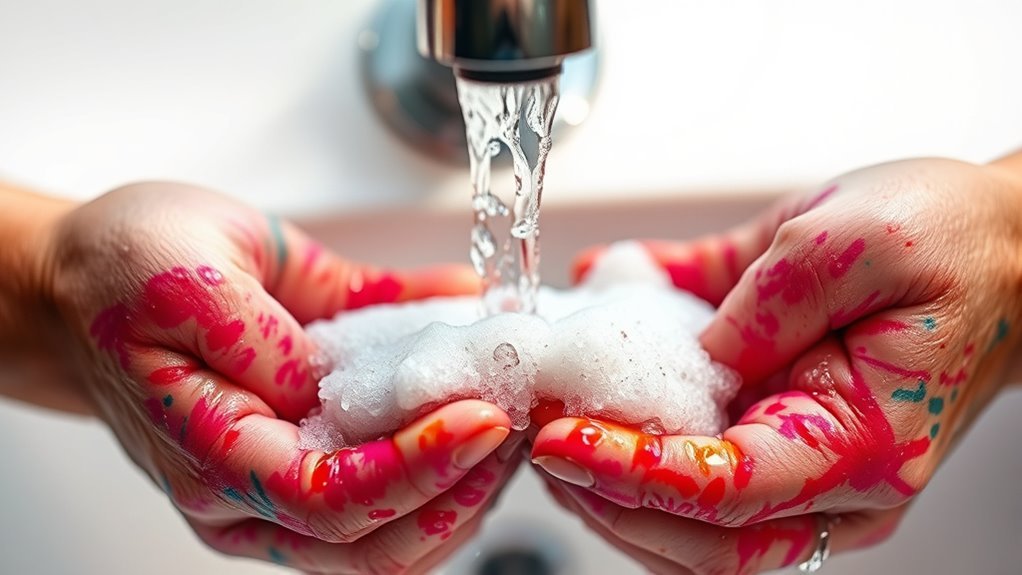
To get printer ink off your hands quickly, start by rinsing your hands with warm water and applying dish soap or liquid hand soap. This helps to break down the ink gently. Rub your hands together firmly but gently, making sure to cover all the ink-stained areas.
If you find some spots are stubborn and won’t come off easily, try using rubbing alcohol or hand sanitizer next. These products dissolve the ink fast and make it easier to wash away. Just remember, avoid harsh scrubbing because it can irritate your skin.
Once your hands are clean, don’t forget to moisturize. Printer ink and repeated washing can dry out your skin, so applying a good moisturizer will soothe and restore hydration.
Want some tips on how to prevent ink stains and care for your skin afterward? Keep reading for more useful info!
Key Takeaways
- Rinse hands under warm water and apply liquid soap or dish detergent to break down and loosen ink stains quickly.
- Rub hands gently but firmly, focusing on ink spots, and use a soft brush if necessary for stubborn stains.
- Use rubbing alcohol, hand sanitizer, or a baking soda paste to dissolve or lift persistent printer ink.
- Rinse thoroughly and repeat the cleaning process until the ink is removed completely.
- Moisturize hands immediately after cleaning to restore skin hydration and prevent irritation.
Common Household Items to Remove Printer Ink
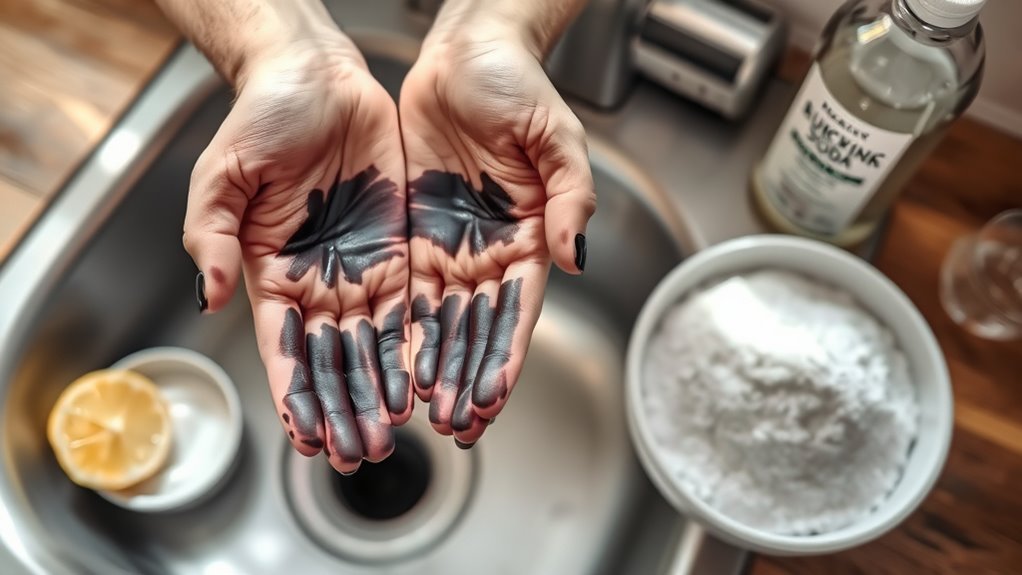
Although printer ink can be stubborn, you don’t need specialized products to remove it from your hands. You can use common household items like dish soap, which breaks down grease and lifts ink off your skin effectively.
Printer ink is tough, but everyday dish soap can easily lift it off your hands without special products.
Baking soda mixed with a little water creates a gentle abrasive paste that scrubs away ink without irritating your skin. Rubbing alcohol or hand sanitizer works well too, as they dissolve ink quickly and evaporate fast.
Even toothpaste can help because its mild abrasives and cleaning agents tackle ink stains. Just apply any of these, rub gently, then rinse.
These items are usually on hand, making cleanup quick and convenient without harsh chemicals or extra trips to the store. Easy, right?
Step-By-Step Guide to Cleaning Ink From Skin
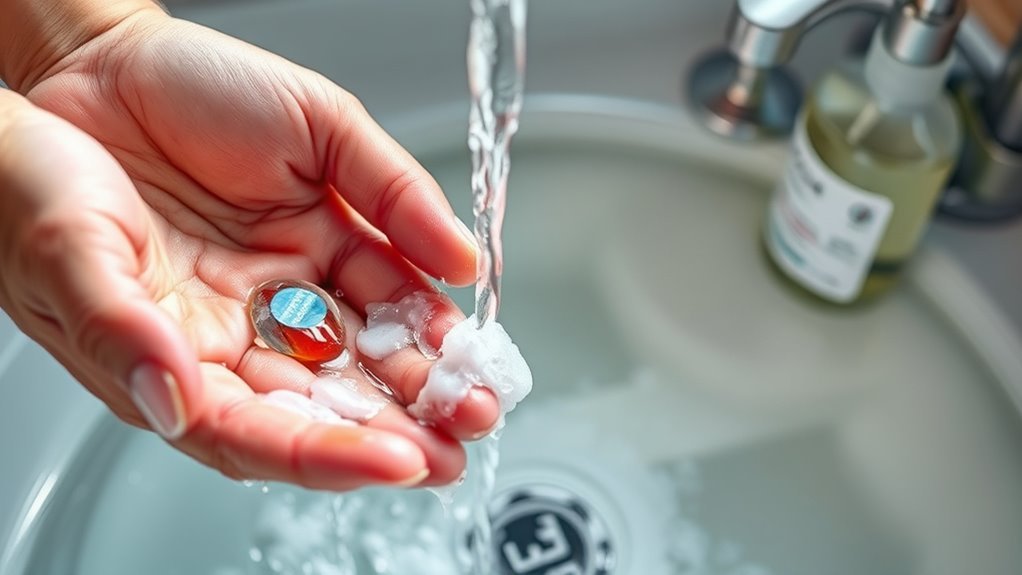
You’ll want to start by applying an effective ink removal method using common household items. Follow each step carefully to avoid spreading the ink or irritating your skin.
Once the ink’s gone, don’t forget to moisturize to keep your skin healthy. It really helps to soothe your skin and prevent dryness after cleaning.
Effective Ink Removal Methods
When ink gets on your hands, acting quickly can make removal much easier. Start by rinsing your hands under warm water to loosen the ink.
Apply a generous amount of liquid soap or dish detergent directly to the stained areas. Rub your hands together vigorously, focusing on the ink spots.
If the ink remains, try scrubbing gently with a soft-bristled toothbrush or a clean cloth. For stubborn stains, use rubbing alcohol or hand sanitizer—apply it to a cotton ball and dab the ink until it lifts.
Avoid harsh scrubbing to prevent skin irritation. Finally, rinse your hands thoroughly and repeat the process if needed.
These methods efficiently break down printer ink, helping you clean your hands quickly and effectively.
Skin Care After Cleaning
After removing printer ink from your hands, it’s important to care for your skin properly to prevent dryness and irritation. First, rinse your hands thoroughly with lukewarm water to remove any residue from cleaning agents.
Next, apply a gentle moisturizer to rehydrate your skin—look for products with soothing ingredients like aloe vera or shea butter. If your skin feels rough or cracked, consider using a heavier ointment or barrier cream overnight.
Avoid harsh soaps or scrubbing, as they can worsen irritation. Finally, protect your hands by wearing gloves during future ink handling tasks.
Natural Remedies for Ink Stains on Hands
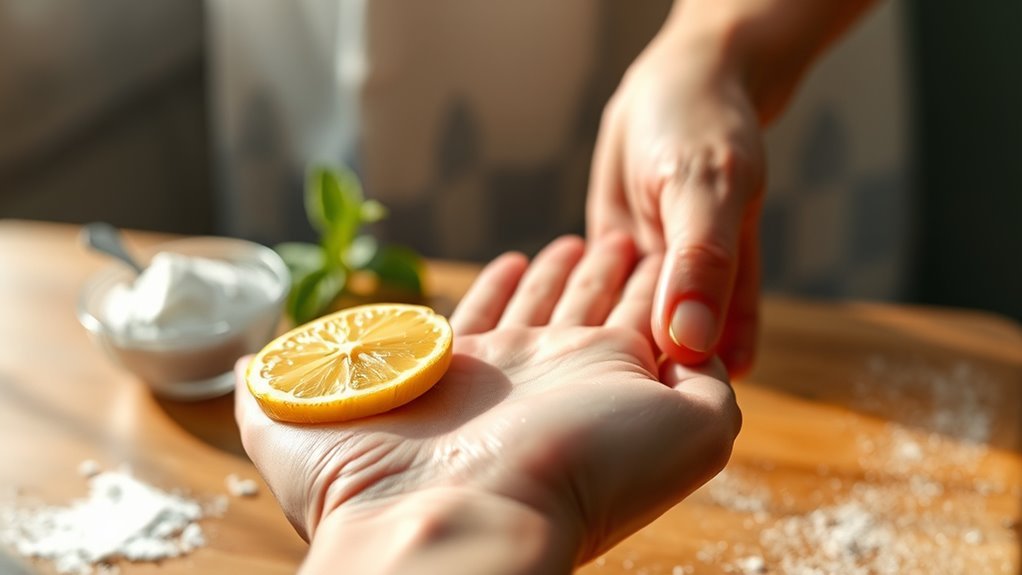
Although ink stains can be stubborn, several natural remedies can effectively lift them from your skin without harsh chemicals. You don’t need to reach for strong solvents when you have these simple options at home.
Try these methods to get your hands clean quickly and gently:
- Lemon juice: Its natural acidity breaks down ink pigments. Rub lemon juice on the stain, wait a few minutes, then rinse.
- Baking soda paste: Mix with a little water and gently scrub your skin to exfoliate and remove ink.
- Olive oil: Works as a gentle solvent. Massage it into the stain, then wash with soap.
- Milk soak: Soak your hands in milk for 5-10 minutes to help loosen ink residues naturally.
These natural solutions protect your skin while effectively removing ink. Give them a try—you might be surprised how well they work!
Tips to Prevent Ink Stains While Handling Printers
To keep your hands free from ink stains, you should handle printers carefully and adopt simple preventive habits. Always wear disposable gloves when replacing ink cartridges, and avoid touching the ink nozzles or print heads directly.
Work on a covered surface to catch any spills quickly. Keep a damp cloth nearby for immediate cleanup of any accidental smudges. This way, you’re ready to tackle any mess right away.
| Tip | Action | Benefit |
|---|---|---|
| Wear Gloves | Use disposable gloves | Protects skin from ink |
| Avoid Direct Contact | Handle cartridges by edges | Minimizes ink transfer |
| Prepare Workspace | Cover surface, keep cloth handy | Catches spills immediately |
When to Use Commercial Ink Removers
If you find that soap and water or household remedies aren’t removing printer ink from your skin, it’s time to reach for a commercial ink remover. These specialized products are designed to break down stubborn ink stains quickly and effectively.
You should consider using commercial ink removers when ink has dried and soaked deep into the skin. Or maybe you’ve tried washing multiple times without any luck.
Also, if you’re dealing with large or heavily stained areas, a commercial remover can save you time. And if you need a fast solution before an important event, these products come in handy.
Using commercial removers means you won’t have to scrub excessively, which can irritate your skin. Just remember to follow the product instructions carefully and test a small patch of skin first to avoid any reactions.
This way, you can tackle tough ink stains safely and efficiently without any hassle.
Caring for Your Skin After Ink Removal
After you’ve removed the ink, it’s important to care for your skin properly. You’ll want to use gentle cleansing methods and apply a good moisturizer to prevent irritation.
Taking these steps will help keep your hands healthy and comfortable. It’s really all about being kind to your skin as it recovers.
Moisturizing Your Skin
Though removing printer ink from your hands clears the visible stains, your skin may still feel dry or irritated. Moisturizing is essential to restore your skin’s natural barrier and prevent further dryness.
After cleaning your hands, apply a gentle moisturizer to soothe and hydrate the skin. Look for products rich in nourishing ingredients that help repair and protect.
Consider these tips when moisturizing: use fragrance-free lotions to avoid irritation. Also, apply moisturizer while your skin is still slightly damp for better absorption.
Choose creams containing aloe vera or vitamin E for added healing benefits. And don’t forget to reapply moisturizer throughout the day, especially after washing your hands.
Taking these steps will keep your skin healthy and comfortable after dealing with printer ink stains. It’s all about keeping your skin happy and hydrated!
Gentle Cleansing Methods
Keeping your skin hydrated sets the stage for effective cleansing without causing further irritation. To gently remove printer ink, start by rinsing your hands with lukewarm water.
Avoid hot water, as it can dry your skin out. Use a mild, fragrance-free soap to create a lather, then gently rub your hands together for at least 20 seconds.
Focus on ink-stained areas, but don’t scrub harshly—this can cause redness or damage. If the ink persists, try a soft cloth or cotton ball soaked in a little olive oil or coconut oil to loosen the stain without stripping your skin’s natural oils.
Once the ink is gone, rinse thoroughly and pat your hands dry with a soft towel. Finish with a moisturizer to keep your skin comfortable and healthy.
Preventing Skin Irritation
Even if you’ve successfully removed printer ink from your hands, your skin might still feel a bit sensitive or dry. To prevent irritation, it’s really important to take good care of your skin after cleaning.
Start by rinsing your hands with lukewarm water—this helps avoid making your skin even drier. Then, gently pat your skin dry instead of rubbing it harshly.
Next, apply a fragrance-free moisturizer to help restore hydration and protect your skin barrier. If you notice any redness or itching, try using an over-the-counter hydrocortisone cream to soothe the irritation.
Here are some quick tips to remember: Use mild, fragrance-free cleansers in the future.
Avoid hot water when washing ink off, and moisturize immediately after cleaning. Also, wearing gloves next time you handle printer ink can really help.
Following these steps will keep your skin healthy and feeling comfortable!
Frequently Asked Questions
Can Printer Ink Cause Skin Allergies or Irritation?
Yes, printer ink can cause skin allergies or irritation, especially if you have sensitive skin. You should wash your hands promptly and avoid prolonged contact to prevent redness, itching, or rash.
If irritation worsens, see a doctor. It’s better to be safe and get professional advice if things don’t improve.
Is It Safe to Use Nail Polish Remover on Printer Ink Stains?
You shouldn’t use nail polish remover on printer ink stains—it’s like trying to fix a smartphone with a rotary phone!
It can irritate your skin and worsen the stain. Stick to soap, water, or gentle cleaners instead.
How Long Does Printer Ink Stay on Skin Without Washing?
Printer ink can stay on your skin for several hours or even days if you don’t wash it. You’ll notice it fades gradually with natural skin oils and washing.
But it’s best to clean it off quickly to avoid stains. That way, you won’t have to worry about it lingering too long.
Can Printer Ink Be Harmful if Accidentally Ingested?
Think of printer ink as a mischievous trickster—small accidental sips usually won’t harm you, but don’t let it linger.
If ingested in large amounts, it can cause trouble, so seek medical help promptly.
Are There Specific Inks More Difficult to Remove From Skin?
Yes, oil-based and permanent inks are tougher to remove from your skin compared to water-based inks. You’ll need stronger solvents like rubbing alcohol or specialized ink removers.
But hey, always make sure to wash thoroughly afterward to protect your skin. It’s important to keep your skin safe while getting rid of those stubborn inks!
Conclusion
Getting printer ink off your hands quickly doesn’t have to be a hassle. Using common household items like soap, rubbing alcohol, or even natural remedies can work wonders. They clean your skin gently yet effectively.
Just like a fresh breeze clears away fog, these methods help wipe ink away without harsh damage. Remember to care for your skin afterward to keep it soft and healthy.
With the right approach, you’ll have clean hands in no time! So next time you get printer ink on your hands, try these quick and easy tips to remove it without stress. Taking care of your skin after cleaning also keeps your hands feeling great.