How to Choose the Right Ink Cartridge for Brother MFC-J4420DW
To choose the right ink cartridge for your Brother MFC-J4420DW, start by selecting genuine LC3033 series cartridges. These come in black, cyan, magenta, and yellow, ensuring you get the best print quality and reliability. Using original cartridges helps avoid issues like poor printouts or printer damage.
If you print frequently, consider high-yield versions—they save you money per page in the long run. But if your printing needs are light, standard cartridges might be the better fit.
Also, always check the packaging for security holograms and clear chips to make sure you’re not buying counterfeits.
Want sharper colors and prints that last longer? Keep these tips in mind while exploring your options. It’s all about matching your printing habits with the right cartridge choice to get the most out of your Brother MFC-J4420DW.
Key Takeaways
- Choose genuine Brother LC3033 series cartridges for guaranteed compatibility and optimal print quality with the MFC-J4420DW. This ensures your printer works smoothly without any hiccups.
- Select cartridge sizes (standard or high-yield) based on your printing volume. This way, you can balance cost efficiency and how often you need to replace them.
- Verify cartridge authenticity by checking hologram stickers, serial numbers, and packaging quality. It’s a smart move to avoid counterfeit products that might damage your printer.
- Prioritize cartridges that deliver consistent color accuracy and high DPI printing. This results in sharp, vibrant documents and images every time you print.
- Compare cost per page by dividing cartridge price by page yield. Doing this helps you find the most economical option that fits your needs perfectly.
Understanding Ink Cartridge Types Compatible With Brother MFC-J4420DW
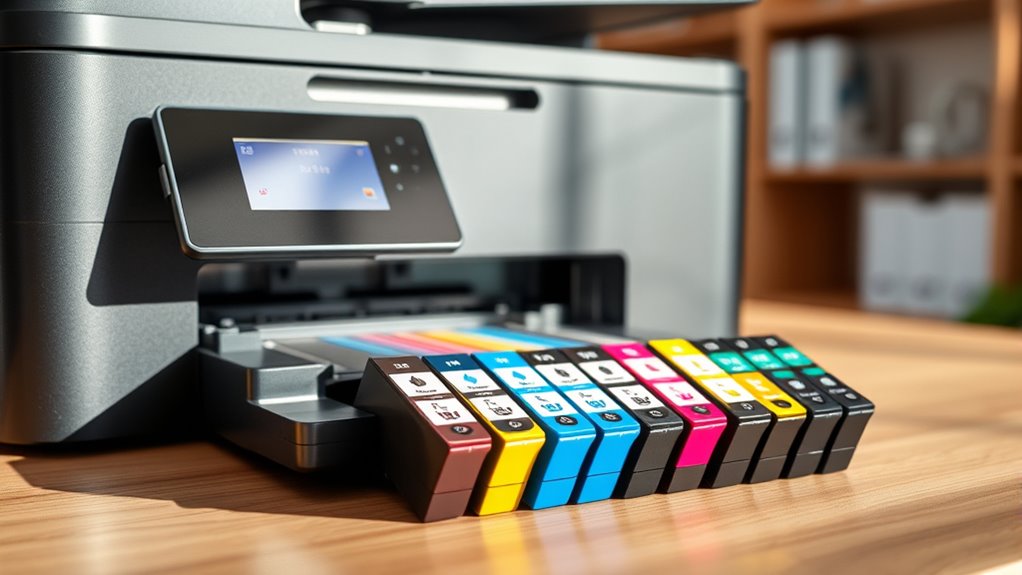
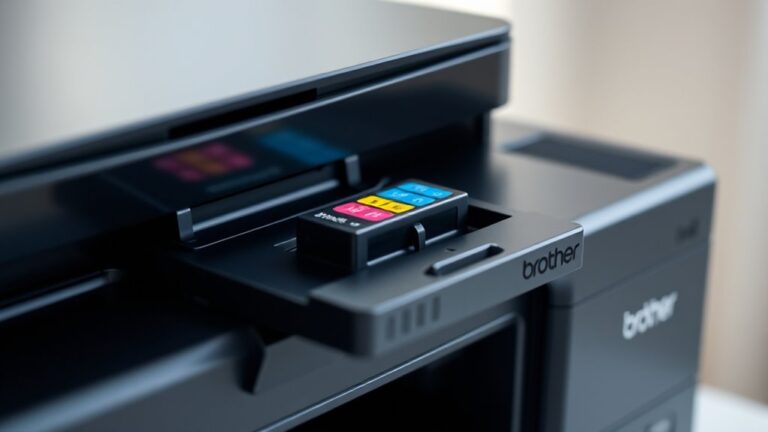
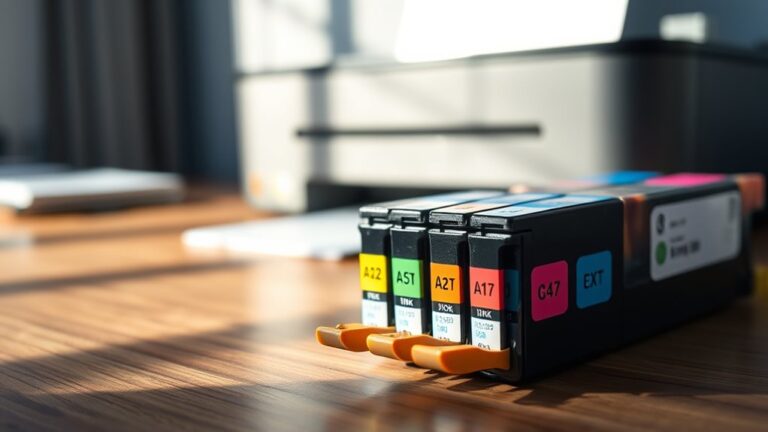
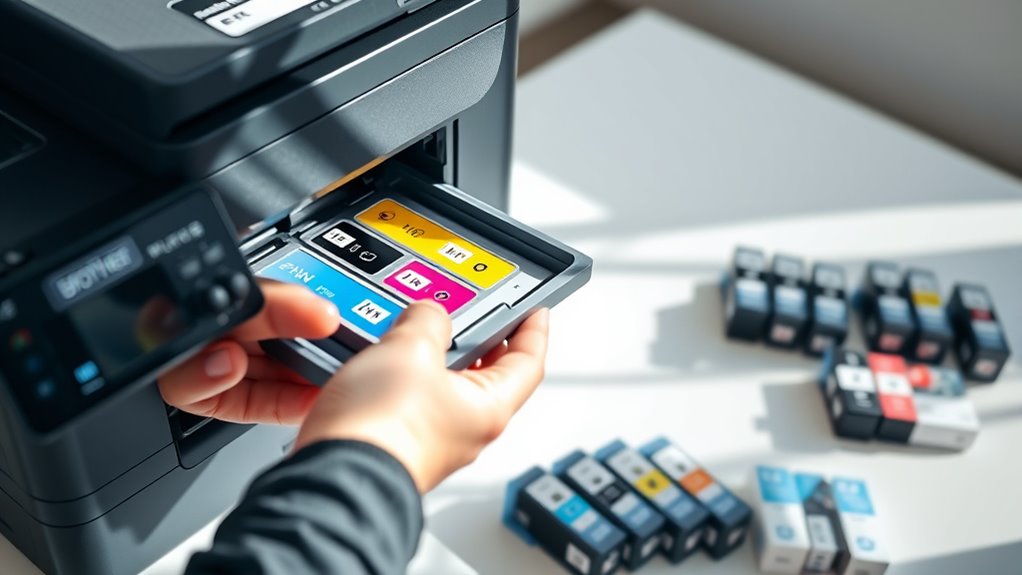
Before you buy ink cartridges for your Brother MFC-J4420DW, it’s important to know which types work best with your printer. Your printer uses four individual cartridges: black, cyan, magenta, and yellow.
Each cartridge comes in standard and high-yield sizes. The high-yield options give you more prints per cartridge, which can be a great value if you print a lot.
The printer is compatible with Brother’s LC3033 series, which is designed specifically for this model. This ensures superior print quality and reliability.
You’ll want to choose cartridges that fit your printing volume and budget. Just make sure you select cartridges labeled for the MFC-J4420DW to avoid any compatibility issues.
Using the correct cartridge type keeps your printer running smoothly. Plus, it helps maintain crisp, vibrant prints every time you use it.
Comparing Genuine vs. Compatible Ink Cartridges
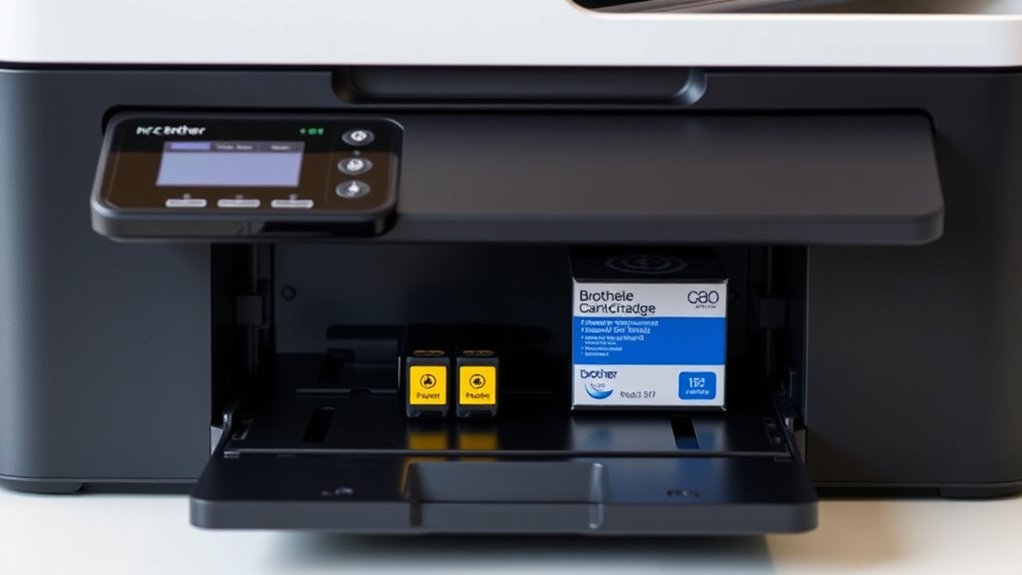
Choosing the right cartridge means deciding between genuine Brother ink and compatible alternatives. Genuine cartridges guarantee ideal printer performance and reliability.
Compatible ones offer cost savings but may vary in quality. You’ll want to weigh these factors carefully to match your printing needs and budget.
| Feature | Genuine Brother Ink | Compatible Ink |
|---|---|---|
| Price | Higher | Lower |
| Printer Warranty | Fully supported | Might void warranty |
| Availability | Easily found | Sometimes limited |
| Reliability | Consistent performance | Variable, risk of clogs |
| Environmental Impact | Recyclable packaging | Depends on manufacturer |
Evaluating Print Quality and Color Accuracy
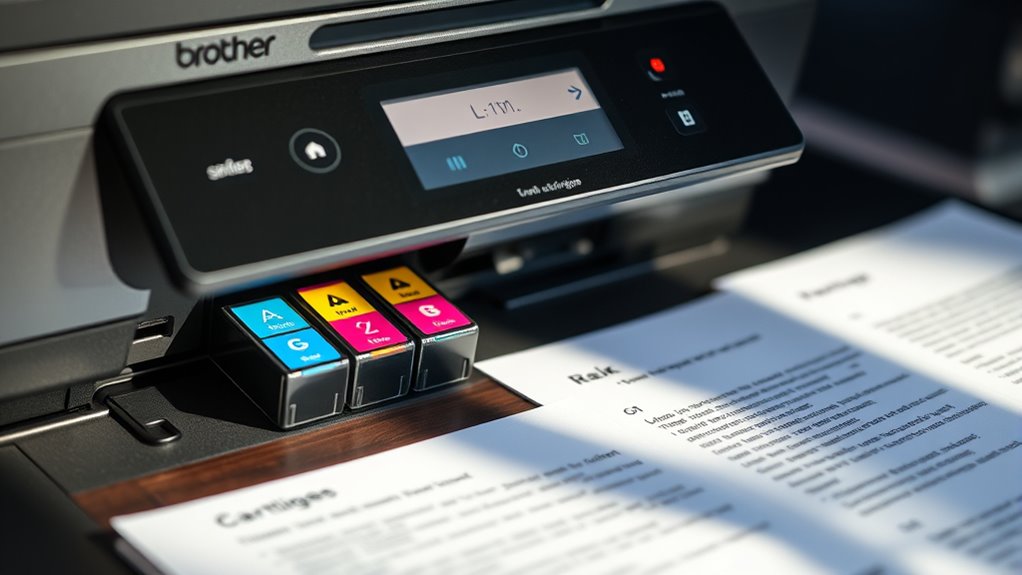
When choosing an ink cartridge, you’ll want to assess color vibrancy to guarantee your prints look vivid and true to life.
Pay close attention to print resolution, as higher resolution means sharper and more detailed images.
Assessing Color Vibrancy
Although many factors influence print quality, evaluating color vibrancy is crucial to guarantee your prints look sharp and true to life. When choosing ink cartridges for your Brother MFC-J4420DW, focus on these key aspects:
First, consider the ink formulation. Opt for cartridges with high-quality pigment or dye-based inks that deliver rich, saturated colors.
Next up is color consistency. Check if the ink maintains uniform color output across different print jobs to avoid dull or faded prints.
And don’t forget about compatibility. Use cartridges designed specifically for your printer model to ensure excellent color mixing and vibrancy.
Analyzing Print Resolution
Color vibrancy sets the stage for impressive prints, but print resolution determines the sharpness and detail you’ll see. When choosing an ink cartridge for your Brother MFC-J4420DW, you need to contemplate how well it supports high-resolution printing.
Look for cartridges that deliver crisp text and fine lines without bleeding or smudging. High DPI (dots per inch) ratings translate to clearer images and sharper graphics, especially for photos or detailed documents.
Also, ensure the cartridge maintains consistent color accuracy to avoid dull or off-tone prints. By analyzing print resolution, you’ll get precise, professional-quality output that matches your expectations.
Don’t settle for cartridges that compromise clarity—your work deserves nothing less than sharp, vibrant results every time.
Considering Cartridge Yield and Cost Efficiency
Since ink cartridges vary widely in how many pages they can print, you should focus on yield to get the best value. Cartridge yield directly affects how often you’ll need replacements and overall printing costs.
To optimize cost efficiency, consider these factors:
- Page Yield: Check the estimated number of pages each cartridge can print—higher yield means fewer replacements.
- Cost Per Page: Calculate by dividing the cartridge price by its page yield to compare real expenses.
- Usage Pattern: Match cartridge size to your printing volume; high-yield cartridges suit heavy use, while standard ones save money for occasional printing.
How to Identify Authentic Brother Ink Cartridges
To make sure you’re getting authentic Brother ink cartridges, you need to check key security features on the packaging. Look closely at the label details, including holograms and serial numbers.
These elements help you spot genuine products and avoid counterfeits. It’s a simple step that can save you from a lot of hassle down the road. Just keep an eye out for those little details!
Security Features Overview
How can you be sure you’re buying a genuine Brother ink cartridge? Authentic cartridges come with key security features designed to protect you from counterfeits.
When checking your cartridge, look for the Brother hologram sticker. It changes color when tilted and is difficult to replicate.
Next, verify the unique serial number printed on the cartridge. You can cross-check this with Brother’s online database.
Also, inspect the chip area. Genuine cartridges have a precise, clean chip that communicates seamlessly with your printer.
Packaging and Label Details
Where should you focus when examining Brother ink cartridge packaging to verify authenticity? First, check the overall quality—the box should feel sturdy, with no misspelled words or blurry images.
Look closely at the Brother logo; it must be sharp and consistent with official branding. Authentic cartridges come with a holographic Brother seal that changes color when tilted.
Inspect the label for a clear print of the cartridge model number and a unique serial number. Avoid packages with peeling labels or uneven edges.
Also, the packaging should have a QR code or barcode you can scan to confirm genuine status on Brother’s website. Paying attention to these details helps you avoid counterfeit cartridges that can damage your MFC-J4420DW or reduce print quality.
Tips for Maintaining Your Printer and Ink Cartridges
Although ink cartridges can seem straightforward, maintaining both your printer and cartridges properly guarantees consistent print quality and extends their lifespan.
To keep your Brother MFC-J4420DW running smoothly, follow these tips:
To keep your Brother MFC-J4420DW running smoothly, follow simple maintenance tips for optimal printing quality.
- Clean Regularly: Wipe the cartridge contacts and printer heads gently with a lint-free cloth. This helps prevent clogs and ensures clear prints.
- Use Genuine Ink: Stick to manufacturer-recommended cartridges. This way, you avoid damage and keep your printer performing at its best.
- Store Properly: Keep unused cartridges sealed and stored in a cool, dry place. Doing this preserves ink quality and prevents the cartridges from drying out.
Frequently Asked Questions
Can I Recycle Used Brother MFC-J4420DW Ink Cartridges?
Yes, you can recycle used Brother MFC-J4420DW ink cartridges. Just collect them and take them to a local recycling center.
Or, if it’s easier, you can use Brother’s mail-in recycling program. It’s a great way to help reduce waste and protect the environment.
How Do I Properly Store Unused Ink Cartridges?
Don’t put all your eggs in one basket—store unused ink cartridges in a cool, dry place away from direct sunlight.
Keep them sealed in their original packaging to prevent drying out and guarantee they stay fresh longer.
This way, your cartridges will be ready to use when you need them, without any hassle.
What Should I Do if My Cartridge Is Leaking?
If your cartridge is leaking, turn off the printer first. Then, carefully remove the cartridge, making sure not to touch the ink.
Clean any spills with a damp cloth to avoid stains. After that, replace the cartridge with a new one to prevent any damage. It’s best to act quickly to keep your printer safe!
Are There Environmental Benefits to Using Compatible Cartridges?
You’ll find that using compatible cartridges gently supports the planet by reducing waste and conserving resources. They often come from recycled parts, so you’re not just saving money—you’re giving the environment a helpful nudge.
Plus, choosing them means less plastic and fewer cartridges ending up in landfills. It’s a small change that can make a big difference over time.
How Often Should I Replace My Ink Cartridges?
You should replace your ink cartridges when print quality declines or the printer alerts you.
How often you need to do this really depends on how much you print. If you print a lot, you’ll find yourself changing cartridges more often.
On the other hand, if you only print occasionally, your cartridges will last much longer. So, just keep an eye on the print quality and your printer’s notifications.
Conclusion
Choosing the right ink cartridge for your Brother MFC-J4420DW is like picking the perfect key to open flawless prints. By understanding cartridge types and weighing genuine versus compatible options, you set yourself up for success.
It’s important to consider both quality and cost so your printer performs at its best without breaking the bank. Think of it like a master artist trusting their tools—you want cartridges that deliver vibrant, consistent results every time.
Keep your Brother MFC-J4420DW well-maintained by using the right ink cartridges and following simple care tips. This way, you’ll enjoy smooth, professional prints that make your documents and photos truly stand out. Choosing quality cartridges not only protects your printer but also ensures every print is sharp and reliable. In the end, the right ink cartridge is key to unlocking the full potential of your Brother MFC-J4420DW printer.