7 Tips to Keep Ink Cartridges From Drying Out
To keep your ink cartridges from drying out, it’s important to store them properly. Find a cool, humid spot away from direct sunlight to keep the ink fresh and flowing. This simple step can really extend the life of your cartridges.
Using your printer regularly—at least once a week—also helps prevent the ink from drying and clogging the nozzles. Plus, always keep the printer cover closed when it’s not in use to avoid exposure to air.
And here’s a tip: try not to touch the cartridge nozzles, as oils from your fingers can cause problems.
Cleaning your printer heads periodically is another great way to maintain smooth ink flow. Using genuine ink cartridges is key as well, since they’re designed to work perfectly with your printer.
Don’t forget to run test prints now and then; this helps prevent clogs and keeps your print quality top-notch.
Follow these easy steps and you’ll discover even more ways to protect your cartridges and keep your printer running smoothly!
Key Takeaways
- Store cartridges in a cool, humid environment away from direct sunlight and heat sources to prevent ink evaporation. This helps keep the ink fresh and ready to use.
- Print at least once every one to two weeks to maintain ink flow and prevent drying. It’s a simple habit that can save you a lot of hassle.
- Keep printer covers closed when not in use to protect cartridges from air exposure and dust. This little step goes a long way in preserving your ink.
- Use built-in cleaning functions regularly to prevent nozzle clogs and maintain print quality. Trust me, your printer will thank you for it.
- Handle cartridges carefully, avoiding contact with nozzles, and store spare cartridges in sealed packaging. This keeps everything in tip-top shape until you need them.
Store Cartridges in a Cool, Humid Environment
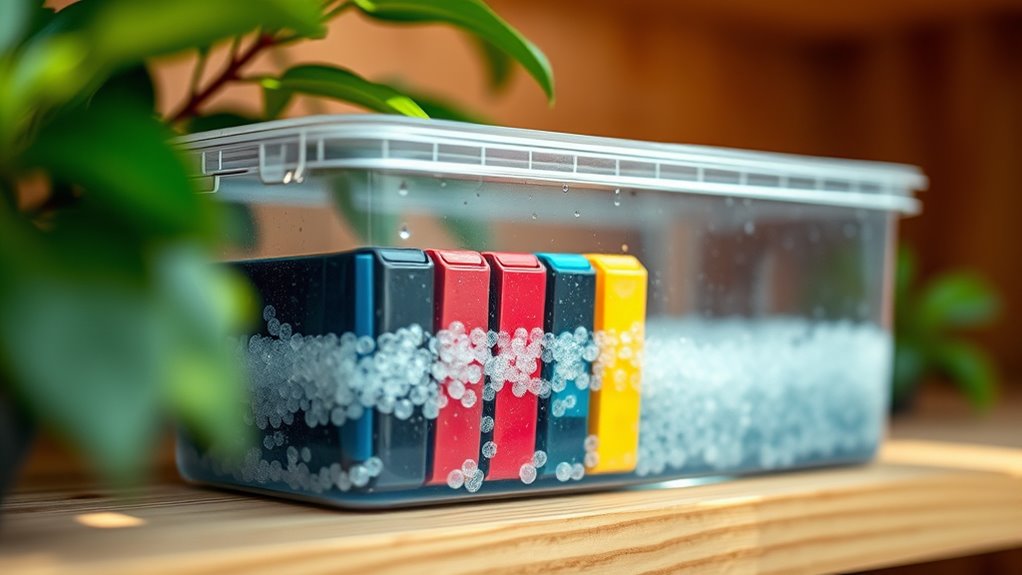
Although it might seem simple, storing your ink cartridges in a cool, humid environment can considerably extend their lifespan. When cartridges sit in dry, warm places, the ink evaporates faster, causing clogs and dried-out nozzles.
You’ll want to keep them away from direct sunlight and heat sources like radiators or windowsills. Ideally, aim for a storage area with temperatures between 60°F and 75°F and humidity around 40-60%.
If your space is too dry, placing a small container of water nearby can help maintain moisture. Also, keep cartridges sealed in their original packaging or airtight containers to prevent exposure to air.
Use Your Printer Regularly
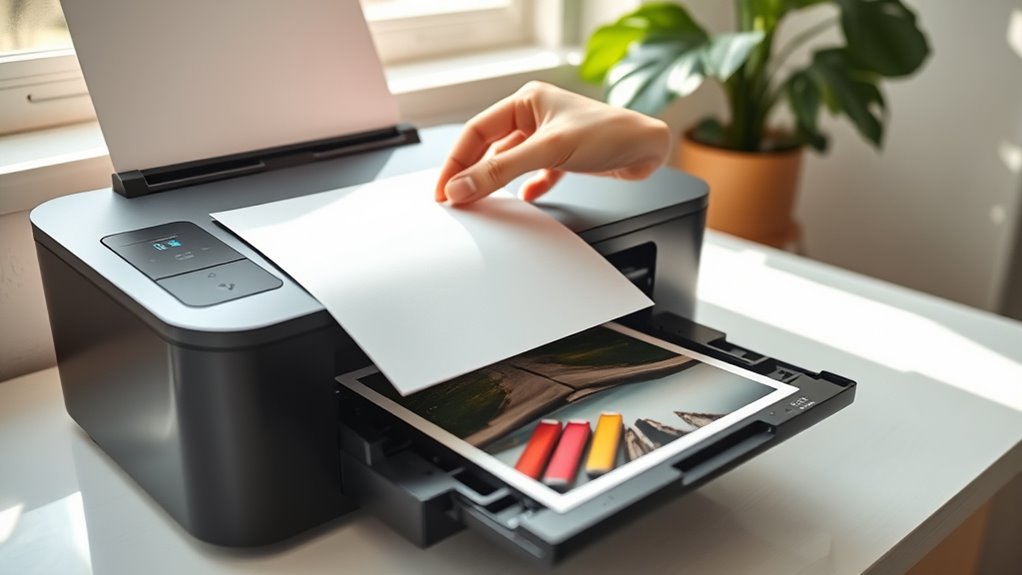
You should print something at least once a week or every two weeks to keep your ink cartridges from drying out. Letting your printer sit unused for too long can cause the ink to clog and waste your cartridges.
Staying consistent with printing helps maintain smooth ink flow and extends cartridge life. So, try to use your printer regularly—it really makes a difference!
Print Weekly or Biweekly
How often do you use your printer? If it sits idle for long periods, the ink can dry out and clog the nozzles. To prevent this, make it a habit to print something weekly or at least biweekly.
Even a simple test page or a brief document helps keep the ink flowing smoothly. Regular printing ensures the cartridges stay moist and functional, reducing the risk of dried-up ink.
This simple routine saves you from costly replacements and frustrating print failures. Set a reminder on your phone or calendar to print every week or two.
Avoid Long Inactivity
If your printer stays unused for long stretches, the ink inside the cartridges can dry up and clog the nozzles, leading to poor print quality or even damage.
To keep your printer in good shape, make sure you use it regularly. Even printing a simple test page once a week helps keep the ink flowing.
Here’s how you can avoid long inactivity:
- Schedule a quick print job every few days.
- Use your printer for small tasks like printing labels or notes.
- Run the printer’s cleaning cycle if you haven’t used it in a while.
- Store your printer in a cool, dry place to slow down ink drying.
Regular use keeps the ink fresh and your printer functioning smoothly. So, try to give it a little work now and then!
Keep Printer Covers Closed When Not in Use
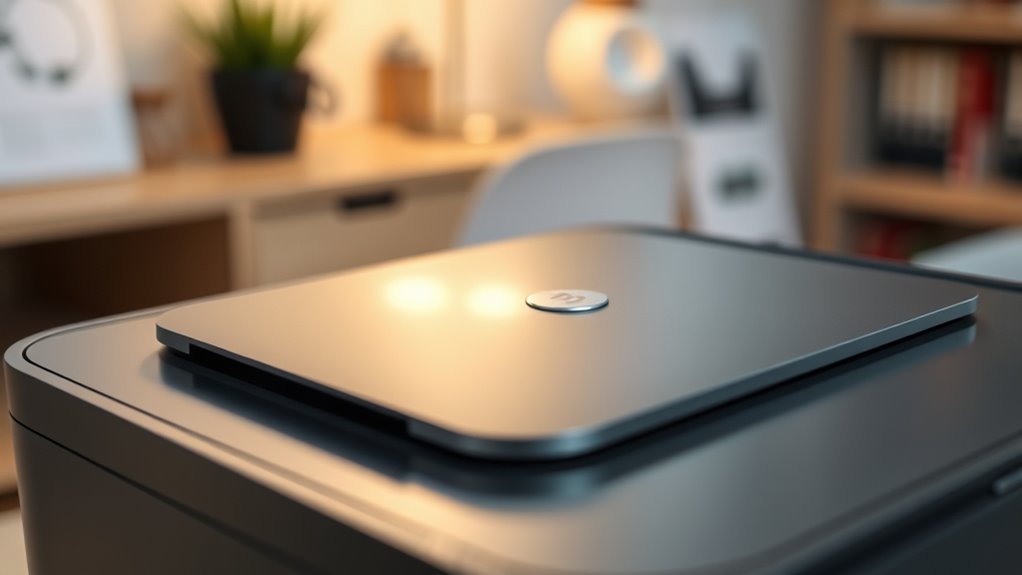
Make sure you keep your printer covers closed when you’re not using it to prevent dust from settling inside. This helps maintain the right humidity levels and keeps the ink from drying out due to exposure to air.
Prevent Dust Accumulation
Since dust can quickly settle into your printer’s delicate components, keeping the covers closed when the device isn’t in use protects the ink cartridges from drying out and clogging. Dust buildup can block the print head nozzles, causing poor print quality and wasted ink.
To prevent dust accumulation, you should always close the printer lid immediately after printing. It’s a simple step, but it makes a big difference.
Also, try to store your printer in a dust-free environment or inside a cabinet. This helps keep dust from sneaking in and settling.
Using a soft, dry cloth to regularly clean the printer exterior is another good habit. Just a quick wipe can keep dust at bay.
Finally, avoid placing the printer near open windows or vents where dust enters easily. Keeping it away from those spots helps maintain clean, smooth printing.
Maintain Optimal Humidity
Though you may not notice it, the humidity around your printer plays a crucial role in keeping ink cartridges from drying out. When the air is too dry, ink evaporates faster, leading to clogged nozzles and wasted cartridges.
To maintain ideal humidity, always keep your printer’s cover closed when it’s not in use. This simple step helps create a microenvironment that retains moisture around the cartridges.
If your room tends to be dry, consider using a humidifier nearby to prevent the air from becoming too arid. Also, avoid placing your printer near heating vents or direct sunlight, as these can lower humidity levels.
Protect Ink From Air
Controlling humidity helps, but protecting your ink from direct exposure to air is just as important. When air hits your cartridges, the ink can dry out quickly, leading to clogs and poor print quality.
To keep your ink fresh, always keep your printer covers closed when it’s not in use. This simple habit minimizes air exposure and slows evaporation.
Here are some tips to protect your ink from air:
- Close the printer lid immediately after printing.
- Store spare cartridges in their sealed packaging.
- Avoid leaving cartridges out in open air for long.
- Use airtight containers if you remove cartridges for storage.
Clean Printer Heads Periodically
Regularly cleaning your printer heads guarantees ink flows smoothly and prevents clogs that can cause cartridges to dry out prematurely. When you clean the heads, you remove dried ink buildup that blocks nozzles, ensuring consistent printing quality and extending cartridge life.
Most printers have a built-in cleaning function—run it when you notice streaky prints or faded colors. It’s a quick fix that can save you a lot of hassle down the line.
| Cleaning Frequency | Signs to Clean | Benefits |
|---|---|---|
| Weekly | Faded print, streaks | Prevents clogs, saves ink |
| Monthly | Occasional smudges | Ensures smooth ink flow |
| When needed | Nozzle test failures | Improves print quality |
Avoid Touching the Cartridge Nozzles
Keeping your printer heads clean helps maintain ink flow, but handling the cartridges carelessly can undo that effort. When you touch the cartridge nozzles, oils and dirt from your fingers can clog the tiny openings. This can cause poor print quality or even cartridge failure.
Touching cartridge nozzles transfers oils and dirt, risking clogs and poor print quality.
To protect your cartridges, follow these simple guidelines:
- Always hold cartridges by their sides, avoiding the nozzle area.
- Use gloves or a clean cloth if you need to handle the nozzles.
- Avoid placing cartridges on rough or dirty surfaces.
- Store cartridges in their protective packaging until installation.
Use Genuine Ink Cartridges
Although third-party cartridges might seem like a cost-effective option, using authentic ink cartridges guarantees peak performance and longevity for your printer. Genuine cartridges are designed specifically for your model, ensuring consistent ink flow and reducing the risk of drying out.
They also help maintain print quality and prevent damage to the printhead.
Here’s a quick comparison to help you decide:
| Feature | Genuine Cartridges | Third-Party Cartridges |
|---|---|---|
| Ink Quality | High | Variable |
| Printhead Safety | Ensured | Not guaranteed |
| Drying Prevention | Effective | Less effective |
| Warranty Impact | No effect | May void printer warranty |
| Longevity | Longer-lasting | Often shorter |
Choosing genuine ink helps keep your cartridges fresh and your printer running smoothly. It’s a small choice that makes a big difference in the long run.
Perform Test Prints to Maintain Ink Flow
Using genuine ink cartridges sets a strong foundation for preventing drying, but you also need to keep the ink flowing consistently. One effective way to do this is by performing regular test prints.
This simple step ensures ink moves through the nozzles, preventing clogs and drying.
Here’s how test prints help maintain ink flow:
- Detect clogged nozzles early before print quality declines
- Keep ink moving evenly through the cartridge and printhead
- Allow the printer to recalibrate and adjust ink levels
- Reduce the risk of cartridge damage from prolonged inactivity
Frequently Asked Questions
How Long Do Ink Cartridges Typically Last Unopened?
You can expect unopened ink cartridges to last about 1-2 years if stored properly. Just keep them sealed in a cool, dry place.
Avoid exposure to air or extreme temperatures to maintain their quality. That way, your cartridges will stay fresh and ready to use when you need them.
Can Expired Ink Cartridges Be Reused Safely?
You shouldn’t reuse expired ink cartridges because the ink may have dried or clotted, causing poor print quality or damage.
It’s safer to replace them with fresh cartridges to make certain your printer works properly and lasts longer.
What Are the Signs of a Clogged Print Head?
You’ll notice streaks or missing colors on your prints, faded or blurry text, and uneven lines.
If your printer struggles to print or makes unusual noises, those are clear signs your print head is clogged and needs cleaning.
Are Refillable Ink Cartridges a Good Alternative?
Yes, refillable cartridges save money, reduce waste, and offer convenience. You’ll avoid constant replacements and customize ink choices.
Plus, you help the environment by cutting down on plastic waste. Just keep in mind, you’ll need to clean them regularly.
Also, handle refills carefully to prevent clogs or leaks. It’s a bit of extra work, but many find it worth the effort.
How Does Temperature Affect Ink Cartridge Performance?
Temperature affects ink cartridge performance by causing ink to dry out faster in heat or thicken in cold.
You’ll want to store cartridges in a cool, stable environment to keep your prints consistent and avoid clogs or faded colors.
It really makes a difference! Keeping the right temperature helps your printer work smoothly and your colors stay vibrant.
Conclusion
Just like a garden needs regular care to stay vibrant, your ink cartridges require consistent attention to keep flowing smoothly. By storing them right, using your printer often, and keeping everything clean and covered, you’ll avoid the frustration of dried-out ink.
Think of these tips as your printer’s lifeline—follow them, and your prints will stay sharp and reliable, no matter how long it’s been since you last printed. Keeping ink cartridges from drying out isn’t just about convenience; it saves you money and extends the life of your printer. So, make a habit of regular maintenance, proper storage, and frequent printing to keep those cartridges fresh and ready to go whenever you need them. Your printer will thank you with crisp, clear prints every time!