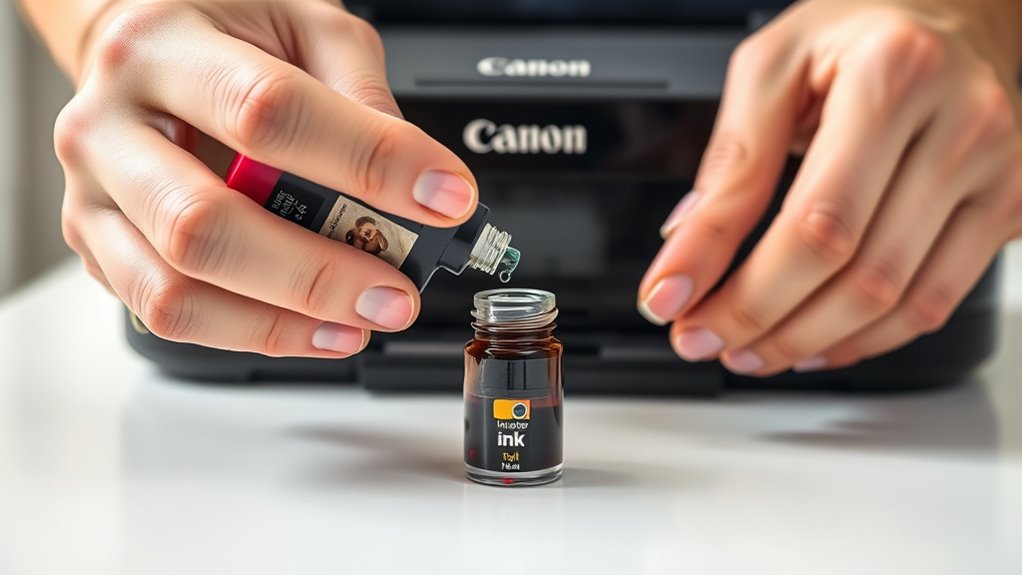
How to Refill a Canon Ink Cartridge in 3 Easy Steps
To refill your Canon ink cartridge, start by carefully removing it from your printer.
Then, locate the existing refill hole or create a small one if necessary. This step is crucial to avoid damaging the cartridge.
Next, use a syringe to slowly inject the compatible ink into the cartridge. Be sure to do this gently to prevent spills or air bubbles, which can affect print quality. Taking your time here really pays off.
Finally, seal the refill hole securely. Reinstall the cartridge properly into your printer.
To get your printer to recognize the refilled cartridge, reset the ink levels by holding down the stop/reset button.
Don’t forget to print a test page afterward to make sure everything is working smoothly.
If you want to get the best results from your Canon ink cartridge refill, there’s plenty more useful info to explore. It’s worth learning a few extra tips and tricks along the way!
Key Takeaways
- Remove the cartridge carefully and locate or create the refill hole for ink insertion.
- Use a syringe to slowly inject the correct ink color into the refill hole without causing spills or air bubbles.
- Seal the refill hole with tape or a plug and let the cartridge sit upright to allow ink to settle.
- Reinstall the cartridge into the printer, ensuring it is properly seated and free of leaks.
- Reset the cartridge ink levels by holding the printer’s reset button, then print a test page to verify quality.
Preparing Your Canon Ink Cartridge for Refilling
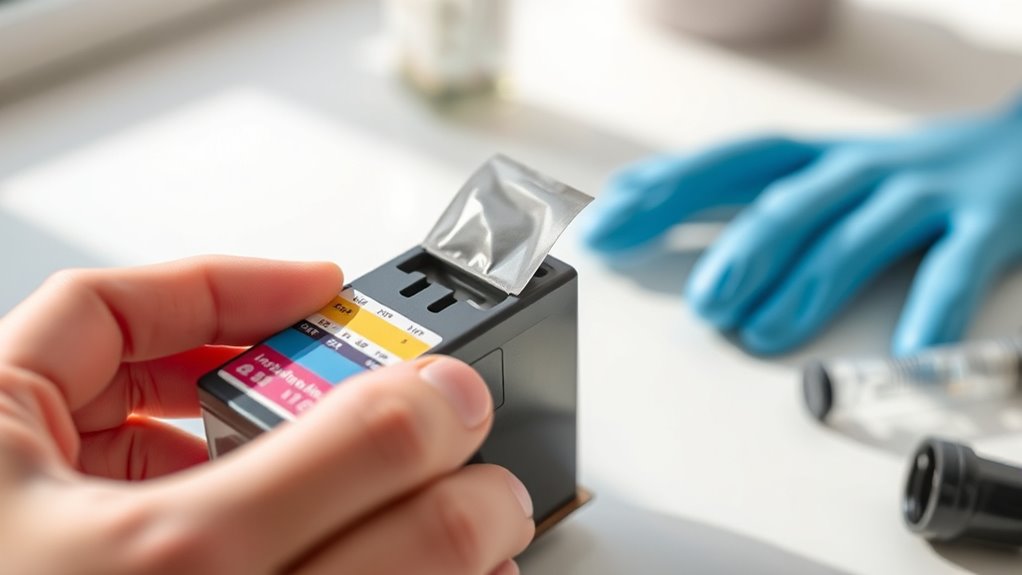
Before you begin refilling your Canon ink cartridge, make sure you have a clean workspace and the necessary supplies ready. Gather gloves, paper towels, and a syringe or dropper designed for ink refilling.
Prepare your workspace and gather gloves, paper towels, and a syringe before refilling your Canon ink cartridge.
Start by removing the cartridge from your printer carefully to avoid any ink spills. Inspect the cartridge for any visible damage or leaks.
Clean the cartridge’s exterior gently with a damp cloth to remove dust or dried ink. Locate the refill holes or create one if your model requires it, but be cautious not to damage the cartridge.
Place the cartridge on a paper towel to catch any accidental drips. Taking these preparatory steps ensures a smoother refilling process and helps prevent messes or cartridge damage during refilling.
Refilling the Cartridge With Ink
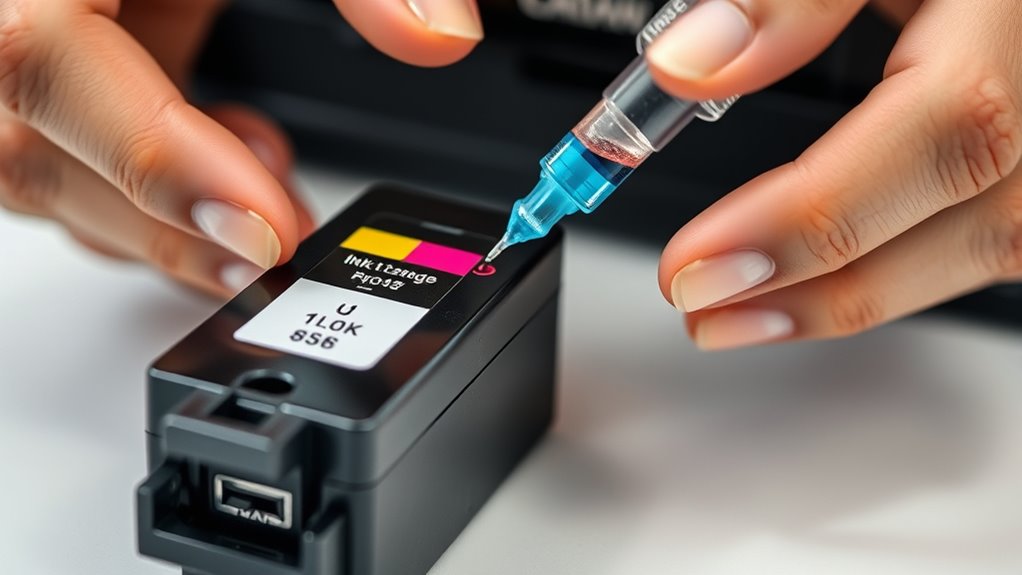
Once you’ve prepared your workspace and cartridge, you can start refilling the ink. First, gently insert the syringe needle into the cartridge’s refill hole at a slight angle.
Slowly inject the ink to avoid air bubbles or overflow. Pay close attention to the cartridge’s capacity; overfilling can cause leaks.
If your cartridge has multiple ink chambers, refill each one carefully with the corresponding color. After injecting the ink, remove the syringe slowly and wipe any excess ink from the cartridge surface with a lint-free cloth.
Seal the refill hole with tape or a plug if necessary to prevent drying out. Let the cartridge sit upright for a few minutes to allow the ink to settle before reinstalling it in your printer.
Resetting and Testing Your Refilled Cartridge
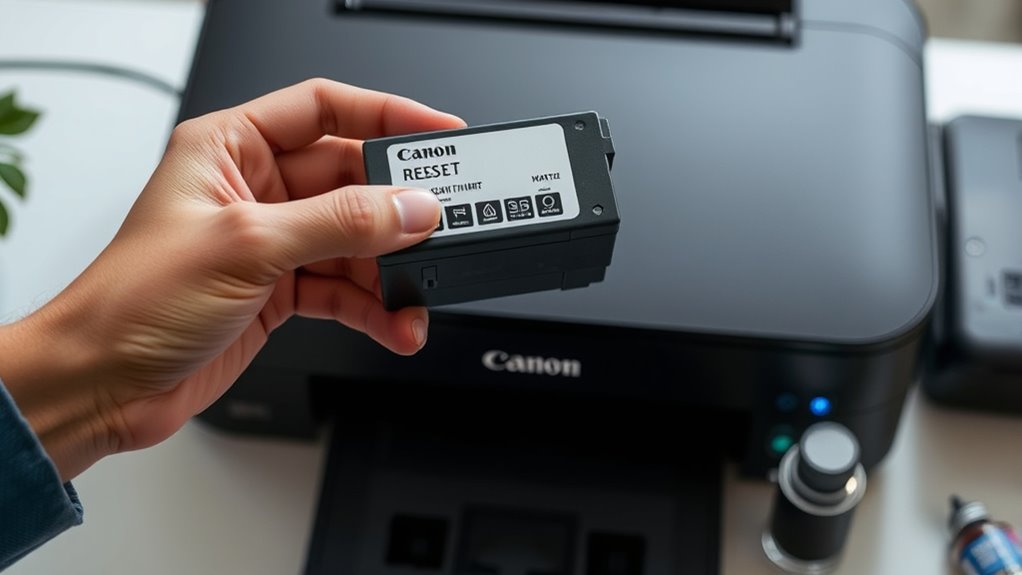
Although you’ve just refilled your Canon ink cartridge, you’ll need to reset it to guarantee your printer recognizes the new ink levels. First, power on your printer and insert the cartridge.
Then, follow these steps depending on your model: usually, holding down the “Stop/Reset” button for 5-10 seconds guarantees the trick. After resetting, print a test page to check ink flow and print quality.
| Step | Action | Result |
|---|---|---|
| Insert Cartridge | Place cartridge in printer | Printer detects cartridge |
| Reset Cartridge | Hold “Stop/Reset” button | Ink levels reset |
| Print Test Page | Use printer menu | Verify ink flow & quality |
Proper resetting guarantees smooth printing without error messages. It’s a simple step but really important to keep your printer happy.
Frequently Asked Questions
How Long Does a Refilled Canon Ink Cartridge Typically Last?
A refilled Canon ink cartridge typically lasts for a few printing cycles, but it varies based on usage and ink quality. You’ll likely get less longevity than a new cartridge, so monitor print quality regularly.
It’s a good idea to keep an eye on your prints and refill the cartridge when you notice fading or streaks. That way, you can avoid any surprises and keep your printer running smoothly.
Can Refilling Void My Printer’s Warranty?
Think of your warranty as a fragile glass vase—yes, refilling your Canon ink cartridge can crack it. You might void your printer’s warranty, so proceed carefully and check your manufacturer’s terms before you refill.
It’s always a good idea to double-check what your warranty covers. Sometimes, refilling might not be explicitly forbidden, but other times, it can definitely cause issues. So, better safe than sorry!
What Type of Ink Is Best for Canon Cartridges?
You should use Canon’s genuine ink or high-quality compatible ink designed specifically for Canon cartridges. These inks guarantee vibrant colors, prevent clogs, and maintain your printer’s performance.
Using the right ink also helps avoid damage to your printer or poor print quality. So, sticking to trusted inks is definitely the way to go!
Are There Environmental Benefits to Refilling Ink Cartridges?
Yes, you’ll help reduce plastic waste and lower landfill impact by refilling ink cartridges. Plus, you’ll conserve resources since manufacturing new cartridges uses more energy and materials,
making refilling a greener, eco-friendly choice. It’s a simple way to make a big difference for the environment.
How Do I Dispose of Empty Ink Cartridges Safely?
Empty cartridges are seeds of renewal; you can plant them by recycling through local centers or manufacturer programs.
Don’t toss them in the trash—doing so wastes resources and harms Earth.
Choose green disposal; it’s your eco-friendly legacy.
Conclusion
Refilling your Canon ink cartridge is like planting a seed in a garden—you nurture it carefully, and it blooms again with vibrant color. Just as a gardener tends to their plants, you prepare, refill, and reset your cartridge, giving it new life.
With a little patience and care, you’ll see your printer flourish, saving money and reducing waste. Remember, every refill is a small act of renewal that keeps your creative flow growing strong.
Taking the time to refill your Canon ink cartridge not only helps your printer run smoothly but also supports eco-friendly habits. It’s a simple process that extends the life of your cartridge and keeps your prints looking sharp. So, whether you’re printing photos, documents, or creative projects, refilling your ink cartridge is an easy, cost-effective way to maintain quality and stay green.