How to Refill an Epson Ink Cartridge in 7 Easy Steps
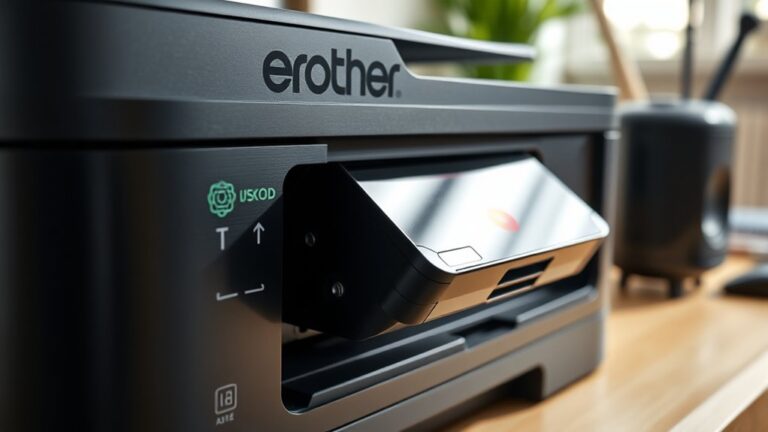
To refill your Epson ink cartridge, first gather your refill ink, syringe, gloves, and cleaning materials. Setting up a protected workspace is key to avoid any mess. Once you’re ready, remove the cartridge from your printer carefully.
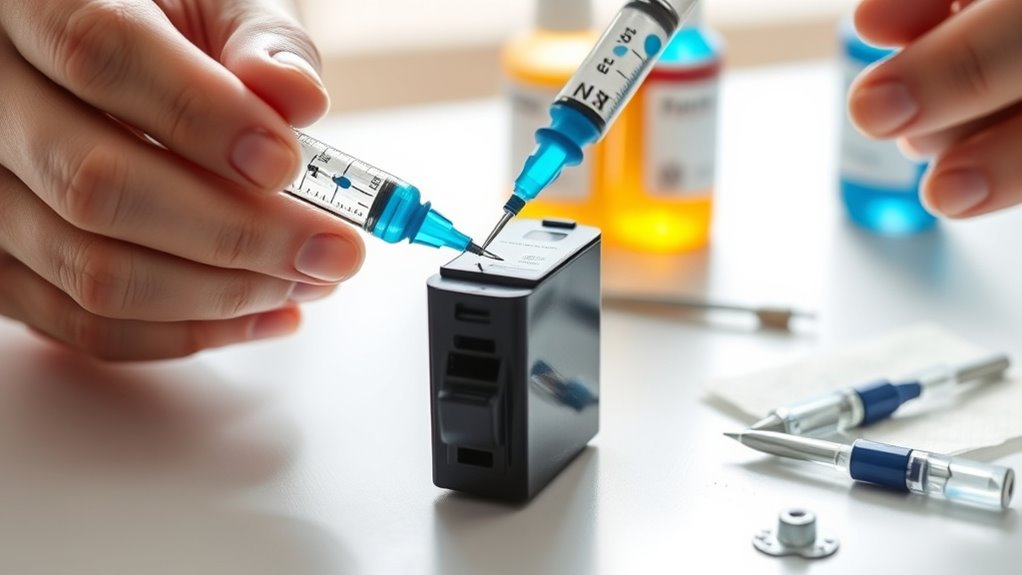
Next, find the refill hole by lifting the rubber plug. Then, gently inject the ink using the syringe—just be careful not to overfill it. After that, seal the hole securely to prevent leaks.
Make sure you clean up any spills right away to keep things tidy. Finally, reinstall the cartridge back into your printer.
Run a test print to check the ink flow and ensure the print quality is spot on.
If you want to master this easy and cost-effective process perfectly, keep following these simple steps. Refilling your Epson ink cartridge can save you money and reduce waste, and it’s easier than you might think!
Key Takeaways
- Gather refill ink, syringe, gloves, and protective materials before starting the refill process for your Epson cartridge.
- Turn on the printer, open the cartridge access door, and carefully remove the cartridge without spilling ink.
- Locate and open the cartridge’s refill hole by lifting the rubber plug or sticker gently.
- Slowly inject ink into the refill hole using a syringe, filling only to the recommended level without overfilling.
- Seal the refill hole securely, clean any ink spills, reinstall the cartridge, and print a test page to check quality.
Gather the Necessary Supplies
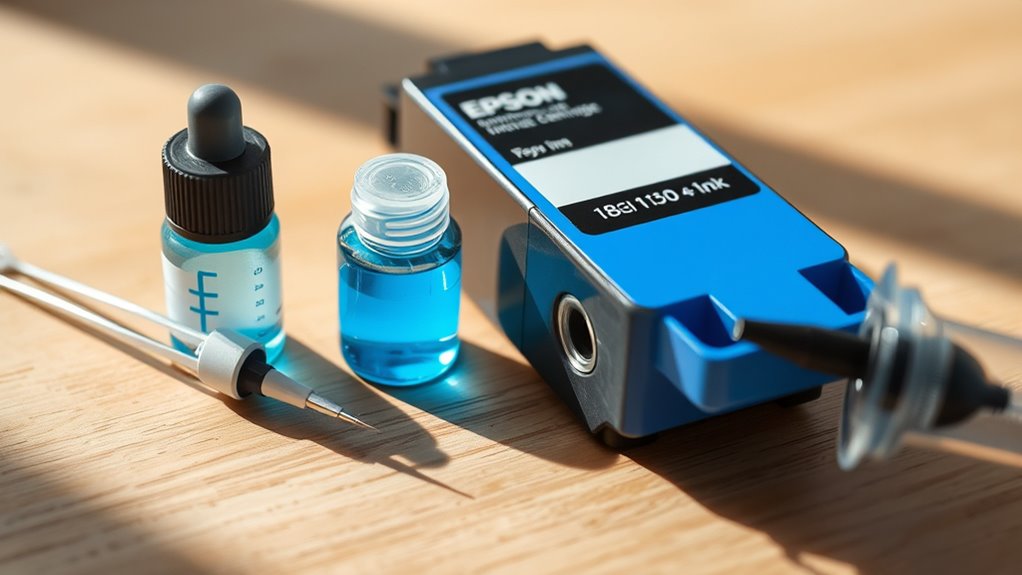
Before you begin refilling your Epson ink cartridge, you’ll need to gather all the necessary supplies to guarantee a smooth process. Start with the right refill ink specifically designed for Epson cartridges to avoid damage or poor print quality.
You’ll also want a syringe or dropper for accurate ink transfer. Don’t forget latex gloves to keep your hands clean and prevent ink stains.
Have some paper towels or tissues handy for quick cleanup in case of spills. A small screwdriver might be necessary to open the cartridge if it’s sealed.
Finally, keep a plastic container or tray nearby to hold the cartridge safely while you work. Having these supplies ready ensures you won’t have to stop midway, making the refill quick and hassle-free.
Prepare Your Workspace
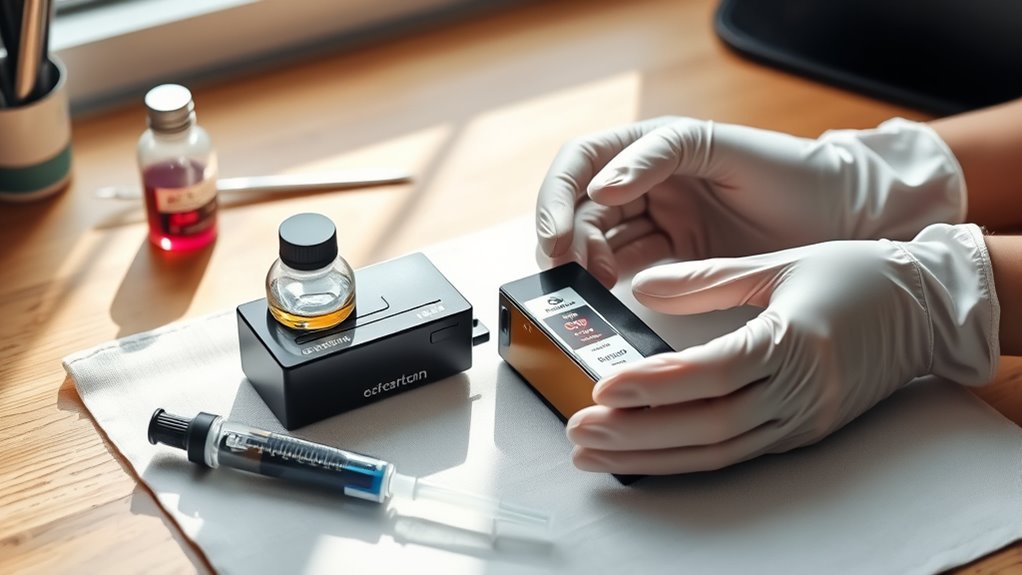
Before you start refilling, pick a clean, well-lit spot to work. Make sure you have all your supplies within reach.
Protect your surfaces and clothes with newspaper or old towels. This will keep your area tidy and prevent any unwanted stains.
Choose a Clean Area
Since ink refilling can get messy, you’ll want to set up your workspace in a clean, well-lit area. Choose a flat surface like a table or desk that’s easy to wipe down if ink spills.
Avoid carpeted or fabric-covered spaces since ink stains are tough to remove. Make sure the area has good lighting so you can see clearly while handling the cartridge and ink.
Keep the space free of clutter to prevent knocking over ink bottles or cartridges. It’s also helpful to have some paper towels or disposable cloths nearby for quick cleanups.
Gather Necessary Materials
You’ll need a few essential materials to refill your Epson ink cartridge successfully. First, grab the correct refill ink designed specifically for your cartridge model to avoid damage or poor print quality.
Next, get a syringe or dropper to handle the ink precisely and prevent spills. You’ll also want latex or nitrile gloves to keep your hands clean during the process.
Have some paper towels or tissues ready to quickly wipe any accidental drips. Additionally, a small screwdriver might be necessary if you need to open a sealed cartridge.
Finally, keep a plastic container or tray nearby to hold your materials and catch any ink drips. This way, you’ll maintain an organized workspace and work efficiently.
Protect Surfaces and Clothing
Although refilling your Epson ink cartridge is straightforward, protecting your surfaces and clothing is essential to avoid stubborn ink stains.
Before you start, take a few simple precautions to keep your workspace clean:
- Lay down old newspapers or disposable paper towels on your work area to catch any drips or spills.
- Wear an old shirt or apron to protect your clothing from accidental ink splashes.
- Keep a few wet wipes or paper towels nearby for quick cleanup of any spills.
- Work in a well-ventilated area to avoid inhaling any fumes from the ink.
It’s pretty easy to stay tidy if you just prepare a bit beforehand. Trust me, it saves a lot of hassle later!
Remove the Cartridge From the Printer
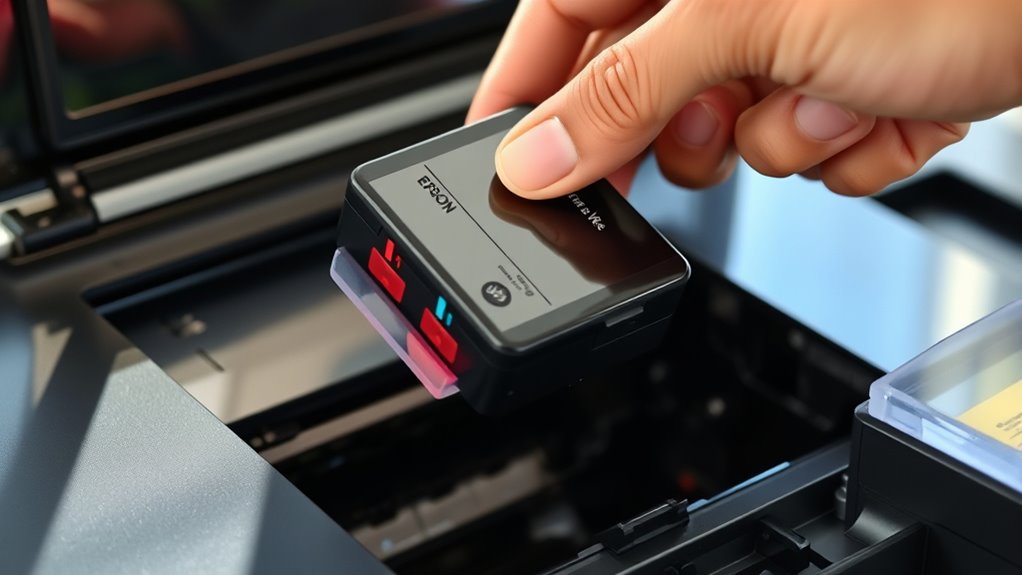
Before you begin refilling, make sure the printer is turned on and the cartridge access door is open. This allows the cartridge holder to move into position for easy removal.
Gently press down on the cartridge until you hear a click or feel it release from its slot. Then, carefully pull the cartridge out, holding it by the sides to avoid touching the nozzles or electrical contacts.
Handle the cartridge with care to prevent any damage or ink spills. Place the cartridge on a protected surface, like a paper towel, to catch any accidental drips.
Keep in mind that some Epson models may have slightly different removal mechanisms, so if you’re unsure, consult your printer’s manual. Once removed, you’re ready for the next step in refilling.
Locate and Open the Refill Hole
After removing the cartridge carefully, turn your attention to locating the refill hole. This step is essential for a successful refill.
Here’s how you can find and open it:
- Inspect the top or side of the cartridge for a small rubber plug or sticker.
- Use a small, sharp tool like a needle or pin to gently puncture or lift the plug.
Be careful not to damage the cartridge’s internal components while opening the hole.
4. Set the removed plug aside safely; you’ll need it to seal the hole later.
Fill the Cartridge With Ink
Make sure you choose the correct ink for your Epson cartridge to avoid damage. Use a syringe carefully to draw and inject the ink without creating air bubbles.
Take your time to prevent spills and keep your workspace clean. It really helps to stay patient and focused while you’re doing this.
Choose the Correct Ink
When you refill your Epson ink cartridge, choosing the right ink is essential to guarantee print quality and avoid damage. Using incompatible ink can clog nozzles or cause poor color output.
Here’s how to pick the correct ink:
- Verify your printer model and cartridge number to find compatible inks.
- Opt for ink specifically formulated for Epson cartridges, preferably OEM or high-quality third-party brands.
Avoid generic inks labeled “universal” as they may harm your cartridge or printer. Also, check the ink’s expiration date and storage conditions to ensure freshness and performance.
Selecting the right ink helps maintain your printer’s lifespan. Plus, it ensures crisp, vibrant prints every time you refill your cartridge.
Use a Syringe Properly
Although refilling your Epson ink cartridge requires careful handling, using a syringe properly guarantees you avoid spills and inject the right amount of ink. First, draw the correct volume of ink into the syringe to match your cartridge’s capacity.
Hold the cartridge steady on a flat surface, then insert the syringe needle slowly into the refill hole or designated spot. Inject the ink gently and steadily, avoiding too much pressure that might damage the cartridge or cause leaks.
After filling, withdraw the syringe carefully and wipe any excess ink from the cartridge with a lint-free cloth. Make sure the ink level isn’t above the maximum fill line to prevent overflow.
Proper syringe use ensures your cartridge refills smoothly and maintains print quality. So, take your time and handle everything gently to get the best results.
Prevent Ink Spills
To prevent ink spills, you’ll need to handle the cartridge and syringe carefully during the refill. Follow these steps to keep your workspace clean and avoid messes:
- Work over a protected surface: Lay down paper towels or an old cloth to catch any drips. It’s a simple step but makes cleanup way easier.
- Hold the cartridge steady: Grip it firmly but gently to avoid squeezing ink out accidentally. You want control without too much pressure.
- Insert the syringe slowly: Don’t force it; gently puncture and inject ink to minimize pressure buildup. Taking it slow helps prevent unexpected spills.
- Fill gradually: Add ink in small amounts, pausing to let it settle and prevent overflow. This way, you keep things neat and avoid messes altogether.
Seal the Cartridge and Clean Up
How do you guarantee your Epson ink cartridge stays leak-free after refilling? First, carefully seal the refill hole with the original sticker or a small piece of tape designed for cartridges. Make sure it’s firmly attached without wrinkles or gaps to prevent any ink from leaking.
Avoid pressing too hard, which can cause damage. Next, wipe away any excess ink from the cartridge surface using a lint-free cloth or paper towel. This prevents smudges and keeps your printer clean.
Dispose of any used materials properly to avoid stains. Finally, wash your hands to remove ink stains. Taking these steps ensures a neat refill job and helps maintain your printer’s performance without messy surprises.
Reinstall the Cartridge and Test Your Printer
Once you’ve securely sealed the cartridge and cleaned up any excess ink, you can reinstall it into your printer. Follow these steps to get it back in place and test your printer:
- Carefully slide the cartridge into its slot until it clicks, ensuring a snug fit.
- Close the printer cover firmly to reset the ink system.
- Turn on your printer if it’s off, then run a nozzle check or print a test page through the printer’s maintenance menu.
- Inspect the test print for consistent color and clarity; if all looks good, you’re set.
If you notice any printing issues, repeat cleaning or check cartridge placement. Reinstalling correctly guarantees smooth printing and prevents leaks.
Frequently Asked Questions
Will Refilling Void My Epson Printer Warranty?
Yes, refilling your Epson ink cartridge can void your printer warranty because manufacturers often consider it unauthorized use.
You should check Epson’s warranty terms carefully before refilling to avoid losing coverage on your printer repairs.
It’s always a good idea to know what your warranty covers so you don’t get caught off guard.
How Many Times Can I Refill the Same Cartridge?
You can refill the same cartridge about 3 to 5 times, like squeezing juice from a lemon until it’s dry.
After that, print quality drops, and the cartridge might get damaged or clogged. So, it’s a good idea to keep an eye on how your prints look.
When they start to fade or blur, it’s probably time for a new cartridge.
Can I Use Third-Party Ink in Epson Cartridges?
Yes, you can use third-party ink in Epson cartridges, but be careful. It might save money, but it can cause clogging or damage.
Always choose high-quality ink to avoid printer issues and maintain print quality. It’s worth the extra effort to keep your printer running smoothly.
Does Refilling Affect Print Quality or Cartridge Lifespan?
Just like a knight’s sword dulls with use, refilling can slightly reduce print quality and cartridge lifespan if done repeatedly or improperly.
But if you’re careful, you’ll keep prints sharp and cartridges lasting longer.
How Do I Dispose of Used Ink Cartridges Safely?
You should recycle used ink cartridges at designated drop-off points or through manufacturer programs. Don’t toss them in the trash, as they contain harmful chemicals.
Many stores offer free cartridge recycling for safe disposal. It’s a simple way to help protect the environment and keep those chemicals out of landfills.
Conclusion
Now that you’ve refilled your Epson ink cartridge in just seven easy steps, you might notice your printer working smoother than before—almost as if it’s thanking you for the extra care. It’s funny how a little effort can save you money and reduce waste at the same time.
So next time your ink runs low, remember: you’ve got the skills to handle it yourself quickly and keep printing without missing a beat. Refilling your Epson ink cartridge not only extends the life of your printer but also helps you avoid the hassle of constantly buying new cartridges. Plus, it’s a great way to be eco-friendly by cutting down on plastic waste.
With these simple steps, refilling your Epson ink cartridge becomes an easy, cost-effective solution that keeps your printer running smoothly. Give it a try and enjoy uninterrupted printing whenever you need it!