What Can You Do If Printer Ink Does Dry Up?
If your printer ink dries up, don’t panic. Dried-up printer ink can be a hassle, but there are simple ways to fix it.
You can remove the cartridges and gently clean the nozzles with warm water or rubbing alcohol to soften and dissolve the dried ink.
Wiping with a soft cloth helps restore flow, and letting them sit for a few minutes often improves results.
Make sure to dry cartridges fully before reinstalling. Regular use and proper storage prevent drying in the future.
Keep going to uncover more helpful tips and solutions. Taking care of your printer ink now can save you time and money down the road!
Key Takeaways
- Remove cartridges and clean dried ink from nozzles using a lint-free cloth with isopropyl alcohol or warm water.
- Soak cartridges briefly with warm water or rubbing alcohol to soften and dissolve dried ink clogs.
- Avoid harsh scrubbing to prevent damage and allow cartridges to dry fully before reinserting.
- Print regularly and store cartridges sealed in cool, dry places to prevent ink from drying out.
- Replace cartridges if cleaning and rehydration do not restore proper ink flow and print quality.
Understanding Why Printer Ink Dries Out
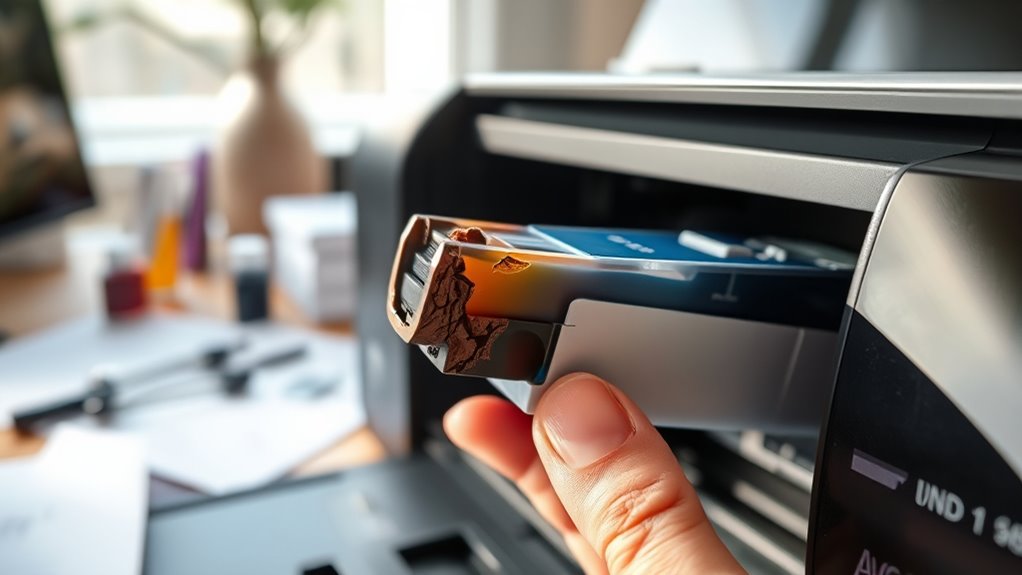
Although it may seem frustrating, printer ink dries out primarily because exposure to air causes the liquid pigments to evaporate or thicken. When your printer sits unused for a while, the cartridges aren’t sealed tightly, letting air in. This causes the ink to lose moisture and change consistency, making it less effective.
You’ll notice clogs or faded prints when this happens. Temperature and humidity also play a role—too much heat or dryness accelerates ink drying. Plus, some inks are more prone to drying out due to their chemical makeup.
Understanding this helps you realize why frequent use and proper storage matter. If you keep your printer active and the cartridges sealed, you’ll reduce the chance of ink drying out prematurely.
How to Clean Dried Ink From Printer Cartridges
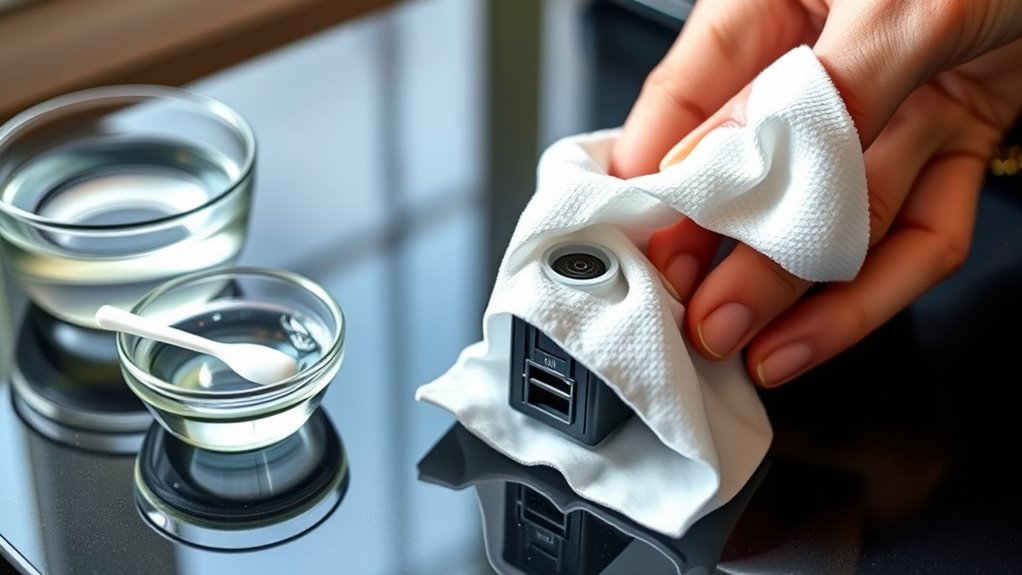
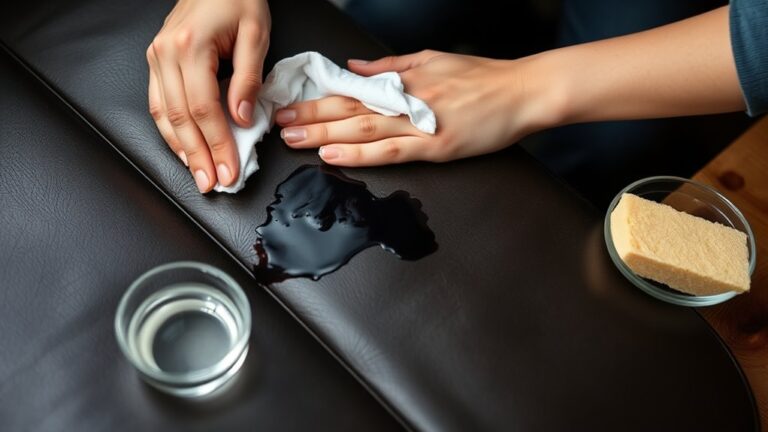
When your printer cartridges clog due to dried ink, you can often restore them with some simple cleaning techniques. Start by removing the cartridges and gently wiping the nozzles with a lint-free cloth dampened with isopropyl alcohol.
Avoid harsh scrubbing to prevent damage. You can also use a soft brush to loosen dried ink. After cleaning, let the cartridges dry completely before reinserting them.
| Step | Tool Needed | Purpose |
|---|---|---|
| Wipe nozzles | Lint-free cloth | Remove dried ink residue |
| Brush nozzles | Soft brush | Loosen stubborn clogs |
| Dry cartridges | Air dry or cloth | Prevent moisture damage |
Regular cleaning keeps your cartridges functional and improves print quality. It’s definitely worth taking a little time to do this now and then!
Using Warm Water to Rehydrate Ink Cartridges
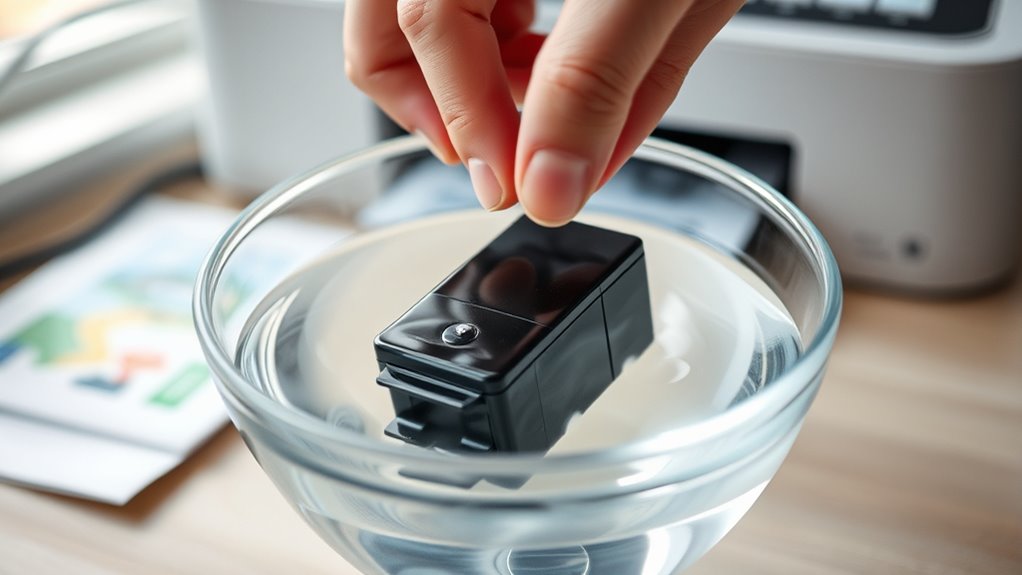
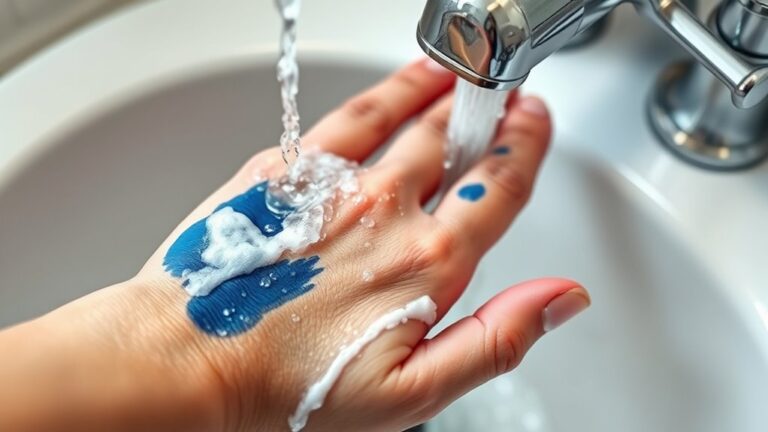
If wiping and brushing your printer cartridges don’t fully clear the dried ink, you can try using warm water to rehydrate them. Start by removing the cartridges from your printer carefully.
Dampen a soft cloth or paper towel with warm (not hot) water, then gently wipe the cartridge’s ink nozzles and contacts. Just be sure not to soak the cartridge itself to avoid any damage.
Let the cartridge sit for about 10-15 minutes to allow the warm water to soften the dried ink inside. After that, use a dry cloth to remove any excess moisture before reinstalling the cartridge.
This method can help loosen clogged ink and restore flow. Feel free to repeat if necessary, but be careful not to over-saturate or harm the cartridge components during the process.
Applying Rubbing Alcohol to Dissolve Dried Ink
Since dried ink can be stubborn, you can use rubbing alcohol to dissolve it effectively. Start by removing the ink cartridge from your printer.
Dampen a cotton swab or soft cloth with a small amount of rubbing alcohol—don’t soak it—and gently rub the dried ink areas, especially the print head or nozzles. The alcohol breaks down the dried ink without damaging the cartridge components.
Let the cartridge sit for a few minutes to allow the alcohol to work. Afterward, wipe off any residue with a clean cloth and test the cartridge by printing a test page.
If it’s still not working, you can repeat the process, but be careful not to overdo it. Too much alcohol can actually harm the cartridge.
This method often does the trick when warm water alone isn’t enough to get that ink flowing again.
Preventive Measures to Avoid Ink Drying in the Future
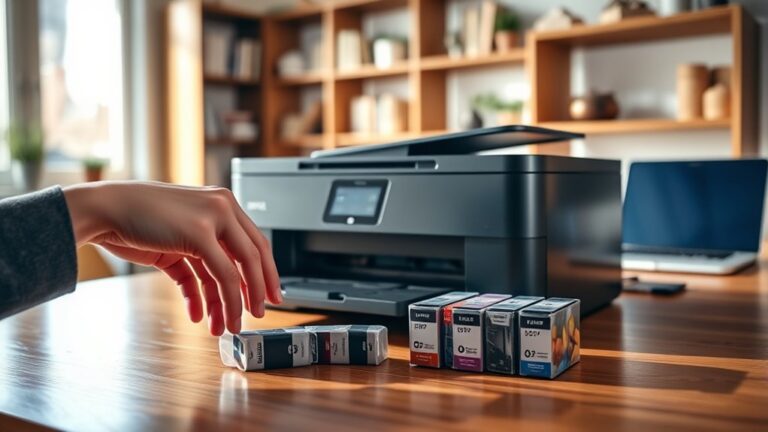
To keep your printer running smoothly, you’ll want to take steps that prevent ink from drying out in the first place. First, print regularly—using your printer at least once a week helps keep ink flowing and prevents clogs.
Also, make sure you turn off your printer properly so the printhead seals tightly. This reduces exposure to air, which is a big culprit in drying out ink.
Store ink cartridges in a cool, dry place when not in use. Avoid leaving them exposed to sunlight or heat because that can cause the ink to dry up faster.
If you won’t be printing for a while, it’s a good idea to remove the cartridges and seal them in airtight bags. This keeps the ink fresh and ready to go when you need it.
Following these simple habits will save you time and money by maintaining your printer’s performance and avoiding dried-up ink issues. Trust me, it’s worth the effort!
When to Replace Your Printer Ink Cartridges
You’ll know it’s time to replace your printer ink cartridges when print quality drops or colors start fading.
Keep an eye on the cartridge shelf life, as ink can dry out even if unused for too long.
Paying attention to these signs helps you prevent frustrating printouts and ensures your printer works smoothly.
Signs Ink Needs Replacement
Even if your printer seems to be working fine, certain signs can indicate that it’s time to replace the ink cartridges. You might notice faded printouts or streaks across your documents, signaling low ink levels.
Colors may appear dull or inconsistent, and text can become patchy or incomplete. Your printer may also display warning messages or alerts about ink status.
If you experience frequent paper jams or smudging, the ink could be drying up inside the cartridge. Waiting too long can damage print quality and strain your printer.
Cartridge Shelf Life
Most printer ink cartridges have a shelf life of about 6 to 12 months, depending on storage conditions and usage. If you leave cartridges unused for too long, the ink can dry out or clog.
This leads to poor print quality or no printing at all. To avoid this, replace your cartridges when they reach the end of their shelf life or show signs of drying.
Keep an eye on the date of purchase or manufacture on the cartridge packaging. Also, consider how often you use your printer—long gaps can dry ink faster.
Make sure to store cartridges properly, away from heat, light, and humidity. Don’t forget to watch out for warning messages or ink level alerts from your printer software.
Printing Quality Indicators
Knowing when to replace your printer ink cartridges goes beyond just tracking their shelf life. You need to watch for clear signs in print quality that show your ink is drying up or running low.
If you notice streaks, faded colors, or inconsistent prints, it’s time to switch cartridges. Ignoring these signs can damage your printer or waste paper.
| Printing Issue | What It Means |
|---|---|
| Faded or light prints | Ink is running low or dry |
| Streaks or lines | Clogged nozzles or low ink |
| Color mismatches | Ink cartridge problems |
| Blurry prints | Cartridge misalignment |
| Missing sections | Empty or dried-up ink |
Replace cartridges promptly to maintain quality and avoid costly repairs. It really pays off to keep an eye on these indicators!
Frequently Asked Questions
Can Dried Ink Damage the Printer Hardware?
Yes, dried ink can clog your printer’s nozzles and damage the printhead. This can lead to poor print quality or even hardware failure.
Is It Safe to Use Expired Ink Cartridges?
It’s generally not safe to use expired ink cartridges because the ink can dry out or clog your printer.
You should replace them with fresh cartridges to avoid damage and guarantee high-quality prints every time.
How Long Does It Take for Ink to Dry Inside a Cartridge?
When it comes to ink drying inside a cartridge, it usually takes a few weeks to a couple of months.
Don’t let time slip through your fingers; store cartridges properly to keep them fresh and ready to print.
Can Third-Party Inks Cause Faster Drying?
Yes, third-party inks can cause faster drying since their formulas often differ from original cartridges. You’ll want to check compatibility and quality before using them to avoid clogging or poor print performance.
It’s a good idea to do a little research or read reviews. That way, you can find inks that work well without causing issues.
Are There Printer Models More Prone to Ink Drying?
You’ll find some inkjet printers, especially older or budget models, more prone to ink drying because of their design and ink type.
Coincidentally, frequent use and proper maintenance can greatly reduce drying issues, so keep that in mind.
Conclusion
Think of your printer like a garden—if the ink dries up, it’s like soil cracking under the sun. You can revive it by watering gently with warm water or rubbing alcohol, just as you’d nourish tired plants.
But if the roots are too damaged, it’s time to plant new cartridges. Keep your printer thriving by using it regularly and storing ink properly.
This way, your printing garden stays lush and vibrant without ever drying out. Regular use and proper storage help prevent ink from drying up, ensuring your printer works smoothly whenever you need it. So, if your printer ink does dry up, don’t panic—clean the cartridges gently or replace them as needed to keep your prints crisp and your printer happy.