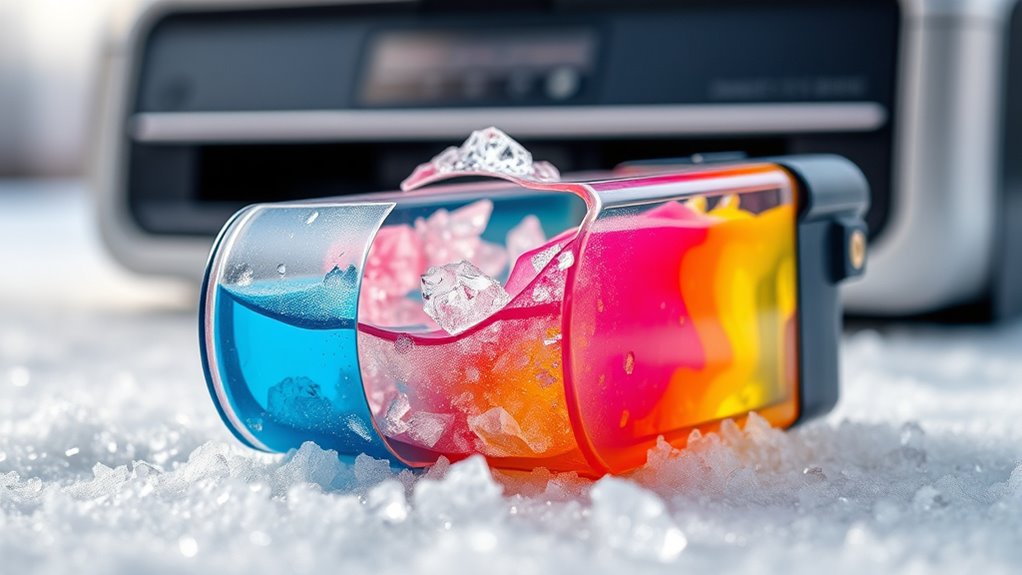
What Does Printer Ink Do When It Freezes?
When your printer ink freezes, the water and solvents inside start to crystallize. This makes the ink thicker and harder to flow through the nozzles.
As a result, the ink can clog the print head and cause streaky, faded, or blurred prints.
Frozen ink isn’t just about print quality—it can also damage your printer’s internal components. This might lead to mechanical problems that can be costly to fix.
So, understanding what happens when printer ink freezes is important.
If you want to protect your ink from freezing or know what to do if it happens, keep reading. We’ll share essential tips and insights to help you keep your printer in great shape.
Key Takeaways
- Freezing causes printer ink to thicken and increase in viscosity, making it harder to flow through printer nozzles. Water and solvents in ink crystallize or separate when frozen, disrupting ink consistency and composition.
- Frozen ink can clump, clog nozzles, and cause streaky, faded, or incomplete printouts. This can be really frustrating when your prints come out looking all messed up.
- Repeated freezing damages cartridges and print heads, potentially causing mechanical failures and printer malfunctions. So, it’s definitely not good to let your ink freeze over and over.
- Thawing frozen ink requires gentle warming and cleaning cycles; severe damage may necessitate cartridge replacement. Just be careful when thawing—rushing it might make things worse!
Composition of Printer Ink and Its Sensitivity to Cold
Although printer ink might seem simple, its composition is actually quite complex and sensitive to temperature changes. You’ll find that printer ink contains a mix of water, solvents, dyes or pigments, and various additives designed to ensure smooth flow and vibrant color.
This delicate balance means even slight drops in temperature can affect the ink’s consistency and performance. When cold, the solvents and water components can start to contract or separate, which might cause the ink to thicken or become uneven.
You need to handle and store your ink cartridges carefully, especially in cooler environments, because these changes can impact print quality and potentially damage your printer. Understanding this sensitivity helps you avoid common problems related to ink storage and use in colder conditions.
Physical Changes in Ink When Exposed to Freezing Temperatures
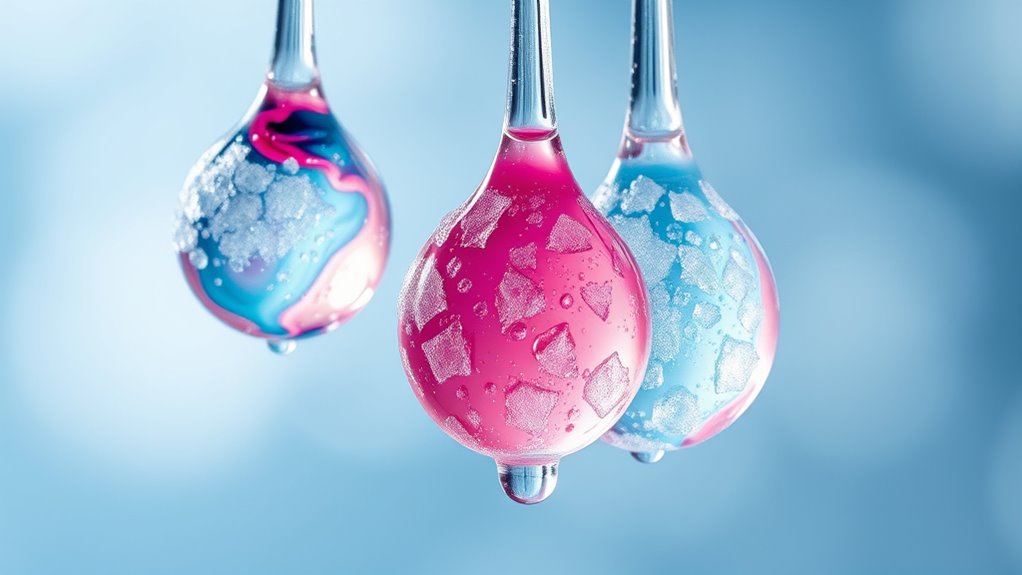
When your printer ink freezes, its composition shifts, causing changes you can actually see and feel. You’ll notice the ink becomes thicker because freezing increases its viscosity, making it harder to flow smoothly.
Understanding these physical changes helps you prevent damage and maintain print quality. So, it’s good to know what’s going on inside that cartridge when the temperature drops.
Ink Composition Alterations
If you’ve ever left printer ink in freezing temperatures, you’ve likely noticed changes in its texture and performance. When ink freezes, the water and solvents inside start to separate or crystallize, altering the ink’s composition.
This separation affects the balance of pigments and binders, causing the ink to become less uniform. You might find that once thawed, the ink no longer flows or adheres properly because the original chemical mixture has shifted.
Additionally, some additives designed to keep the ink stable can break down or clump together during freezing, which compromises the ink’s integrity. These composition changes mean your ink isn’t just cold—it’s chemically altered.
And that can lead to poor print quality or even damage your printer if you keep using it without proper thawing or replacement. So, it’s a good idea to handle frozen ink carefully to avoid any trouble.
Freezing Impact on Viscosity
Since freezing temperatures cause the liquids in printer ink to thicken, you’ll notice a significant change in its viscosity. The ink becomes much more sluggish, making it harder to flow through your printer’s tiny nozzles.
This thickening happens because the water and solvents in the ink slow down or partially solidify, increasing resistance to movement. When you try to print with frozen or partially frozen ink, you might see streaks, smudges, or incomplete prints because the ink can’t spray evenly.
Once thawed, the viscosity usually returns to normal, but repeated freezing and thawing can permanently alter the ink’s consistency. So, to keep your prints sharp and avoid clogs, it’s best to store ink cartridges at stable, moderate temperatures. This helps prevent any viscosity changes caused by freezing.
Impact of Frozen Ink on Print Quality and Printer Functionality
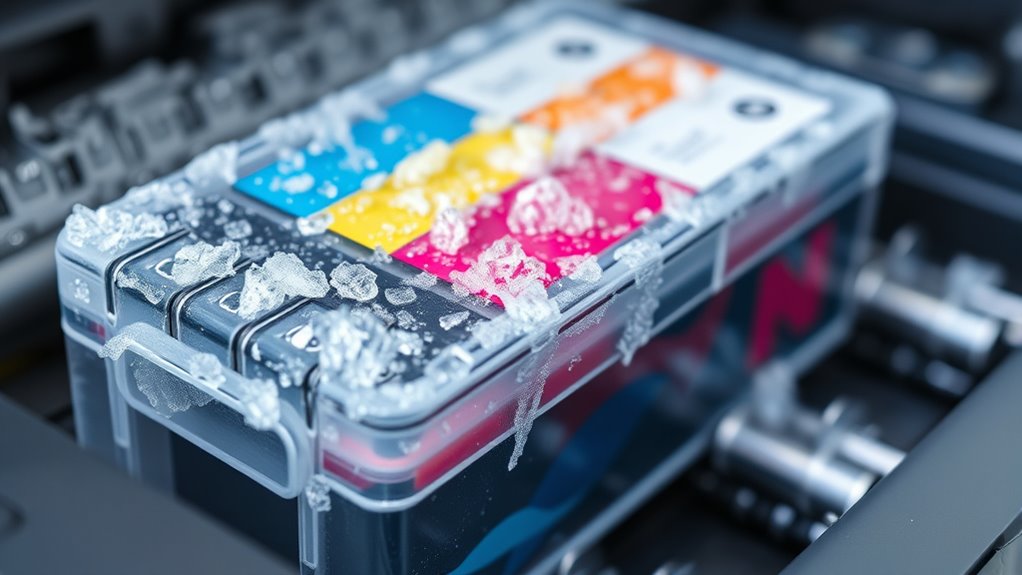
When your ink freezes, its consistency changes, which can cause noticeable print defects like streaks or smudges. You might also find that your printer’s mechanism struggles to work properly with thickened or clumpy ink.
Understanding these effects helps you troubleshoot and prevent damage to both your print quality and printer. It’s good to know what’s going on so you can fix issues before they get worse.
Ink Consistency Changes
Although you might not notice it immediately, freezing considerably alters ink consistency, which can severely affect your printer’s performance.
When ink freezes, its liquid components separate or crystallize, changing how smoothly it flows. This disruption can cause:
- Thickened ink texture: Frozen ink becomes clumpy, making it hard for your printer to eject it evenly.
- Clogged nozzles: The altered consistency can block tiny printer nozzles, stopping ink from spraying properly.
- Delayed drying times: Thicker ink may not dry as expected, risking smudges and smears.
These changes strain your printer’s mechanics and reduce print reliability.
To keep your device working ideal, always store ink cartridges in stable temperatures and avoid exposing them to freezing conditions.
Print Defects Appearance
If your printer uses frozen ink, you’ll notice print defects that quickly degrade the quality of your documents and images. Frozen ink causes inconsistent color distribution, streaks, and blurry lines.
You might also see missing sections or faded patches, making your prints look unprofessional. These defects don’t just affect appearance—they can also lead to wasted ink and paper.
| Defect Type | Appearance | Cause |
|---|---|---|
| Streaks | Lines across prints | Ink clumping |
| Blurred Text | Fuzzy edges | Uneven ink flow |
| Faded Colors | Washed-out hues | Thinned ink consistency |
| Missing Sections | Blank spots | Blocked nozzles |
| Color Shifts | Wrong tones | Altered pigment mixing |
Watch for these signs to catch frozen ink issues early. It’s better to spot the problem before it ruins your entire print job!
Printer Mechanism Effects
Since frozen ink disrupts smooth flow, it directly hampers your printer’s internal mechanisms, causing misfires and clogging. When ink freezes, it thickens and may solidify, leading to:
- Blocked nozzles that prevent ink from spraying evenly.
- Stiffened cartridges that struggle to feed ink correctly.
- Damaged print heads as the frozen ink expands and contracts.
These issues reduce print quality and may trigger error messages or complete printer failure. You’ll notice streaky prints, smudges, or blank spots as a result.
If you don’t address frozen ink promptly, your printer’s mechanical components could suffer long-term damage. To avoid this, keep your printer and cartridges in a stable, moderate environment.
Also, never attempt to print while ink remains frozen. It’s just asking for trouble!
How to Prevent Printer Ink From Freezing
To keep your printer ink from freezing, you need to control the environment where your printer is stored. Place your printer in a room that stays consistently above freezing, ideally between 65°F and 75°F.
Avoid areas like garages, basements, or unheated rooms where temperatures can drop unexpectedly. If needed, use a space heater or insulated enclosure to maintain warmth.
Keep your printer away from drafts or windows where cold air might seep in. Also, store unopened ink cartridges in a temperature-controlled area until you’re ready to use them.
Steps to Take If Your Printer Ink Freezes
When your printer ink freezes, you’ll need to act quickly to minimize damage and restore functionality. First, bring the ink cartridge to room temperature by placing it in a warm, dry area—avoid direct heat to prevent warping.
Next, gently shake the cartridge to help redistribute the ink and break up any ice crystals that may have formed inside. Then, reinstall the cartridge in your printer and run a cleaning cycle to clear any clogs caused by freezing.
If prints remain streaky or faded, you might need to repeat the cleaning or consider replacing the cartridge. Taking these steps promptly can really help salvage your ink and keep your printer running smoothly after exposure to freezing temperatures.
Long-Term Effects of Freezing on Printer Ink and Maintenance Tips
Although freezing can temporarily disrupt your printer’s ink flow, prolonged exposure often leads to permanent damage like clogged nozzles and altered ink consistency.
When ink freezes repeatedly or stays frozen too long, the pigments or dyes can separate, causing uneven color and poor print quality. The cartridge’s internal components may crack, resulting in leaks or malfunction.
To prevent long-term damage, store ink cartridges in a cool, dry place above freezing temperatures. If you suspect freezing, thaw cartridges slowly at room temperature before use, and always run a cleaning cycle afterward.
Regularly printing helps keep ink flowing smoothly and prevents clogs. Taking these maintenance steps ensures your printer stays reliable and your prints sharp despite cold conditions.
Frequently Asked Questions
Can Frozen Printer Ink Be Safely Used After Thawing?
You can usually use frozen printer ink after thawing, but it might not print well. Freezing can change its consistency, causing clogs or poor color.
It’s a good idea to test it first. If the print quality suffers, it’s best to replace the ink cartridge.
Does Freezing Printer Ink Void the Warranty?
Yes, freezing printer ink usually voids the warranty because manufacturers expect proper storage. If you freeze it, they consider it misuse or damage.
Always check your warranty terms to avoid losing coverage. It’s better to be safe than sorry!
Are All Printer Ink Brands Equally Affected by Freezing?
Not all printer ink brands are equally affected by freezing; some handle the cold better than others.
Think of inks like delicate snowflakes—each reacts differently.
Can Frozen Ink Cartridges Damage the Printer Hardware?
Yes, frozen ink cartridges can damage your printer hardware. The ink may thicken or separate, clogging nozzles and causing leaks.
When thawed, this can lead to poor print quality or even permanent printer damage. So, it’s definitely something to avoid if you want your printer to last.
How Long Does It Take for Frozen Ink to Thaw Completely?
It usually takes about 1 to 3 hours for frozen ink to thaw completely at room temperature.
Don’t rush it; letting it thaw naturally guarantees damage and ensures your printer ink works properly again.
Conclusion
When printer ink freezes, it’s like a delicate river turning to ice—its flow disrupted, colors muddled, and performance hampered. You can’t let this chill steal your prints’ vibrancy or your printer’s spirit.
By guarding your ink against the cold and acting swiftly if it freezes, you’ll keep your creative current flowing smoothly. Remember, a little care now prevents a frozen pause later, ensuring your printer stays warm and ready to bring your ideas to life.
Protecting your printer ink from freezing is key to maintaining its quality and your printer’s functionality. If ink does freeze, thaw it gently and check for clumps or discoloration before use. Taking these simple steps helps avoid clogged nozzles and poor print results, keeping your printer ink performing at its best. So, keep your ink warm, handle it with care, and your printer will reward you with vibrant, smooth prints every time.