How to Get Printer Ink Off Hands Quickly
To get printer ink off your hands quickly, start by washing them thoroughly with warm water and soap. This helps loosen and lift the ink from your skin.
If the stains linger, don’t worry. You can gently rub a paste made from baking soda and water or apply rubbing alcohol with a cotton ball to break down the ink. Just be careful not to scrub too hard, so you don’t irritate your skin.
After that, rinse your hands well and make sure to moisturize. Keeping your skin hydrated helps it recover from any dryness caused by the cleaning.
Want to master ink removal and prevent those stubborn stains in the future? Keep exploring these helpful tips to make ink mishaps less of a hassle!
Key Takeaways
- Immediately wash hands with soap and warm water to loosen fresh printer ink stains without damaging skin. This helps get the ink off before it sets.
- Gently rub a baking soda and water paste or a small amount of toothpaste on ink stains to help lift the ink. These mild abrasives work well and are safe for your skin.
- Apply rubbing alcohol or hand sanitizer using a cotton ball. Rub in circular motions, then rinse with warm soapy water. This breaks down the ink pigments effectively.
- Massage vegetable or baby oil into ink spots before washing. The oils help break down ink pigments gently and protect your skin.
- Wear disposable gloves when handling ink cartridges to prevent stains. Also, keep paper towels handy for quick cleanup—you’ll thank yourself later!
Understanding Printer Ink and Its Staining Properties
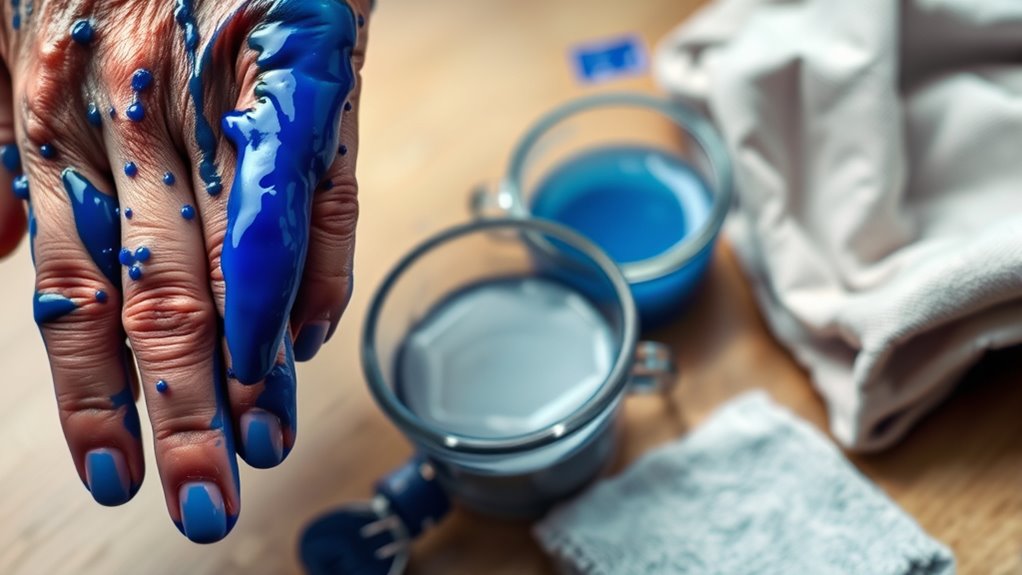
Although printer ink might seem harmless, it contains pigments and dyes designed to adhere firmly to paper—and unfortunately, your skin too. When ink lands on your hands, those pigments quickly bind to the outer layer of your skin, making stains stubborn and tough to remove.
You’ll notice that the color isn’t just sitting on the surface; it seeps into tiny crevices and absorbs into the top skin cells. This staining nature comes from the ink’s chemical makeup, which is meant to resist smudging and fading once printed.
Because of this, regular wiping won’t do the trick. Understanding this helps you realize why removing printer ink requires more than just casual rinsing—you need targeted methods to break down these pigments and lift them off effectively.
Using Soap and Warm Water for Ink Removal
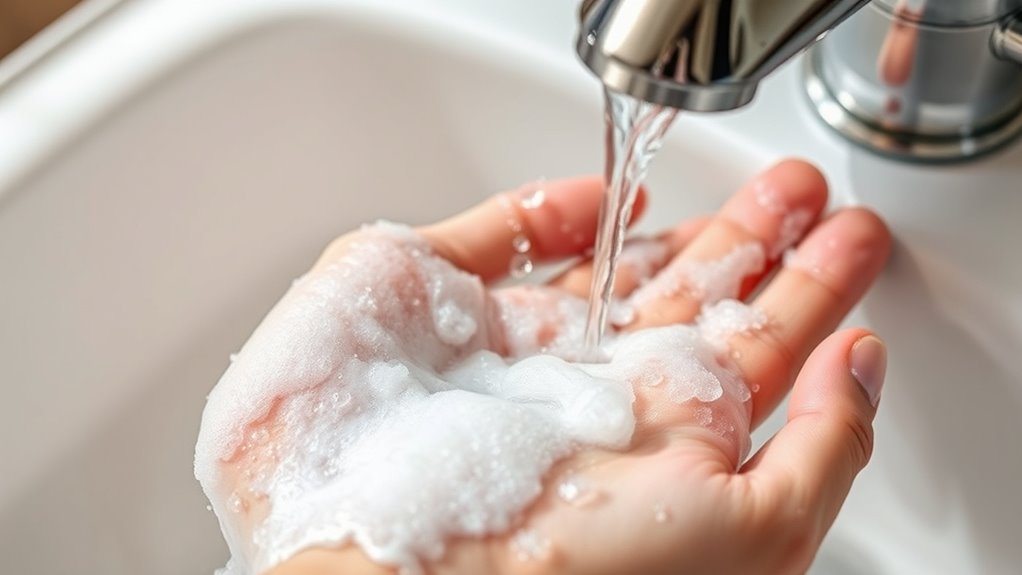
Since printer ink binds tightly to your skin, starting with soap and warm water is a practical first step to loosen and lift the stains. You’ll want to wet your hands with warm water, apply a generous amount of soap, and gently scrub the inked areas.
Repeat as needed, but avoid harsh scrubbing to protect your skin.
Here’s a quick guide to optimize this method:
| Step | Action | Tip |
|---|---|---|
| 1 | Wet hands with warm water | Use water that’s comfortably warm |
| 2 | Apply soap | Choose a mild liquid soap |
| 3 | Scrub gently | Focus on stained areas |
| 4 | Rinse and repeat | Stop once ink fades |
This simple routine helps break down ink residue effectively without irritating your skin. It’s easy to do, and you can repeat it as often as you need.
Effective Household Items for Cleaning Ink Off Skin
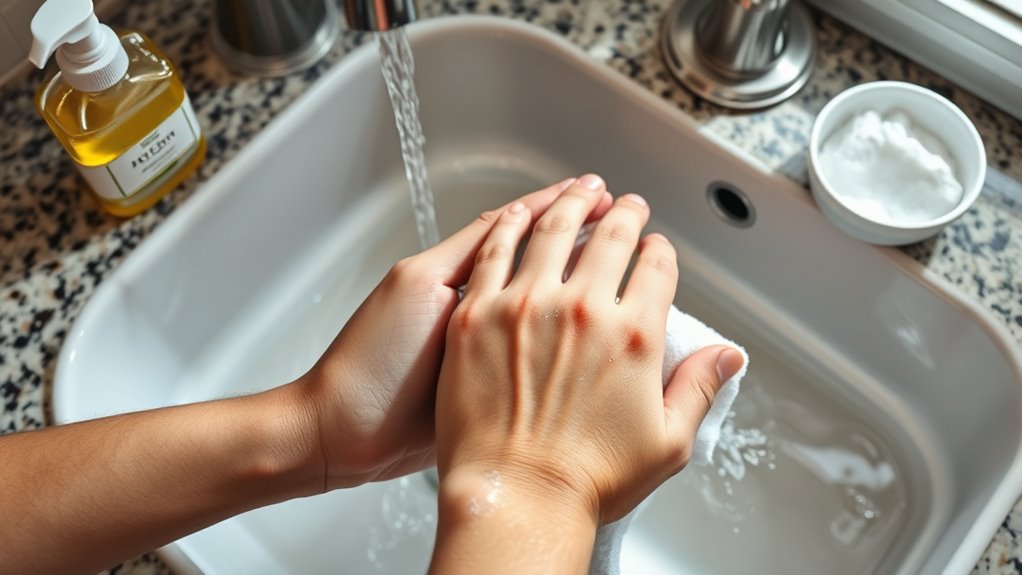
If soap and warm water don’t completely remove printer ink from your hands, you can turn to common household items for help. Try using a bit of baking soda mixed with water to form a paste; gently rub it on the stained areas before rinsing off.
Another option is to apply a small amount of toothpaste, which acts as a mild abrasive, helping lift ink from your skin. You can also use milk—soak a cotton ball and rub it on the ink stains for a few minutes.
Additionally, vegetable oil or baby oil can break down the ink’s pigments; massage a little oil into your hands and then wash with soap. These items are safe, easy to find, and effective for stubborn ink stains.
Step-by-Step Guide to Using Rubbing Alcohol and Hand Sanitizer
When you need a quick and effective way to remove printer ink from your hands, rubbing alcohol and hand sanitizer can be lifesavers. First, pour a small amount of rubbing alcohol onto a cotton ball or directly onto your stained skin. Gently rub the ink-stained areas in circular motions for about 30 seconds.
The alcohol breaks down the ink, making it easier to lift. Next, apply a generous amount of hand sanitizer to your hands, rubbing it in thoroughly. The sanitizer’s ingredients help dissolve residual ink while moisturizing your skin.
Finally, rinse your hands with warm water and wash them with soap to remove any leftover ink and alcohol. Pat dry with a clean towel, and your hands should be ink-free. Easy, right?
Tips to Prevent Ink Stains While Handling Printer Cartridges
To keep ink off your hands, wear protective gloves whenever you handle printer cartridges. Be careful and avoid touching the ink nozzles or contacts directly.
Also, keep disposable paper towels nearby to catch any unexpected drips or spills. It’s a simple trick, but it really helps keep things clean!
Wear Protective Gloves
Although handling printer cartridges can be routine, wearing protective gloves considerably reduces the risk of getting ink stains on your hands. Gloves act as a barrier between your skin and the ink, preventing direct contact.
You can use disposable latex or nitrile gloves, which are affordable and easy to find. Make sure the gloves fit snugly to maintain your dexterity while handling cartridges.
If you’re sensitive to latex, opt for latex-free alternatives to avoid irritation. Wearing gloves also keeps your hands clean, so you won’t need to scrub harshly later.
After you finish, carefully remove the gloves by peeling them inside out to avoid smearing ink on your skin. This simple step saves you time and effort, making cartridge replacement a cleaner, hassle-free task.
Handle Cartridges Carefully
Since printer cartridges can leak unexpectedly, you should handle them with steady hands and a focused approach to avoid ink stains. Before you start, make sure your workspace is clean and clutter-free to prevent accidental spills.
When removing or inserting cartridges, grip them firmly but gently to avoid squeezing ink out. It’s also a good idea to keep a paper towel or cloth nearby for quick cleanup if needed.
Here are three quick tips to handle cartridges carefully:
- Hold cartridges over a protected surface like a tray or newspaper.
- Avoid touching the ink nozzles or contacts to prevent smudges.
- Refrain from shaking cartridges as this can cause leaks.
Use Disposable Paper Towels
Keeping disposable paper towels within reach makes managing ink spills much easier when handling printer cartridges. You can quickly wipe off fresh ink before it sets, preventing stubborn stains on your skin and surfaces.
Disposable towels absorb ink better than cloths, reducing smudges and mess. Plus, you won’t worry about ruining fabric towels. Having a stack nearby encourages you to act fast, minimizing frustration.
| Situation | Your Reaction |
|---|---|
| Ink spills on hands | Quick cleanup |
| Ink drips on desk | Immediate wipe down |
| Unexpected mess | Stress reduction |
Using disposable paper towels helps you stay calm and in control, turning a potential hassle into a simple fix. Keep them handy for a smoother, cleaner experience.
When to Seek Professional Help for Persistent Ink Stains
If you notice redness, itching, or swelling after contact with printer ink, you might be dealing with an ink allergy and should see a doctor.
Also, if the stains just won’t fade despite your best efforts, it’s time to contemplate professional advice.
Consulting a dermatologist can help protect your skin and find the right treatment.
Signs of Ink Allergies
When ink stains on your hands persist despite thorough washing, you might be dealing with more than just stubborn dye—you could be experiencing an ink allergy. Allergic reactions to printer ink can cause discomfort and may require medical attention.
Watch out for these signs: redness and swelling around the stained area, itching or a burning sensation that doesn’t subside, and the development of small blisters or rash.
If you notice any of these symptoms, stop using the ink immediately and consult a healthcare professional. They can provide proper diagnosis and treatment to prevent worsening irritation or infection.
Taking quick action will help you manage your skin’s reaction and avoid long-term damage. So, don’t wait—get it checked out as soon as you can!
When Stains Won’t Fade
Persistent ink stains can be frustrating, especially after trying multiple cleaning methods. If the stain won’t fade, it might be time to contemplate professional help to avoid skin damage or long-term discoloration.
| Situation | Recommended Action |
|---|---|
| Ink deeply embedded in skin | Consult a professional cleaner |
| Skin irritation or redness | Stop all treatments and seek advice |
| Stain persists beyond a week | Professional evaluation advised |
| Multiple failed home remedies | Consider specialized cleaning |
| Sensitive or broken skin | Avoid harsh chemicals; get help |
When stains resist fading, don’t force harsh scrubbing. Protect your skin by knowing when to stop and seek expert assistance.
Consulting a Dermatologist
Although many ink stains fade with regular cleaning, some require professional attention to protect your skin’s health. If you notice that the ink stain persists despite your best efforts, or if your skin reacts negatively, it’s time to consult a dermatologist.
You should seek professional help if you experience prolonged discoloration that doesn’t diminish after several days, severe irritation, redness, or swelling around the stained area, or signs of an allergic reaction, such as itching or blistering.
A dermatologist can provide treatments that safely remove stubborn ink and address any skin damage. Don’t hesitate to get expert advice if your skin feels uncomfortable or the stain won’t go away—your skin’s health is worth it.
Frequently Asked Questions
Can Printer Ink Cause Skin Allergies or Health Issues?
Yes, printer ink can cause skin allergies or irritations if you’re sensitive or exposed for long periods.
You should wash it off quickly and avoid touching your face to prevent potential health issues or allergic reactions.
It’s always a good idea to handle ink with care.
If you notice any redness or itching, take a break and clean your skin right away.
Is It Safe to Use Nail Polish Remover on Ink Stains?
You can use nail polish remover on ink stains, but be careful—it might irritate your skin. Always test a small area first and moisturize afterward.
And hey, if you have sensitive skin or any cuts on your hands, it’s best to avoid using it altogether. Better safe than sorry!
How to Remove Ink Stains From Clothing or Fabric?
Struggling with ink stains on your clothes? Act fast—dab rubbing alcohol or hand sanitizer on the stain, then rinse with cold water.
Why wait? Treating it immediately boosts your chances of complete removal. Just a little quick action can make a big difference!
Are There Eco-Friendly Ink Removal Products Available?
Yes, you can find eco-friendly ink removers made from natural ingredients like citrus oils or plant-based solvents.
They’ll clean your hands effectively without harsh chemicals, keeping both your skin and the environment safer.
Can Eating or Drinking Affect Ink Stain Removal Effectiveness?
No, eating or drinking won’t affect ink stain removal on your hands directly. But it’s a good idea to avoid touching your face or food with ink-stained hands to prevent accidentally ingesting ink.
Always wash your hands thoroughly before eating or drinking. It’s a simple step that keeps things safe and clean!
Conclusion
Now that you know how to swiftly scrub stubborn printer stains, you can safely save your skin from smudges and smears. By blending basic bathroom bargains like soap, sanitizer, and rubbing alcohol, you’ll banish ink’s blemishes with ease.
Remember, routine rinsing and reasonable precautions prevent pesky prints from persisting. So, stay savvy, stay spotless, and stop stains from stealing your style while handling cartridges confidently and cleanly every time.
When dealing with printer ink on hands, quick action is key. Using common items like soap and rubbing alcohol not only removes ink but also protects your skin from irritation. Regularly washing your hands during printer tasks helps keep ink stains at bay.
In summary, to get printer ink off hands quickly, rely on simple household products, maintain good hand hygiene, and take precautions while changing cartridges. This approach ensures your hands stay clean and ink-free, so you can handle printing jobs without worry or mess.