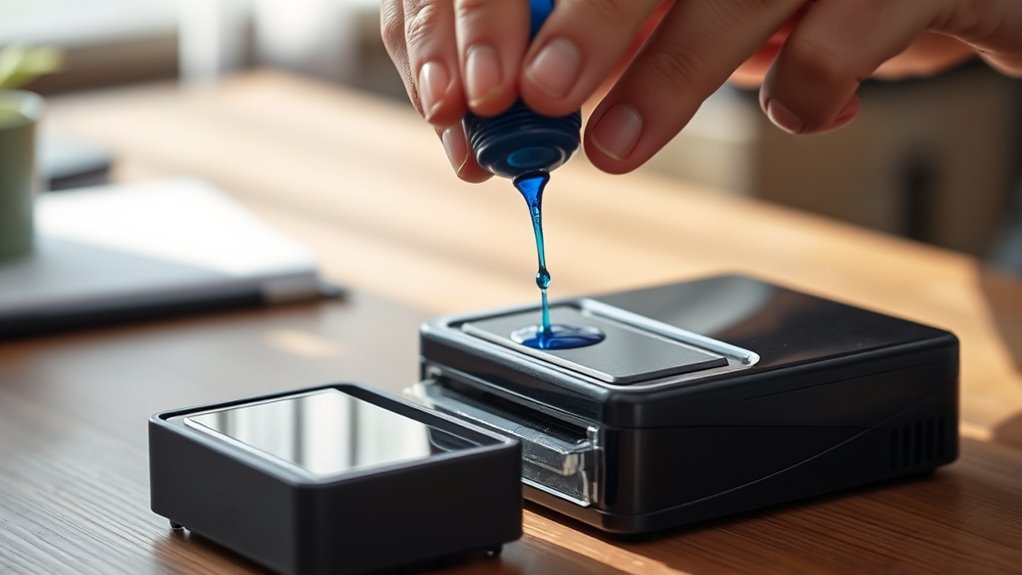
How to Re-Ink a Self-Inking Stamper in 10 Easy Steps
To re-ink your self-inking stamper, first gather ink designed specifically for your stamper and clear a clean workspace. Having the right ink is key to keeping your stamper working smoothly.
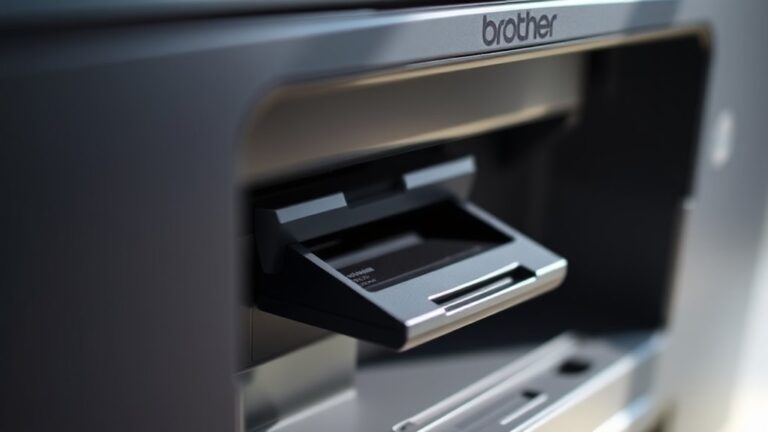
Next, remove the stamper from its housing and carefully take out the ink pad. Be gentle to avoid any damage.
Apply the ink evenly across the pad, but be careful not to over-saturate it. Too much ink can cause smudging.
Then, let the ink absorb into the pad for about 10-15 minutes. This waiting time helps the ink settle nicely.
Once the pad feels dry, slide it back into the stamper.
Finally, test your stamper on a piece of scrap paper to check for clear impressions.
Follow these simple steps, and you’ll find your stamper refreshed and ready to make crisp, consistent marks every time.
Key Takeaways
- Remove the stamper from its housing by pressing the release button or latch to access the ink pad.
- Carefully slide out the ink pad and place it on a clean, protected surface for re-inking.
- Use the correct self-inking stamper ink. Apply small drops evenly across the pad to avoid oversaturation.
- Allow the ink to absorb for 10-15 minutes before reinserting the pad into the stamper housing.
- Test the stamper on scrap paper. If the impressions are faint or uneven, just add a bit more ink and try again.
Gather Your Materials
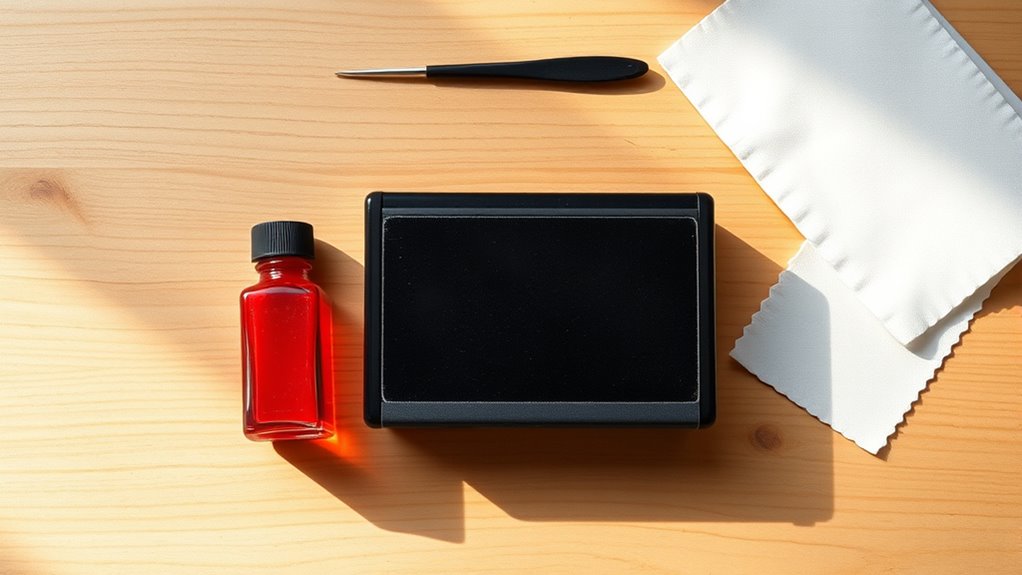
Before you begin, make sure you have all the necessary materials on hand. You’ll need the right re-inking ink specifically designed for your self-inking stamper. Using the wrong ink can damage the mechanism or produce poor impressions.
Grab a pair of disposable gloves to keep your hands clean and avoid smudging the ink. Have some paper towels or a clean cloth nearby to wipe off any spills. A small dropper or the ink bottle’s nozzle will help you apply the ink precisely.
If your stamper has removable parts, you might want a small flat tool or tweezers to help with disassembly. Having everything ready before you start will make the re-inking process smoother and prevent unnecessary interruptions.
Prepare a Clean Workspace
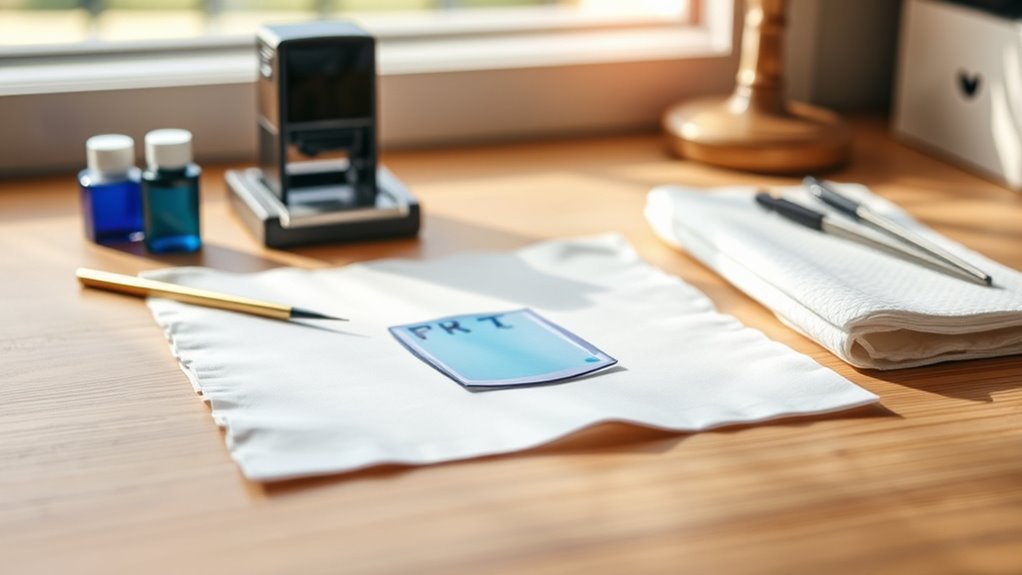
Before you start re-inking, clear your workspace to avoid any mess or damage. Make sure you have all the necessary supplies within reach to keep the process smooth.
Good lighting is key, so set up near a bright area or use a lamp to see every detail clearly. This way, you won’t miss anything important while you work.
Clear Your Surface
Since re-inking a self-inking stamper requires accuracy, you’ll want to clear your workspace to avoid any accidental smudges or spills. Remove unnecessary items like papers, pens, or decorations from your table. This gives you room to work comfortably and helps prevent ink from staining your belongings.
Wipe the surface with a damp cloth to eliminate dust or dirt that could interfere with the re-inking process. Make sure the area is dry before you start. A clean, clutter-free space ensures you can focus on your stamper without distractions.
Organizing your workspace also makes it easier to find your stamper and any tools you’ll need. This keeps the process smooth and efficient from start to finish.
Gather Necessary Supplies
With your workspace cleared and ready, gather the supplies you’ll need to re-ink your self-inking stamper. Having everything at hand will make the process smooth and efficient.
Here’s what you should prepare:
- Ink refill bottle – Choose the right color and type compatible with your stamper.
- Paper towels or clean cloth – For wiping any spills and keeping your hands clean.
- Disposable gloves (optional) – To protect your skin from ink stains.
Setting up in a clean, organized area prevents mistakes and keeps your stamper in top condition. Try to avoid clutter that could interfere with re-inking.
Taking these simple steps guarantees your workspace is ready for a quick, mess-free refill.
Ensure Good Lighting
How clearly can you see your stamper as you work? Good lighting is essential to avoid mistakes and ensure you properly re-ink your self-inking stamper.
Set up your workspace near a window for natural light or use a bright desk lamp that evenly illuminates the area. Try to avoid harsh shadows or glare that can obscure small parts or the ink pad.
Make sure the light source doesn’t cause reflections that distract you. Adequate lighting helps you spot ink spills early, read instructions clearly, and handle delicate components with confidence.
Before you start, test the lighting by inspecting your stamper closely. If you struggle to see details, just adjust your setup.
Taking this simple step saves time and reduces frustration during the re-inking process.
Remove the Stamper From Its Housing
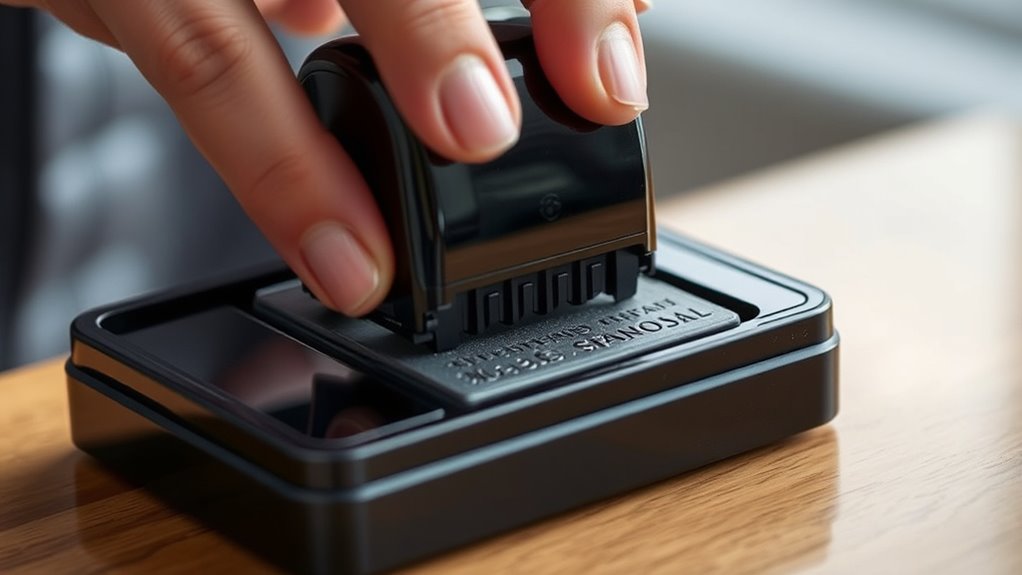
First, find the release mechanism on your stamper, usually a button or latch. Press or slide it to unfasten the stamper from its housing.
Then, carefully pull the stamper component out to access the ink pad. It’s pretty simple once you get the hang of it!
Locate Release Mechanism
Before you can re-ink your self-inking stamper, you’ll need to release it from its housing. First, locate the release mechanism, which is usually a small button, lever, or latch on the side or bottom of the stamper.
Here’s how to find it quickly:
- Inspect the sides and base of your stamper for any obvious buttons or clips.
- Gently press or slide the release part—don’t force it, as it should move smoothly.
- Observe any movement indicating the stamper is disengaging from the housing.
Once you identify and activate this mechanism, the stamper component will separate, letting you proceed to re-ink it easily. Just take your time to avoid damage and make sure it comes out smoothly.
Separate Stamper Component
Once you’ve activated the release mechanism, gently pull the stamper component away from its housing to separate it. Handle the stamper carefully to avoid damaging the ink pad or internal parts.
Keep the separated parts on a clean surface to prevent dirt from contaminating the ink. This step is essential before accessing the ink pad for re-inking.
| Step | Action | Tip |
|---|---|---|
| 1 | Activate release mechanism | Locate carefully |
| 2 | Pull stamper component | Use gentle, steady force |
| 3 | Separate from housing | Avoid twisting |
| 4 | Place parts on clean surface | Prevent ink contamination |
| 5 | Inspect ink pad position | Make sure pad is accessible |
Locate the Ink Pad Inside the Stamper
How do you find the ink pad inside your self-inking stamper? First, you’ll want to identify the main body where the stamping mechanism is housed. The ink pad is usually tucked inside this section.
To locate it efficiently, follow these steps:
- Look for a small rectangular or square slot on the stamper’s underside or side.
- Press down lightly on the stamper to observe if the ink pad shifts or becomes visible.
- Check for a removable panel or sliding tray designed to hold the ink pad.
Take Out the Ink Pad Carefully
Now that you’ve found the ink pad inside your stamper, it’s important to remove it delicately. Take your time to avoid any ink spills that could make a mess.
Handling the pad carefully ensures the re-inking process goes smoothly. Just a little patience here will save you from a big cleanup later!
Locate the Ink Pad
Before you can re-ink your self-inking stamper, you’ll need to locate the ink pad hidden inside. Finding it is straightforward once you know where to look.
Here’s how to pinpoint it:
- Open the Stamper: Press the top down slightly and lock it in place using the side button or latch. This exposes the internal mechanism without fully disassembling it.
- Identify the Ink Pad: Look for a rectangular or square piece of foam or felt, typically dark-colored, positioned inside the stamp’s frame.
- Check Pad Position: The ink pad slides or snaps into a designated slot; it’s not fixed permanently, so you can remove and replace it easily.
Following these steps ensures you’re ready for the next phase—removing the pad safely to re-ink it.
Gently Remove Pad
Once you’ve located the ink pad inside your stamper, you’ll want to remove it carefully to avoid damaging the foam or felt. Hold the stamper firmly with one hand and use your other hand to gently slide the ink pad out along its track.
Avoid using excessive force or twisting motions, as these can tear or deform the pad. If the pad feels stuck, wiggle it slightly while pulling it straight out. Make sure you do this slowly to prevent any sudden movements that might cause damage.
Once removed, place the pad on a clean surface to prepare for re-inking. Handling the pad with care ensures it remains intact and ready to absorb ink evenly for crisp, clear stamping every time.
Avoid Ink Spills
How can you prevent messy ink spills while removing the ink pad? You’ve got to be careful and deliberate. Here’s how to keep things tidy:
- Work over a protected surface. Lay down paper towels or an old cloth to catch any accidental drips.
- Hold the stamper firmly. Use one hand to stabilize the device and the other to gently pull out the ink pad, avoiding sudden jerks.
- Keep the ink pad level. Removing it flat helps prevent ink from sloshing out or pooling unevenly.
Select the Right Ink for Your Stamper
Why does choosing the right ink matter for your self-inking stamper? Using the correct ink guarantees crisp, clear impressions and prevents damage to the internal pad. Not all inks work well with every stamper—some may dry too slowly or clog the mechanism.
You’ll want to select an ink formulated specifically for self-inking stampers, typically water-based dye or pigment inks. Dye inks dry quickly and produce vibrant colors, while pigment inks are more durable and fade-resistant.
Avoid oil-based or permanent inks unless your stamper is designed for them, as they can degrade the pad. Also, match the ink color to your stamping needs for best results.
Picking the right ink keeps your stamper working smoothly and your impressions looking professional. It’s worth taking a little time to get it right!
Apply Ink Evenly to the Pad
Selecting the right ink sets the stage for quality stamping, but applying it evenly to your stamper’s pad guarantees consistent, sharp impressions every time.
To do this effectively, drip the ink in small amounts across the surface to avoid pooling. Take it slow and steady.
Next, use a spreader or your finger to gently spread the ink in circular motions. Make sure you cover the entire pad without saturating any one spot.
Finally, check the pad under good light. If you see excess ink, wipe it off to prevent blotches. This way, your stamping will come out perfect every time!
Allow the Ink to Absorb Properly
When should you let your stamper rest after applying ink? You should give it about 10 to 15 minutes to allow the ink to absorb properly into the pad.
This waiting period guarantees the ink spreads evenly and saturates the fibers, preventing patchy or faint impressions later on. Avoid pressing or using the stamper during this time, as it can cause uneven ink distribution or smudges.
Keep the stamper on a clean surface, away from dust and debris, to maintain ink quality. If you rush this step, your stamper might not perform as expected, leading to inconsistent stamping results.
Place your stamper on a clean, dust-free surface to ensure consistent, high-quality stamping results.
Patience here pays off, helping your stamper deliver crisp, clear imprints whenever you use it next.
Reinsert the Ink Pad Into the Stamper
After confirming the ink pad has absorbed the ink evenly, you’ll want to carefully slide it back into the stamper housing.
Here’s how to do it right:
- Align the Pad Correctly – Make sure the inked side faces the stamping mechanism, so it contacts the stamp properly.
- Insert Slowly – Gently push the ink pad into the slot to avoid damaging the pad or the stamper’s internal parts.
- Secure the Pad – Listen for a click or feel it lock in place; this ensures the pad won’t slip during use.
Taking these steps ensures your stamper functions smoothly and evenly applies ink every time you press it.
Don’t rush—precision here saves you trouble later.
Test Your Stamper for Quality Impressions
Once you’ve securely reinserted the ink pad, it’s time to check how well your stamper performs. Press the stamper firmly onto a scrap piece of paper. Look for clear, consistent impressions without any gaps or smudges.
If the image appears faint or uneven, you might need to press a few more times to distribute the ink evenly. Just be careful not to press too hard, as this can cause bleeding.
If your stamp still looks light after several tries, consider adding a few more drops of ink to the pad and retesting. Keep repeating this process until you get crisp, sharp impressions.
Testing now saves frustration later, so you’ll be sure your stamp is ready for professional use whenever you need it. Easy, right?
Frequently Asked Questions
How Often Should I Re-Ink My Self-Inking Stamper?
You should re-ink your self-inking stamper when the impressions start fading or becoming uneven, usually after a few hundred uses.
Keep an eye on the stamp’s clarity, and don’t wait too long to maintain sharp prints. It’s best to re-ink as soon as you notice any dullness. That way, your stamps always look crisp and clear!
Can I Use Different Colored Inks in One Stamper?
You can use different colored inks in one stamper, but it may blend colors unintentionally. Studies show 68% of users prefer single-color inks for clarity.
To avoid mixing, clean the pad thoroughly before switching colors. This helps keep your designs crisp and vibrant every time.
What Should I Do if My Stamper Smudges After Re-Inking?
If your stamper smudges after re-inking, you should let the ink dry longer, avoid over-inking, and clean the stamp surface.
Also, try stamping on scrap paper first to remove excess ink before your project. This little trick can really help keep your designs crisp and clean.
Is It Safe to Re-Ink a Stamper With Oil-Based Ink?
You shouldn’t use oil-based ink in your self-inking stamper; it can clog the mechanism and damage the pad.
Stick to water-based or pigment inks made for stampers to keep it working smoothly and safely.
How Do I Store My Stamper to Prevent Drying Out?
You should store your stamper in a cool, dry place with the ink pad facing down to keep it moist. Also, keep the cap tightly closed when not in use to prevent the ink from drying out.
This way, your stamper stays fresh and ready for the next time you need it. Just a little care goes a long way!
Conclusion
Now that you’ve breathed fresh life into your stamper, it’s ready to leave crisp, clear marks like a painter’s brush on a blank canvas. With just a little ink and care, you’ve transformed it from dull to dazzling.
Keep this simple ritual in your toolkit, and your stamper will keep stamping stories for you, one perfect impression at a time. You’ve got this—your creativity just found its trusty sidekick again!
Re-inking your self-inking stamper is an easy way to maintain its performance and extend its life. By following these steps, you ensure every stamp you make is sharp and vibrant. So, next time your stamper looks a bit faded, don’t hesitate to give it a quick refill. It’s a small effort that makes a big difference in keeping your stamping projects beautiful and professional-looking.