
Does a Thermal Printer Use Ink?
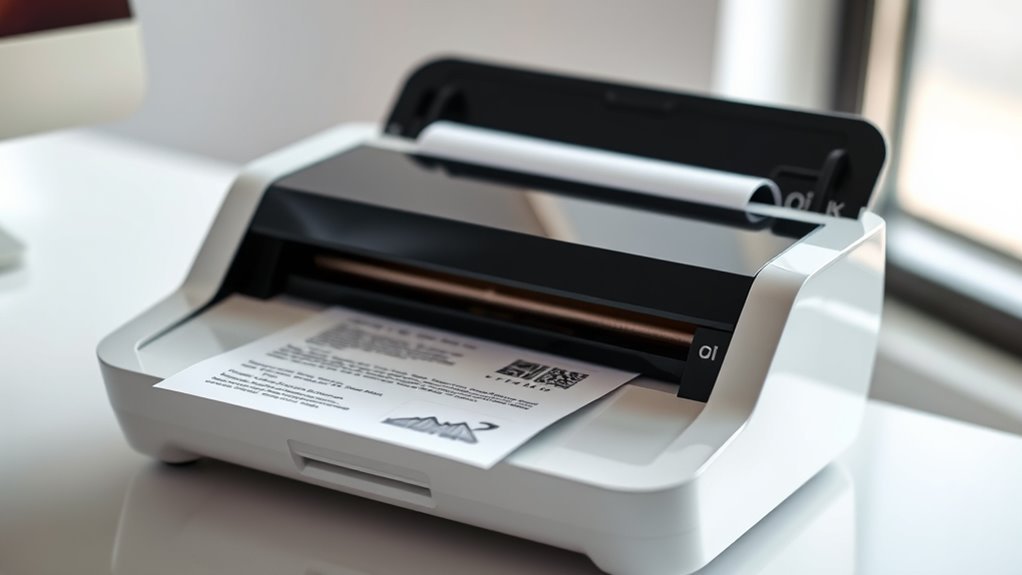
You don’t need ink to print with a thermal printer because it uses heat to create images directly on special heat-sensitive paper. This makes thermal printers unique compared to traditional inkjet or laser printers.
There are two main types of thermal printers: direct thermal and thermal transfer.
Direct thermal printers darken the paper itself using heat, while thermal transfer printers use a heated ribbon to produce durable prints. Both methods eliminate the need for ink cartridges or toner.
Thermal printers are quicker, quieter, and require less maintenance than inkjet ones.
If you want to explore why this technology is popular and how to keep it working well, there’s more useful info ahead.
Thermal printers are great for receipts, labels, and barcodes, making them a favorite in many businesses.
Key Takeaways
- Thermal printers create images using heat, not ink cartridges or ribbons.
- Direct thermal printers print by heating heat-sensitive paper that darkens when heated.
- Thermal transfer printers use a heat-activated ribbon to transfer ink but do not use traditional ink cartridges.
- So, while they do involve some kind of ink on a ribbon, it’s not the same as the ink you might expect in other printers.
- Thermal printing eliminates ink usage, reducing maintenance and ink-related expenses.
- Basically, thermal prints are produced without liquid ink, relying solely on heat and specially coated materials.
How Thermal Printing Technology Works
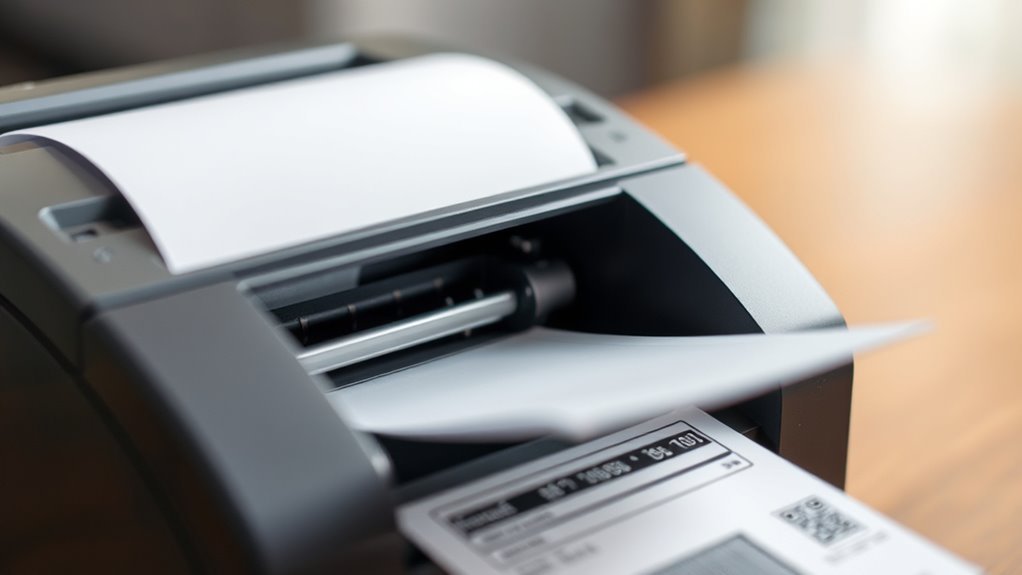
Although you might not see the inner workings, thermal printing technology uses heat to create images on specially coated paper. When you send a print command, the thermal printer’s print head heats specific areas of the paper.
This heat triggers a chemical reaction on the paper’s surface, turning those spots dark and forming the desired text or images. Since the process relies on heat and special paper rather than traditional ink, you don’t need to worry about ink cartridges or ribbons.
The precision of the heating elements determines the print quality, allowing for sharp and clear output. So, thermal printers work by directly altering the paper’s coating with heat, which explains why they don’t use ink like conventional printers do.
Types of Thermal Printers
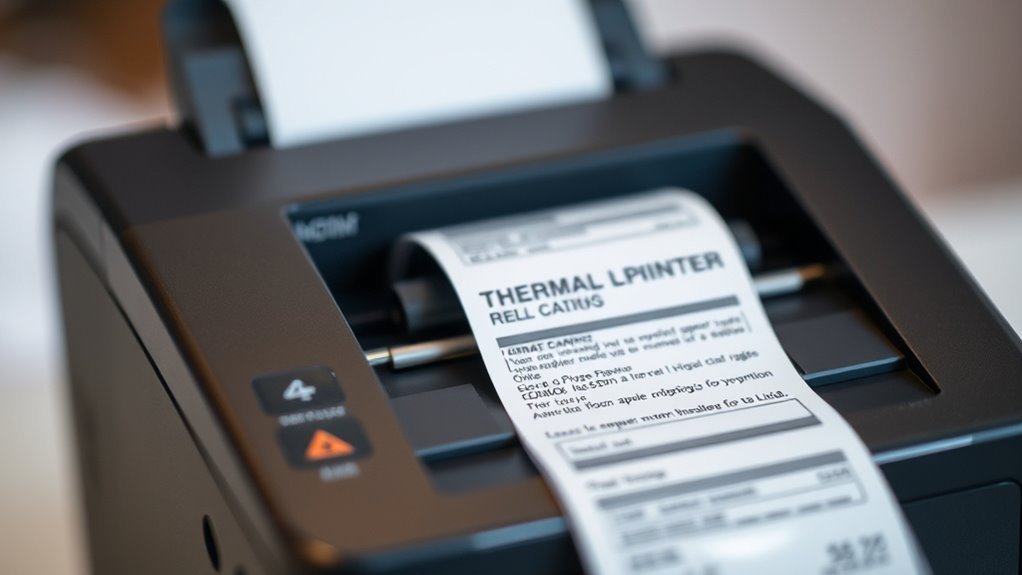
When you choose a thermal printer, you’ll find there are two main types to contemplate: direct thermal and thermal transfer. Direct thermal printers use heat-sensitive paper that darkens when heated, so you don’t need ink or ribbons. This makes them simple and cost-effective.
But keep in mind, the prints can fade over time or with exposure to heat and light. Thermal transfer printers, on the other hand, use a ribbon coated with wax or resin. The printer heats the ribbon, transferring the ink onto regular paper or synthetic materials.
This method produces durable, long-lasting prints ideal for labels or barcodes. So, depending on your needs—whether it’s short-term receipts or durable labels—you’ll want to pick the type that fits your printing tasks best.
Comparison Between Thermal and Inkjet Printers
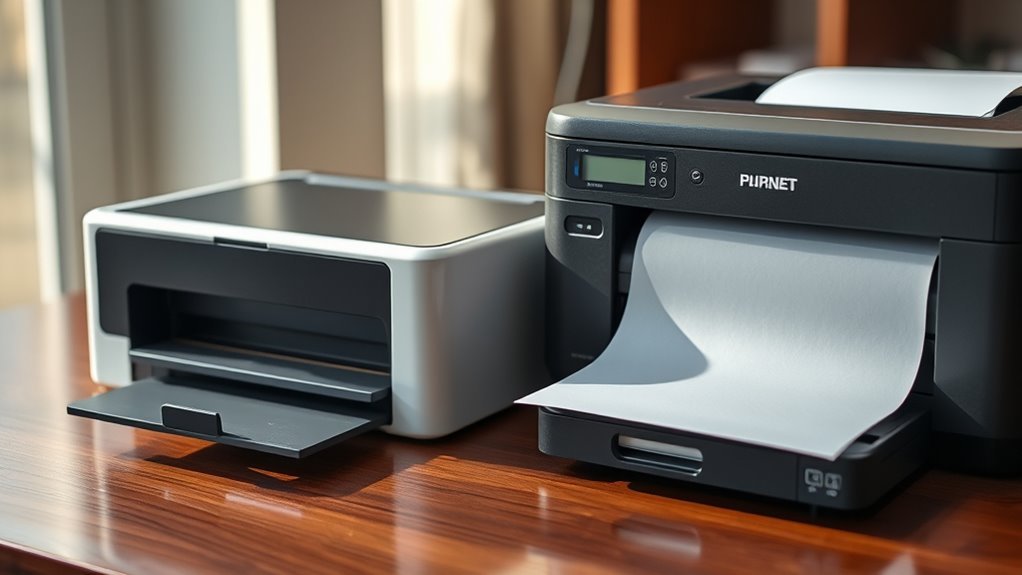
When you compare thermal and inkjet printers, you’ll notice they use very different printing mechanisms. Thermal printers rely on heat to create images, while inkjets spray tiny droplets of ink onto the paper.
You’ll also find that maintenance and cost vary markedly between the two, affecting which one suits your needs best. So, depending on what you’re looking for, one might be a better fit than the other.
Printing Mechanism Differences
Because thermal and inkjet printers use fundamentally different technologies, understanding their printing mechanisms helps you choose the right printer for your needs. Thermal printers generate images by applying heat to specially coated paper, which darkens where heated.
This process means you don’t need ink cartridges or ribbons, making it ideal for receipts or labels. On the other hand, inkjet printers spray tiny droplets of liquid ink directly onto paper to create images.
This allows for vibrant color prints and detailed photos but requires ink refills. You’ll notice that thermal printers work best with specific paper types, while inkjets handle a wider range of media.
Knowing these differences helps you pick a printer that suits your printing volume, quality expectations, and paper preferences. It’s all about matching the printer to what you need most.
Maintenance and Cost Implications
Understanding how thermal and inkjet printers operate also sheds light on their maintenance needs and overall costs. With a thermal printer, you won’t have to worry about replacing ink cartridges, which saves both time and money.
Thermal printers mainly require you to replace thermal paper rolls, which are generally affordable. However, you’ll need to keep the print head clean to prevent clogs or damage.
Inkjet printers, on the other hand, demand frequent ink cartridge replacements, which can get costly. They also require more maintenance, like cleaning print heads and aligning cartridges to avoid smudges or streaks.
Advantages of Ink-Free Printing
Why choose ink-free printing over traditional methods? You’ll save money since thermal printers don’t require ink cartridges or ribbons, cutting down ongoing costs.
You’ll also spend less time on maintenance because there’s no ink to dry up, clog print heads, or create smudges. Thermal printers tend to be more reliable and faster, giving you crisp, clear prints immediately without waiting for ink to dry.
Plus, they operate quietly and with fewer moving parts, so you experience less downtime. If you’re environmentally conscious, you’ll appreciate the reduction in waste since you won’t be tossing out empty ink cartridges.
Common Applications of Thermal Printers
You’ll find thermal printers everywhere, from retail and point-of-sale systems to shipping and logistics centers. They’re also common in healthcare and pharmacy settings, where quick, reliable printing is essential.
Let’s explore how these industries make the most of thermal printing technology. It’s pretty interesting to see how versatile these printers really are!
Retail and Point-of-Sale
In retail and point-of-sale environments, thermal printers play a crucial role by quickly producing receipts, labels, and tickets. You rely on their speed and reliability to keep transactions smooth and customers satisfied.
Since thermal printers don’t use traditional ink, you avoid frequent cartridge replacements, reducing downtime. They’re compact and easy to maintain, fitting seamlessly into busy retail counters.
You’ll often find them used for printing sales receipts instantly at checkout, generating barcode labels for inventory tracking, producing price tags for merchandise, creating event or parking tickets on demand, and printing customer loyalty or membership cards.
Shipping and Logistics
Although shipping and logistics involve complex operations, thermal printers simplify the process by delivering fast, clear, and durable labels essential for tracking and managing packages. When you use thermal printers, you don’t worry about ink cartridges running dry or smudging, since these printers use heat-sensitive paper instead of ink.
This reliability means your shipping labels stay legible throughout handling, sorting, and transit. You can print barcodes, addresses, and tracking numbers quickly, improving accuracy and efficiency in your workflow. Plus, thermal printers handle high-volume printing without frequent maintenance, keeping your operations smooth.
Whether you’re labeling parcels for domestic delivery or international shipping, thermal printers help you maintain consistency and speed. This way, your packages reach their destination on time and with clear identification.
Healthcare and Pharmacy
Thermal printers play an essential role in healthcare and pharmacy settings by providing fast, reliable printing for patient wristbands, prescription labels, and medical records. When you use thermal printers, you don’t have to worry about ink smudging or running out, ensuring critical information stays legible.
This reliability helps reduce errors and speeds up patient care processes. It’s a real time-saver and makes things safer for everyone involved.
In healthcare and pharmacy, thermal printers are commonly used for:
- Printing patient identification wristbands quickly at admission
- Generating clear, durable prescription labels resistant to moisture
- Creating barcoded medication labels to improve tracking and safety
- Producing lab test labels that withstand refrigeration
- Printing appointment reminders and billing receipts efficiently
These printers really keep things moving smoothly, making day-to-day tasks easier for healthcare professionals.
Maintenance Tips for Thermal Printers
To keep your printer running smoothly and extend its lifespan, you should regularly clean and inspect key components like the print head and platen roller. Use isopropyl alcohol and a lint-free cloth to gently wipe the print head, removing any residue or debris that could affect print quality.
Check the platen roller for dust buildup and clean it as needed to maintain proper paper feeding. Avoid using abrasive materials that might damage sensitive parts. Also, keep your thermal paper stored in a cool, dry place to prevent moisture from impacting print performance.
Regularly check for software updates and perform calibration procedures as recommended by your printer’s manufacturer. These simple steps help ensure consistent, high-quality prints without using traditional ink. It’s pretty easy to keep your printer in top shape with just a little regular care!
Frequently Asked Questions
Can Thermal Printers Print in Color?
You can print in color with some thermal printers, but they use special heat-sensitive paper with colored layers. Most basic thermal printers only print black and white, so check your model’s specs before expecting color output.
Not all thermal printers handle colors, so it’s a good idea to double-check what yours can do. If you want color prints, make sure you have the right kind of paper and printer that supports it.
Are Thermal Printer Papers Recyclable?
You hold thermal paper—shiny, smooth—and wonder if it’s recyclable.
Unfortunately, you can’t toss it in regular recycling because its chemical coating interferes with the process. So, you’ll need to dispose of it with regular waste.
How Long Do Thermal Prints Last?
Thermal prints typically last 5 to 7 years, but exposure to heat, light, and oils can fade them faster.
To preserve your prints longer, store them in a cool, dark, and dry place away from direct sunlight.
Taking a little extra care can really help keep those prints looking good for years to come!
Do Thermal Printers Require Special Software?
You’ll find thermal printers usually require special software to run smoothly, so it’s not a walk in the park without it.
This software helps your device communicate clearly and print accurately every time.
Can Thermal Printers Print on Fabric?
You can’t use standard thermal printers directly on fabric since they rely on heat-sensitive paper.
However, you can print on special transfer paper with a thermal printer, then iron the design onto fabric for lasting results.
Conclusion
Think of a thermal printer as a magician’s wand, creating images with heat instead of ink. You don’t need to worry about messy cartridges or drying smudges because it paints with warmth, not liquid.
This ink-free magic saves you time and hassle, making your printing experience smooth and reliable. Just like a trusty companion, your thermal printer works silently and efficiently, bringing your ideas to life without the fuss.
So, does a thermal printer use ink? Nope! It uses heat-sensitive paper to produce images, which means no ink cartridges are needed. This makes thermal printers perfect for quick, clean, and cost-effective printing, especially for receipts, labels, and tickets. If you’re looking for a printer that avoids the mess and expense of ink, a thermal printer is a smart choice.