What Does XL Mean on Printer Ink Cartridges?
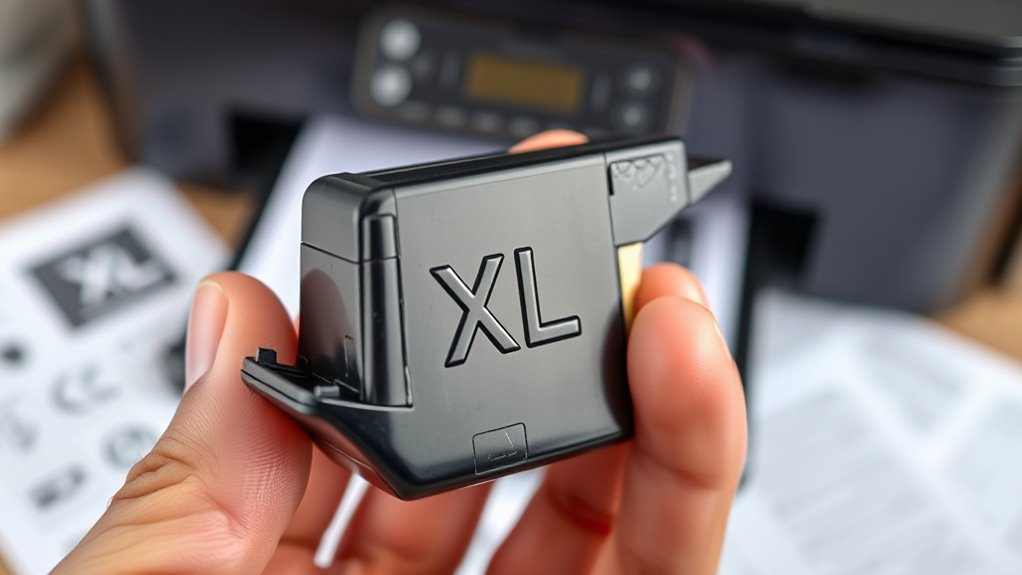
When you see XL on a printer ink cartridge, it means the cartridge holds extra ink compared to a standard one. This lets you print more pages before needing a replacement, which often saves you money over time and reduces interruptions.
The cartridge usually fits your printer just like a regular one but offers better value if you print frequently. If you want to understand how this affects costs, compatibility, and usage, there’s more to explore.
So, if you’re someone who prints a lot, choosing an XL cartridge can really make a difference in how often you have to swap ink and how much you spend in the long run.
Key Takeaways
- XL on printer ink cartridges means “extra-large” ink capacity for higher page yield than standard cartridges.
- XL cartridges contain significantly more ink, reducing the frequency of replacements for high-volume printing.
- Using XL cartridges lowers the cost per page, making them more economical over time.
- XL cartridges maintain print quality while supporting longer print runs in compatible printers.
- Not all printers support XL cartridges, so verifying compatibility before purchase is essential.
- It’s always a good idea to double-check if your printer can handle XL cartridges to avoid any issues.
Definition of XL on Printer Ink Cartridges
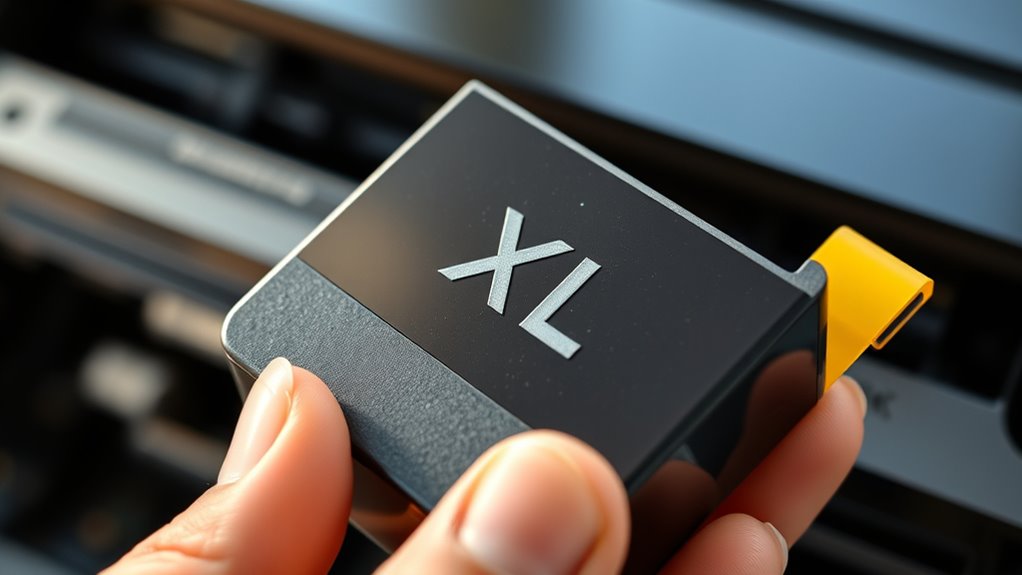
What does XL mean on printer ink cartridges? When you see “XL” on a cartridge, it simply indicates an “extra-large” ink capacity compared to standard cartridges.
This means the cartridge holds more ink, allowing you to print a higher volume of pages before needing a replacement. You don’t have to worry about confusing XL with anything else—it’s just a straightforward label showing you’ll get more ink.
It’s important to note that XL cartridges are designed to fit the same printers as their standard counterparts; the XL label doesn’t refer to size or compatibility but to the amount of ink inside.
How XL Cartridges Differ From Standard Cartridges
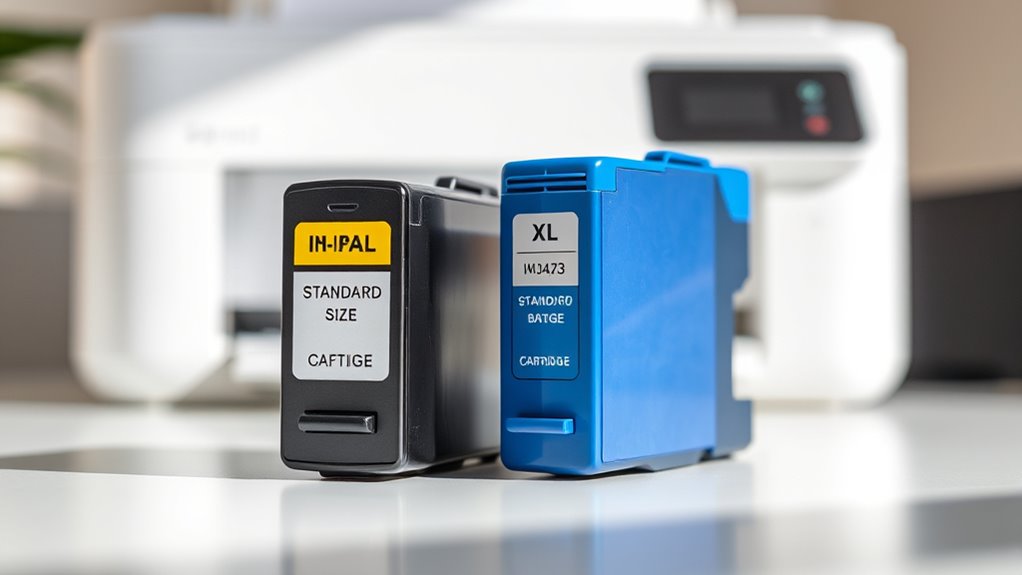
Although both XL and standard cartridges fit your printer, XL cartridges contain substantially more ink. This lets you print many more pages before needing a replacement.
XL cartridges hold much more ink, allowing you to print significantly more pages before replacing them.
When you choose XL cartridges, you’ll notice some key differences compared to standard ones:
- Ink volume: XL cartridges hold considerably more ink, extending your print runs.
- Cost per page: They usually offer a lower cost per printed page.
- Size: XL cartridges can be larger in physical size but remain compatible.
- Usage frequency: You replace XL cartridges less often, reducing interruptions.
These distinctions make XL cartridges a practical option if you print frequently or want to minimize how often you swap cartridges.
Understanding these differences helps you pick the right cartridge for your printing needs without confusion.
Benefits of Using XL Ink Cartridges
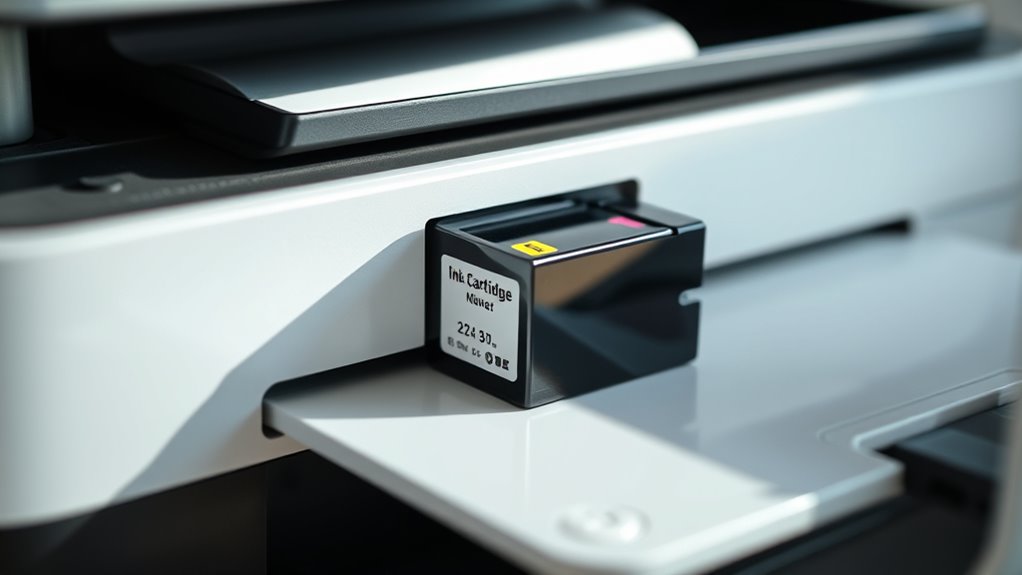
You’ll get more prints per cartridge with XL ink, which means fewer replacements and better cost efficiency.
Using XL cartridges also helps reduce waste, making your printing habits more environmentally friendly.
Let’s explore how these benefits add up in your daily printing needs.
Longer Print Yield
Since XL ink cartridges contain more ink than standard ones, they let you print many more pages before needing a replacement. This means less frequent cartridge changes and more uninterrupted printing time.
When you choose XL cartridges, you’ll notice fewer trips to buy replacements and reduced downtime from cartridge swaps. Plus, you get consistent print quality over a longer period.
There’s also less hassle managing ink levels. This extended print yield is perfect if you print often or in large volumes.
You won’t have to worry about running out of ink mid-project, making your workflow smoother and more efficient. Ultimately, using XL cartridges lets you focus on getting your printing done without interruptions.
Cost Efficiency Advantage
When you switch to XL ink cartridges, you save money over time by reducing how often you buy replacements. XL cartridges contain more ink, so you get a higher page yield per cartridge, which lowers your cost per page.
Instead of frequently buying standard cartridges, you invest less frequently, which helps spread out your expenses. This convenience means fewer interruptions, saving you both time and money.
Plus, many XL cartridges offer better value in bulk or bundled deals, maximizing your savings further. If you print regularly or in large volumes, XL cartridges make your printing budget stretch further without compromising quality.
Choosing XL cartridges is a smart way to manage your printing costs efficiently and avoid constant cartridge purchases. It just makes sense when you think about it!
Environmental Impact Reduction
Beyond saving money, using XL ink cartridges can considerably reduce your environmental footprint. When you choose XL cartridges, you’re cutting down on waste and conserving resources.
Here’s how they help:
- Use fewer cartridges overall, which means less plastic and packaging waste.
- Reduce the frequency of cartridge shipments, lowering carbon emissions from transportation.
- Decrease the amount of ink wasted by maximizing cartridge capacity.
- Encourage less frequent disposal, making recycling efforts more effective.
Pretty neat, right? It’s a simple switch that benefits both your wallet and the planet!
Cost Comparison Between XL and Regular Ink Cartridges
Although XL ink cartridges often cost more upfront than regular ones, you’ll usually save money over time because they contain more ink and require fewer replacements.
When you compare the price per page, XL cartridges tend to be more economical. Even though the initial expense is higher, you print more pages before needing a new cartridge. This means fewer trips to buy replacements and less downtime.
Regular cartridges might seem cheaper at first, but if you print frequently, their costs add up quickly. By choosing XL cartridges, you get more value for your money and reduce the hassle of constantly changing ink.
Ultimately, if you want to cut costs in the long run, leaning toward XL cartridges is a smart move. It just makes sense!
When to Choose XL Cartridges for Your Printer
You should choose XL cartridges if you print frequently and want to save money over time. They offer better cost efficiency by lasting longer than regular cartridges.
If your printing volume is high, XL cartridges are the smarter choice to avoid constantly replacing ink. It just makes life easier and keeps your printer running longer without interruptions.
Cost Efficiency Benefits
Choosing XL ink cartridges can save you a substantial amount over time, especially if you print frequently. XL cartridges contain more ink than standard ones, which means fewer replacements and less hassle.
You get more pages per cartridge, lowering your cost per page considerably. Plus, buying in bulk often reduces the price compared to buying multiple standard cartridges.
Here’s why XL cartridges are cost-efficient:
- Reduce the frequency of cartridge purchases
- Lower cost per printed page
- Minimize printer downtime from changing cartridges
- Benefit from occasional bulk discounts
Printing Volume Needs
How often do you print large volumes of documents or photos? If you find yourself regularly printing dozens or even hundreds of pages, XL cartridges are a smart choice. They hold more ink than standard cartridges, meaning you can print more without frequently replacing them.
This convenience guarantees you time and keeps your workflow smooth. On the other hand, if your printing needs are occasional or light, standard cartridges might suffice. But when deadlines loom and output is high, XL cartridges ensure you don’t run out of ink mid-project.
Choosing XL also reduces interruptions, letting you focus on your tasks instead of constantly monitoring ink levels. So, match your cartridge size to how much you print to get the best performance and value.
Potential Drawbacks of XL Ink Cartridges
Although XL ink cartridges offer more ink and longer usage, they can sometimes lead to higher upfront costs that might not fit every budget. Before choosing XL cartridges, consider some potential drawbacks you might face:
- Initial Expense: XL cartridges cost more upfront, which might be a challenge if you print infrequently.
- Ink Drying Out: If you don’t print often, the extra ink may dry up before you use it all.
- Compatibility Issues: Not all printers support XL cartridges, so make sure yours does.
- Waste Concerns: If you replace cartridges before they’re empty due to drying or expiration, you might end up wasting ink.
Weigh these factors against your printing habits to decide if XL cartridges truly make sense for you.
It’s all about matching what works best with how you print.
Frequently Asked Questions
Are XL Cartridges Compatible With All Printer Models?
No, XL cartridges aren’t compatible with all printer models. You need to check your printer’s specifications or manual to guarantee compatibility.
Using the wrong cartridge can cause printing issues or damage your printer, so always verify first. It’s better to be safe than sorry!
How Do I Recycle XL Ink Cartridges Properly?
Don’t beat around the bush—return your XL cartridges to manufacturers’ recycling programs or local e-waste centers.
Many stores offer drop-off points, so you’ll be killing two birds with one stone by recycling responsibly and reducing waste.
Can I Refill an XL Ink Cartridge Myself?
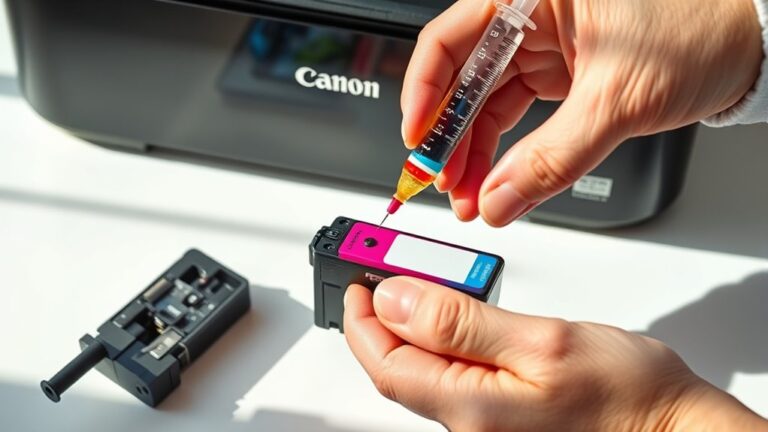
Yes, you can refill an XL ink cartridge yourself, but you’ll need the right tools and ink.
Just be careful to avoid spills and guarantee proper refilling to keep your printer working smoothly.
Do XL Cartridges Affect Print Quality or Color Accuracy?
You won’t notice any dramatic changes in print quality or color accuracy with XL cartridges; they’re designed to deliver consistent, reliable results just like standard ones.
The main difference is they just last longer before you need a refill. So, you get the same great prints, but with a bit more staying power.
How Do I Install an XL Ink Cartridge in My Printer?
You simply open your printer’s cartridge access door, remove the old cartridge, and slide in the XL cartridge until it clicks.
Close the door, and your printer will recognize it, ready for high-volume printing. Easy, right? Just like swapping out any regular cartridge, but with more ink to keep you going longer!
Conclusion
Choosing XL ink cartridges can save you money and time, especially if you print often. They hold more ink than standard cartridges, meaning fewer replacements and less hassle.
Remember, “a penny saved is a penny earned”—investing in XL cartridges can stretch your budget further. However, if you print infrequently, standard cartridges might be a better fit.
Weigh the pros and cons based on your needs to get the best value from your printer. When deciding what does XL mean on printer ink cartridges, keep in mind that XL stands for extra-large capacity. This means more pages printed per cartridge and less frequent changes, which is great for heavy users. So, if you want to maximize efficiency and reduce the cost per page, XL ink cartridges are definitely worth considering.