
Do Ink Cartridges Go Bad and How Can You Tell?
Yes, ink cartridges do go bad over time. This happens because the ink can dry out, clog up, or get exposed to air. When cartridges start to fail, you might notice faded prints, streaks, or patchy colors in your documents.
Sometimes, your printer might even show error messages or warnings, even if you just replaced the cartridge. Factors like temperature, how you store the cartridges, and how often you print all play a role in how long your ink cartridges last.
Taking good care of your cartridges can definitely help extend their life. But knowing when and how to replace them is just as important.
Keep reading to learn more about how to spot bad cartridges and keep your prints looking great!
Key Takeaways
- Ink cartridges do go bad because the ink can dry out, clog, or oxidize. Plus, the internal components can degrade over time.
- You’ll notice print quality getting worse with faded colors, streaks, or patchy prints. Those are clear signs your cartridges might be expired or just bad.
- Sometimes, even after you replace the cartridge, you might see error messages or low ink warnings. That usually means there’s a problem with the cartridge itself.
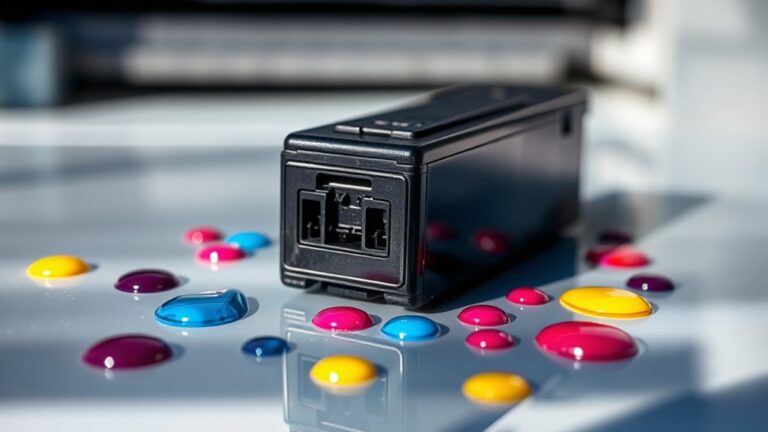
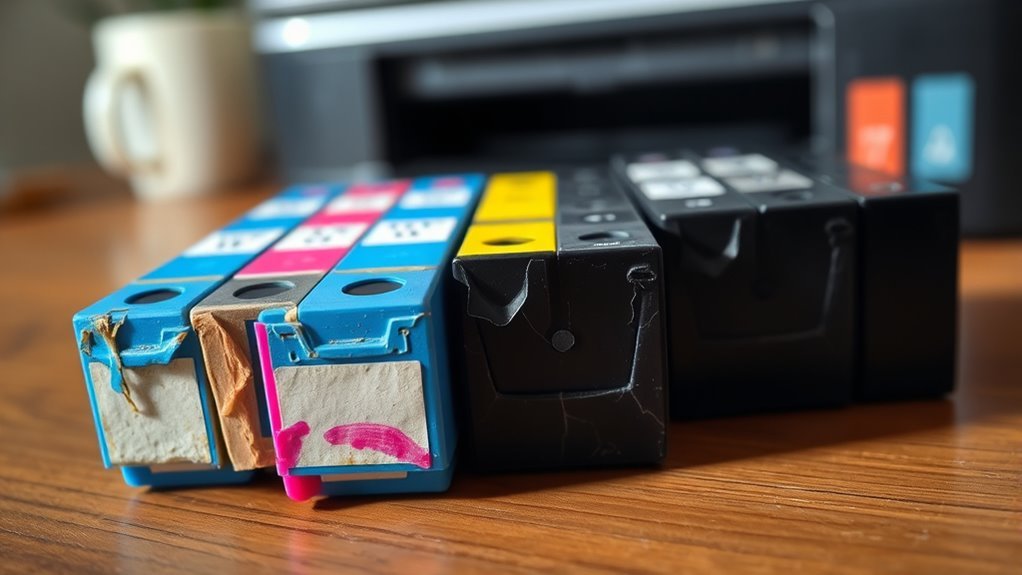
- Physical signs to watch for include dried clogs, ink leaks, or visible residue and clumps on or inside the cartridge.
- To keep your cartridges lasting longer, store them properly and print regularly. This helps prevent them from deteriorating too quickly.
How Ink Cartridges Deteriorate Over Time

Although ink cartridges are designed to last, they naturally deteriorate over time due to factors like ink drying out, clogging, and exposure to air.
When you don’t use your printer regularly, the ink inside can dry up, leading to clogged nozzles that affect print quality. Air exposure causes the ink to oxidize, changing its chemical composition and making it less effective.
Temperature fluctuations can also alter the ink’s consistency, causing it to thicken or separate. Additionally, the cartridge’s internal components, like seals and sponges, degrade, which can result in leaks or poor ink flow.
Common Signs of Expired or Bad Ink Cartridges

As ink cartridges deteriorate, they exhibit clear signs that signal when it’s time for replacement. You’ll notice these indicators while printing or handling your printer.
First, print quality drops noticeably—colors fade or lines appear streaky and patchy. Second, your printer might display error messages or warnings about low or empty ink, even if you recently replaced the cartridge.
Watch for fading colors and streaks, or unexpected low ink alerts even after cartridge replacement.
Third, physical changes like dried or clogged nozzles and leakage around the cartridge can occur, affecting performance and cleanliness. Watch for these common signs:
- Faded or inconsistent print colors and streaks
- Printer alerts about ink status despite new cartridges
- Visible ink clumps, dried residue, or leaks on the cartridge
Recognizing these signs early helps you avoid frustration and keeps your prints sharp. It’s really worth keeping an eye out!
Factors That Affect Ink Cartridge Lifespan

When you want your ink cartridges to last longer, understanding the factors that affect their lifespan is key. Temperature plays a big role—extreme heat or cold can cause the ink to dry out or separate.
Exposure to air speeds up drying, so cartridges that aren’t used often may clog or lose quality. The type of ink matters too; pigment-based inks generally last longer than dye-based ones.
How frequently you print also affects cartridge life; regular use prevents ink from drying inside the nozzles. Additionally, the quality of the printer itself and the cartridge’s manufacturing date can influence how long it remains usable.
How to Properly Store Ink Cartridges
Keeping your ink cartridges in good condition goes beyond just understanding what affects their lifespan. Proper storage plays a key role in maintaining ink quality and preventing premature drying or clogging.
You should store cartridges in a cool, dry place away from direct sunlight to avoid heat damage. Keep them sealed in their original packaging or airtight containers to prevent exposure to air and dust. Always store cartridges upright to keep the ink settled properly inside.
Here’s how you can properly store your ink cartridges:
- Place cartridges in a temperature-controlled environment, ideally between 15-25°C (59-77°F).
- Avoid storing cartridges near windows, heaters, or humid areas.
- Keep cartridges in their sealed, original packaging until you’re ready to use them.
Following these tips helps preserve your cartridges and ensures consistent print quality. So, give your cartridges a good home and they’ll work better for longer!
Tips for Extending the Life of Your Ink Cartridges
Although ink cartridges come with a limited lifespan, you can take simple steps to extend their usability and get the most value from each one. First, print regularly to prevent the ink from drying out and clogging the nozzles.
Even small print jobs help keep the ink flowing smoothly. Next, use your printer’s cleaning function sparingly; excessive cleaning wastes ink and shortens cartridge life.
Avoid exposing cartridges to extreme temperatures or direct sunlight, as heat can degrade the ink. Also, always turn off your printer properly to allow it to seal the cartridges and prevent drying.
Finally, store any unused cartridges in airtight containers with a desiccant to maintain ideal moisture levels. These tips help you maximize your cartridges’ lifespan efficiently.
When and How to Replace Ink Cartridges
If your prints start looking faded, streaky, or blotchy, it’s a clear sign you need to substitute your ink cartridges. Don’t wait too long, as running dry cartridges can damage your printer.
Check your printer’s display or software for low ink warnings and run a test print to confirm print quality issues.
Here’s when and how to replace your cartridges:
- Remove the old cartridge carefully to avoid ink spills.
- Unpack the new cartridge and gently shake it to mix the ink evenly.
- Insert the new cartridge firmly until it clicks into place.
After installation, run a printer head cleaning cycle to ensure smooth ink flow and crisp prints. Regularly replacing cartridges keeps your printer performing at its best.
Frequently Asked Questions
Can Expired Ink Cartridges Damage My Printer?
Yes, expired ink cartridges can clog your printer’s nozzles and cause poor print quality. You should avoid using old cartridges to prevent damage and keep your printer running smoothly.
It’s a good idea to replace them regularly for the best results. That way, you can make sure your printer stays in good shape and your prints come out looking great.
Are Third-Party Ink Cartridges More Prone to Going Bad?
About 30% of users report issues with third-party ink cartridges. Yes, they’re more prone to going bad since they often lack the quality control of originals.
Does Printer Usage Frequency Affect Ink Cartridge Expiration?
Yes, if you don’t use your printer often, the ink can dry out or clog the cartridge. Regular printing keeps the ink flowing and helps prevent expiration.
Can Ink Cartridges Be Refilled After They Go Bad?
Sure, you can try refilling ink cartridges after they go bad—because who doesn’t love playing Russian roulette with smudgy prints and clogged nozzles?
But honestly, it’s often messier and less reliable than buying new ones.
How Do Environmental Factors Like Humidity Impact Ink Quality?
Humidity can cause ink to dry out or clog your cartridge, messing up print quality.
You’ll want to store cartridges in a cool, dry place to keep the ink fresh.
That way, you can avoid smudges or streaks on your prints.
Conclusion
Think of your ink cartridges like a delicate garden—over time, without care, they wither and lose their vibrancy. When colors fade or prints blur, it’s a sign your garden needs tending or replacing.
By storing cartridges properly and using them regularly, you keep your garden blooming bright. Remember, timely replacement guarantees your prints stay sharp, just like nurturing flowers keeps a garden alive and flourishing.
Don’t let your colors fade away. Ink cartridges can go bad if left unused or improperly stored, leading to clogged nozzles and dull prints. To tell if your ink cartridges have gone bad, watch for faded colors, streaky prints, or error messages on your printer.
Proper storage and regular use help extend the life of your ink cartridges, ensuring vibrant colors and sharp images every time you print. So, to keep your prints looking fresh and clear, replace your ink cartridges when needed and give them the care they deserve!