
What Do Inks Do When They Expire?
When your ink expires, its chemical makeup starts to break down. Solvents evaporate, pigments clump together, and the ink thickens or separates. This can lead to dull colors, streaks, and poor detail in your prints, which hurts both quality and accuracy.
Expired ink can also clog your printer nozzles, causing more maintenance headaches. Over time, this buildup might even damage your printer hardware.
Want to avoid these issues? We’ll share tips on how to spot expired ink, plus the best ways to store and dispose of it properly. That way, your printing stays smooth and vibrant without any unexpected surprises.
Key Takeaways
– Expired inks thicken, separate, or develop clumps, disrupting proper flow and consistency.
This means your printer might struggle to get the ink moving smoothly, which can mess up your prints.
– Chemical changes cause colors to fade, dull, or print inconsistently with streaks and smudges.
You might notice your images looking less vibrant or having weird streaks where the ink didn’t apply right.
– Ink drying or thickening can clog printer nozzles, increasing maintenance and damaging print heads.
When that happens, you’ll probably spend more time cleaning your printer or even face costly repairs.
– Prints from expired ink show poor detail, uneven coverage, and inaccurate color matching.
So, your photos and documents won’t look their best, and colors might be way off.
– Using expired ink risks printer errors, jams, and potential hardware damage requiring costly repairs.
In the end, it’s just not worth it—better to replace old ink before it causes trouble.
The Chemical Changes in Expired Inks

Although expired inks may look normal, their chemical composition changes markedly over time. When you use ink past its prime, you’re dealing with altered molecules that no longer behave as intended.
The solvents in the ink begin to evaporate or break down, causing the mixture to thicken or separate. Pigments and dyes can clump or settle, leading to uneven dispersion.
Chemical reactions within the ink may produce new compounds that affect stability. You might notice the ink drying out or becoming sticky because these changes disrupt the balance of ingredients.
These transformations reduce the ink’s reliability, affecting how it flows through your printer’s nozzles. Understanding these chemical shifts helps you realize why using fresh ink matters for consistent performance and avoids potential damage to your equipment.
Impact on Print Quality and Color Accuracy
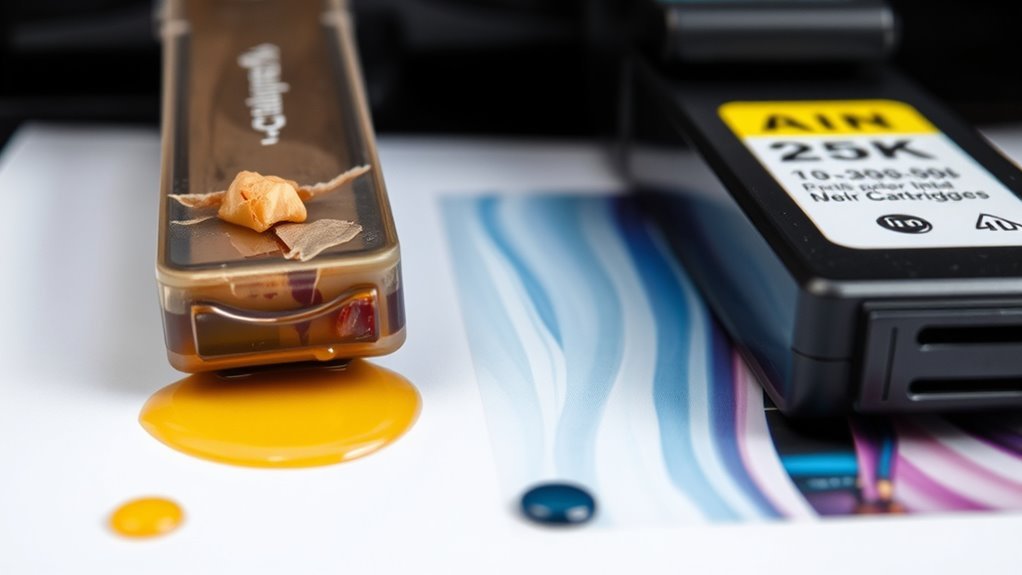
When you use expired ink, you’ll notice its impact on print quality and color accuracy almost immediately. Colors may appear dull, washed out, or inconsistent, making images and text look less vibrant than expected.
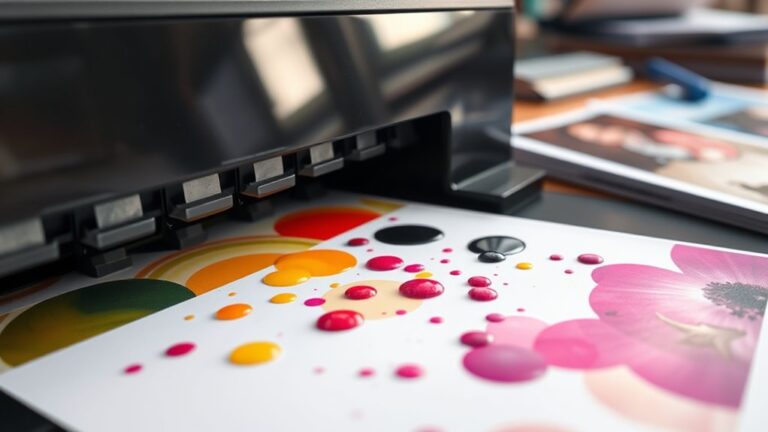
Fine details might blur or fade, especially on high-resolution prints. You might also see streaks, smudges, or uneven coverage as the ink’s altered chemical properties prevent it from flowing smoothly.
This deterioration can ruin professional documents, photos, or creative projects that rely on precise color matching. Since expired ink can’t produce consistent results, your prints won’t reflect the true design or intended hues.
To maintain crisp, accurate prints, it’s best to replace ink cartridges once they’ve passed their expiration date. It really makes a difference in keeping your prints looking their best.
Effects on Printer Hardware and Maintenance
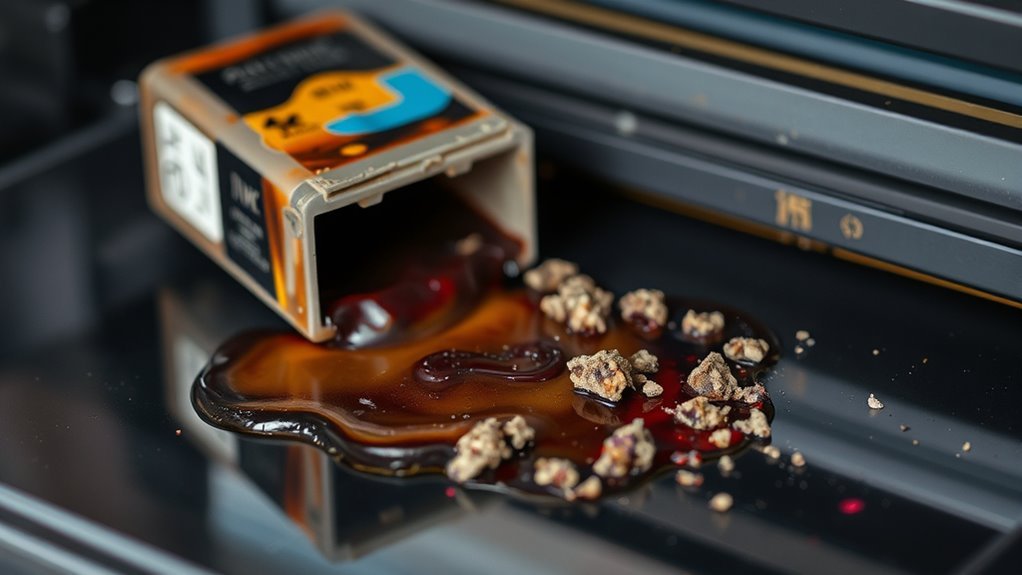
Beyond affecting print quality and color accuracy, expired ink can also take a toll on your printer’s hardware and maintenance. When ink expires, its chemical composition changes, causing it to thicken or dry out. This can clog your printer’s nozzles, leading to frequent jams and requiring more cleaning cycles.
You’ll likely notice streaks or incomplete prints because the ink won’t flow smoothly. Over time, persistent clogs may damage the print head, forcing costly repairs or replacements.
Additionally, expired ink can leave residue inside the cartridge area, attracting dust and debris that worsen mechanical issues. To keep your printer running smoothly, it’s best not to use inks past their expiration date. Plus, performing regular maintenance checks can help avoid hardware problems caused by degraded ink.
How to Identify Expired Inks
Since expired inks can cause significant issues with your printer, knowing how to identify them early is crucial. First, check the expiration date printed on the cartridge or bottle; if it’s past, the ink is likely expired.
Next, inspect the ink’s appearance—expired ink may look thicker, clumpy, or separated instead of smooth and uniform. If your prints suddenly show streaks, faded colors, or blotches, this could signal expired ink.
You might also notice unusual odors or a change in the ink’s consistency when you shake the cartridge. Finally, if your printer frequently jams or gives error messages related to ink, expired ink could be the culprit.
Recognizing these signs helps you avoid costly printer damage and ensures quality prints. So, keep an eye out and don’t hesitate to replace that ink when needed!
Best Practices for Storing Ink to Extend Shelf Life
To keep your ink fresh longer, store it at the ideal temperature—usually cool but not freezing. Always seal containers tightly to prevent air from drying out the ink.
Also, keep your ink away from direct light to avoid degradation. This way, your ink stays vibrant and ready to use whenever you need it.
Ideal Storage Temperatures
When you store ink at the right temperature, you considerably slow down its degradation and maintain its quality longer. Ideally, keep your ink between 15°C and 25°C (59°F to 77°F).
Temperatures outside this range accelerate chemical changes, causing clumping or separation. Avoid storing ink in places prone to extreme heat or cold, like near windows, radiators, or in a freezing garage.
Consistent, moderate temperatures are key; fluctuations can stress the ink’s components and reduce shelf life. If you live in a hot climate, consider a cool, shaded cabinet or a climate-controlled room.
On the flip side, don’t refrigerate ink, as condensation might harm it. By maintaining these ideal conditions, you help preserve your ink’s performance for as long as possible.
Proper Container Sealing
Maintaining the right temperature helps preserve your ink, but sealing the container properly plays an equally important role in extending its shelf life. When you tightly seal your ink containers, you prevent air from entering, which can cause the ink to dry out or thicken.
Make sure lids are screwed on securely and check for any cracks or defects in the container that might let air seep in. If you’re using ink cartridges, always close the protective caps or covers after use to minimize exposure.
Avoid leaving containers open longer than necessary during refills or printing. Proper sealing keeps the ink’s chemical balance stable, reducing the chance of clumping or color changes.
Avoiding Light Exposure
Although you might not realize it, exposing your ink to light can seriously degrade its quality over time. Light, especially sunlight and fluorescent lighting, can cause chemical changes in the ink, leading to fading, discoloration, and reduced vibrancy.
To keep your ink fresh longer, store it in a cool, dark place away from windows and direct light sources. Using opaque containers or placing ink bottles inside a drawer or cabinet can also help block harmful light.
Safe Disposal and Recycling of Old Ink Cartridges
Because ink cartridges contain chemicals and plastics that can harm the environment, you should dispose of them properly. Instead of just throwing them in the trash, think about recycling or returning them to designated collection points.
Many manufacturers and stores offer ink cartridge recycling programs. These programs help prevent pollution and reduce waste.
You can also donate partially used cartridges to organizations that refill and reuse them. It’s a great way to support reuse and save resources.
| Disposal Method | Benefits |
|---|---|
| Manufacturer Return | Free, safe handling |
| Store Drop-Off | Convenient, widely available |
| Recycling Centers | Environmentally friendly |
| Donation | Supports reuse, saves resources |
| Trash (Avoid) | Pollutes, wastes materials |
Frequently Asked Questions
Can Expired Ink Be Used for Artistic Projects?
Yes, you can use expired ink for artistic projects. It might have altered colors or textures, adding unique effects.
Just test it first, since performance varies. And avoid relying on it for precise or permanent work.
Are Certain Brands More Prone to Ink Expiration?
Like a ticking clock, some brands are indeed more prone to ink expiration. You’ll find that cheaper inks often dry out faster, while premium brands usually last longer. This is thanks to better formulations and preservatives inside.
Does Ink Expiration Affect Digital Printing Software?
Ink expiration doesn’t directly affect digital printing software, but you’ll notice print quality issues like streaks or color shifts.
Your software still functions fine, but expired ink can cause inconsistent results that software can’t fix.
Can Expired Ink Cause Allergies or Skin Irritation?
Expired ink can cause skin irritation or allergic reactions, so you shouldn’t ignore it. You might think it’s harmless, but using fresh ink reduces risks and keeps your skin safe.
Plus, fresh ink ensures better print quality every time. It’s a simple way to protect yourself and get the best results.
Is There a Way to Revive or Refresh Expired Ink?
You can sometimes revive expired ink by stirring it gently or adding a few drops of distilled water. However, results vary.
Using fresh ink is usually better to avoid clogging or poor print quality. So, it’s often worth getting new ink instead.
Conclusion
When inks expire, they can turn into a printing nightmare, causing colors to fade or smear like a watercolor in a rainstorm. You’ll notice poor print quality and potential damage to your printer if you don’t act fast.
By storing your ink properly and keeping an eye on expiration dates, you can avoid this chaos. It’s all about taking a little extra care to keep your prints looking great. Remember, treating your ink right saves you from a world of hassle—and keeps your prints looking sharp every time!
Expired ink not only affects color vibrancy but can also clog your printer nozzles, leading to costly repairs. So, to maintain the best print quality and protect your printer, always check your ink’s shelf life. Proper storage and timely replacement are key to enjoying crisp, clear prints without any headaches.