How to Remove Printer Ink From Fingers Quickly
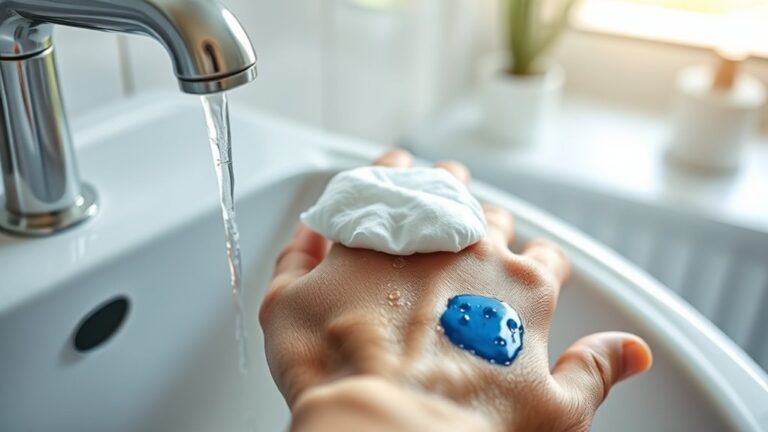
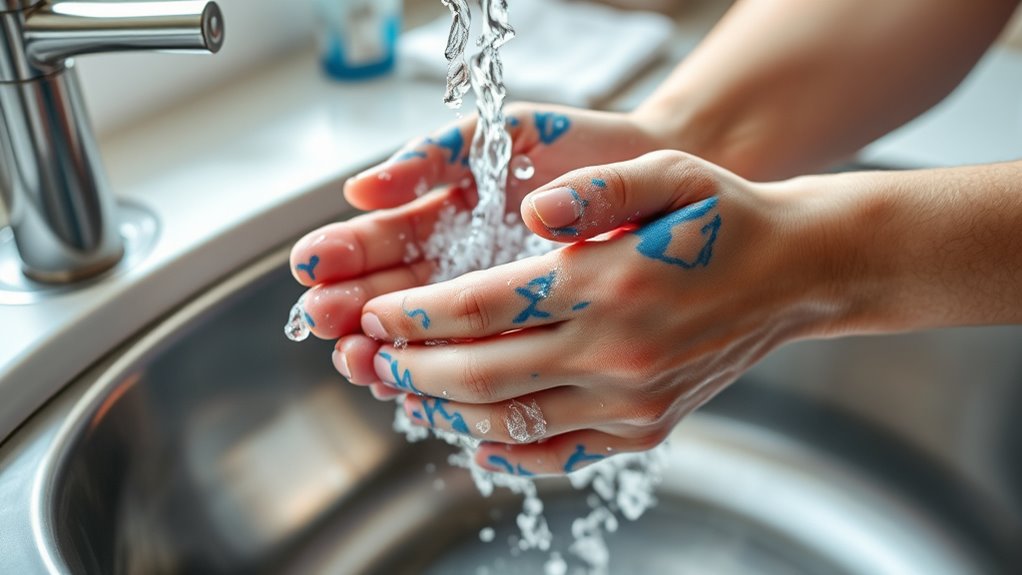
You can quickly remove printer ink from your fingers by washing them with warm water and plenty of liquid soap. Scrub gently for about 20-30 seconds to help break down the ink.
If that doesn’t fully work, try rubbing some hand sanitizer or rubbing alcohol on the stains. Afterward, rinse your hands well to get rid of the ink and any residue.
Another handy trick is using a baking soda paste or a lemon juice and salt mix. These natural scrubs can lift stubborn ink effectively.
You might also want to try a damp magic eraser sponge, but be gentle to avoid irritating your skin. Keep going to discover more effective removal tips!
Key Takeaways
- Wash fingers with warm water and grease-cutting soap, scrubbing gently for 20-30 seconds to lift printer ink.
- Apply rubbing alcohol or hand sanitizer, rub gently, then rinse to break down and remove stubborn ink stains.
- Make a baking soda paste with water, rub on ink stains for a minute, then rinse to exfoliate ink off skin.
- Use a slightly dampened magic eraser sponge to gently rub ink-stained areas, then rinse thoroughly.
- Mix lemon juice and salt, rub on ink stains gently, rinse, and moisturize afterward to soothe skin.
Use Soap and Warm Water
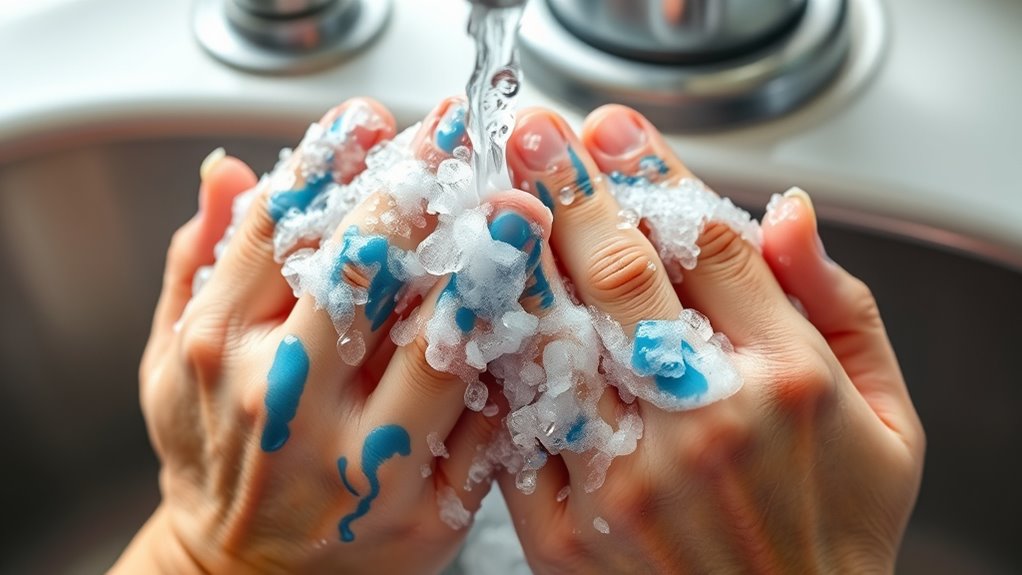
Although printer ink can be stubborn, you can effectively remove it by washing your fingers with soap and warm water. Start by running your hands under warm water to loosen the ink.
Printer ink may be stubborn, but warm water and soap can loosen and remove it effectively from your fingers.
Apply a generous amount of liquid soap, preferably a grease-cutting kind, directly onto the stained areas. Rub your fingers together, focusing on the ink spots, to break down the pigment.
Keep scrubbing gently for about 20 to 30 seconds to help lift the ink. Rinse your hands thoroughly under the warm water, checking if the ink has faded.
If needed, repeat the process once or twice more. Dry your hands with a clean towel. This method works best on fresh ink stains and is gentle on your skin, making it a reliable first step for ink removal.
Try Rubbing Alcohol or Hand Sanitizer
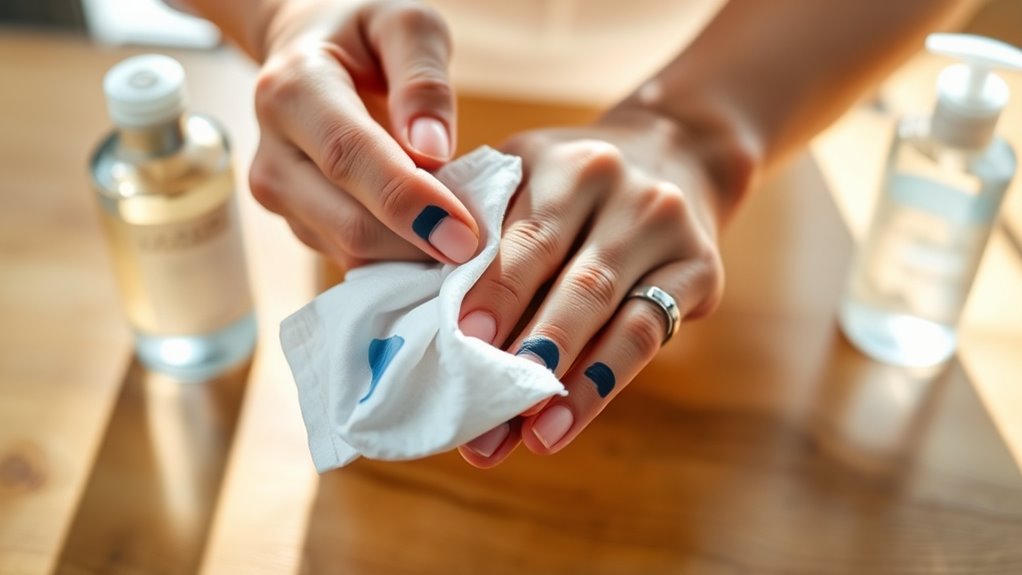
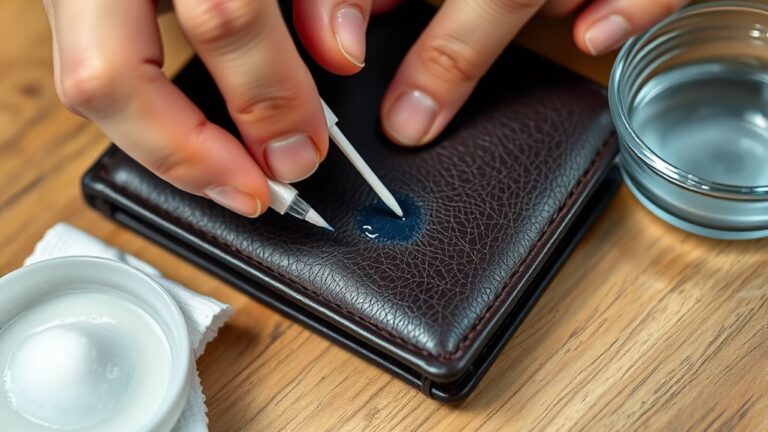
If soap and warm water don’t fully remove the ink, rubbing alcohol or hand sanitizer can help break down the stubborn stains. Apply a small amount to your fingers, then rub gently in circular motions.
The alcohol dissolves the ink’s oily components, making it easier to wash away. After a minute or two, rinse with warm water. Be sure to moisturize afterward, as these products can dry your skin.
| Step | What to Use | Effect on Ink |
|---|---|---|
| Apply | Rubbing alcohol or hand sanitizer | Breaks down ink oil |
| Rub gently | Fingers in circular motion | Loosens ink particles |
| Rinse | Warm water | Washes ink away |
This quick method often removes even the most persistent printer ink marks. Give it a try—you might be surprised how well it works!
Apply Baking Soda Paste
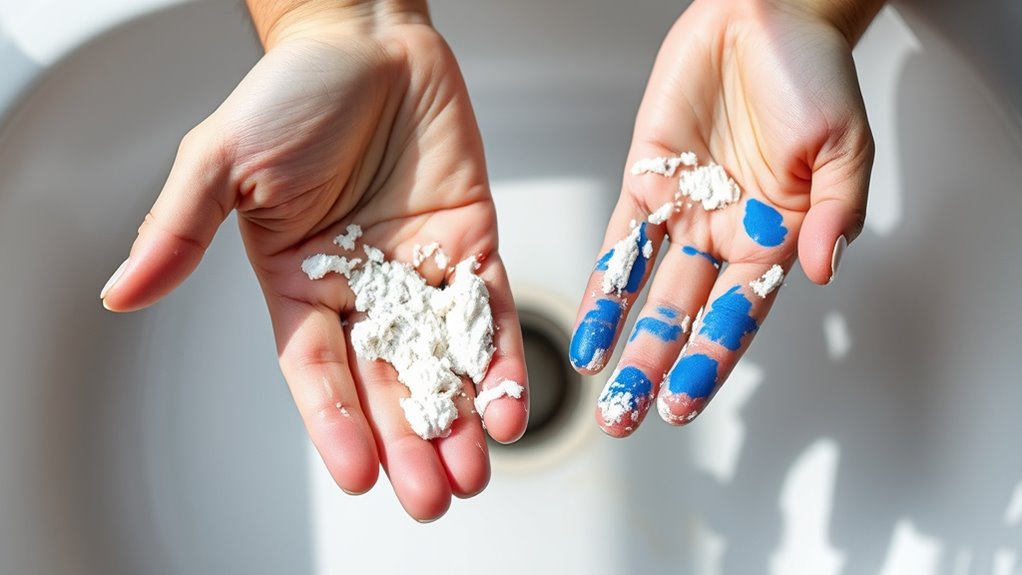
When soap, water, and alcohol don’t fully lift the ink, you can make a simple baking soda paste to tackle the stains. Mix a small amount of baking soda with water until it forms a thick paste.
Apply this paste directly onto the ink-stained areas of your fingers. Gently rub the paste in circular motions for about a minute to help break down the ink.
Baking soda acts as a mild abrasive, which helps scrub away the stubborn ink without harming your skin. After rubbing, rinse your fingers with warm water.
If some ink remains, you can repeat the process once more. This method is effective, inexpensive, and uses ingredients you probably already have at home.
Use a Magic Eraser Sponge
You can try a magic eraser sponge to lift stubborn ink stains from your fingers. It works by gently exfoliating the skin’s surface, breaking down the ink particles.
Just be sure to use it lightly to avoid irritation. It’s pretty effective if you don’t scrub too hard!
How Magic Erasers Work
Although magic erasers might seem like ordinary sponges, they use a unique microstructure to lift stubborn ink stains from your skin effectively. Made of melamine foam, their tiny, hard micro-scrubbers work like ultra-fine sandpaper, reaching into microscopic grooves on your skin.
When you gently rub the magic eraser on your ink-stained fingers, it physically breaks down and lifts the ink particles away. Unlike traditional soaps, it doesn’t rely on chemicals to dissolve ink but instead uses this abrasive action to remove stains.
This means you can see quick results without harsh scrubbing. Just dampen the sponge slightly and rub gently—you’ll notice the ink fading fast.
This innovative structure makes magic erasers a powerful tool for cleaning ink off your fingers efficiently. Give it a try, and you’ll see how handy they can be!
Safe Usage Tips
Magic erasers work by gently abrading the skin to remove ink, but this abrasive action means you should handle them carefully. Don’t scrub too hard, or you might irritate or damage your skin.
Wet the magic eraser slightly before use to soften its texture and reduce abrasiveness. Use small, gentle strokes on the ink-stained areas, and avoid prolonged rubbing.
After removing the ink, rinse your fingers thoroughly with water and apply a moisturizer to soothe any dryness. Avoid using magic erasers on broken or sensitive skin to prevent discomfort.
If you notice redness or irritation, stop immediately and wash your hands. Following these tips helps you safely remove printer ink without harming your skin or causing unnecessary irritation.
Lemon Juice and Salt Method
When ink stains settle deep into your skin, lemon juice and salt offer a natural and effective solution. This method uses the acidity of lemon and the abrasiveness of salt to break down ink particles.
Start by squeezing fresh lemon juice into a small bowl. Then, add a teaspoon of salt and mix it until it forms a slightly gritty paste.
Rub the paste gently on your ink-stained fingers for about one minute. After that, rinse with warm water and repeat if necessary.
This combo helps lift the ink without harsh chemicals. Just be careful not to scrub too hard, as salt can irritate sensitive skin.
If you notice any discomfort, stop immediately and wash your hands thoroughly. Better safe than sorry!
Moisturize After Cleaning
Since cleaning your fingers can dry out your skin, you should moisturize right afterward to keep them soft and healthy. After you’ve removed the printer ink, apply a generous amount of hand cream or lotion to your fingers.
Moisturize immediately after removing ink to keep your fingers soft and prevent dryness.
Choose a moisturizer with nourishing ingredients like shea butter, glycerin, or aloe vera to restore hydration. Gently massage it into your skin until fully absorbed. This helps prevent dryness, cracking, and irritation caused by ink removers or scrubbing.
If your skin feels particularly rough, consider using an ointment or thicker cream overnight for extra repair. Remember, moisturizing not only soothes your skin but also creates a protective barrier, making it easier to remove ink next time without damage.
Don’t skip this step for healthy hands!
Frequently Asked Questions
Is Printer Ink Toxic if Absorbed Through the Skin?
Printer ink isn’t highly toxic if absorbed through your skin, but it can cause irritation or allergic reactions. You shouldn’t ingest it or let it stay on your skin too long.
Wash it off promptly to stay safe. It’s always better to be cautious, right? Just rinse your skin with soap and water whenever you get ink on you.
Can Printer Ink Cause Allergic Skin Reactions?
You might experience a mild skin surprise from printer ink since some people develop allergic reactions.
If your skin gets itchy or red, wash the area promptly and consider consulting a healthcare professional to avoid further irritation.
How Long Does Printer Ink Stay on Skin Without Washing?
Printer ink can stay on your skin for several hours to days if you don’t wash it. The exact time varies with ink type and skin oils, so it’s best to clean it off promptly to avoid stains.
You never know how long it might hang around, so don’t wait too long to wipe it off. Just grab some soap and water and you’re good to go!
Are There Any Health Risks From Inhaling Printer Ink Fumes?
You won’t instantly turn into a superhero or villain from inhaling printer ink fumes, but yes, they can irritate your lungs and eyes.
Can Printer Ink Stain Nails Permanently?
Printer ink usually won’t stain your nails permanently, but it can leave stubborn marks.
You can quickly remove these stains using nail polish remover or rubbing alcohol.
Act fast to prevent deep staining on your nails.
Conclusion
Don’t let stubborn printer ink stain your day—act fast and choose the method that suits you best. Whether you reach for soap and warm water, rubbing alcohol, or even a magic eraser, each trick wipes away the mess and brings back your clean fingers.
Remember, a little patience and the right remedy turn ink chaos into clear skin. So, why wait? Your fresh, ink-free hands are just a quick clean away!
Removing printer ink from fingers quickly is easier than you think. With simple household items and a bit of effort, you can say goodbye to those pesky stains in no time. Just pick the method that works best for you, and enjoy clean, ink-free skin again!