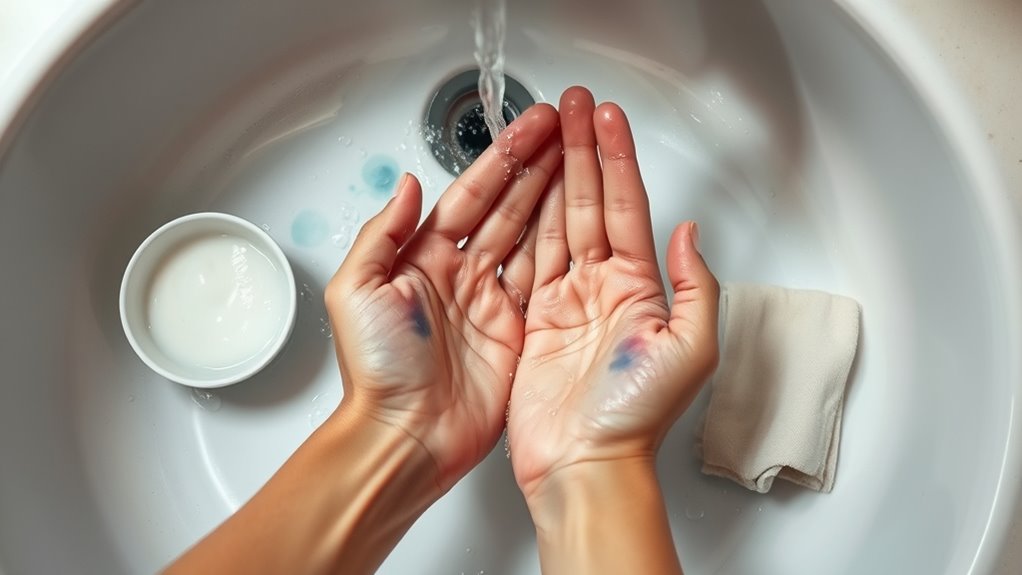
How to Remove Printer Ink From Skin Quickly and Safely
If you get printer ink on your skin, it’s best to act quickly to remove it safely. Rinse the area under warm water and use mild soap to gently scrub without harsh rubbing. This method helps lift the ink without irritating your skin.
Sometimes, printer ink can be stubborn. For those tough stains, try applying rubbing alcohol or hand sanitizer on a cloth and softly rub the spot. Afterward, rinse your skin well and moisturize to prevent dryness.
Another handy trick is to make a paste using baking soda and toothpaste. Gently rub this mixture on the stained area for a deeper clean.
Remember, taking simple precautions during printing can help avoid these annoying stains altogether.
And if you notice any unusual reactions or persistent irritation, it’s important to seek medical advice. There’s more helpful info ahead to guide you through safely handling printer ink on your skin.
Key Takeaways
- Rinse the ink-stained skin immediately with warm water and mild soap. Gently rub in circular motions to prevent the ink from setting.
- Use rubbing alcohol or hand sanitizer on a cotton ball to gently remove the ink. After that, rinse and moisturize to avoid dryness.
- Apply a paste made of equal parts baking soda and non-gel toothpaste to the stain. Rub gently, let it sit briefly, then rinse thoroughly.
- When handling ink cartridges, wear protective gloves. This helps avoid direct skin contact and minimizes spills during printing tasks.
- If you notice swelling, difficulty breathing, or persistent irritation after ink exposure, seek immediate medical care. Don’t wait to get help if things feel serious.
Understanding Printer Ink and Its Stain Properties
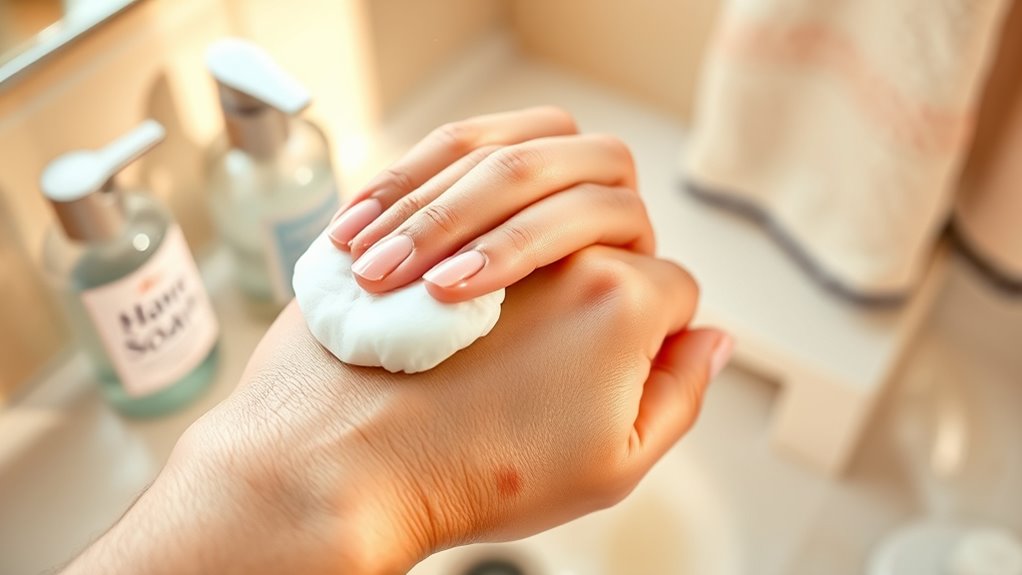
Although printer ink seems harmless, it contains pigments and oils that quickly stick to your skin and cause stubborn stains. When ink touches your skin, those pigments embed themselves in the top layers, while the oils create a barrier that makes the stain resistant to simple washing.
You’ll notice that the longer the ink stays on, the deeper it sets, making removal trickier. Ink formulas vary—some use water-based pigments, while others rely on oil-based dyes, which affect how easily you can clean them off. Understanding this helps you choose the right removal method.
Since printer ink is designed to dry fast and resist smudging on paper, it’s no surprise that it clings stubbornly to your skin too. Acting quickly is key to stopping the stain from settling in. So, if you get ink on your hands, try to clean it off as soon as possible!
Using Soap and Warm Water for Initial Ink Removal
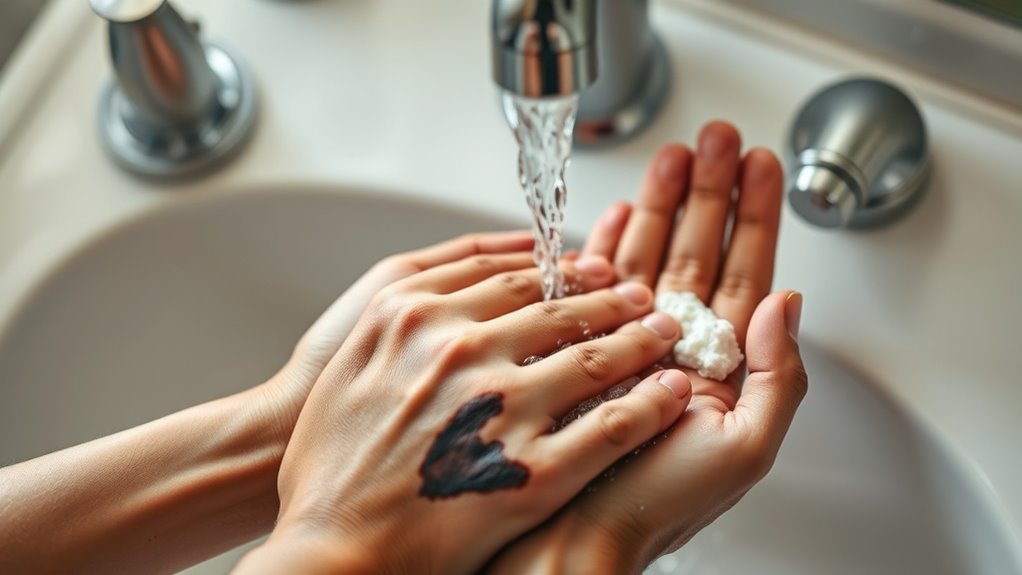
When ink lands on your skin, acting quickly can make removal much easier. Start by rinsing the stained area under warm running water to loosen the ink.
Next, apply a generous amount of mild soap to your hands and gently rub the ink-stained skin in circular motions. Warm water helps break down the ink’s oils, while soap lifts the pigment from your skin.
Continue this process for about a minute, then rinse thoroughly. If some ink remains, just repeat the washing step as needed.
Try to avoid scrubbing too harshly to prevent skin irritation. This simple combination of soap and warm water is your first and safest line of defense to reduce printer ink stains before trying stronger cleaning methods.
Applying Rubbing Alcohol or Hand Sanitizer Safely
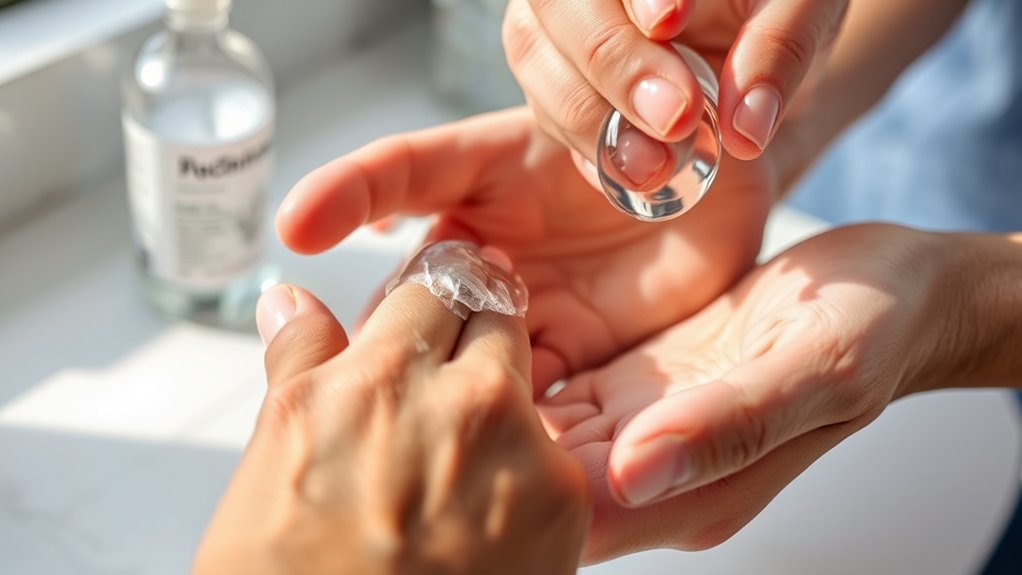
If soap and water don’t fully remove the ink, you can turn to rubbing alcohol or hand sanitizer for a deeper clean. Apply a small amount to a cotton ball or cloth, then gently rub the stained area.
Just be careful not to scrub too hard, as this can irritate your skin. After that, rinse thoroughly and don’t forget to moisturize your skin to keep it hydrated.
| Step | Action | Caution |
|---|---|---|
| 1 | Apply rubbing alcohol/sanitizer | Use a small amount |
| 2 | Gently rub ink-stained skin | Avoid scrubbing hard |
| 3 | Let it sit for a minute | Don’t leave too long |
| 4 | Rinse with warm water | Remove all residue |
| 5 | Moisturize skin | Prevent dryness or cracking |
Utilizing Household Items Like Baking Soda and Toothpaste
You can use common household items like baking soda and toothpaste to remove printer ink from your skin effectively.
Try making a baking soda paste or apply a small amount of toothpaste to gently scrub the stain. Just be sure to combine them carefully to avoid irritation.
Baking Soda Paste Method
Although printer ink can be stubborn, a baking soda paste made with common household items like baking soda and toothpaste can effectively lift the stains from your skin. To start, mix equal parts baking soda and toothpaste in a small bowl until you get a thick paste.
Apply the paste directly to the ink-stained area and gently rub it in circular motions with your fingers. The mild abrasiveness of baking soda helps break down the ink, while toothpaste aids in loosening the stain.
Let the paste sit for 1-2 minutes but don’t let it dry completely. Then, rinse thoroughly with warm water and pat dry.
If needed, repeat the process but be gentle to avoid irritating your skin. This method is quick, safe, and super convenient since you probably already have these items at home.
Toothpaste Cleaning Technique
Since toothpaste contains mild abrasives and cleaning agents, it works well to remove printer ink from your skin without harsh chemicals.
Start by applying a small amount of non-gel toothpaste directly onto the ink-stained area. Gently rub it in circular motions using your fingers for about a minute.
The abrasives help break down the ink, while the toothpaste’s cleaning agents lift it off the skin. After rubbing, rinse your skin thoroughly with warm water.
If ink remains, just repeat the process once more. But be sure to avoid toothpaste with whitening agents or strong flavors, as these can irritate sensitive skin.
Finish by moisturizing the area to prevent dryness. This simple technique uses common household toothpaste to quickly and safely clear printer ink from your skin.
Combining Both Safely
When tackling printer ink stains on your skin, combining baking soda and toothpaste can boost cleaning power without resorting to harsh chemicals. Start by mixing equal parts of baking soda and white toothpaste to make a gentle abrasive paste.
Apply it to the stained area and rub gently in circular motions for about a minute. This blend helps break down ink particles and lifts stains effectively. Rinse thoroughly with warm water afterward.
Avoid scrubbing too hard, as it can irritate your skin. If you have sensitive skin, test the paste on a small patch first.
This combination offers a safe, quick way to remove ink without harsh solvents, using simple household items you likely already have on hand. Repeat if necessary but give your skin time to recover.
Tips for Preventing Ink Stains on Skin During Printing Tasks
To keep ink off your skin, always wear protective gloves when handling printer cartridges. Be careful and gentle as you replace or refill cartridges to avoid spills.
Taking these simple steps can save you from stubborn ink stains later on. It’s a small effort that really pays off!
Use Protective Gloves
Although ink stains can be stubborn, you can easily avoid them by wearing protective gloves during printing tasks. Gloves act as a barrier, preventing direct contact with ink and making cleanup effortless.
Whether you choose disposable latex, nitrile, or reusable rubber gloves, each offers distinct advantages to keep your hands clean and irritation-free. Using gloves not only protects your skin but also reduces stress and frustration caused by stubborn ink stains.
| Benefit | Emotion Evoked | Result |
|---|---|---|
| Prevents stains | Relief | Clean hands |
| Protects skin | Confidence | No irritation |
| Easy cleanup | Satisfaction | Saves time and effort |
Wearing gloves transforms messy tasks into smooth, worry-free experiences.
Handle Cartridges Carefully
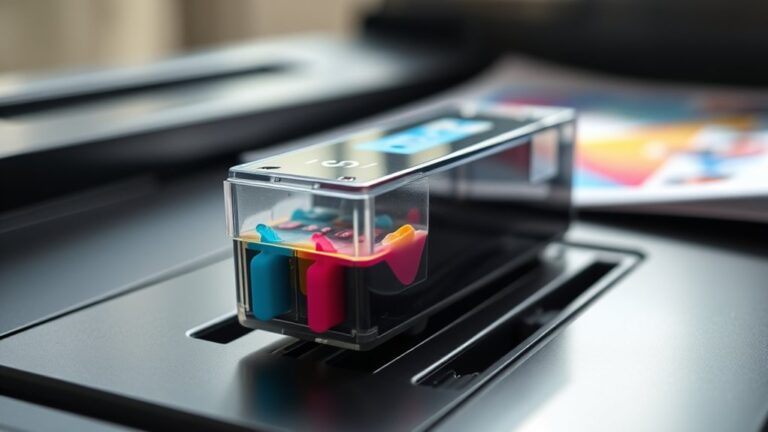
Since ink cartridges are the primary source of stains during printing, you should always handle them with care to avoid messy spills. When replacing or installing cartridges, hold them firmly but gently to prevent leaking.
Avoid squeezing or dropping them, as this can cause ink to splatter onto your skin. Keep cartridges upright and place them on a clean, protected surface when not in use.
If you notice any cracks or damage, don’t use the cartridge; a faulty one is more likely to leak. Also, try to work in a well-lit area so you can see what you’re doing clearly, reducing the chance of accidents.
When to Seek Medical Advice for Ink-Related Skin Issues
If you notice persistent redness, swelling, or pain after getting printer ink on your skin, you should seek medical advice promptly. These symptoms might indicate an allergic reaction or skin irritation that requires professional care.
Also, if the ink has entered a cut or wound, it increases the risk of infection. In that case, a medical evaluation becomes necessary.
Watch out for these signs that mean it’s time to see a doctor:
- Development of blisters or open sores
- Rapid spreading of redness or swelling
- Fever or chills accompanying skin symptoms
- Difficulty breathing or swelling of the face and throat
Don’t delay treatment if any of these occur. Early intervention can prevent complications and help ensure proper healing.
Frequently Asked Questions
Can Printer Ink Cause Allergic Reactions on Sensitive Skin?
Yes, printer ink can cause allergic reactions on sensitive skin. You might experience redness, itching, or irritation.
If you notice these symptoms, wash the area immediately. Try to avoid further contact to prevent the reaction from getting worse.
Is It Safe to Use Baby Oil to Remove Ink From Skin?
Yes, you can safely use baby oil to remove printer ink from your skin. It gently breaks down the ink without harsh chemicals.
Just apply some, rub gently, then wash off with soap and water afterward.
It’s pretty simple and easy to do! Give it a try next time you get ink on your hands.
How Long Does Printer Ink Typically Take to Fade From Skin Naturally?
Printer ink usually takes about 1 to 3 days to fade naturally from your skin, depending on your skin type and how often you wash.
You can speed this up by gently scrubbing with soap and water. It’s pretty simple, really. Just be gentle to avoid irritating your skin.
Are There Any Commercial Products Specifically for Removing Printer Ink From Skin?
Yes, you can find commercial ink removers designed for skin, like hand sanitizers or special ink remover wipes. Just apply gently and wash off.
Always test a small area first to avoid irritation. It’s better to be safe, right?
Can Ink on Skin Transfer to Clothes or Other Surfaces Easily?
Yes, ink on your skin can transfer easily to clothes or surfaces, especially if it’s still wet.
You’ll want to clean it off promptly to avoid stains and prevent it from spreading further.
It’s a good idea to act quickly so the ink doesn’t have time to set in.
Otherwise, you might end up with stubborn marks that are tough to remove.
Conclusion
Just like a magician swiftly erases a trick, you can quickly banish printer ink from your skin with simple household items. Remember, soap and warm water are your first allies, but rubbing alcohol or baking soda can work wonders when needed.
Take a cue from pros—wear gloves and act fast to keep stains at bay. If irritation lingers, don’t hesitate to seek medical advice.
With these tips, you’ll always have the upper hand against stubborn ink. Removing printer ink from skin quickly and safely is all about acting promptly and using the right materials. Whether it’s soap, warm water, rubbing alcohol, or baking soda, these everyday items make ink removal easy and effective. So next time you get printer ink on your skin, you’ll know exactly how to handle it without worry or hassle.