5 Tips to Keep Printer Ink From Drying Out
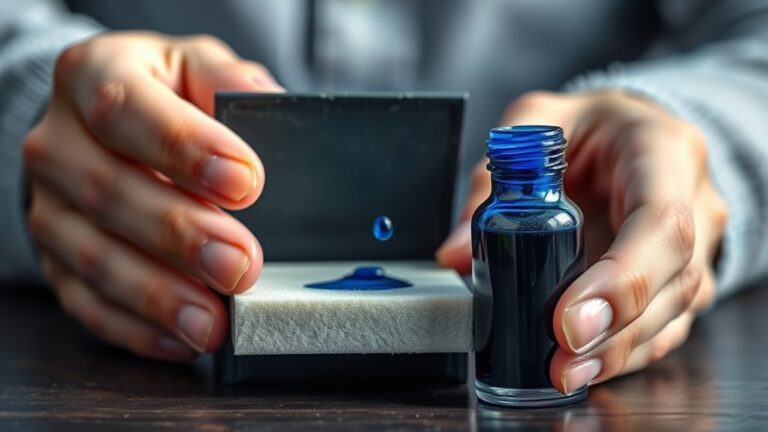
To keep your printer ink from drying out, it’s important to store cartridges in a cool, dark place away from heat and sunlight. This simple step helps maintain the ink’s quality and prevents it from drying prematurely.
Using your printer regularly is another great way to keep the ink flowing smoothly. Try to print at least once a week. This regular use stops the ink from settling and drying inside the nozzles.
Also, cleaning cartridge nozzles often can prevent clogs and streaks, keeping your prints sharp and clear.
Always seal unused cartridges tightly in their original packaging or airtight bags. This keeps air out and preserves the ink longer.
Plus, choosing high-quality, compatible cartridges designed specifically for your printer can make a big difference.
Stick with these habits, and you’ll protect your ink better over time. There’s always more helpful advice to explore, so keep learning and your printer will thank you!
Key Takeaways
- Store cartridges in a cool, dark place away from direct sunlight and heat sources. This helps prevent the ink from evaporating and keeps it fresh longer.
- Make sure to use your printer regularly. Try printing at least once a week to keep the ink flowing and avoid it drying out.
- Run the printer’s built-in cleaning cycles every now and then. Gently cleaning the nozzles also helps avoid clogs and keeps the ink flowing smoothly.
- When you’re not using cartridges, seal them in their original packaging or airtight bags. This prevents the ink from drying out while they’re stored.
- Always choose high-quality, compatible cartridges made for your printer. They’re less likely to dry out or leak, which saves you hassle in the long run.
Store Cartridges in a Cool, Dark Place
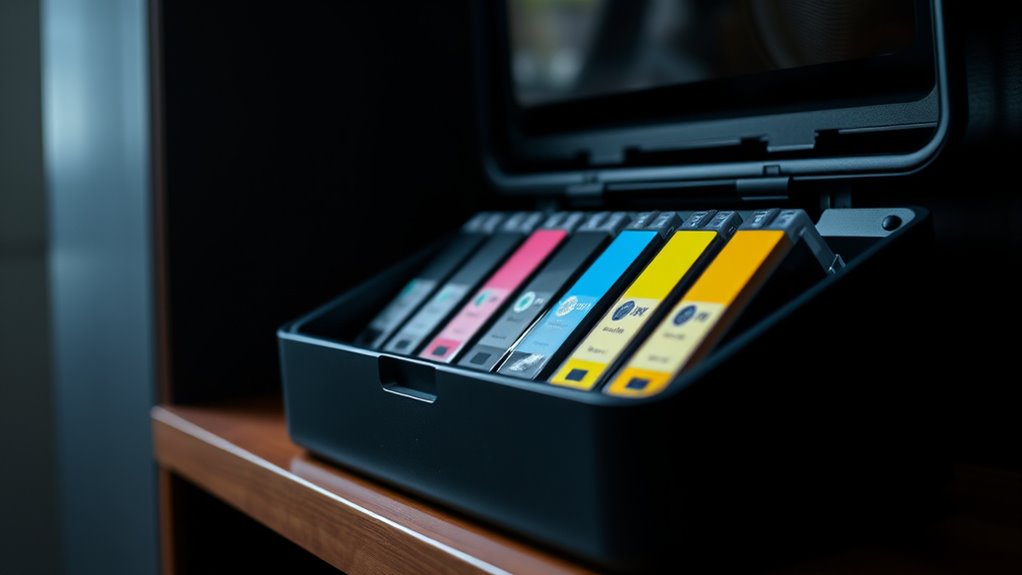
Although it might seem simple, storing your printer cartridges in a cool, dark place substantially extends their lifespan.
Exposure to heat and sunlight accelerates ink evaporation and can cause the cartridges to dry out prematurely. By keeping them away from direct sunlight and sources of heat like radiators or windowsills, you slow down this process.
You don’t need a special storage box—just a drawer or cabinet in a room with stable, moderate temperature works perfectly.
A simple drawer or cabinet with stable, moderate temperature is ideal for storing printer cartridges.
Make sure the cartridges remain sealed in their original packaging or airtight containers to prevent air exposure.
Following this straightforward step helps maintain ink quality, ensuring your prints stay sharp and vibrant when you eventually use the cartridges.
Use Your Printer Regularly
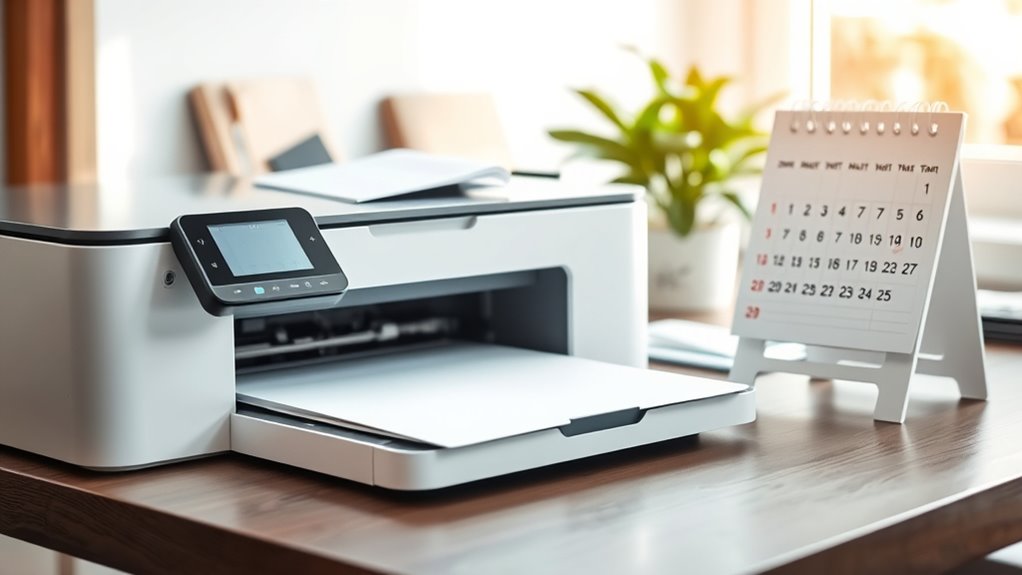
If you don’t use your printer regularly, the ink can dry up and clog the nozzles. This can lead to poor print quality or even damage.
To keep your printer in top shape, print a page or two at least once a week. This keeps the ink flowing and prevents it from drying out inside the cartridge.
Regular use also helps the printer’s internal mechanisms stay lubricated and functional. So, a little effort goes a long way.
| Day | Action | Benefit |
|---|---|---|
| Monday | Print a test page | Keeps ink from drying |
| Wednesday | Print a document | Maintains nozzle flow |
| Friday | Print a color page | Prevents color ink from clogging |
Stay consistent, and your printer will thank you!
Keep Cartridge Nozzles Clean
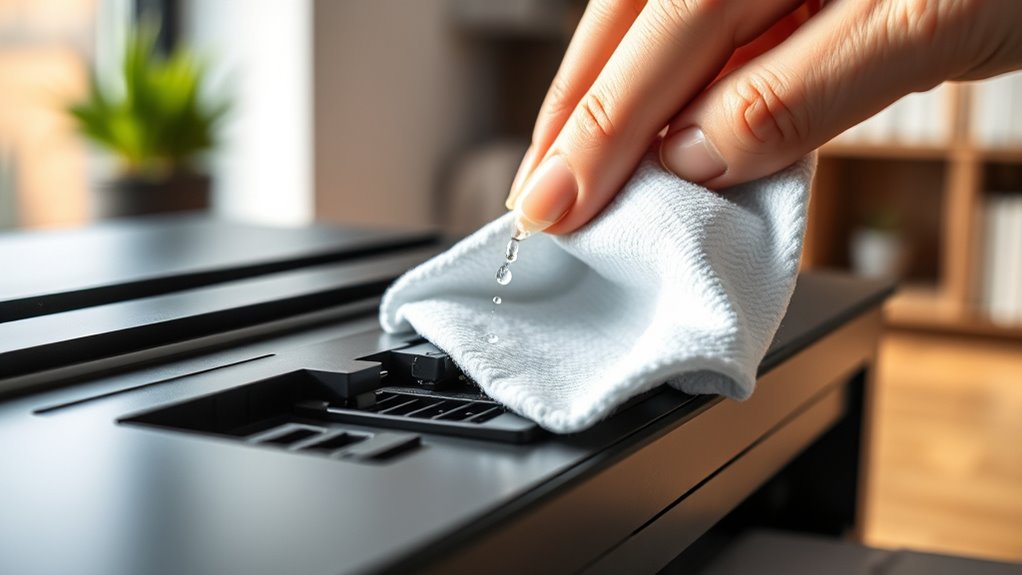
Since clogged nozzles can ruin your print quality, you need to keep the cartridge nozzles clean regularly. Ink residue and dust build-up block tiny openings, causing streaks or faded prints.
To avoid this, run your printer’s built-in cleaning cycle every few weeks. It flushes ink through the nozzles, clearing minor clogs.
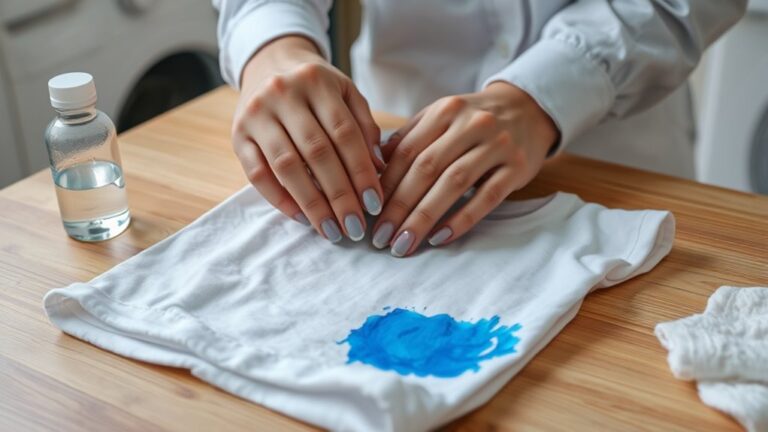
If prints still look off, gently wipe the nozzles with a lint-free cloth dampened with distilled water or a specialized cleaning solution. Just be careful not to damage any delicate parts.
Avoid using harsh chemicals or rough materials. Keeping nozzles clean guarantees smooth ink flow and sharp images, which helps extend your cartridge’s life.
Regular maintenance prevents drying and saves you from costly replacements or repairs. Stay proactive, and your printer will reward you with crisp, vibrant prints every time.
Seal Unused Cartridges Properly
When you don’t plan to use a cartridge right away, you need to seal it properly to keep the ink fresh and prevent drying out. Air exposure causes ink to dry quickly, so sealing unused cartridges is essential.
Here’s how to do it effectively:
- Keep the cartridge in its original airtight packaging if possible.
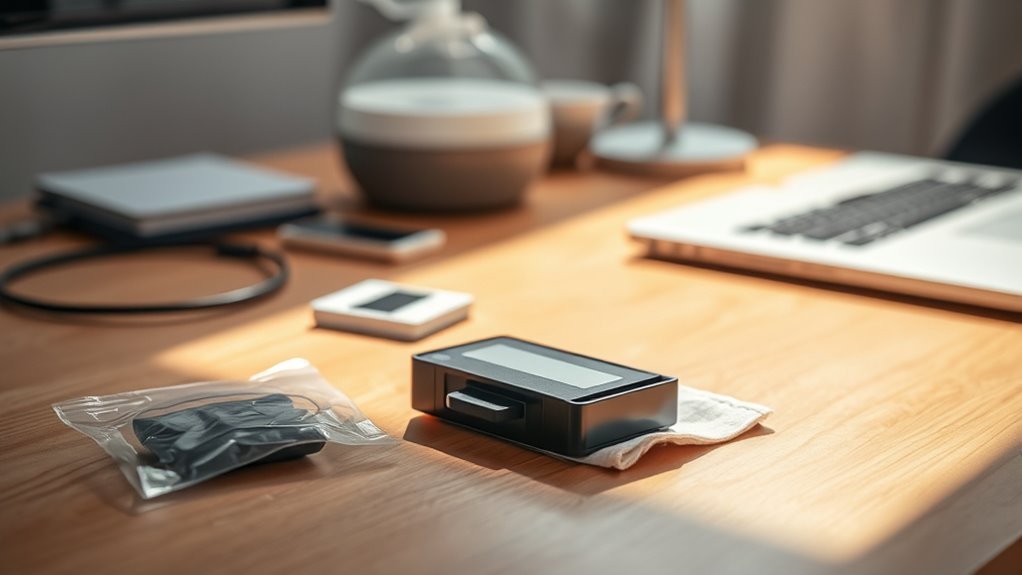
- Use plastic wrap or a resealable plastic bag to cover the cartridge tightly.
- Avoid touching the ink nozzle or contacts to prevent damage.
- Store sealed cartridges in a cool, dry place away from direct sunlight.
- Label the package with the date you sealed it to track freshness.
Taking these simple steps really helps keep your ink cartridges in good shape until you’re ready to use them. It’s a small effort that goes a long way!
Choose Quality Ink and Compatible Cartridges
Although it might be tempting to opt for the cheapest ink or cartridges, choosing high-quality and compatible options guarantees better print results and protects your printer from potential damage. Low-quality ink can clog nozzles or dry out faster, leading to frequent replacements and frustrating print issues.
When you select cartridges designed specifically for your printer model, you reduce the risk of leaks and ensure smooth ink flow. Compatible cartridges from reputable brands often match OEM standards without breaking the bank.
Always check reviews and verify compatibility before purchasing. Using quality ink also helps maintain vibrant colors and sharp text.
Frequently Asked Questions
Can Printer Ink Expire Even if Unopened?
Yes, printer ink can expire even if unopened. The chemicals inside the cartridge deteriorate over time, which can affect print quality.
How Long Does Ink Last After Opening?
Once opened, your printer ink typically lasts about six months before it starts drying out or clogging.
Notably, studies show up to 30% of ink cartridges dry prematurely due to improper storage, so keep yours sealed tight.
It really makes a difference to store them properly. Otherwise, you might find yourself replacing cartridges way sooner than expected.
Does Humidity Affect Ink Drying Inside Cartridges?
Yes, humidity affects ink drying inside cartridges.
If it’s too dry, ink can dry out faster. You should store cartridges in a cool, slightly humid environment to keep the ink fresh and prevent clogs.
It really helps to avoid extremes—too dry or too damp—when storing your cartridges. That way, your printer stays happy and runs smoothly!
Can Refilled Cartridges Cause Ink to Dry Out Faster?
Yes, refilled cartridges can cause ink to dry out faster because they often lack proper sealing and quality control. This can lead to the ink drying up quicker than usual.
You should use high-quality refills and store cartridges properly to minimize drying issues and maintain print quality. Taking these steps helps keep your prints looking sharp and vibrant.
Are There Specific Printer Models Prone to Drying Ink?
Yes, some printer models, especially those with older or less efficient ink systems, tend to dry out ink faster.
You’ll want to check user reviews and manufacturer specs to avoid models known for quick ink drying.
It’s a good idea to do a bit of research before buying. That way, you can pick a printer that keeps your ink fresh longer.
Conclusion
Keeping your printer ink from drying out is easier than you might think. Just like a plant needs regular watering to stay fresh, your cartridges need proper care to work their best.
Store them in a cool, dark place and use your printer often. This helps prevent the ink from evaporating or clogging the nozzles.
Keep nozzles clean and seal unused cartridges tightly. Also, always choose quality ink to ensure smooth printing and longer cartridge life.
By following these simple tips, you not only save money but also avoid frustrating print jobs every time. Proper printer ink maintenance is key to keeping your prints sharp and your printer running smoothly. So, take care of your ink cartridges, and they’ll take care of all your printing needs!