How to Prevent Printer Ink From Drying Out
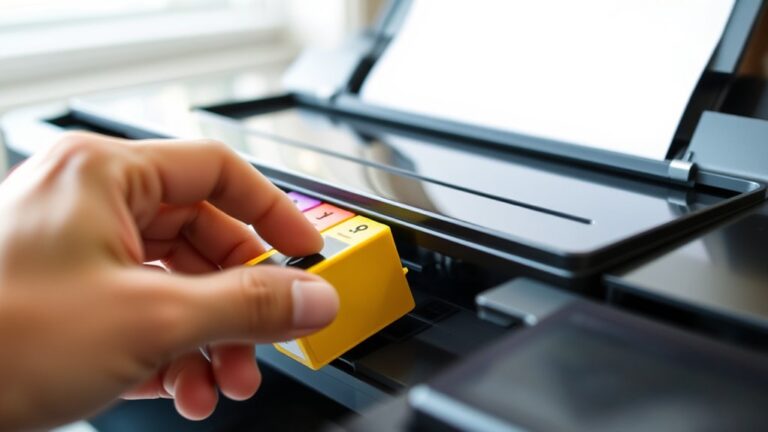
To prevent your printer ink from drying out and keep your prints looking sharp, it’s important to take a few simple steps. First, always seal cartridges immediately after use with airtight materials. This prevents air from getting in and drying out the ink.
Also, store your cartridges upright in a cool, dry, and shaded place to maintain their quality.
Using your printer regularly—at least once a week—helps keep the ink flowing smoothly and avoids clogs. You’ll want to maintain a stable room humidity between 40% and 60%, and make sure to keep your printer out of direct sunlight.
Running periodic head cleaning cycles also works wonders to keep everything working well. Plus, using original or high-quality cartridges makes a big difference in keeping the ink fresh and ready when you need it.
Keep these tips in mind to enjoy longer-lasting prints and fewer printer headaches!
Key Takeaways
- Store cartridges sealed and in their original packaging until use to keep the ink moist and prevent it from drying out.
- Once you finish using a cartridge, seal it up right away with airtight materials. This helps keep the ink from drying prematurely.
- Try to use your printer regularly, at least once a week. This keeps the ink flowing and stops the nozzles from clogging.
- Make sure to keep your printer and cartridges in a cool, dry place that’s shaded. It’s best if the humidity stays stable between 40% and 60%.
- Running regular cleaning cycles and printing test pages can really help. It keeps the nozzles working well and prevents the ink inside the cartridges from drying out.
Store Printer Cartridges Properly
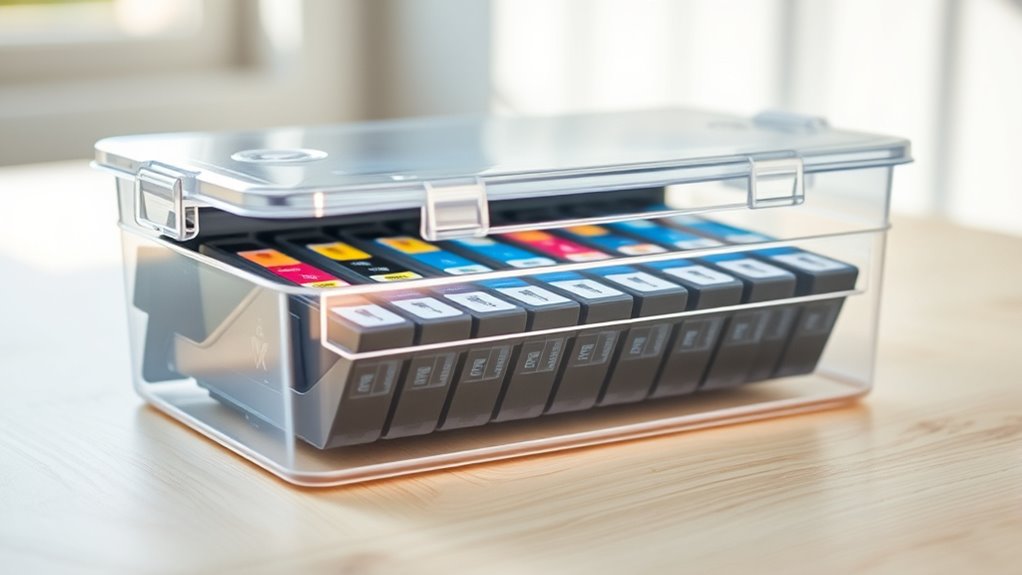
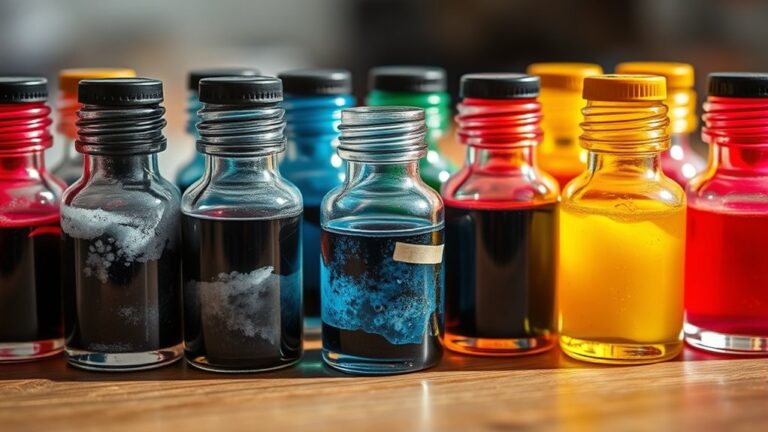
Although it might seem simple, storing your printer cartridges correctly is key to keeping the ink from drying out. You should keep unused cartridges in their original sealed packaging until you’re ready to use them.
This packaging protects them from air exposure, which causes ink to dry. Store cartridges in a cool, dry place away from direct sunlight or heat sources. Temperature fluctuations can damage the ink, so it’s best to keep them stable.
Protect cartridges from air and temperature changes by storing them sealed in a cool, dry, stable place.
Avoid leaving cartridges exposed to open air for long periods. If you remove a cartridge, place it in an airtight container or wrap it tightly in plastic wrap.
Also, always store cartridges with the nozzles facing upward to prevent ink from settling or leaking. Following these steps ensures your cartridges stay fresh and ready to print.
Regularly Use Your Printer
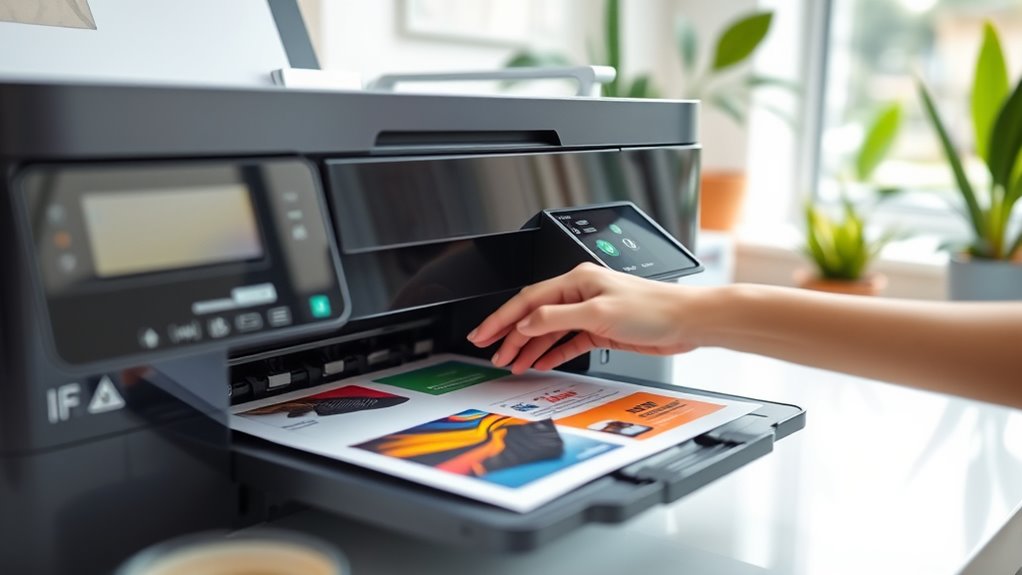
To keep your printer ink from drying out, make sure you print something at least once a week. You can even schedule automatic prints to avoid long idle periods.
Regular use helps keep the ink flowing smoothly and prevents clogs. So, don’t let your printer sit unused for too long!
Print Weekly Documents
When you print documents weekly, you keep the ink flowing smoothly through the printer’s nozzles. This regular use prevents ink from drying out and clogging the print head. That clogging can lead to poor print quality or costly repairs.
Make it a habit to print at least one page every week, even if it’s just a test page or a draft. Don’t have regular printing needs? No worries! You could print a checklist, calendar, or a short article instead. This helps keep the ink circulating.
Schedule Automatic Prints
If you want to keep your printer in top shape without thinking about it, schedule automatic prints. Setting your printer to print a test page or a small document every few days guarantees the ink flows smoothly through the nozzles.
This regular use prevents the ink from settling and drying inside the cartridges or print head. Many printers offer built-in maintenance settings that let you automate this process, so you don’t have to remember it.
You can also create simple documents to print automatically via your computer’s task scheduler or printer software. By making printing a routine, you avoid clogs and maintain ink quality, extending your printer’s life and saving you from costly cartridge replacements.
Scheduling automatic prints is a smart way to keep your printer ready whenever you need it. It’s easy to set up and totally worth the effort!
Avoid Long Idle Periods
Since ink dries out faster when your printer sits unused, you should use it regularly to keep everything flowing smoothly. Printing a simple page once a week helps prevent the ink from drying and clogging the nozzles.
Even small tasks like printing a test page or a document can keep the ink moving. Avoid letting your printer sit idle for weeks at a time, as this increases the risk of dried ink and costly maintenance.
| Action | Frequency |
|---|---|
| Print a test page | Weekly |
| Use printer for documents | Every few days |
| Run cleaning cycle | Monthly |
Maintain Optimal Printer Environment
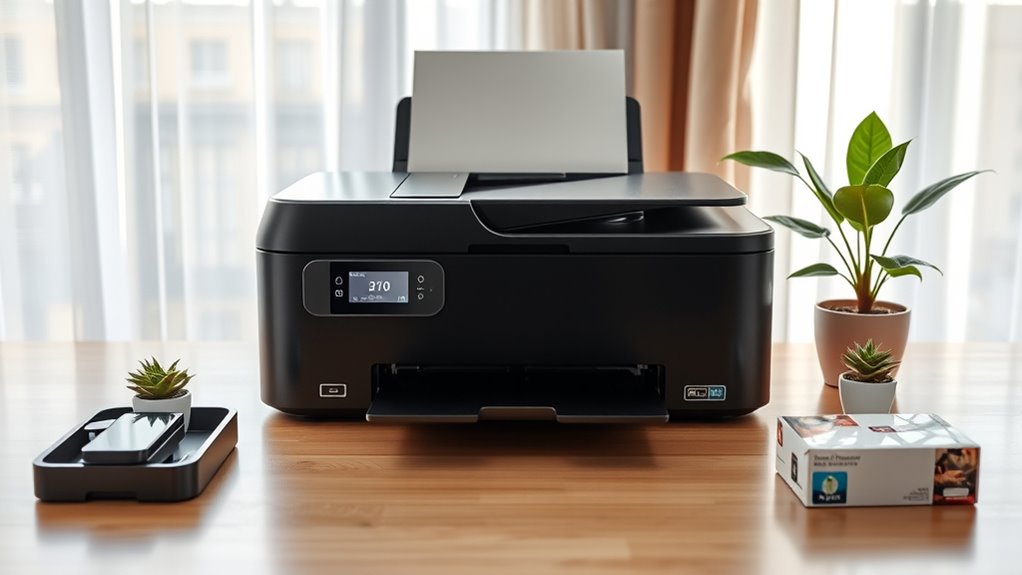
You should keep your printer in a room with balanced humidity to prevent ink from drying too quickly. Avoid placing it in direct sunlight, as this can cause the ink to dry out and damage the cartridges.
Creating the right environment helps your printer perform better and last longer. It’s really about giving your printer the best chance to work smoothly every time.
Control Humidity Levels
Although many factors affect ink longevity, controlling humidity levels plays a crucial role in keeping your printer ink from drying out. You want to maintain a balanced environment where your printer sits—not too dry or too humid.
Low humidity causes ink to dry prematurely, clogging nozzles. Too much moisture can lead to paper jams and smudging.
Aim for a humidity range between 40% and 60% for ideal ink performance. Use a hygrometer to monitor this and a humidifier or dehumidifier to adjust levels as needed.
| Humidity Level | Effect on Printer Ink | Recommended Action |
|---|---|---|
| Below 30% | Ink dries fast, clogs | Use a humidifier |
| 40%-60% | Perfect ink flow | Maintain this range |
| Above 70% | Smudging, paper jams | Use a dehumidifier |
| Fluctuating | Ink inconsistency, errors | Stabilize environment |
Avoid Direct Sunlight
When your printer sits in direct sunlight, its ink cartridges heat up quickly, causing the ink to dry out and clog the nozzles. To keep your ink flowing smoothly, place your printer away from windows or any spots where sunlight hits directly during the day.
Even indirect sunlight can raise the temperature inside the printer, accelerating ink evaporation. If you can’t avoid natural light, consider using curtains or blinds to limit exposure.
Maintaining a cooler, shaded environment helps preserve the ink’s consistency and prevents blockages. By keeping your printer out of direct sunlight, you extend the life of your cartridges and reduce maintenance issues.
It’s a simple step that protects your investment and ensures crisp, clear prints every time.
Clean Printer Heads Periodically
Since clogged printer heads can cause ink to dry and affect print quality, cleaning them regularly is essential. You can usually initiate cleaning through your printer’s maintenance menu.
This process clears dried ink and prevents blockages, ensuring smooth ink flow. It’s really worth doing it every now and then to keep things running smoothly.
Here’s a quick guide to help you clean your printer heads effectively:
| Step | Action | Tip |
|---|---|---|
| 1 | Access printer settings | Use the control panel/menu |
| 2 | Select “Head Cleaning” | Follow on-screen prompts |
| 3 | Run cleaning cycle | Avoid interrupting the process |
| 4 | Print test page | Check for improved quality |
Regular cleaning keeps your prints sharp and prevents ink from drying inside the nozzles. So, don’t skip it—your printer will thank you!
Use Original or High-Quality Ink Cartridges
Choosing original or high-quality ink cartridges guarantees your printer performs reliably and produces vibrant prints. These cartridges are designed specifically for your printer model, ensuring ideal ink flow and reducing the chance of clogging.
When you use genuine or premium cartridges, the ink’s formulation is consistent, which helps prevent it from drying out too quickly. Cheaper or generic cartridges often use lower-quality ink that can dry faster, leading to printhead blockages and wasted ink.
By investing in reliable cartridges, you also protect your printer’s internal components from damage caused by poor ink quality. Ultimately, sticking to original or high-quality cartridges saves you time and money by maintaining your printer’s efficiency and extending its lifespan.
Seal Cartridges When Not in Use
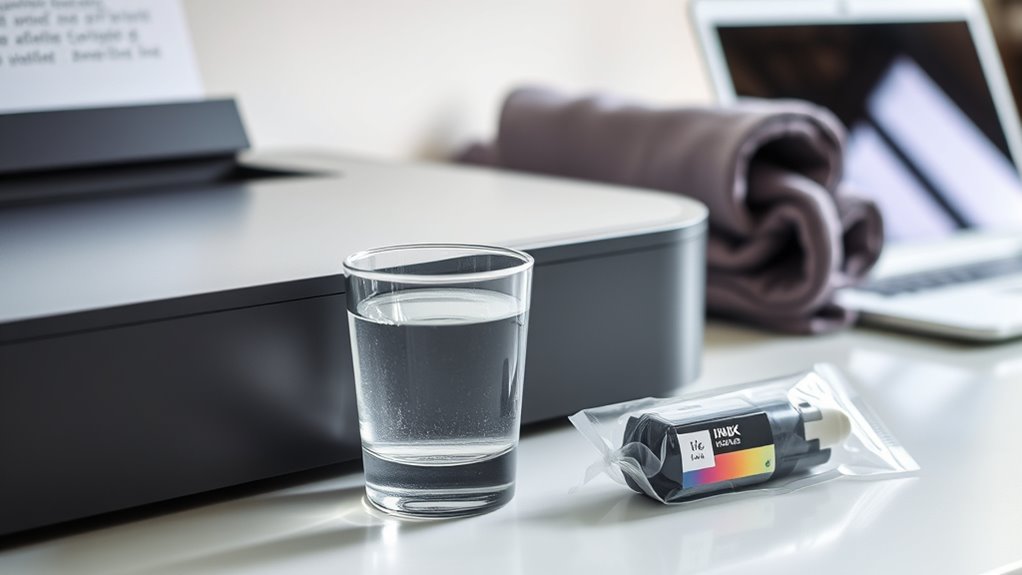
To keep your ink cartridges from drying out, you should always seal them properly when they’re not in use. After removing a cartridge, place it in an airtight plastic bag or wrap it tightly with plastic wrap to minimize exposure to air.
If your cartridge came with a protective cap or tape, make sure to replace it securely. Avoid leaving cartridges out in open air, as this speeds up drying.
When storing spare cartridges, keep them in a cool, dry place away from direct sunlight. By sealing cartridges correctly, you maintain the ink’s moisture and ensure it’s ready to use when needed, saving you money and frustration.
Frequently Asked Questions
Can Ink Drying Out Damage My Printer Permanently?
Yes, dried ink can clog your printer’s nozzles, causing permanent damage if not cleaned promptly.
You should regularly use your printer to keep ink flowing and avoid costly repairs or replacements down the line.
How Long Does Opened Ink Typically Last?
Opened ink typically lasts about six months to a year, depending on storage conditions.
If you keep it sealed tightly and store it in a cool, dark place, you’ll extend its usability considerably.
Are Refillable Ink Tanks More Prone to Drying Out?
Yes, refillable ink tanks can dry out faster since their seals aren’t always as tight as cartridges.
To avoid this, you should keep your printer covered and use it regularly to keep the ink flowing and fresh.
It’s a good idea to print something every few days. This helps prevent the ink from drying up and clogging the nozzles.
Also, storing your printer in a cool, dry place can make a difference. Just a little care goes a long way in keeping your refillable tanks working well!
Does Printer Model Affect Ink Drying Speed?
Yes, your printer model affects ink drying speed like how different fabrics absorb water differently.
Some models have better sealed cartridges or advanced ink formulas that keep ink moist longer, so choose wisely to avoid quick drying.
Can Using Draft Mode Help Prevent Ink Drying?
Yes, using draft mode can help prevent ink from drying out because you print less ink on the paper, reducing ink usage and exposure.
It also encourages more frequent printing, keeping ink flowing and fresh in the cartridges. This way, your printer stays in better shape and you avoid clogs.
Conclusion
Don’t let your printer ink dry out like a forgotten riverbed—keep it flowing smoothly by storing cartridges properly and using your printer regularly. Treat your printer like a delicate garden: maintain a balanced environment and clean the heads often to nurture vibrant prints.
By sealing cartridges tightly and choosing quality ink, you’re watering the roots of your printer’s life. Remember, regular use helps prevent ink from drying and clogging the nozzles.
Following these simple steps will keep your printer ink fresh and ready to go. Proper storage, regular cleaning, and using quality ink are key to preventing printer ink from drying out. This way, your prints stay vibrant, and your printer lasts longer. Keep your ink fresh, and enjoy crisp, clear prints every time you hit print!