How You Can Tell if an Ink Cartridge Is Empty With Simple Steps
You can tell if an ink cartridge is empty by checking your printer’s display for ink levels or using its software to monitor ink status. Many modern printers provide clear indicators when ink is running low, making it easy to keep track.
Try printing a test page to spot faded or missing colors, which signals low ink. This is a quick way to confirm if the cartridge needs replacing without opening your printer.
You can also remove the cartridge to inspect it visually or listen for warning messages from the printer.
If print quality drops noticeably, it’s definitely time to replace the cartridge.
Keep going to discover helpful tips to manage your printer’s ink efficiently. These simple steps will save you time and ensure your prints always look their best!
Key Takeaways
- Check the printer display for ink level indicators or warning messages about low or empty cartridges.
- You can also use printer software or an app to view real-time ink levels and get alerts when it’s time to replace a cartridge.
- Try printing a test page.
- If you notice fading, streaks, or missing colors, that’s usually a sign your ink cartridges are running low or empty.
- Another way is to remove the cartridge and take a look at it.
- Hold it up to the light or gently shake it to see if there’s still ink inside.
- Don’t forget to keep an eye on your printer’s warning lights or any on-screen messages.
- They often let you know when it’s time to swap out an empty ink cartridge.
Check Printer Display for Ink Levels
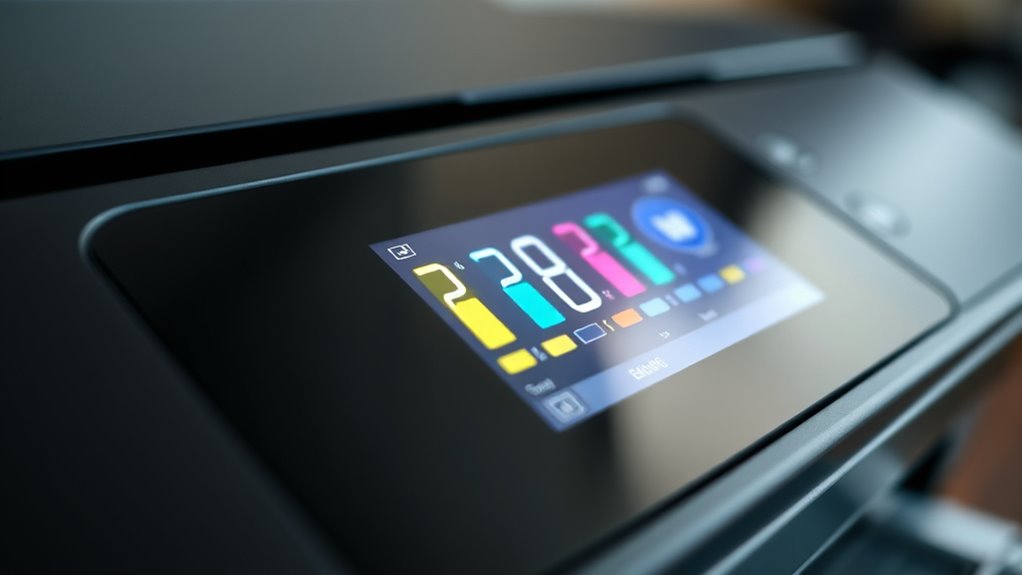
Although it varies by printer model, you can usually check your ink levels directly on the printer’s display screen. Look for an icon or menu labeled “Ink Levels,” “Ink Status,” or something similar.
Most printers let you check ink levels right on their display screen under “Ink Levels” or “Ink Status.”
Tapping or selecting this option will reveal the current ink levels for each cartridge. If the display shows low or empty status for a cartridge, it’s a clear sign you need a replacement.
Some printers also flash warning messages or icons when ink is running low. Keep in mind that the accuracy of these indicators can differ, but they generally give you a good idea of your ink supply.
Checking this screen regularly helps you avoid unexpected printing interruptions and ensures your documents always look their best. So, it’s a good habit to glance at it every now and then!
Use Printer Software to Monitor Ink Status
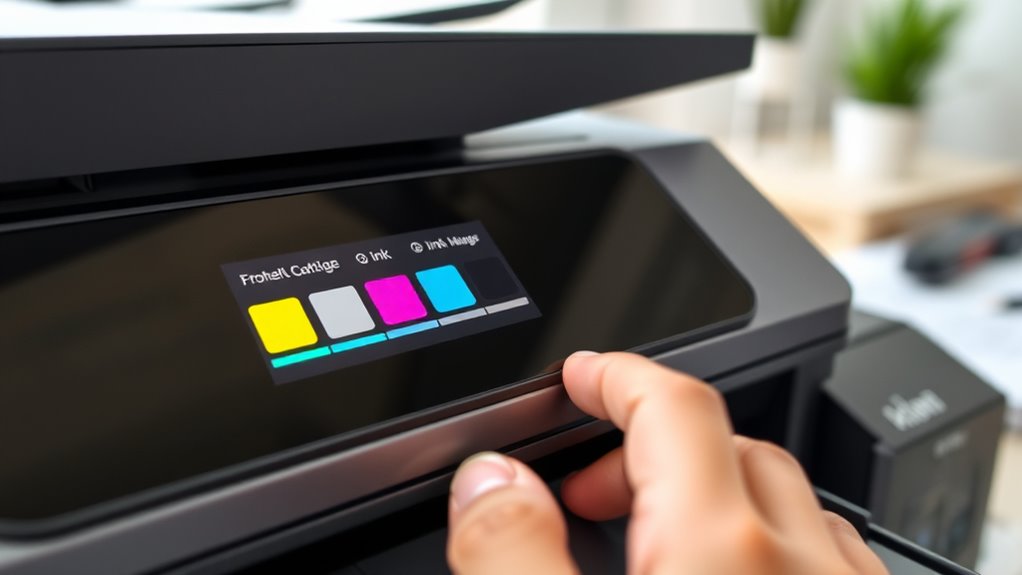
When you connect your printer to a computer, you can use the manufacturer’s software to monitor ink levels more accurately. This software typically provides real-time updates and detailed status reports. So, you’ll know exactly when ink runs low or if a cartridge is empty.
You can access this via your computer’s control panel or the printer’s dedicated app. Here’s an example of what the software dashboard might show:
| Ink Color | Status | Estimated Remaining (%) |
|---|---|---|
| Black | Low | 15 |
| Cyan | Sufficient | 60 |
| Magenta | Sufficient | 70 |
| Yellow | Empty | 0 |
| Photo | Sufficient | 50 |
Using the software saves you from guessing and helps you plan cartridge replacements. It’s a handy tool that takes the guesswork out of keeping your printer ready to go!
Print a Test Page to Assess Ink Quality
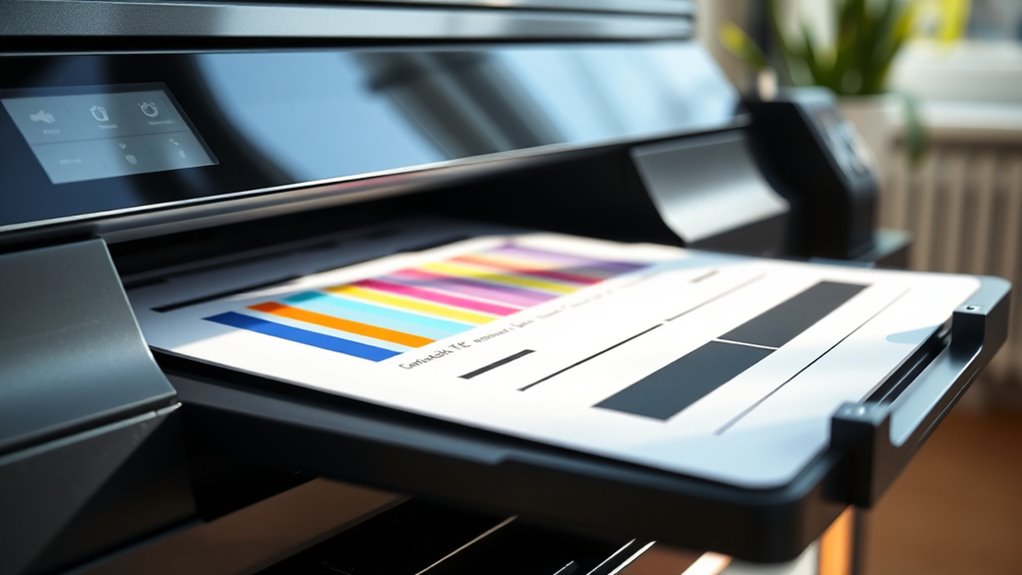
Monitoring ink levels through your printer software gives you a good idea of when cartridges are running low, but it doesn’t always reveal the actual print quality.
To get an accurate sense of your cartridge’s condition, print a test page. This page displays various colors, gradients, and patterns that help you identify fading, streaks, or missing colors.
If the test page shows dull or incomplete prints, it’s a strong sign your ink cartridge is running out or clogged. Most printers have a built-in option to print a test page via their control panel or software settings.
Inspect the Cartridge Physically for Ink Levels
If you want a quick way to check your ink levels, inspecting the cartridge physically can be very effective. First, turn off your printer and carefully remove the cartridge.
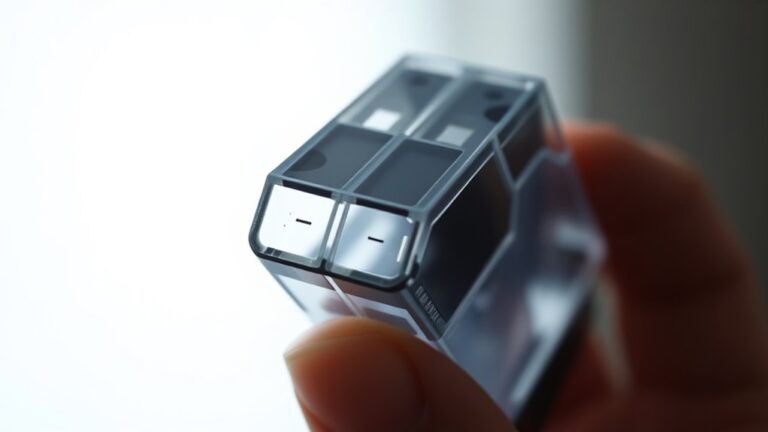
Hold it up to a light source and look through the translucent plastic to see the ink inside. If the cartridge isn’t transparent, gently shake it—if it feels light or you hear little liquid moving, it might be empty.
Hold your cartridge to light or gently shake it to check if the ink is running low.
Avoid touching the nozzles or circuits to prevent damage. For some cartridges, you can also check for a small ink window or gauge that indicates the level.
This hands-on method gives you immediate insight into whether the cartridge needs replacing or refilling, saving you time before trying more technical checks.
Listen for Printer Warning Messages
Since modern printers often include built-in sensors, you’ll hear warning messages or see alerts on your computer when an ink cartridge runs low or is empty. These notifications usually pop up as a message on your screen or as a blinking light on the printer itself.
Pay close attention to these signals—they’re designed to prevent you from running out of ink unexpectedly. When you get these warnings, it’s a clear sign that you should prepare to replace the cartridge soon.
Don’t ignore these alerts, as continuing to print with an empty cartridge can damage your printer. Listening for and acknowledging these printer messages helps you keep your device running smoothly and avoids print interruptions.
Replace Cartridges When Print Quality Declines
When your printer starts warning you about low ink, it’s a good idea to watch how your prints look. Faded colors, streaks, or missing lines often mean your cartridge is running out.
Don’t ignore these signs—continually printing with a failing cartridge can damage your printer’s printhead. At the first noticeable drop in quality, replace the cartridge to avoid frustration and wasted paper.
New cartridges ensure consistent, sharp prints and prevent interruptions during important tasks. If you keep using a nearly empty cartridge, you risk clogging or other issues that might require professional cleaning or repair.
Frequently Asked Questions
Can Expired Cartridges Affect Ink Levels?
Yes, expired cartridges can affect ink levels because the ink may dry out or clog, making it seem empty even if some ink remains.
You’ll likely experience poor print quality or incomplete prints as a result. It’s frustrating when your printer acts up just because the cartridge is past its prime. So, keeping an eye on those expiration dates really helps!
How Long Does Leftover Ink Remain Usable?
Leftover ink usually stays usable for about 6 to 12 months if stored properly. Don’t worry about quick expiration; just keep cartridges sealed and cool.
You’ll avoid dried-out ink ruining your prints that way. It’s pretty easy to manage, really! Just a little care goes a long way.
Do Refilled Cartridges Show Accurate Ink Levels?
No, refilled cartridges usually don’t show accurate ink levels because the printer’s sensor can’t detect the new ink properly.
You’ll need to monitor print quality or refill timing instead to avoid surprises. It’s a bit of a manual process, but it works!
Is It Safe to Shake Cartridges to Check Ink?
It’s not entirely safe to shake ink cartridges; you might think it helps, but it can cause leaks or damage.
Instead, check ink levels through your printer’s software or test prints to avoid unexpected messes.
Can Temperature Affect Cartridge Ink Performance?
Yes, temperature can affect cartridge ink performance. If it’s too cold, the ink may thicken and clog nozzles.
Too hot, it might dry out faster. Keep cartridges at room temperature for best results.
Conclusion
Did you know that nearly 30% of printer issues stem from empty or low ink cartridges? Checking your printer display and using software tools can help you spot these problems early.
Printing test pages and inspecting cartridges regularly also prevents frustrating print failures. Staying alert to warning messages and replacing cartridges as soon as print quality drops will save you both time and money.
By following these simple steps, you can ensure your printer runs smoothly. Being proactive about ink cartridge levels means you’re never caught off guard by an empty cartridge again.
So, take a moment to check your ink cartridges regularly. This easy habit keeps your printing hassle-free and helps maintain the quality of your prints. Remember, a little attention now avoids bigger headaches later!