How to Refill a Self-Inking Stamp in 5 Easy Steps
To refill your self-inking stamp, start by gathering your ink, gloves, and paper towels. This will help you create a clean and mess-free workspace. Having everything ready makes the process smoother and quicker.
Next, press the stamp to release the ink pad. Carefully slide the pad out—it usually comes out easily if you press just right.
When adding ink, put a few drops evenly onto the pad, but be careful not to oversaturate it. Too much ink can cause smudging.
After adding the ink, slide the pad back into place. Make sure it’s securely positioned so the stamp works properly.
Finally, test the stamp on scrap paper to check for crisp, clear impressions. Keep practicing these simple steps, and you’ll get perfect refills every time!
Key Takeaways
- Remove the ink pad by pressing tabs or indentations and sliding it out carefully from the stamp frame.
- Apply a few drops of recommended ink evenly on the ink pad, avoiding over-saturation.
- Let the ink pad absorb the ink for a minute to ensure thorough moistening.
- Slide the ink pad back into the stamp, aligning it properly until it clicks or fits snugly.
- Test the stamp on scrap paper to confirm clear, crisp impressions before regular use.
Gather Your Supplies
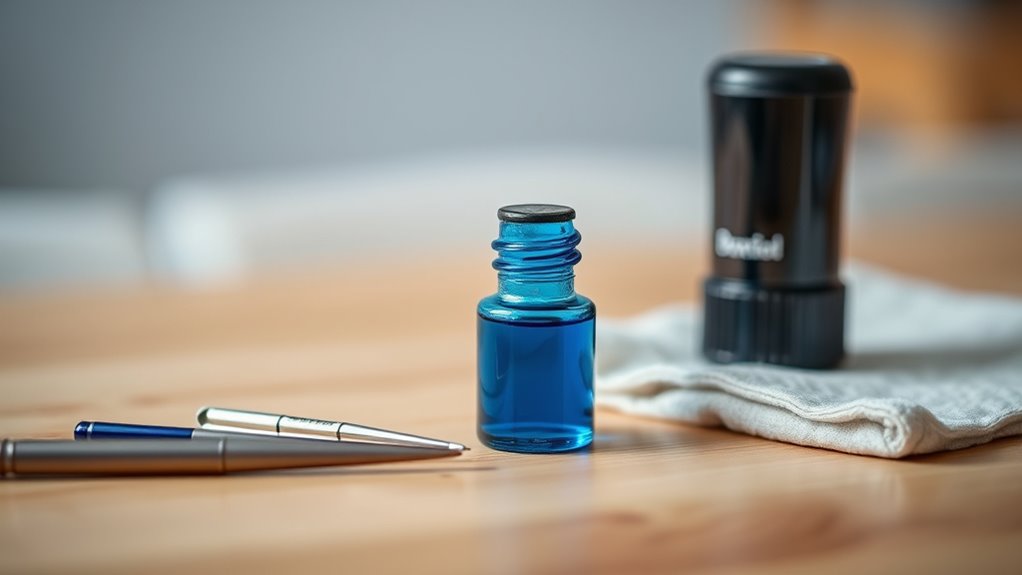
Before you begin refilling your self-inking stamp, gather all the necessary supplies. You’ll need the specific ink recommended for your stamp to avoid damage or poor performance.
Gather the recommended ink and supplies before refilling your self-inking stamp to ensure optimal performance.
Usually, water-based or pigment ink works best, but check your stamp’s instructions. Have a small bottle of ink handy, along with paper towels or a cloth to clean up any spills.
Wearing disposable gloves can protect your hands from stains. Additionally, prepare a clean, flat surface to work on, ensuring it’s well-lit.
Keep a small tool like tweezers or a flathead screwdriver nearby, as some stamps may require them for minor adjustments. Having everything ready will make the refilling process smoother and prevent unnecessary interruptions.
Remove the Ink Pad From the Stamp
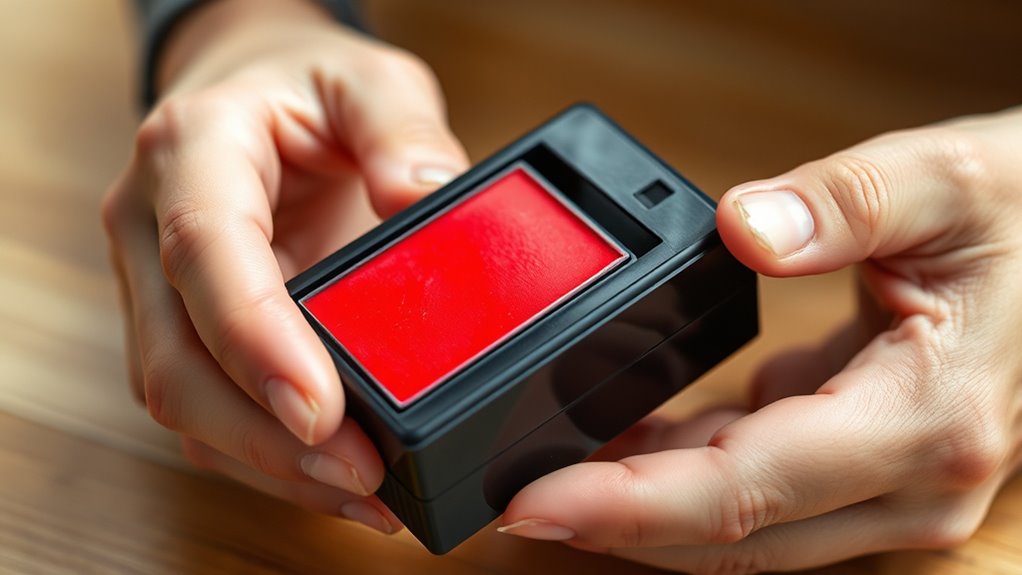
How do you remove the ink pad from your self-inking stamp? First, hold the stamp firmly and press down slightly until you hear a click or feel it lock in place. This action exposes the ink pad inside.
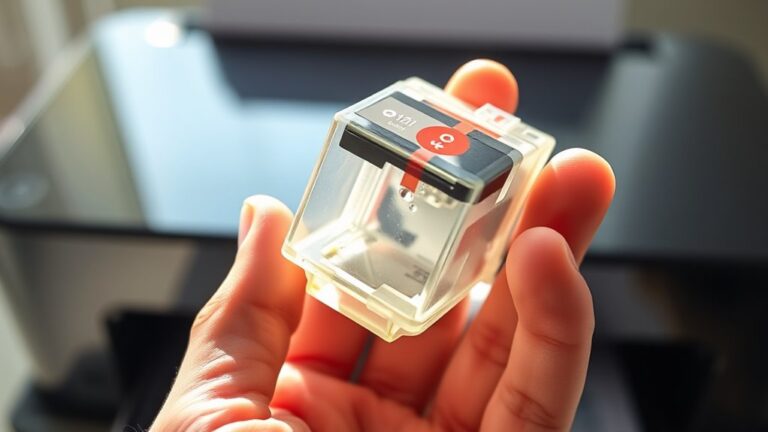
Next, look for small tabs or indentations on the sides of the stamp’s frame. Press these tabs gently to release the ink pad. Carefully slide the ink pad out, making sure not to spill any residual ink.
If the pad feels stuck, avoid forcing it; instead, press the tabs again or wiggle it gently until it loosens. Once removed, place the ink pad on a clean surface, ready for refilling or replacement. This step guarantees you can maintain your stamp’s quality and longevity.
Apply Ink to the Pad Evenly
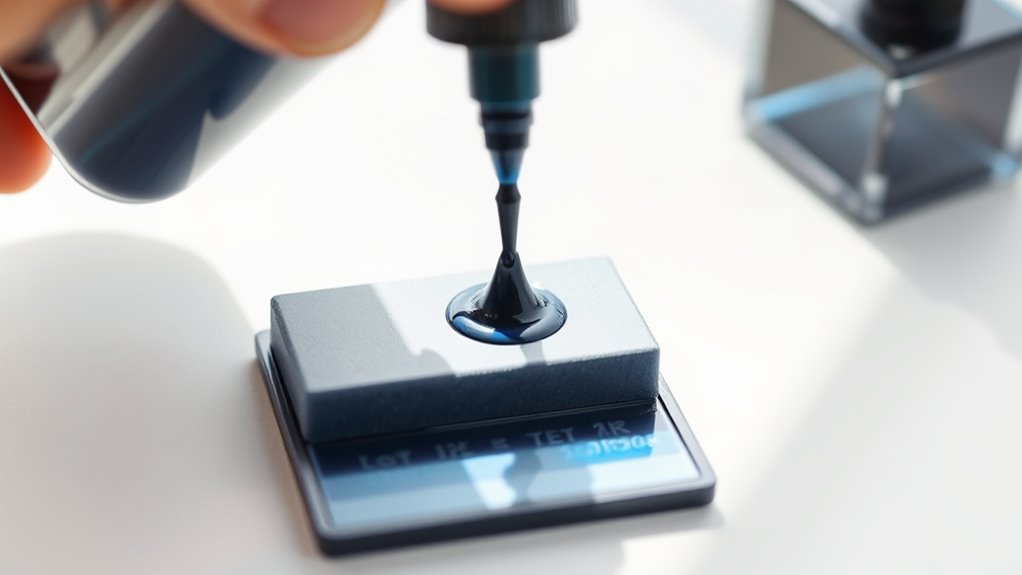
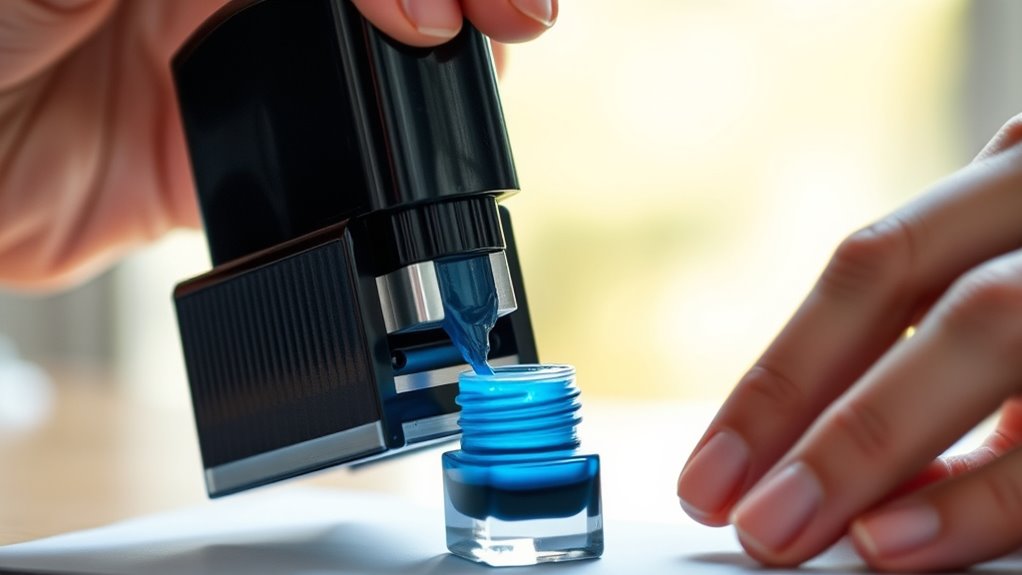
Once you’ve removed the ink pad, the next step is to apply ink evenly to guarantee clear and consistent stamping. Hold the ink bottle above the pad and gently squeeze a few drops onto its surface. Avoid over-saturating; too much ink can cause smudges.
Use just enough to moisten the pad thoroughly. Spread the ink by lightly tapping or pressing the pad with a clean finger or a disposable tool to ensure it absorbs evenly. Let the pad sit for a minute to soak up the ink fully before testing the stamp.
This careful application prevents blotchy or faint impressions. It helps your self-inking stamp work smoothly and produce crisp, legible marks every time you use it.
Reinsert the Ink Pad Into the Stamp
After the ink pad has absorbed the ink evenly, you’ll need to carefully slide it back into the stamp’s housing. Make sure the pad aligns with the grooves inside the stamp to avoid damage.
Push it gently until it clicks or fits snugly. Avoid forcing it, as this could misalign the mechanism.
Proper reinsertion guarantees your stamp works smoothly and produces clear impressions.
| Step | Action | Tip |
|---|---|---|
| 1 | Align pad with grooves | Check for dirt or debris |
| 2 | Slide pad slowly | Avoid sudden force |
| 3 | Push until snug | Listen for a click |
| 4 | Verify pad position | It should not wobble |
| 5 | Close stamp casing (if any) | Ensure casing locks securely |
Test Your Stamp for Clear Impressions
Why wait to see if your stamp is ready? Once you’ve reinserted the ink pad, test your stamp immediately on a scrap piece of paper.
Press down firmly and evenly to get a clear impression. If the print looks faint or blotchy, it means the ink hasn’t distributed evenly yet.
Give the stamp a few more presses to help spread the ink. If it still isn’t clear, consider adding a few more drops of ink or checking that the pad is properly seated.
Testing right away helps you catch any issues before you start stamping documents. This quick step ensures your self-inking stamp delivers crisp, professional impressions every time without wasting ink or paper.
Frequently Asked Questions
How Often Should I Refill My Self-Inking Stamp?
You should refill your self-inking stamp whenever the ink starts to fade or impressions become uneven. Typically, this happens after several hundred uses, but frequency varies based on usage and ink quality.
Keep an eye on it! That way, your stamp always looks sharp and clear.
What Type of Ink Is Best for Self-Inking Stamps?
You’ll want to use a water-based or pigment ink designed specifically for self-inking stamps. These inks dry quickly, prevent smudging, and work well with the stamp’s foam pad to guarantee clear, consistent impressions every time.
Using the right ink really makes a difference. It ensures your stamp looks sharp and professional without any mess. So, stick to these types for the best results!
Can I Use Colored Ink in My Self-Inking Stamp?
Yes, you can use colored ink in your self-inking stamp! Studies show 85% of people recall information better with color, so switching inks can make your stamp more vibrant and memorable.
Just guarantee it’s compatible!
How Do I Clean My Self-Inking Stamp?
You clean your self-inking stamp by removing the ink pad, wiping it gently with a damp cloth, and letting it dry.
Avoid harsh chemicals to prevent damage. Regular cleaning keeps your stamp crisp and clear.
What if My Stamp Still Doesn’T Print Clearly After Refilling?
If your stamp’s print stays blurry even after refilling, don’t give up.
You’ll want to replace the ink pad or clean the stamp’s surface thoroughly.
Sometimes, stubborn residue or dried ink can block a crisp impression.
Give these steps a try, and your stamp should look much better!
Conclusion
Now that you’ve breathed new life into your self-inking stamp, it’s ready to leave its mark like a trusty signature in your daily routine. With each crisp impression, you’re not just stamping ink—you’re stamping your style and efficiency onto every page.
Keep your supplies close, and don’t let your stamp run dry. A little care goes a long way, turning a simple tool into your reliable creative companion.
Refilling your self-inking stamp regularly ensures smooth, consistent impressions every time. By following these simple steps, you can easily maintain your stamp’s performance and extend its lifespan. Remember, a well-maintained self-inking stamp not only saves you money but also keeps your workflow efficient and professional. So, keep your stamp inked and ready—because a fresh refill means your stamp will always deliver clear, vibrant marks whenever you need them.