Is Printer Ink Toxic and How Can You Handle It Safely?
Printer ink can be toxic if you handle it carelessly because it contains chemicals that may irritate your skin, eyes, or lungs. Knowing about printer ink toxicity is important for anyone who frequently deals with printers.
Handling printer ink safely helps you avoid health risks and keeps your home environment clean.
To stay safe, always use gloves when replacing cartridges. It’s a good idea to work in well-ventilated spaces to avoid inhaling fumes.
Also, make sure to store ink away from kids and pets.
Dispose of used cartridges properly to avoid environmental harm.
Choosing eco-friendly inks can reduce health risks and pollution.
If you want to keep printing safely while protecting yourself and the planet, there’s more to discover.
Let’s explore how to handle printer ink safely and smartly.
Key Takeaways
- Printer ink contains volatile organic compounds and toxic pigments that can irritate your skin, eyes, and respiratory system if you come into contact with it. So, it’s important to be careful when handling it.
- To avoid direct contact, wear gloves and make sure you work in a well-ventilated area. This helps minimize the risk of inhaling any harmful fumes while you’re dealing with ink.
- Always store ink cartridges sealed and keep them away from sunlight, children, and pets. This prevents accidental exposure and stops the ink from breaking down.
- If ink does get on your skin or in your eyes, rinse the area immediately with water. And if you notice severe symptoms like trouble breathing or neurological issues, seek medical advice right away.
- Whenever possible, choose eco-friendly, certified inks. They reduce your exposure to toxic chemicals, help protect the environment, and support sustainable printing practices.
Understanding Different Types of Printer Ink
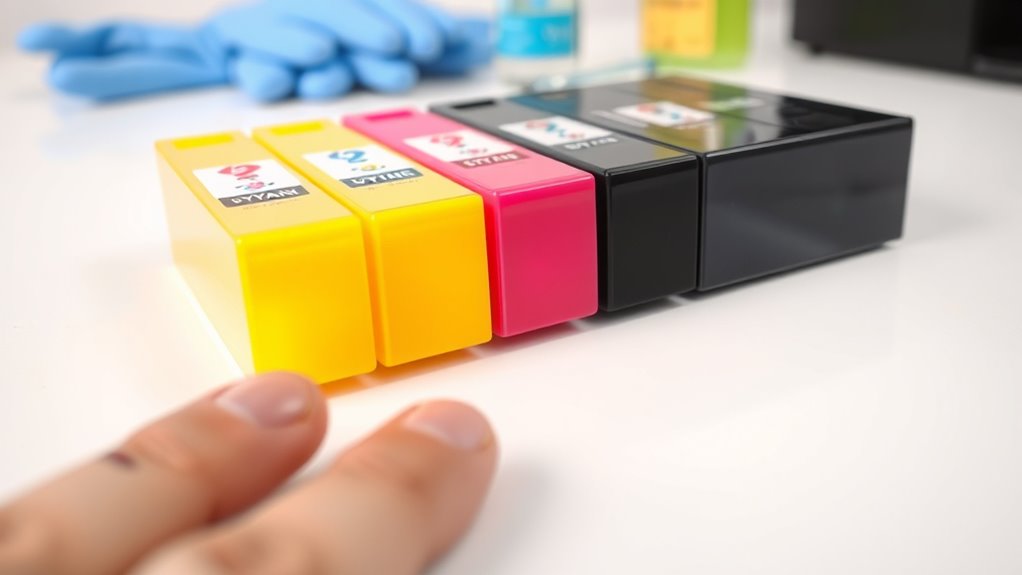
Although printer inks vary widely, you should know that their basic types fall into two main categories: dye-based and pigment-based. Dye-based inks dissolve completely in liquid, offering vibrant colors and smooth gradients, making them ideal for photos.
However, they tend to fade faster when exposed to light and water. Pigment-based inks, on the other hand, contain tiny solid particles suspended in the liquid. These inks produce sharper text and images, resist fading better, and handle moisture well, making them perfect for documents.
When choosing ink, consider what you’ll print most often. You’ll find that your printer might perform differently depending on the ink type. So, understanding these differences can help you pick the right ink for your needs without compromising quality or longevity.
Health Risks Associated With Printer Ink Exposure
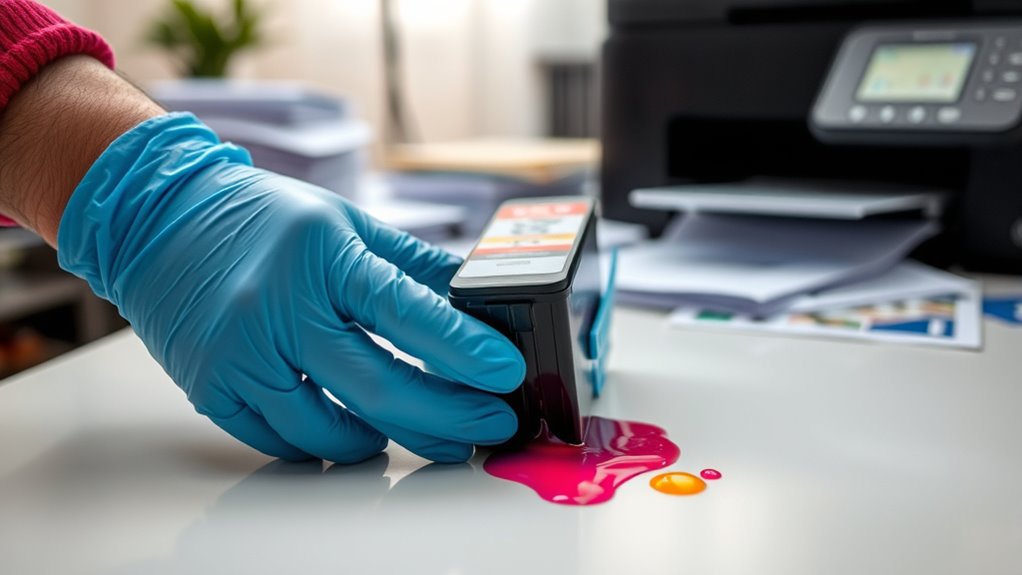
You should know that printer ink contains chemicals that can pose health risks. Short-term exposure might cause skin irritation or respiratory issues.
And if you’re in contact with it for a long time, it could lead to more serious concerns. Understanding these effects helps you handle ink safely and protect your well-being.
Chemical Composition Hazards
Because printer ink contains a mix of volatile organic compounds, pigments, and solvents, it can pose significant health risks when you’re exposed frequently or in large amounts. These chemicals may irritate your skin, eyes, and respiratory system. Some pigments even include heavy metals that are toxic if absorbed.
You should handle ink carefully to avoid accidental ingestion or prolonged skin contact. Understanding these hazards helps you protect yourself and others around you.
| Chemical Component | Potential Hazard | Emotional Impact |
|---|---|---|
| Volatile Organic Compounds | Respiratory irritation | Breathing feels heavy |
| Pigments (heavy metals) | Toxicity, skin absorption | Anxiety over contamination |
| Solvents | Skin and eye irritation | Fear of lasting damage |
| Unknown additives | Allergic reactions | Worry about unknown risks |
Short-Term Exposure Effects
When you come into contact with printer ink, even brief exposure can trigger immediate health effects like skin irritation, eye discomfort, and respiratory issues. If ink splashes on your skin, you might notice redness, itching, or a rash.
Getting ink in your eyes can cause burning, watering, or redness, so rinse thoroughly with water if this happens. Inhaling fumes or fine ink particles may lead to coughing, sneezing, or shortness of breath, especially if you have sensitive airways.
These reactions usually resolve once you remove the exposure, but it’s important to avoid touching your face or ingesting ink accidentally. To minimize risks, always handle cartridges carefully, work in well-ventilated areas, and wash your hands immediately after any contact.
Long-Term Health Concerns
Although brief exposure to printer ink usually causes only minor irritation, repeated contact or prolonged inhalation can pose more serious health risks over time.
You might develop respiratory issues, skin allergies, or even neurological problems if you’re frequently exposed to certain chemicals in the ink. It’s vital to handle ink cartridges with care and guarantee good ventilation when printing.
| Health Risk | Cause | Prevention Tip |
|---|---|---|
| Respiratory issues | Inhalation of volatile compounds | Use in well-ventilated areas |
| Skin irritation | Direct contact with ink | Wear gloves when handling |
| Allergic reactions | Sensitizing chemicals | Avoid prolonged exposure |
| Neurological effects | Chronic exposure to solvents | Limit exposure time |
| Eye irritation | Ink splashes | Use eye protection if needed |
Common Symptoms of Ink Poisoning
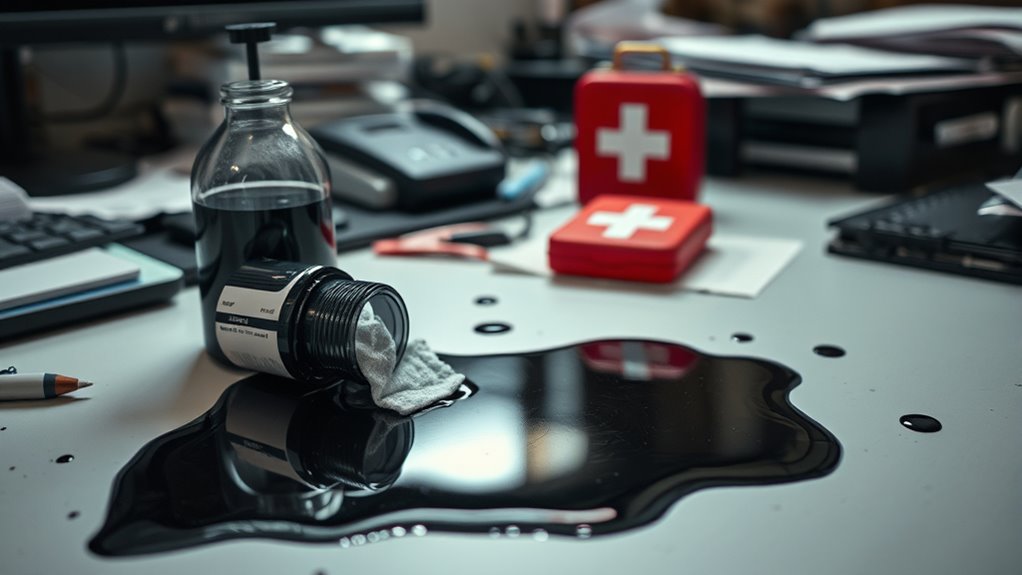
You might notice early signs of ink poisoning like headaches, dizziness, or skin irritation.
If exposure continues, more severe symptoms such as difficulty breathing or nausea can occur.
It’s important to recognize these warning signs and seek help promptly.
Early Signs of Exposure
How can you tell if you’ve been exposed to toxic printer ink? Early signs often show up as mild irritation. You might notice redness, itching, or a rash where the ink touched your skin.
If you accidentally inhale fumes, you could experience coughing, sneezing, or a scratchy throat. Some people report headaches or dizziness shortly after exposure, especially in poorly ventilated areas.
Eye contact may cause watering, redness, or discomfort. These symptoms usually appear quickly and are your body’s way of signaling that something isn’t right.
If you notice any of these signs, it’s important to wash the affected area with soap and water immediately and get fresh air. Taking prompt action can prevent the issue from worsening and keep you safer.
Severe Symptoms to Watch
When ink poisoning worsens, your body can show more serious symptoms that need immediate attention. You might experience severe headaches, dizziness, or confusion, which signal that toxins are affecting your nervous system.
Nausea and vomiting can become intense, leading to dehydration. Difficulty breathing or chest pain are critical signs that require urgent medical care.
If you notice muscle weakness, tremors, or seizures, these neurological symptoms indicate severe poisoning. Skin reactions like widespread rashes or swelling can also occur if the ink is absorbed through your skin in large amounts.
Don’t ignore these signs—seek emergency help right away to prevent lasting damage. Prompt treatment can be lifesaving if you or someone else shows these severe symptoms after ink exposure.
Safe Handling and Storage Practices for Printer Ink
Although printer ink is essential for everyday printing tasks, it requires careful handling and storage to prevent health risks and maintain its quality. You should always use gloves when replacing or refilling cartridges to avoid skin contact.
Keep ink containers tightly sealed and store them in a cool, dry place away from direct sunlight and heat sources to prevent degradation. Also, make sure to keep printer ink out of reach of children and pets to avoid accidental ingestion or exposure.
When handling ink, work in a well-ventilated area to minimize inhaling any fumes. And don’t forget to dispose of used cartridges and spilled ink properly according to local regulations to reduce environmental impact.
Following these simple steps will help you handle printer ink safely and extend its usability. It’s easier than you think to keep things safe and the ink fresh!
What to Do in Case of Ink Exposure
If you come into contact with printer ink, you should act quickly to minimize any potential health effects. First, rinse the affected skin thoroughly with soap and water to remove the ink.
Avoid scrubbing harshly, as this may irritate your skin. If ink gets into your eyes, immediately flush them with clean water for at least 15 minutes and seek medical advice if irritation persists.
Should you accidentally swallow printer ink, do not induce vomiting; instead, drink water and contact poison control or a healthcare professional right away. Keep an eye out for symptoms like rash, difficulty breathing, or nausea.
If any of these develop, seek medical attention promptly. Taking quick action helps reduce risks and ensures your safety after exposure to printer ink.
Eco-Friendly Alternatives to Traditional Printer Ink
Since printer ink can contain harmful chemicals, exploring eco-friendly alternatives helps you reduce environmental impact without sacrificing print quality. You might consider soy-based inks, which use renewable soy oil instead of petroleum, making them biodegradable and less toxic.
Another option is vegetable-based inks, derived from natural oils, offering vibrant colors while being environmentally safer. Some companies also offer recycled or refilled cartridges, cutting down on plastic waste and hazardous disposal.
When buying ink, look for certifications like Green Seal or EcoLogo to ensure eco-friendly standards. Using these alternatives not only protects you from toxic exposure but also supports sustainable practices.
Frequently Asked Questions
Can Printer Ink Damage My Printer if I Use the Wrong Type?
Yes, using the wrong printer ink can damage your printer by clogging nozzles or causing poor print quality.
Always use manufacturer-recommended ink to keep your printer running smoothly and avoid costly repairs.
It’s really worth sticking to the right ink to save yourself from headaches down the line.
How Long Does Printer Ink Last Once Opened?
Once opened, printer ink usually lasts about 6 to 12 months if stored properly.
You’ll want to keep it sealed tightly and in a cool, dark place to prevent it from drying out or clogging your printer.
That way, you can make sure it stays fresh and works well when you need it.
Is It Safe to Recycle Empty Printer Ink Cartridges?
Yes, you can safely recycle empty printer ink cartridges. Just make sure to use designated recycling programs or drop-off points.
This helps prevent environmental harm and conserves resources. Plus, it keeps your home clean and safe.
Can Printer Ink Stains Be Removed From Fabric Easily?
You can remove printer ink stains from fabric, but it’s tricky. Act quickly, blot gently, then use rubbing alcohol or a stain remover.
Avoid rubbing, and always test on a hidden spot first to prevent damage. It’s a bit of a delicate process, but with some care, you can get those stains out!
Are There Any Printer Inks Suitable for Food Packaging Printing?
You know what they say, “The proof is in the pudding.”
Yes, you can use FDA-approved, food-safe inks specifically designed for food packaging printing.
These inks ensure safety without compromising quality or compliance with regulations.
Conclusion
So, while printer ink might not be your next big toxic threat, it’s definitely not something you want to drink like morning coffee. You don’t have to suit up like a hazmat worker, but handling ink with care makes more sense than risking those pesky symptoms or stains you’ll never fully get out.
Just remember, being cautious with ink isn’t overkill—it’s the smart move in a world where even your printer can surprise you. Ink can contain chemicals that might irritate your skin or cause mild reactions if mishandled. So, practicing safe handling and cleaning up spills promptly helps keep things safe and stain-free.
In conclusion, printer ink isn’t highly toxic, but it’s wise to treat it with respect. Avoid ingesting it, keep it away from children and pets, and wash your hands after use. By handling printer ink carefully, you protect yourself from potential health risks and unwanted messes. Safe handling is the key to enjoying your printer without worry.