What Ink Cartridge Does Brother J1365DW Use
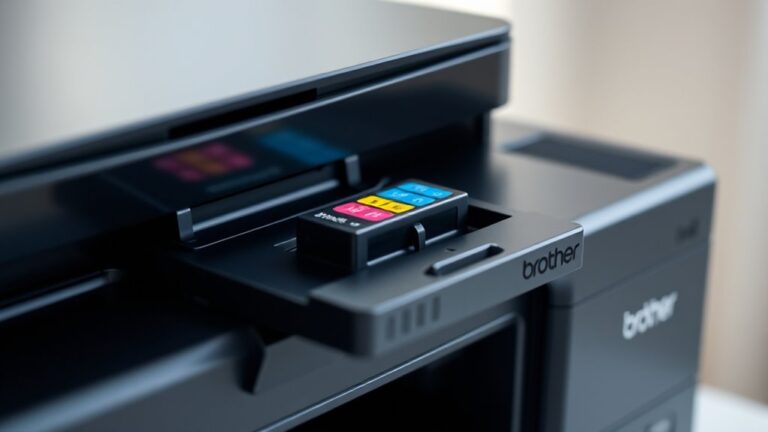
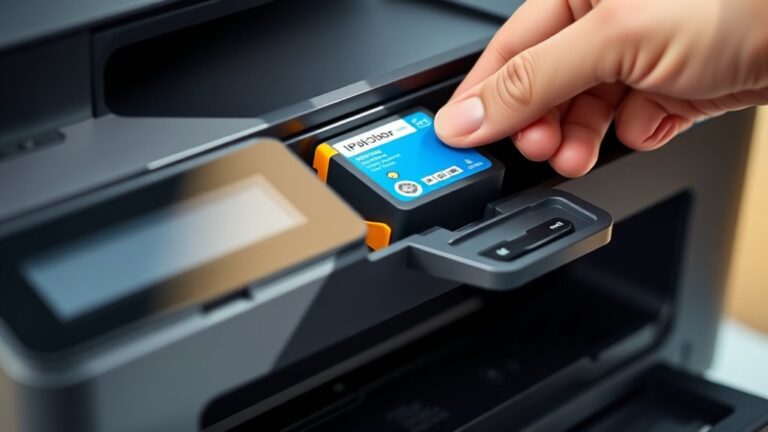
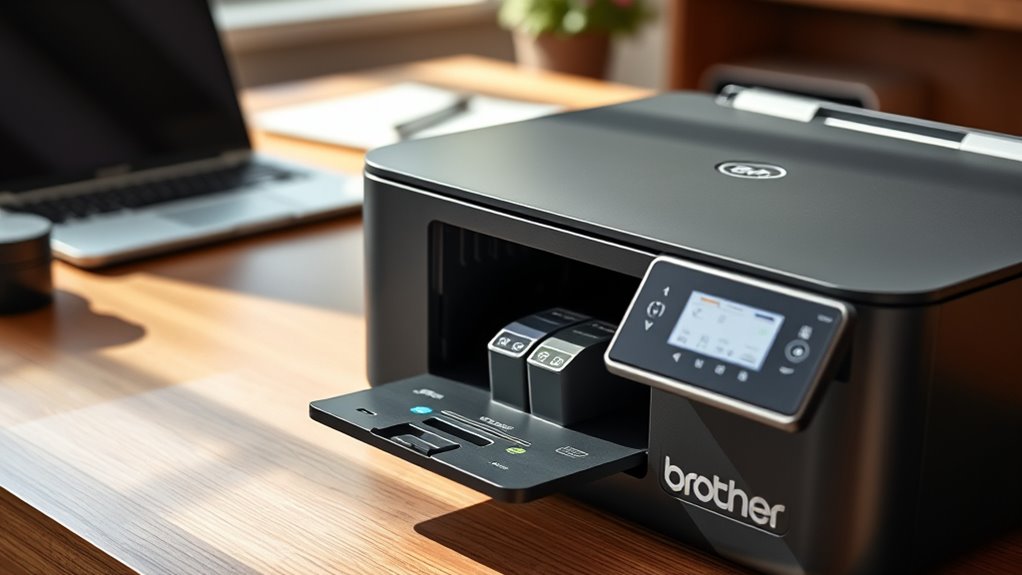
Your Brother J1365DW printer uses the Brother LC3017 series ink cartridges. This includes the black cartridge (LC3017BK) and the color cartridges (LC3017C, LC3017M, LC3017Y). Using these original cartridges ensures you get consistent, high-quality prints every time. It also helps avoid common compatibility issues that often come with third-party cartridges.
When it’s time to replace your ink, be sure to handle the cartridges carefully. Following the correct installation steps is important to keep your prints sharp and clear.
Plus, with proper care, you can optimize the life of your cartridges and avoid unnecessary waste.
If you want to get the most out of your Brother J1365DW, keep reading. I’ll share some helpful tips and detailed guidance on maintaining your printer’s performance and troubleshooting common problems. It’s easier than you might think!
Key Takeaways
- The Brother J1365DW uses Brother LC3017 series ink cartridges for black, cyan, magenta, and yellow colors.
- Compatible cartridges include LC3017BK for black and LC3017C, LC3017M, LC3017Y for color.
- If you print a lot, high-yield LC3017XL cartridges are available to give you more pages before needing a replacement.
- It’s best to use original Brother cartridges to ensure the best print quality and avoid any compatibility headaches.
- Keep in mind, third-party cartridges might cause print quality issues or even printer errors because of firmware restrictions.
Compatible Ink Cartridge Models for Brother J1365DW
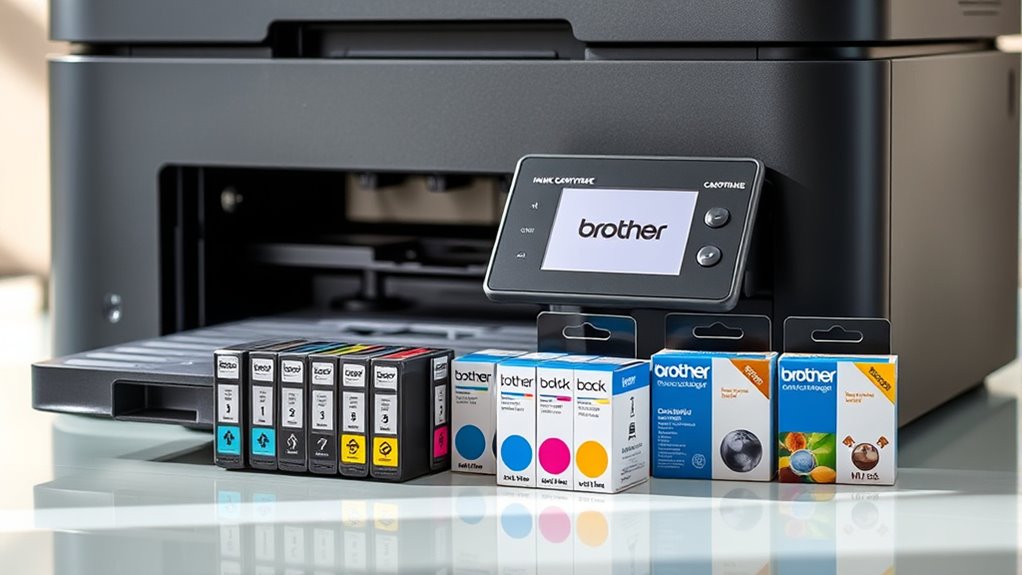
When you need to replace the ink cartridge for your Brother J1365DW, choosing the right model is essential for peak performance. Your printer uses the Brother LC3017 series cartridges, which include black, cyan, magenta, and yellow options.
The standard LC3017BK for black and LC3017C, LC3017M, LC3017Y for colors fit perfectly and deliver sharp, vibrant prints. If you want to print more pages without frequent replacements, consider the high-yield LC3017XL cartridges. They offer more ink and better value for heavy users.
Just make sure you select cartridges specifically designed for Brother printers to maintain print quality and avoid damage. Sticking to these compatible models ensures your Brother J1365DW runs smoothly and produces crisp, clear documents every time.
Differences Between Original and Third-Party Cartridges
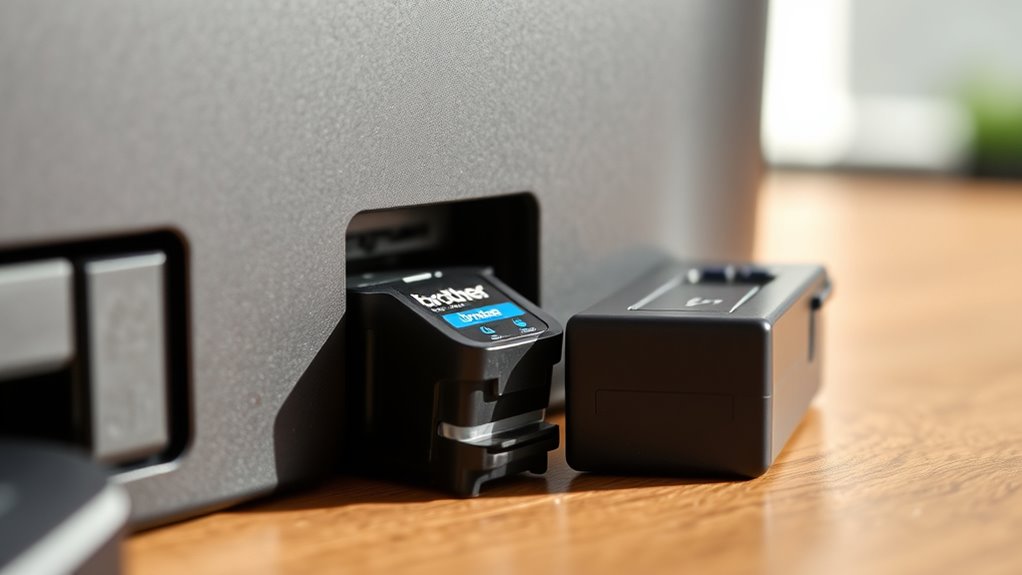
When choosing ink cartridges for your Brother J1365DW, you’ll notice differences in quality, cost, and compatibility between original and third-party options. Original cartridges often deliver consistent print quality but can be pricier.
On the other hand, third-party cartridges might save you money but sometimes cause issues. Understanding these trade-offs helps you pick the best fit for your printing needs.
Quality Comparison
Although third-party ink cartridges often come at a lower price, you’ll usually notice differences in print quality and reliability compared to original Brother cartridges. When choosing between them, consider these key factors:
- Print Clarity: Original cartridges deliver sharper, more vibrant prints. Third-party options may produce faded or streaky results.
- Color Accuracy: Brother ink ensures consistent and true-to-life colors. Third-party inks can sometimes appear dull or off-tone.
- Page Yield: Originals typically offer more pages per cartridge, maintaining quality throughout. Some third-party versions degrade faster.
- Printer Compatibility: Genuine cartridges work seamlessly with the Brother J1365DW, reducing error messages and jams. On the other hand, third-party cartridges might cause more issues.
Cost Efficiency
Since you’ll likely consider both price and performance, understanding the cost efficiency of original versus third-party cartridges is essential. Original Brother cartridges tend to cost more upfront but often deliver consistent print quality and reliable page yields. This means fewer replacements and less waste.
On the other hand, third-party cartridges usually come at a lower price, making them attractive if you want to save money initially. However, their page yield can vary, and print quality might not always match the originals. This could lead to more frequent replacements and higher long-term costs.
When you weigh these factors, think about how much printing you actually do. Ask yourself whether saving money upfront is worth the potential trade-offs in quality or reliability. This approach helps you pick the most cost-effective option for your Brother J1365DW.
Compatibility Issues
Choosing between original and third-party ink cartridges goes beyond cost and print quality—you also need to think about compatibility with your Brother J1365DW. Using original cartridges ensures seamless integration. But third-party options might cause issues.
Here’s what you should consider:
- Firmware Updates: Brother occasionally updates firmware that may block some third-party cartridges.
- Printer Alerts: Non-original cartridges can trigger error messages or warnings.
- Print Quality: Third-party ink might clog nozzles or produce inconsistent colors.
- Warranty Concerns: Using non-Brother cartridges could affect your printer’s warranty coverage.
How to Identify Genuine Brother Ink Cartridges
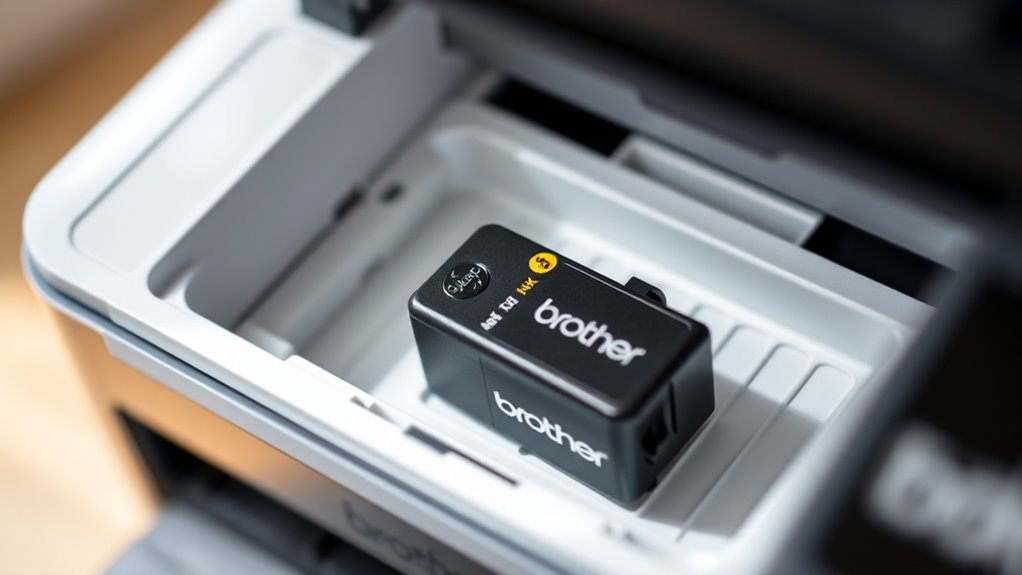
How can you be sure you’re getting a genuine Brother ink cartridge for your J1365DW? First, check the packaging for the Brother logo and holographic seal. These are hard to replicate, so they’re a good sign of authenticity.
To ensure your Brother J1365DW cartridge is genuine, look for the official logo and holographic seal on the packaging.
Genuine cartridges also have a unique serial number printed on the box or cartridge itself. You can use this number to verify authenticity on Brother’s official website.
When you inspect the cartridge, look for clean, precise printing and a sturdy plastic build. Counterfeits often feel flimsy or have uneven labels, so keep an eye out for those red flags.
Also, avoid deals that seem too good to be true, especially from unverified sellers. Buying directly from Brother or authorized retailers ensures you get authentic products.
This way, you’ll get consistent print quality and protect your printer from damage. It’s worth paying a little more for peace of mind!
Step-by-Step Guide to Replacing the Ink Cartridge
Before replacing the ink cartridge in your Brother J1365DW, make sure the printer is powered on. Also, open the front cover to easily access the cartridge compartment.
Now, gently press down on the cartridge latch to release the old cartridge. Pull it out carefully.
Next, take the new cartridge out of its packaging. Be sure to peel off any protective tape without touching the ink nozzle.
Insert the new cartridge into the slot at a slight angle. Then push it until you hear a click, which means it’s securely in place.
Finally, close the front cover and wait for the printer to initialize the new cartridge.
Your Brother J1365DW is now ready to print with fresh ink. Just remember to handle cartridges carefully to avoid any damage or ink spills.
Tips for Extending Ink Cartridge Life
To get the most out of your Brother J1365DW ink cartridge, adjust your print settings to use less ink whenever possible. This simple tweak can really stretch your cartridge life.
Make sure you store cartridges in a cool, dry place to prevent drying out or damage. Keeping them in the right environment helps maintain their quality.
Also, keep your printer clean and perform regular maintenance to avoid clogs and wasted ink. A little upkeep goes a long way in saving ink and keeping prints sharp.
Optimize Print Settings
Although it might seem minor, adjusting your print settings can substantially extend the life of your Brother J1365DW ink cartridge. By customizing how your printer uses ink, you reduce unnecessary waste and save money.
Here’s what you can do:
- Choose Draft Mode: Print in draft mode for everyday documents to use less ink.
- Select Grayscale Printing: Use black ink only when color isn’t needed.
- Adjust Print Quality: Lower print quality settings when high detail isn’t required.
- Print Multiple Pages Per Sheet: Save ink and paper by printing several pages on one sheet.
Store Cartridges Properly
Adjusting your print settings can help stretch your ink supply, but how you store your cartridges also plays a big role in maintaining their performance. When you’re not using your Brother J1365DW cartridges, keep them sealed in their original packaging or an airtight container to prevent drying out.
Store them in a cool, dry place away from direct sunlight and extreme temperatures, which can degrade the ink quality. If you remove a cartridge but don’t plan to use it immediately, place it in a plastic bag with a damp cloth nearby to maintain moisture.
Avoid touching the cartridge’s nozzles or copper contacts, as oils from your fingers can cause clogs or poor connections. Proper storage guarantees your cartridges stay fresh and ready to deliver the best print results.
Regular Printer Maintenance
While proper storage is essential, regular maintenance of your Brother J1365DW printer plays an equally important role in extending your ink cartridge’s life.
You can avoid costly replacements and enjoy consistent print quality by following these tips:
- Run a cleaning cycle monthly to prevent ink clogs and maintain nozzle performance.
- Use your printer regularly to keep ink flowing smoothly and avoid drying out.
- Always turn off your printer using the power button to let it cap the cartridges properly and prevent ink from drying.
- Keep the printer’s interior dust-free by gently wiping it with a lint-free cloth. Just be careful to avoid direct contact with cartridges.
Troubleshooting Common Ink Cartridge Issues
If your Brother J1365DW ink cartridge isn’t functioning properly, you might encounter issues like streaky prints, error messages, or the printer not recognizing the cartridge. First, check if the cartridge is installed correctly—remove it and reinstall it firmly.
Next, clean the cartridge contacts with a lint-free cloth dampened with distilled water to remove any dirt or ink residue. If prints are streaky or faded, run the printer’s cleaning cycle from the settings menu to clear clogged nozzles.
Also, make sure you’re using genuine Brother ink cartridges. Sometimes, third-party ones can cause compatibility problems.
If the printer still shows errors, try resetting it by turning it off, unplugging it for a minute, then powering it back on. Following these steps usually resolves common cartridge issues quickly.
Frequently Asked Questions
Can I Recycle Brother J1365DW Ink Cartridges?
Yes, you can recycle Brother J1365DW ink cartridges. Many stores and recycling programs accept them.
Just collect your used cartridges and drop them off at designated recycling centers. Or, you can participate in Brother’s own recycling initiative.
How Long Does the Brother J1365DW Ink Cartridge Last?
You can expect the Brother J1365DW ink cartridge to last about 300-400 pages, depending on your print settings and usage.
If you print more frequently or use high-quality settings, it might run out faster. So, keep an eye on it if you do a lot of printing!
Are Ink Cartridges for J1365DW Compatible With Other Brother Models?
Yes, ink cartridges for your Brother J1365DW are compatible with several other Brother models. Just check the specific cartridge number to guarantee it fits your printer before purchasing.
This way, you can avoid any issues with compatibility and performance. It’s always a good idea to double-check!
What Should I Do if My Printer Doesn’T Recognize the Cartridge?
If your printer acts like it’s lost in the Bermuda Triangle and won’t recognize the cartridge, try removing and reinserting it carefully. Restart your printer, clean cartridge contacts, and update drivers to navigate back to smooth printing seas.
Sometimes, just giving your printer a little break and a fresh start does the trick. Make sure those cartridge contacts are sparkling clean—dust and ink buildup can confuse your printer.
Updating your drivers is also a smart move. It’s like giving your printer a software tune-up to help it understand the cartridge better. Give these steps a go, and you should be back to printing in no time!
Can I Use Refilled Ink Cartridges in the Brother J1365DW?
Yes, you can use refilled ink cartridges in your Brother J1365DW, but be aware they might cause print quality issues or printer errors.
Always choose high-quality refills and handle cartridges carefully to avoid damage.
It’s a good idea to keep an eye on your prints and the printer’s performance when using refilled cartridges. That way, you can catch any problems early and keep things running smoothly.
Conclusion
You might worry that only original cartridges work well with your Brother J1365DW, but quality third-party options can save you money without sacrificing performance. Just make sure to pick reputable brands to avoid leaks or print issues.
By following the simple replacement steps and maintenance tips we’ve covered, you’ll keep your printer running smoothly and get the most out of every cartridge.
Don’t let cartridge confusion slow you down—printing with the right Brother J1365DW ink cartridge made easy! Whether you choose genuine or compatible ink cartridges, knowing what works best ensures crisp, clear prints every time.