What Does Printer Ink Do When It Goes Bad?
When your printer ink goes bad, it thickens, clumps, and separates, causing your prints to fade or streak. You’ll notice uneven color, smudges, and sometimes clogged nozzles that disrupt flow and damage print heads.
The ink’s altered consistency messes with droplet size, ruining print sharpness and detail. Factors like heat and light speed up spoilage, so storing ink properly helps.
Keep going to understand how to spot and prevent these issues. It’s all about knowing what bad ink looks like and how to keep your prints looking crisp and vibrant.
Key Takeaways
- Printer ink thickens or separates as solvents and pigments break down after expiry. This change messes with how the ink flows.
- Print quality takes a hit too. You’ll notice faded colors, streaks, blotches, and uneven coverage on your prints.
- The ink flow becomes inconsistent, which can cause smudging and clog up your printer nozzles. That’s frustrating, right?
- Plus, degraded ink isn’t just a hassle for prints; it can actually damage printer components, including the print heads.
- If you keep seeing frequent low ink alerts and your prints aren’t drying properly, that’s a good sign your ink has deteriorated or gone bad.
Chemical Composition Changes in Expired Printer Ink
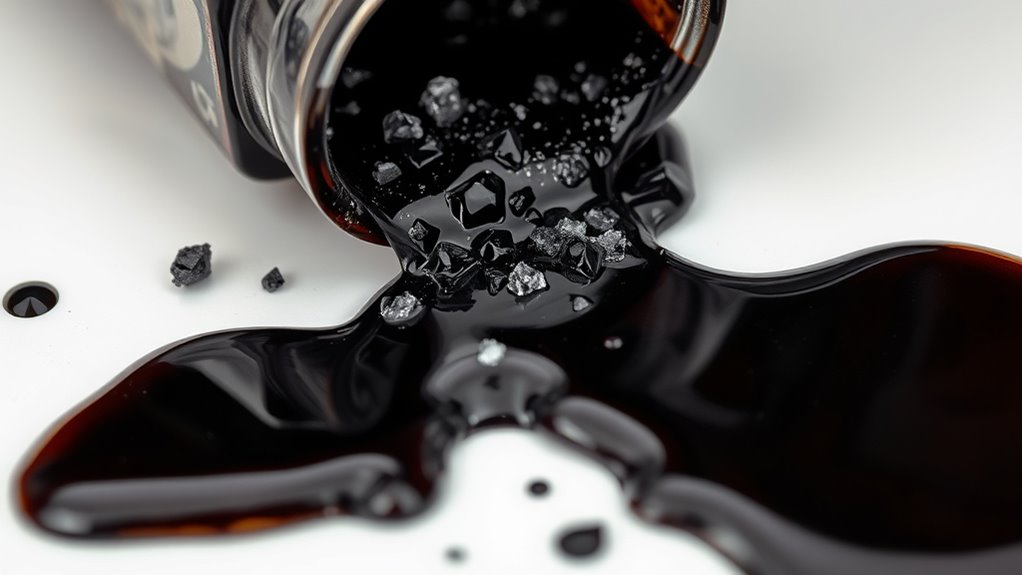
Although printer ink might seem stable, its chemical composition changes substantially once it expires. You’ll find that the solvents and pigments start to break down, altering the ink’s consistency.
Expired printer ink undergoes chemical changes that break down solvents and pigments, affecting its consistency.
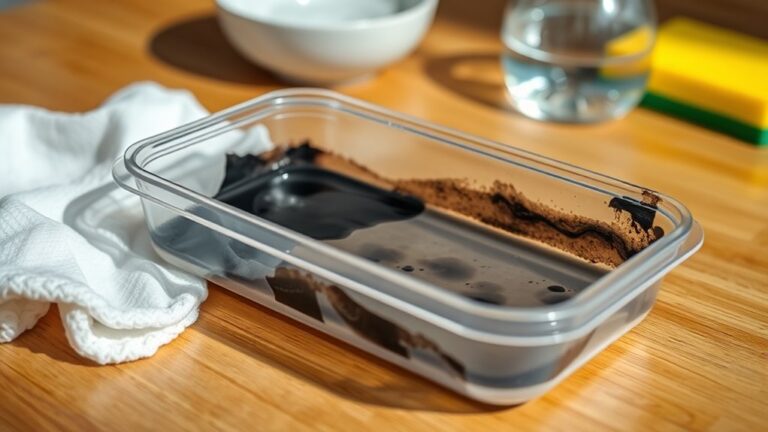
This breakdown causes the ink to thicken or separate, making it harder to flow smoothly through your printer’s nozzles. The chemical reactions can cause the pigments to clump or settle, which affects color accuracy and print quality.
Additionally, stabilizers and preservatives lose their effectiveness over time, accelerating degradation. When you use expired ink, you’re fundamentally working with a formula that no longer behaves as intended.
This can lead to clogging or uneven printing. Understanding these changes helps you appreciate why it’s important to replace ink cartridges before they go bad.
Common Signs of Deteriorated Ink in Printers
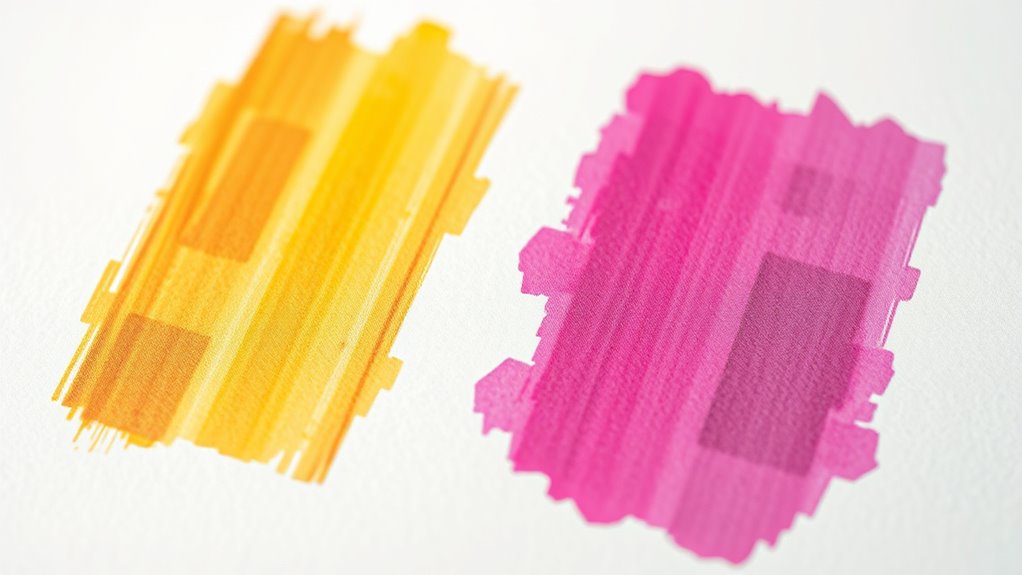
When your printer ink starts to deteriorate, you’ll notice several clear signs that indicate it’s time for a replacement. First, printouts may show faded colors or uneven tones, making images and text appear dull or patchy.
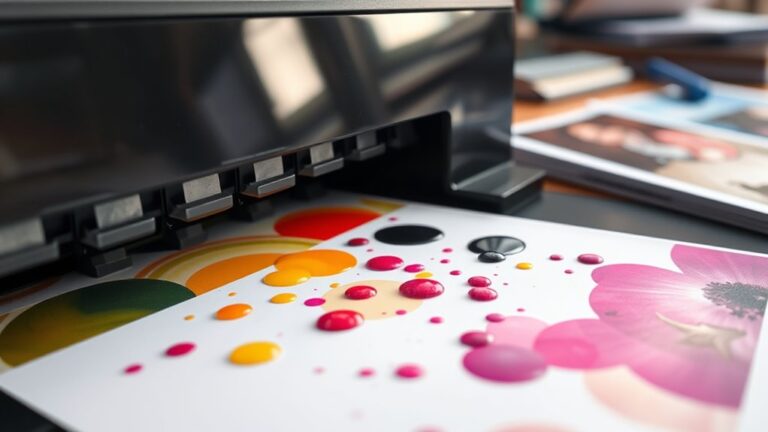
You might also see streaks or blotches, which happen because the ink no longer flows smoothly. Another common sign is smudging, where the ink doesn’t dry properly and smears easily on paper.
Additionally, your printer might alert you with low ink warnings more frequently, even if the cartridge isn’t empty. If you experience any of these issues, it’s a good idea to check your ink’s expiration date or replace the cartridge to keep your prints looking sharp.
Ignoring these signs can lead to poor prints and possible printer damage. So, it’s worth staying on top of it to avoid bigger problems down the line.
How Ink Viscosity Affects Printing Performance
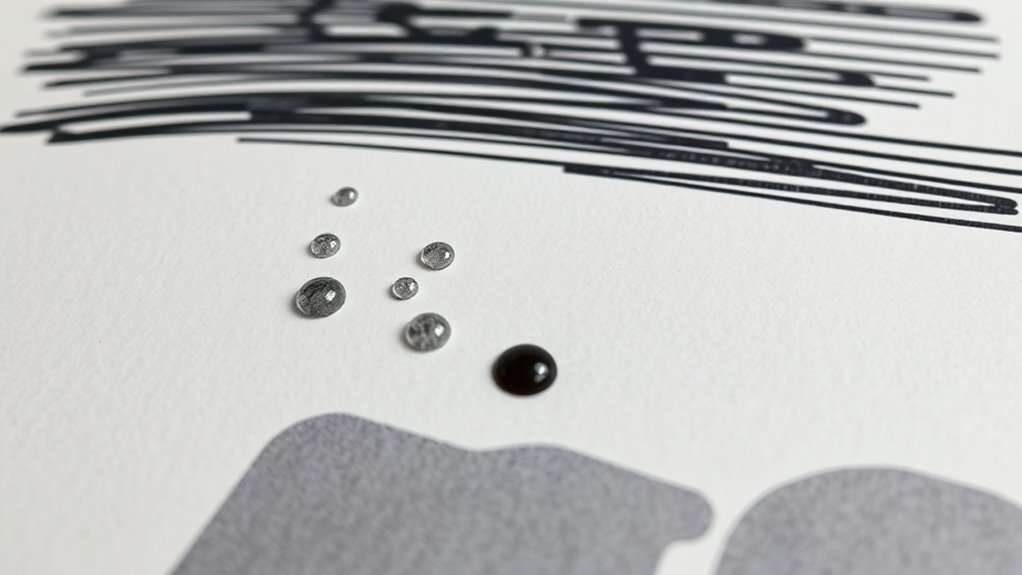
Since ink viscosity directly influences how smoothly ink flows through your printer’s nozzles, it plays a crucial role in print quality. If the ink becomes too thick, it can clog the nozzles and cause uneven printing or streaks.
On the other hand, if the ink is too thin, it may bleed on the paper, resulting in blurry images or text. Maintaining the right viscosity guarantees consistent droplet size and accurate color reproduction.
You might notice that your prints lose sharpness or colors look faded when the ink’s viscosity is off. Regularly using fresh ink and storing cartridges properly helps keep viscosity stable.
Impact of Ink Degradation on Print Quality
As ink degrades over time, you’ll notice a decline in print quality that can frustrate even the most careful users. Colors may appear dull or faded, losing their vibrancy and sharpness.
You might see streaks, blotches, or uneven coverage as the ink flow becomes inconsistent. Fine details can blur or disappear altogether, making text and images less clear.
This happens because the chemical composition of the ink changes, affecting how it adheres to paper and how it interacts with the printer’s nozzles. Eventually, degraded ink can clog or damage the print heads, worsening the problem.
To keep your prints crisp and consistent, it’s important to use fresh ink and replace cartridges before the quality noticeably drops. It’s a simple step that saves a lot of hassle!
Factors That Accelerate Ink Spoilage
Although ink naturally degrades over time, certain conditions can speed up the spoilage process and ruin your cartridges faster than expected.
Exposure to high temperatures causes the ink to dry out or separate, making it unusable. If you leave cartridges in direct sunlight or near heat sources, the ink’s chemical balance breaks down quickly.
Humidity also plays a role—excess moisture can cause clumping or mold growth inside the cartridge. Plus, shaking or mishandling cartridges can introduce air bubbles, which disrupt ink flow and accelerate spoilage.
Using expired or incompatible cartridges further stresses the ink, leading to premature failure. By understanding these factors, you can better avoid scenarios that cause your ink to spoil faster than its intended shelf life.
Tips for Proper Storage to Extend Ink Shelf Life
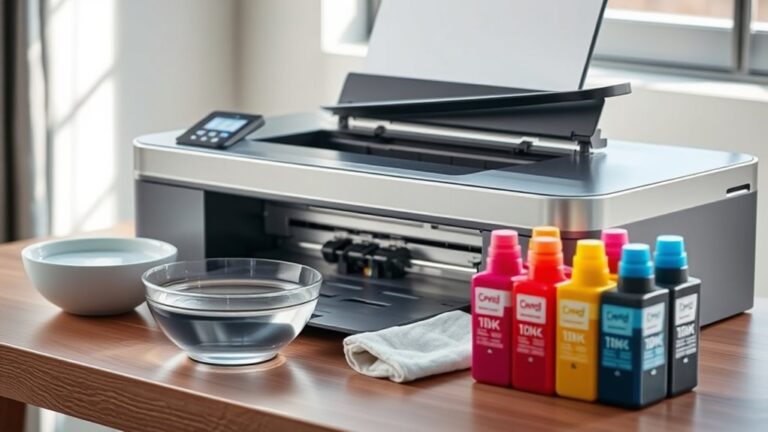
To keep your printer ink fresh longer, store it in a cool, stable temperature—ideally between 15°C and 25°C. Always seal ink cartridges tightly and consider using airtight containers to prevent exposure to air and moisture.
These simple steps can markedly extend your ink’s shelf life and maintain print quality. It’s pretty easy to do, and your prints will thank you for it!
Ideal Temperature Conditions
When you store printer ink at the right temperature, you help preserve its quality and extend its shelf life. Ink is sensitive to extreme heat and cold, which can cause it to dry out, separate, or clog your printer.
To keep your ink in ideal condition, follow these temperature guidelines:
- Keep ink between 15°C and 25°C (59°F and 77°F) for best results.
- Avoid storing ink near heaters or in direct sunlight, as heat accelerates degradation.
- Don’t place ink cartridges in the freezer or very cold areas; freezing can damage the ink’s consistency.
- Store ink in a cool, dry place with stable temperatures to prevent condensation and separation.
Sealing and Container Choices
Since exposure to air speeds up ink deterioration, you should always guarantee your cartridges and bottles are tightly sealed after use. Use the original caps or lids designed for your ink containers to prevent any air from sneaking in.
If you have refilled ink bottles, consider transferring leftover ink to smaller, airtight containers to reduce air volume inside. Store your ink in dark, opaque containers if possible, as light exposure can also degrade the ink quality.
Avoid leaving cartridges or bottles open for extended periods, even during short breaks. Proper sealing slows evaporation and prevents contaminants from entering, preserving the ink’s consistency and color.
Frequently Asked Questions
Can Expired Printer Ink Damage My Printer Hardware?
Expired printer ink can clog your printer’s nozzles and cause poor print quality, but it rarely damages hardware permanently.
You should replace old ink promptly to avoid potential issues and keep your printer running smoothly.
It’s a good idea to check your ink’s expiration date regularly. That way, you can swap out old cartridges before they cause any trouble.
Is It Safe to Mix Old and New Printer Ink Cartridges?
You shouldn’t mix old and new ink cartridges because inconsistent ink flow can cause clogs or poor print quality.
Always replace cartridges fully to keep your printer running smoothly and avoid potential damage.
It’s just easier that way, and your printer will thank you for it!
How Does Expired Ink Affect Color Accuracy in Photos?
You’ll notice your photos lose their vibrant hues and sharpness because expired ink breaks down, causing colors to fade or shift unpredictably.
Don’t let your memories turn dull—replace that old ink before it’s too late!
Can Printer Ink Expiration Dates Be Extended After Opening?
You can’t really extend printer ink’s expiration after opening since exposure to air causes it to dry out or clog.
To maximize lifespan, store cartridges sealed, cool, and avoid direct sunlight or humidity.
Keeping them in good condition helps, but once opened, the clock is ticking!
Are There Eco-Friendly Ways to Dispose of Bad Printer Ink?
Yes, you can recycle bad printer ink cartridges at local e-waste centers or participate in manufacturer take-back programs.
Don’t toss them in the trash since they contain harmful chemicals; eco-friendly disposal helps protect the environment.
It’s a simple step that makes a big difference, and many stores even offer drop-off points for used cartridges.
Conclusion
When printer ink goes bad, it’s like trying to run a marathon with a stone in your shoe—it just won’t perform right. You’ll notice streaks, smudges, and faded colors because the chemical makeup and viscosity have changed.
To avoid this headache, store your ink properly and keep an eye on expiration dates. Taking these simple steps helps you get the most out of your cartridges and keeps your prints sharp and vibrant.
Bad printer ink can seriously affect print quality, causing frustrating issues like blotchy or faded images. Proper storage, such as keeping cartridges sealed and away from extreme temperatures, preserves the ink’s effectiveness. Also, regularly checking expiration dates ensures you’re using ink that can produce crisp, clear prints. By understanding what happens when printer ink goes bad and how to prevent it, you can save money and avoid wasting paper on poor-quality prints. So, take care of your printer ink, and your documents and photos will always look their best!