

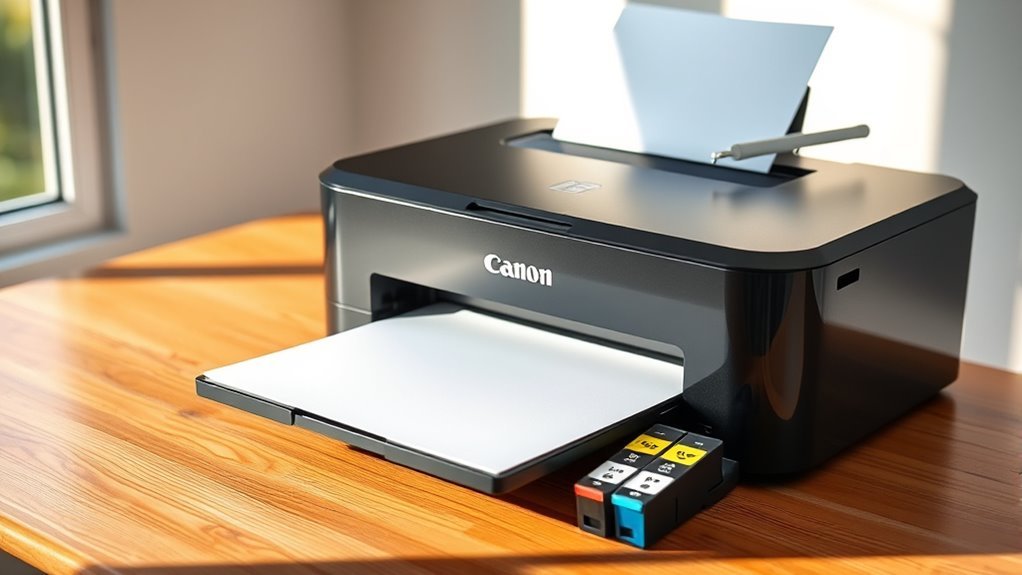
Do Canon Printers Come With Ink?
Yes, Canon printers usually come with starter ink cartridges included so you can start printing right away. These starter cartridges contain less ink than full cartridges, meaning they might run out faster.
Canon uses both dye-based and pigment-based inks depending on the model for vibrant photos or sharp text.
Managing ink levels and replacing cartridges properly helps maintain print quality.
If you want to know about cartridge types, longevity, and where to get genuine ink, keep exploring for details. It’s always good to understand what kind of ink your Canon printer uses to get the best results.
Key Takeaways
– Canon printers typically include starter ink cartridges either pre-installed or packaged separately in the box. These starter cartridges usually contain less ink than full cartridges.
They provide just enough ink for the initial setup and some limited printing.
- The types of ink included vary depending on the model. It’s commonly dye-based ink for color printing and pigment-based ink for black text.
- Manuals and setup guides are included in the box to help explain how to install the cartridges and set up the printer.
- For printing beyond what the starter ink allows, you’ll need to purchase full-size replacement cartridges separately.
What to Expect Inside the Box With Canon Printers

When you unbox a Canon printer, you’ll typically find the essentials you need to get started right away. Inside, there’s usually the printer itself, a power cord, and a USB cable for wired connections.
Unboxing a Canon printer reveals everything essential to start printing immediately, including the printer, power cord, and USB cable.
You’ll also get a set of starter ink cartridges pre-installed or packaged separately, so you can begin printing immediately. Manuals and setup guides are included to help you through installation and basic troubleshooting.
Some models come with software CDs or direct download instructions for drivers and utilities. Additionally, you might find protective packaging materials and warranty information.
Keep in mind that the exact contents can vary slightly depending on the model you choose, but Canon guarantees you have everything necessary to set up and start using your printer without extra trips to the store.
Types of Ink Cartridges Canon Uses

Canon uses several types of ink cartridges to suit different printing needs and models, ensuring you get the best quality and efficiency. Most Canon printers employ either dye-based or pigment-based ink cartridges.
Dye-based inks deliver vibrant colors, which are ideal for photo printing. On the other hand, pigment-based inks provide sharper text and better water resistance, making them perfect for documents.
Depending on your printer model, you’ll find standard cartridges, XL cartridges with higher capacity, or even individual color cartridges. This way, you can replace only the color that runs out.
Some Canon printers use hybrid systems that combine pigment black with dye color inks to offer balanced quality. Knowing which cartridge type your printer requires helps you maintain ideal print results and avoid compatibility issues.
That saves you time and frustration in the long run.
Differences Between Starter Ink and Full Ink Cartridges
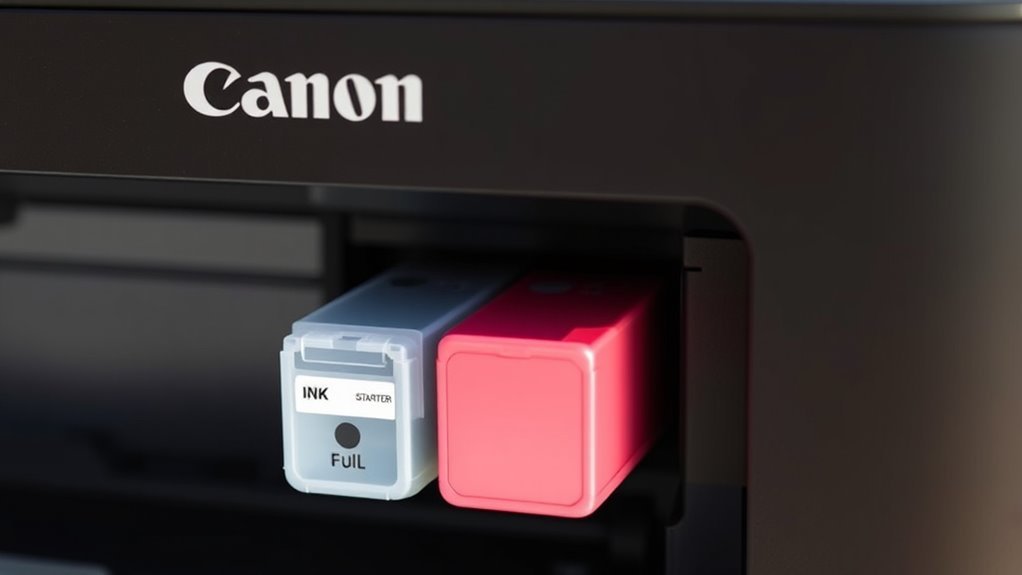
When you buy a new Canon printer, it usually comes with a starter ink cartridge that has less capacity than a full ink cartridge. You’ll find that starter cartridges run out faster, which means more frequent replacements.
On the other hand, full ink cartridges offer better value and longer printing sessions before you need to swap them out. So, if you print a lot, going for full cartridges makes more sense.
Starter Ink Cartridge Capacity
A starter ink cartridge holds less ink than a full cartridge, so it won’t last as long before needing replacement.
When you get a Canon printer with a starter cartridge, keep in mind: starter cartridges typically contain 30-50% less ink compared to full cartridges. That means you’ll print fewer pages—often around 100-200 pages—before the ink runs out.
The reduced capacity means more frequent replacements initially, which can be a bit inconvenient. But starter cartridges are designed to get you started; they aren’t meant for heavy or long-term printing needs.
Knowing this helps you plan your ink purchases better and avoid surprises when your print jobs slow down unexpectedly.
Full Ink Cartridge Benefits
Although starter ink cartridges help you get printing right away, full ink cartridges offer significant advantages that make them a better choice for regular use.
When you switch to full cartridges, you’ll enjoy longer printing times, better value for money, and consistent print quality. Unlike starter cartridges, which contain less ink, full cartridges reduce the frequency of replacements, saving you time and hassle.
| Feature | Starter Ink Cartridge | Full Ink Cartridge |
|---|---|---|
| Ink Volume | Lower | Higher |
| Print Yield | Fewer pages | More pages |
| Cost per Page | Higher | Lower |
| Replacement Frequency | More frequent | Less frequent |
Choosing full ink cartridges means you’re investing in efficiency and convenience. It’s a smart move if you want to keep your printing smooth without constant interruptions.
How Long Does Canon Printer Ink Usually Last?
Because your printing habits and the type of documents you produce vary, Canon printer ink lifespan can differ considerably.
On average, you can expect ink cartridges to last anywhere from a few weeks to several months. Here’s a quick breakdown to help you gauge:
- Printing frequency: If you print daily, cartridges run out faster.
- Document type: Photos and color documents consume more ink than black-and-white text.
- Printer model: Some Canon printers use ink more efficiently than others.
- Cartridge size: Standard cartridges hold less ink than high-yield versions.
Tips for Managing and Replacing Canon Printer Ink
When you want to keep your Canon printer running smoothly, managing and replacing ink properly is key. First, regularly check ink levels through your printer’s software to avoid unexpected runouts. Print a test page occasionally to monitor ink flow and identify any clogs early.
When replacing cartridges, handle them carefully to prevent damage and always install them firmly to ensure proper contact. Avoid letting ink cartridges dry out by printing at least once a week. If you won’t use your printer for a while, remove cartridges and store them in airtight containers.
Finally, always follow your printer’s prompts during replacement to reset ink counters and maintain accurate ink level readings. These steps help you get consistent, high-quality prints without interruptions. It’s really all about staying on top of things so your printer keeps working like a charm.
Where to Buy Genuine Canon Ink Cartridges
You’ll want to buy genuine Canon ink cartridges from trusted sources like authorized retailers or local electronics stores to guarantee quality.
Online marketplaces can also be convenient, but make sure the seller is reputable. Choosing the right place helps avoid counterfeit ink and protects your printer.
Authorized Retailers
Where can you find genuine Canon ink cartridges to guarantee the best performance for your printer? Authorized retailers are your safest bet. These sellers partner directly with Canon to provide authentic ink, ensuring compatibility and quality.
When you buy from authorized retailers, you avoid counterfeit products that can damage your printer or produce poor printouts. Here are four places to check:
- Canon’s official website store – the most reliable source.
- Major electronics retailers like Best Buy or Staples.
- Office supply stores such as Office Depot or OfficeMax.
- Authorized local camera or printer specialty shops.
Buying from these sources ensures you get original cartridges backed by Canon’s warranty and customer support. That way, you get peace of mind every time you print.
Online Marketplaces
How can you confidently buy genuine Canon ink cartridges online without falling for counterfeit products? Start by shopping on reputable platforms like Amazon, Best Buy, or Canon’s official online store. These marketplaces often verify their sellers, reducing the risk of fake ink.
Always check seller ratings and read customer reviews to gauge reliability. Look for product listings marked as “Original Canon” or “Genuine Canon Ink.” Avoid deals that seem too good to be true, as counterfeit cartridges often appear at suspiciously low prices.
Additionally, confirm the cartridge model matches your printer’s specifications to prevent compatibility issues. By staying vigilant and choosing trusted online marketplaces, you’ll get authentic ink that guarantees ideal print quality and protects your printer’s longevity.
Local Electronics Stores
Wondering if buying Canon ink cartridges from local electronics stores is a smart move? It definitely can be. When you shop locally, you get immediate access to genuine products without waiting for shipping.
Plus, you can ask store staff for advice or assistance on compatible cartridges. Here’s why local electronics stores might be your best bet:
- Instant availability — no waiting for delivery.
- Physical inspection — check packaging and authenticity.
- Expert help — staff can guide you to the right cartridge.
- Easy returns — hassle-free exchanges if something’s wrong.
If you prefer seeing and handling the product before buying, local stores offer reliability and convenience for purchasing Canon ink cartridges.
Frequently Asked Questions
Can Canon Printers Print Wirelessly With Mobile Devices?
Yes, you can print wirelessly from mobile devices with Canon printers. Just connect your phone or tablet to the same Wi-Fi network.
Then, use the Canon PRINT app or AirPrint to start printing easily without cables. It’s super convenient and saves you the hassle of dealing with cords.
Are Canon Printer Warranties Affected by Using Third-Party Ink?
Did you know 30% of printer issues stem from non-genuine ink? Using third-party ink can void your Canon warranty, so you shouldn’t risk it.
Stick to official cartridges to keep your coverage intact and avoid costly repairs. It’s definitely worth playing it safe!
Do Canon Printers Support Duplex (Double-Sided) Printing?
Yes, many Canon printers support duplex printing, letting you print double-sided pages automatically. You’ll save paper and time, especially with models designed for office use.
Just make sure to check your specific model’s specs to be sure. Not all Canon printers have this feature, but many do!
How Do I Reset the Ink Cartridge Ink Level on Canon Printers?
You won’t believe how simple it is to reset your Canon ink level!
Just remove and reinstall the cartridge or use the printer’s maintenance menu to reset the ink counter.
It’s like hitting a fresh start button!
Can Canon Printers Scan and Copy Documents Besides Printing?
Yes, many Canon printers can scan and copy documents besides printing. You’ll find these features handy for multitasking.
Just use the scanner bed or automatic document feeder, and the printer’s software will guide you through the process. It’s pretty straightforward once you get the hang of it.
Conclusion
When you buy a Canon printer, you’ll usually find starter ink cartridges included. These cartridges often contain less ink than full ones, so they might run out quicker.
Curiously, Canon estimates that these starter cartridges can print about 180 pages. That’s just enough to get you started with your new printer.
To keep your prints sharp and vibrant, it’s smart to replace the ink before it runs out completely. Doing so helps avoid any interruptions in your printing projects.
Remember, using genuine Canon ink ensures the best quality and longevity for your printer. So, if you want your Canon printer to perform its best and last longer, always choose original ink cartridges. This not only maintains print quality but also protects your printer from damage.